
In today’s digital-first world, typing is not just a skill—it’s a necessity. Whether you're writing emails, coding, or drafting reports, the ability to type quickly and accurately can save hours each week. Yet most people never move beyond hunt-and-peck or inefficient self-taught methods. The truth is, fast typing isn’t about finger strength or luck; it’s about technique, consistency, and deliberate practice. With the right approach, even beginners can reach 60–90 words per minute (WPM) within a few months. This guide breaks down the science-backed strategies that professionals use to master typing with precision and speed.
1. Understand Touch Typing: The Foundation of Speed
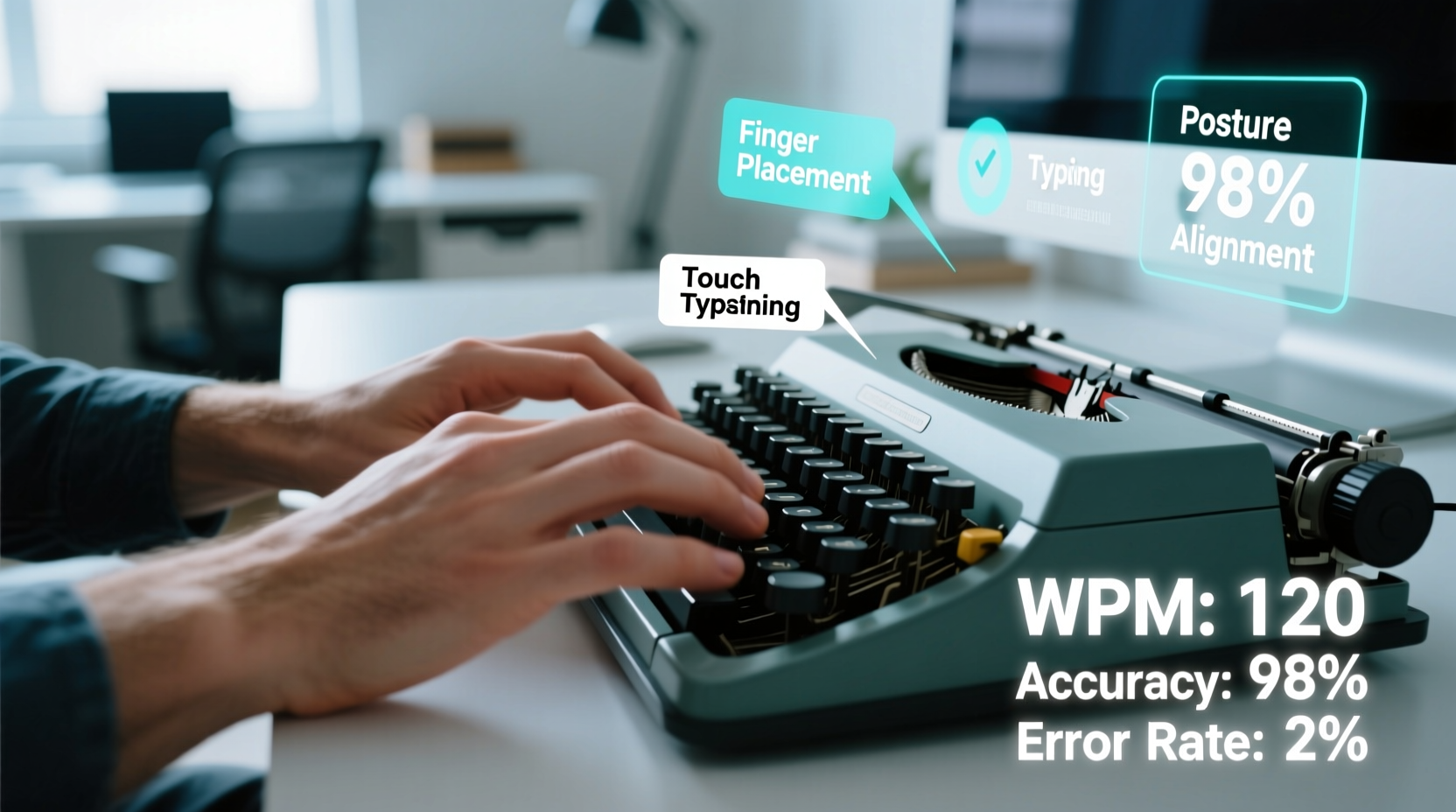
Touch typing—the method of typing without looking at the keyboard—is the cornerstone of high-speed performance. It relies on muscle memory, allowing your fingers to find keys automatically based on hand position. The home row (ASDF for the left hand, JKL; for the right) acts as your anchor point. Each finger is responsible for specific keys, minimizing unnecessary movement.
Beginners often waste time glancing at the keyboard or using only a few fingers. Transitioning to touch typing may feel slower at first, but within two to three weeks of consistent practice, your speed will surpass old habits.
The Finger-to-Key Mapping
| Finger | Left Hand Keys | Right Hand Keys |
|---|---|---|
| Pinky | Q, A, Z, Shift, Ctrl | P, ;, /, Enter, Shift, Ctrl |
| Ring | W, S, X | O, L, . |
| Middle | E, D, C | I, K, , |
| Index | R,F,V,B | T,G,B,N | U,J,M | Y,H,N,M |
| Thumb | Spacebar |
Memorizing this layout reduces cognitive load and builds automaticity over time. Practice drills that reinforce these assignments before moving to full-text exercises.
2. Build Accuracy Before Speed
A common mistake is chasing WPM too early. High speed with poor accuracy leads to constant backtracking and corrections, negating any time saved. Experts recommend maintaining at least 95% accuracy before increasing speed goals.
“Speed is meaningless if every sentence requires editing. Focus on clean keystrokes first—speed follows naturally.” — Dr. Lena Patel, Human-Computer Interaction Researcher
Start with short, repetitive drills focused on correct form. Use tools like online typing tutors (e.g., TypingClub, Keybr, or Ratatype) that highlight errors in real time. These platforms provide instant feedback, helping you identify patterns—such as mistyping 'g' with the wrong index finger—and correct them immediately.
Accuracy-Building Exercise Routine
- Practice home row keys for 5 minutes daily until error-free.
- Gradually add upper and lower rows, spending one day per key group.
- Use sentences with minimal vocabulary (e.g., “The cat sat.”) to focus on form.
- Track errors weekly—aim for a 20% reduction each week.
3. Optimize Posture and Ergonomics
Your physical setup directly impacts typing efficiency. Poor posture causes fatigue, slows reaction time, and increases injury risk. A well-aligned workstation supports endurance and precision.
- Sit with feet flat on the floor and back straight.
- Position the keyboard so your elbows form a 90-degree angle.
- Keep your monitor at eye level to avoid neck strain.
- Use a wrist rest only when pausing—not while actively typing.
Ergonomic keyboards or split designs can reduce ulnar deviation and promote neutral wrist alignment, especially for long typing sessions. Even minor adjustments, like raising your chair by an inch, can reduce finger travel and increase comfort over time.
4. Develop a Daily Practice Plan
Consistency beats intensity. Practicing 15–20 minutes daily yields better results than two-hour weekend sessions. The brain consolidates motor skills during rest, so spaced repetition strengthens neural pathways more effectively.
Sample 4-Week Progression Plan
| Week | Daily Focus | Target Accuracy | Speed Goal (WPM) |
|---|---|---|---|
| 1 | Home row mastery | 98% | 25 |
| 2 | Top and bottom rows | 96% | 35 |
| 3 | Numbers and symbols | 95% | 45 |
| 4 | Full text passages | 94% | 55+ |
This structured timeline prevents overwhelm and ensures foundational skills are solid before advancing. At the end of four weeks, reassess and set new targets based on progress.
Mini Case Study: From 30 to 78 WPM in 8 Weeks
Mark, a technical writer, struggled with productivity due to frequent typos and slow typing (30 WPM). He committed to 20 minutes of daily drills using Keybr.com, focusing strictly on accuracy for the first month. By Week 5, he introduced timed paragraphs from news articles. He tracked his stats in a spreadsheet and reviewed error logs twice weekly. By Week 8, Mark achieved 78 WPM with 93% accuracy. His report-writing time dropped by 40%, and he reported significantly less mental fatigue at the end of the workday.
5. Advanced Techniques for Continued Growth
Once you’ve reached intermediate speeds (50–70 WPM), plateauing is common. Break through by incorporating advanced tactics:
- Blind typing sessions: Cover your hands to eliminate visual dependency.
- Rhythm training: Use metronome apps to maintain steady keystroke timing.
- Dictation + transcription: Type along with spoken audio to improve listening-to-fingers coordination.
- Custom word lists: Create drills using frequently mistyped words (e.g., “because,” “accommodate”).
Professional transcribers and coders often use specialized software like TypeRacer or Monkeytype to simulate real-world pressure and benchmark against global averages.
Checklist: Master Fast Typing in 30 Days
- ✅ Commit to 15–20 minutes of daily practice
- ✅ Learn proper finger placement on the home row
- ✅ Use a typing tutor with real-time feedback
- ✅ Maintain 95%+ accuracy before increasing speed
- ✅ Adjust chair, desk, and keyboard for ergonomics
- ✅ Eliminate looking at the keyboard
- ✅ Track progress weekly with screenshots or logs
- ✅ Review and retype your most common errors
FAQ
How long does it take to become a fast typist?
With consistent daily practice, most learners reach 60–70 WPM within 6–10 weeks. Factors like prior experience, attention to form, and practice quality influence the timeline.
Is it worth learning to type faster if I already type at 50 WPM?
Yes. Increasing to 80+ WPM reduces cognitive load, improves workflow continuity, and enhances productivity—especially for roles involving heavy writing, coding, or data entry.
Can I learn touch typing on a laptop keyboard?
Absolutely. While smaller keys may require slight adaptation, the principles remain the same. Use keyboard stickers initially if needed, and ensure the laptop is on a stable surface at elbow height.
Conclusion
Mastering fast typing isn’t reserved for prodigies or data entry clerks. It’s a learnable skill grounded in smart technique and regular practice. By prioritizing accuracy, refining posture, and following a structured progression plan, you can transform your typing from a bottleneck into a seamless extension of thought. The benefits extend beyond speed—they include reduced stress, fewer errors, and greater confidence in digital communication.




 浙公网安备
33010002000092号
浙公网安备
33010002000092号 浙B2-20120091-4
Comments
No comments yet. Why don't you start the discussion?