
Creating a website no longer requires years of coding experience or a large budget. With the right approach, anyone can learn to design functional, attractive websites in weeks—not months. The key is focusing on foundational principles, using accessible tools, and following a structured learning path. Whether you're building a personal portfolio, launching a small business site, or exploring web design as a career, this guide breaks down the entire process into manageable steps. You’ll gain clarity on what matters most at each stage and avoid common beginner pitfalls.
Understand What Website Design Really Means
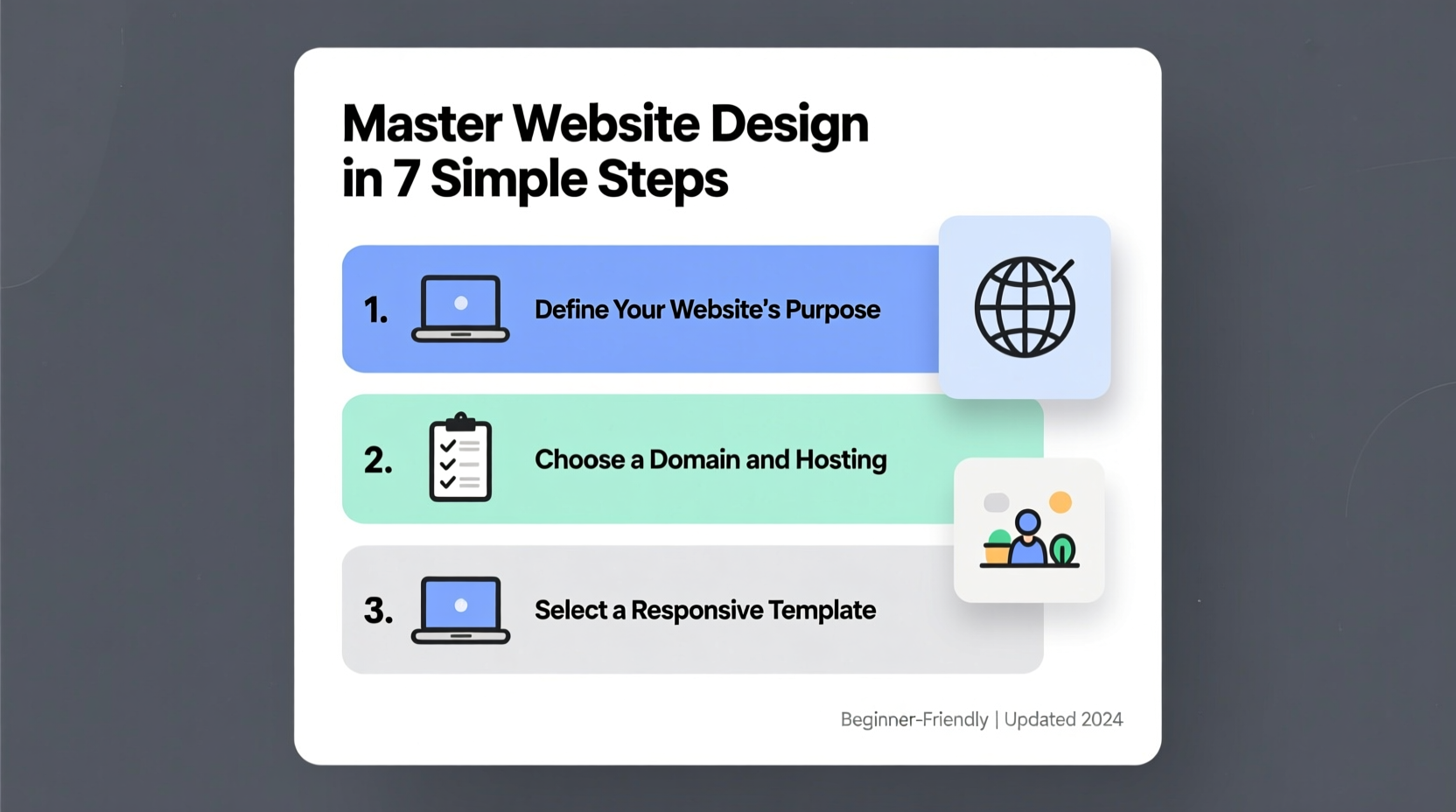
Many newcomers confuse website design with coding. In reality, it’s a blend of visual design, user experience (UX), layout planning, content strategy, and basic technical implementation. A well-designed website balances aesthetics with usability—making it easy for visitors to navigate, read content, and take action.
At its core, effective web design answers three questions:
- Is the site visually appealing?
- Can users find what they need quickly?
- Does it work smoothly across devices?
Beginners often jump straight into tools without understanding these fundamentals. That leads to frustration and inconsistent results. Start instead by studying existing websites you admire. Analyze their color schemes, font choices, spacing, and how information is organized. This builds your design intuition before writing a single line of code.
“We don’t just design websites—we design experiences. Every button, image, and paragraph should serve a purpose.” — Lena Patel, UX Designer at Studio Nexus
Step-by-Step Learning Path for Beginners
Mastery comes through focused, sequential learning. Follow this timeline to progress efficiently from zero to building real websites within 6–8 weeks.
- Week 1–2: Learn the Basics of HTML & CSS
Start with HTML to structure your page (headings, paragraphs, links). Then add CSS to control colors, fonts, and layouts. Use free platforms like Codecademy or freeCodeCamp to practice interactively. - Week 3: Master Responsive Design
Learn how to make sites look good on phones, tablets, and desktops using CSS Flexbox and media queries. Test designs in browser developer tools. - Week 4: Explore Layout Systems
Practice creating grids and card-based layouts. Study common patterns like hero sections, navigation bars, and footers. - Week 5: Choose a Website Builder or Framework
Decide whether to continue coding manually or use tools like WordPress, Webflow, or Bootstrap to speed up development. - Week 6–8: Build Real Projects
Create a personal homepage, blog layout, or product landing page. Deploy it online using GitHub Pages or Netlify.
Essential Tools and Technologies
The modern web design ecosystem offers powerful tools that simplify development. Knowing which ones to use—and when—can dramatically accelerate your progress.
| Tool Type | Recommended Options | Best For |
|---|---|---|
| Code Editors | Visual Studio Code, Sublime Text | Writing and organizing HTML/CSS/JS |
| Learning Platforms | freeCodeCamp, Scrimba, MDN Web Docs | Interactive coding lessons |
| Design Tools | Figma, Canva | Planning layouts and mockups |
| Website Builders | Webflow, WordPress, Wix | Rapid prototyping and client work |
| Hosting & Deployment | GitHub Pages, Netlify, Vercel | Publishing sites for free |
Start with one tool per category. For example, use VS Code for editing, Figma for sketching ideas, and Netlify to publish your first project. Avoid switching tools too frequently—consistency builds competence.
Avoid These Common Beginner Mistakes
Even with the best resources, new designers often stall due to preventable errors. Recognizing these early helps you stay on track.
- Overcomplicating designs: Resist the urge to add animations, parallax effects, or complex menus right away. Simplicity enhances usability.
- Neglecting mobile users: Over half of global web traffic comes from mobile devices. Always test responsiveness.
- Skipping planning: Jumping straight into code without wireframing leads to disorganized layouts. Sketch your idea first on paper or in Figma.
- Copying code blindly: Using snippets from Stack Overflow without understanding them creates fragile websites. Learn why something works, not just how.
“Your first website doesn’t need to be perfect—it needs to be finished. Completion teaches more than perfection.” — David Lin, Frontend Developer & Educator
Real Example: From Idea to Live Site in 3 Weeks
Sophie, a freelance photographer with no prior tech experience, wanted a portfolio to showcase her work. She followed a simplified version of this guide:
- Week 1: Learned HTML basics and created a simple page with her name, bio, and three images.
- Week 2: Added CSS to style the layout, choosing a clean sans-serif font and dark gray text on white background for readability.
- Week 3: Used CSS Grid to arrange photos in a responsive gallery and deployed the site via GitHub Pages.
The result? A fast-loading, mobile-friendly portfolio that helped her book two new clients in the first month. She didn’t use advanced frameworks or custom illustrations—just clear structure, high-quality images, and consistent spacing.
This case shows that impactful design doesn’t require complexity. It requires intention.
Checklist: Launch Your First Website
Use this checklist to ensure your first project meets professional standards before going live:
- ✅ Content is proofread and clearly written
- ✅ Navigation works on all pages
- ✅ Site loads quickly (under 3 seconds)
- ✅ Looks good on phone, tablet, and desktop
- ✅ Includes a contact method (email link or form)
- ✅ Has a favicon and proper page title
- ✅ Published online with a shareable URL
Check each item manually. Don’t assume functionality—click every link, resize your browser window, and load the page on your phone.
Frequently Asked Questions
Do I need to learn JavaScript as a beginner?
Not immediately. Focus first on mastering HTML and CSS. JavaScript adds interactivity (like sliders or forms), but many websites function beautifully without it. Add it once you’re comfortable with the basics.
Can I design a website without knowing how to code?
Yes. Tools like Webflow, Wix, and WordPress allow you to create professional sites using drag-and-drop interfaces. However, understanding basic HTML and CSS gives you more control and makes troubleshooting easier.
How long does it take to become proficient?
With consistent daily practice (1–2 hours), most beginners can build a polished, responsive website within 6–8 weeks. True proficiency takes longer, but early wins build confidence and momentum.
Build With Confidence
Mastering website design isn’t about memorizing syntax or chasing trends. It’s about developing a mindset of clarity, empathy, and continuous improvement. Every great designer started exactly where you are now—with a blank screen and a willingness to learn.
The web rewards action. Open your code editor today. Sketch a simple layout. Write five lines of HTML. Each small step compounds into real skill. Your first site won’t be flawless—and that’s perfectly okay. What matters is that it exists, it works, and it’s yours.
<h1>Hello, World</h1>. Save it, open it in your browser, and take your first step toward mastery.




 浙公网安备
33010002000092号
浙公网安备
33010002000092号 浙B2-20120091-4
Comments
No comments yet. Why don't you start the discussion?