
Creating compelling 3D photos goes beyond simply capturing an image—it’s about crafting an experience. When done right, 3D photography pulls viewers into the scene, offering a tactile sense of space and dimension that flat images can’t match. Whether you're using dual-lens setups, smartphone features, or post-processing software, mastering depth effects requires both technical precision and artistic intuition. This guide walks through advanced methods, tools, and real-world applications to help you elevate your 3D photography from experimental to exceptional.
Understanding Depth in Photography
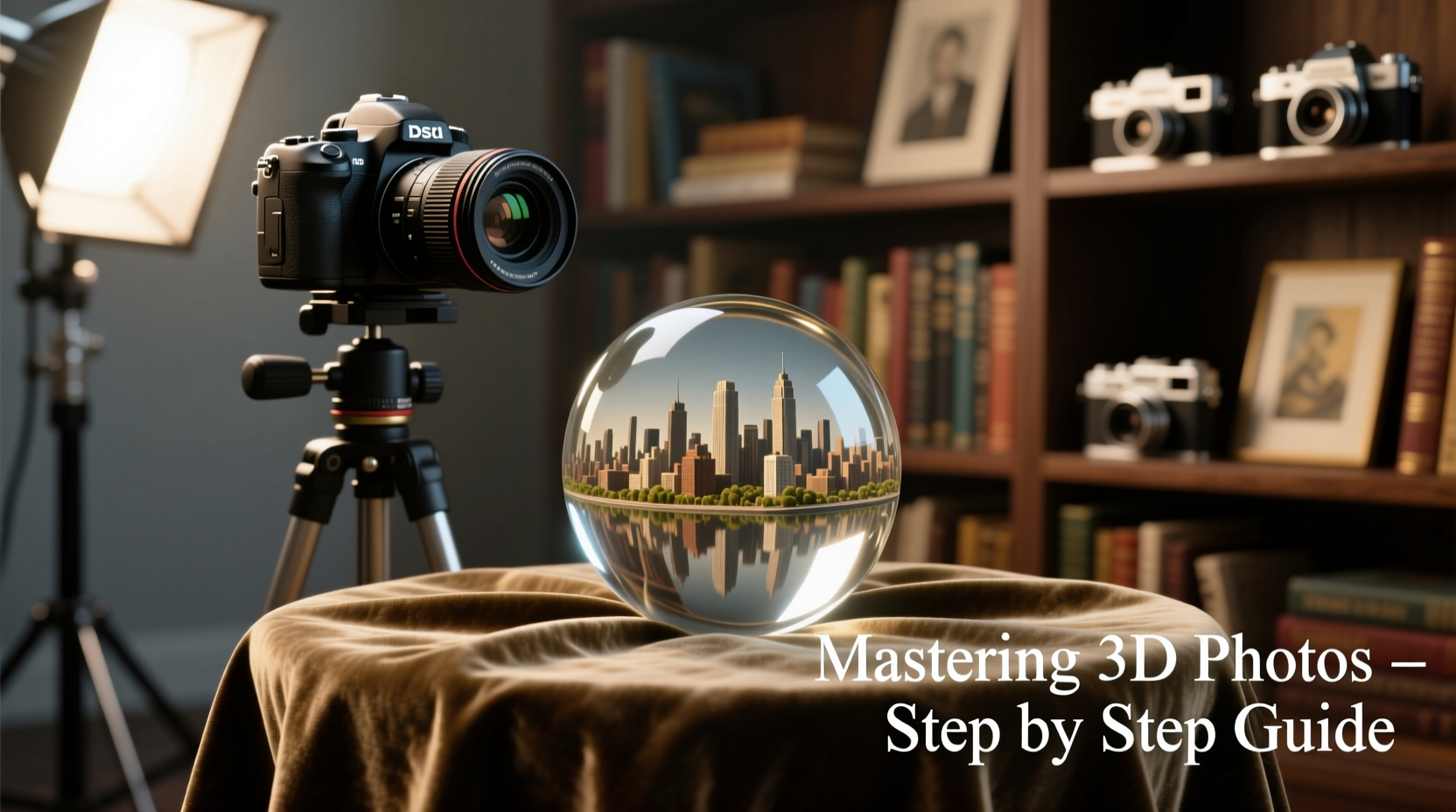
Depth perception in photography mimics how human eyes interpret distance—near objects appear larger, while distant ones shrink in perspective. True 3D images replicate this binocular disparity by presenting slightly different angles to each eye, which the brain fuses into a single, dimensional view. Unlike shallow depth-of-field effects or parallax scrolling, authentic 3D relies on stereo imaging: two captures taken from positions spaced approximately 6.5 cm apart—the average distance between human pupils.
The illusion of depth is strongest when foreground, midground, and background elements are clearly defined. A tree branch in front of a mountain vista, or a person leaning against a doorway with rooms receding behind them, naturally lend themselves to 3D treatment. The key is not just separation but layered composition.
“Depth isn’t added—it’s revealed. The photographer’s job is to structure the frame so the third dimension emerges organically.” — Dr. Lena Torres, Visual Perception Researcher, MIT Media Lab
Step-by-Step Guide to Capturing 3D Photos
Creating a high-quality 3D photo doesn’t require expensive gear, but it does demand precision. Follow this timeline-based approach to produce clean, immersive results.
- Choose Your Capture Method (5 minutes): Decide whether to use a dual-camera rig, a smartphone with portrait mode and depth map export, or sequential shooting with a single camera on a slide bar.
- Set Up Your Scene (10–15 minutes): Position subjects with clear spatial layers. Avoid cluttered backgrounds or flat walls directly behind subjects.
- Align Your Cameras or Shots (5 minutes): If using a slide bar, move the camera horizontally 6–7 cm between shots. Use a tripod to prevent vertical shift.
- Capture Both Images (2 minutes): Take the left-eye shot first, then the right. Ensure lighting remains consistent—avoid moving lights or fast-changing conditions.
- Transfer and Label Files (5 minutes): Name files clearly (e.g., “scene_left.jpg”, “scene_right.jpg”) to avoid confusion during processing.
- Process in Stereo Software (15–30 minutes): Align, color-correct, and fuse the pair using tools like Stereo Photo Maker or Adobe After Effects.
- Test Viewing Compatibility (5 minutes): Preview in anaglyph (red-cyan), side-by-side, or VR format depending on intended output.
Tools and Software Comparison
Different workflows suit different skill levels and end goals. Below is a comparison of popular tools used in 3D photo creation.
| Tool | Best For | Learning Curve | Output Formats | Cost |
|---|---|---|---|---|
| Stereo Photo Maker | Hobbyists, beginners | Low | Anaglyph, JPS, MPO | Free |
| Adobe Photoshop + Actions | Designers, print artists | Medium | Layered composites, web graphics | Subscription |
| DepthLab (Android) | Mobile creators | Low | 3D photos, AR objects | Free |
| Agisoft Metashape | Photogrammetry, 3D modeling | High | OBJ, STL, textured meshes | Paid (trial available) |
| Apple Vision Pro (spatial photos) | Immersive media professionals | Medium | Spatial Photo format (.usdz) | Hardware-dependent |
Avoiding Common Pitfalls
Even experienced photographers can undermine their 3D efforts with subtle errors. Awareness of these issues improves consistency.
- Vertical misalignment: If the two images aren’t level, viewers experience eye strain. Use grid lines and precise tripod adjustments.
- Excessive baseline: Moving the camera more than 8 cm apart can cause hyperstereo, making close objects look miniature.
- Lack of depth cues: Without overlapping elements or atmospheric perspective, the brain struggles to perceive depth.
- Over-sharpening: Aggressive noise reduction or sharpening creates halos that disrupt stereo fusion.
Real-World Example: Capturing a Historic Courtyard
Photographer Marcus Reed was commissioned to document a 17th-century courtyard in Seville for a cultural archive. His goal was to convey not just appearance but spatial presence. Using a DSLR on a linear slide bar, he captured left and right images with a 6.5 cm offset. He positioned himself so that ivy-covered arches framed the central fountain in the foreground, columns occupied the midground, and tiled rooftops faded into the background.
After aligning the images in Stereo Photo Maker, he adjusted convergence so the fountain sat at “zero depth”—aligned with the screen plane—to minimize viewer discomfort. The final anaglyph was embedded in an online exhibit, allowing users with red-cyan glasses to experience the space as if standing within it. Museum curators reported a 40% increase in engagement compared to standard photo galleries.
Essential Checklist for Every 3D Shoot
Before pressing the shutter, run through this checklist to ensure optimal results:
- ✅ Tripod is level and secure
- ✅ Camera set to manual exposure and focus
- ✅ Baseline distance set to 5–7 cm (adjust for subject distance)
- ✅ No moving subjects in the frame (or use synchronized dual cameras)
- ✅ Lighting is stable and diffused (avoid harsh shadows)
- ✅ Foreground, midground, and background elements are present
- ✅ Files will be labeled correctly after capture
Frequently Asked Questions
Can I create 3D photos with a smartphone?
Yes. Modern smartphones like iPhones with Portrait Mode or Android devices using Google’s DepthLab can generate depth maps. While not true stereo pairs, these can be converted into pseudo-3D images for web or AR viewing. For true stereo, use apps like “3D Camera” that guide sequential capture with on-screen overlays.
What’s the difference between 3D photos and 360° panoramas?
3D photos simulate depth along the z-axis (forward-backward), while 360° panoramas offer horizontal rotation around a point. They serve different purposes: 3D enhances realism in a fixed view; 360° enables exploration. Some platforms, like Facebook, support both—but they are not interchangeable.
Do I need special glasses to view 3D photos?
It depends on the format. Anaglyph images require red-cyan glasses. Side-by-side or cross-eyed viewing works without aids but takes practice. Autostereoscopic displays (like older Nintendo 3DS) or VR headsets provide glasses-free or immersive experiences, respectively.
Moving Beyond the Basics
Once comfortable with static 3D images, consider expanding into animated sequences or integrating depth data into augmented reality. Tools like RealityCapture or Meshroom allow you to build 3D models from multiple photos, opening doors to interactive storytelling, virtual tours, and digital preservation of physical spaces.
The future of 3D photography lies in accessibility. With Apple’s Spatial Photo format and Meta’s advances in AI depth estimation, we’re moving toward a world where every photo has inherent depth data. Mastering the principles now ensures you’ll be ahead of the curve when these formats become mainstream.




 浙公网安备
33010002000092号
浙公网安备
33010002000092号 浙B2-20120091-4
Comments
No comments yet. Why don't you start the discussion?