
In an era where information is power and time is the rarest commodity, AI smart glasses are emerging as one of the most transformative tools in personal productivity. These wearable devices blend augmented reality, voice recognition, and artificial intelligence into a seamless interface that responds to your environment and queries in real time. Whether you're navigating a foreign city, preparing for a meeting, or troubleshooting a technical issue on-site, AI smart glasses can deliver answers before you even finish formulating the question. But owning the technology isn't enough—true mastery lies in how you use it.
This guide walks through practical strategies, real-world applications, and expert-backed techniques to help you leverage AI smart glasses effectively. From optimizing voice commands to interpreting visual data intelligently, you’ll learn how to turn passive observation into active insight.
Understanding the Core Capabilities of AI Smart Glasses
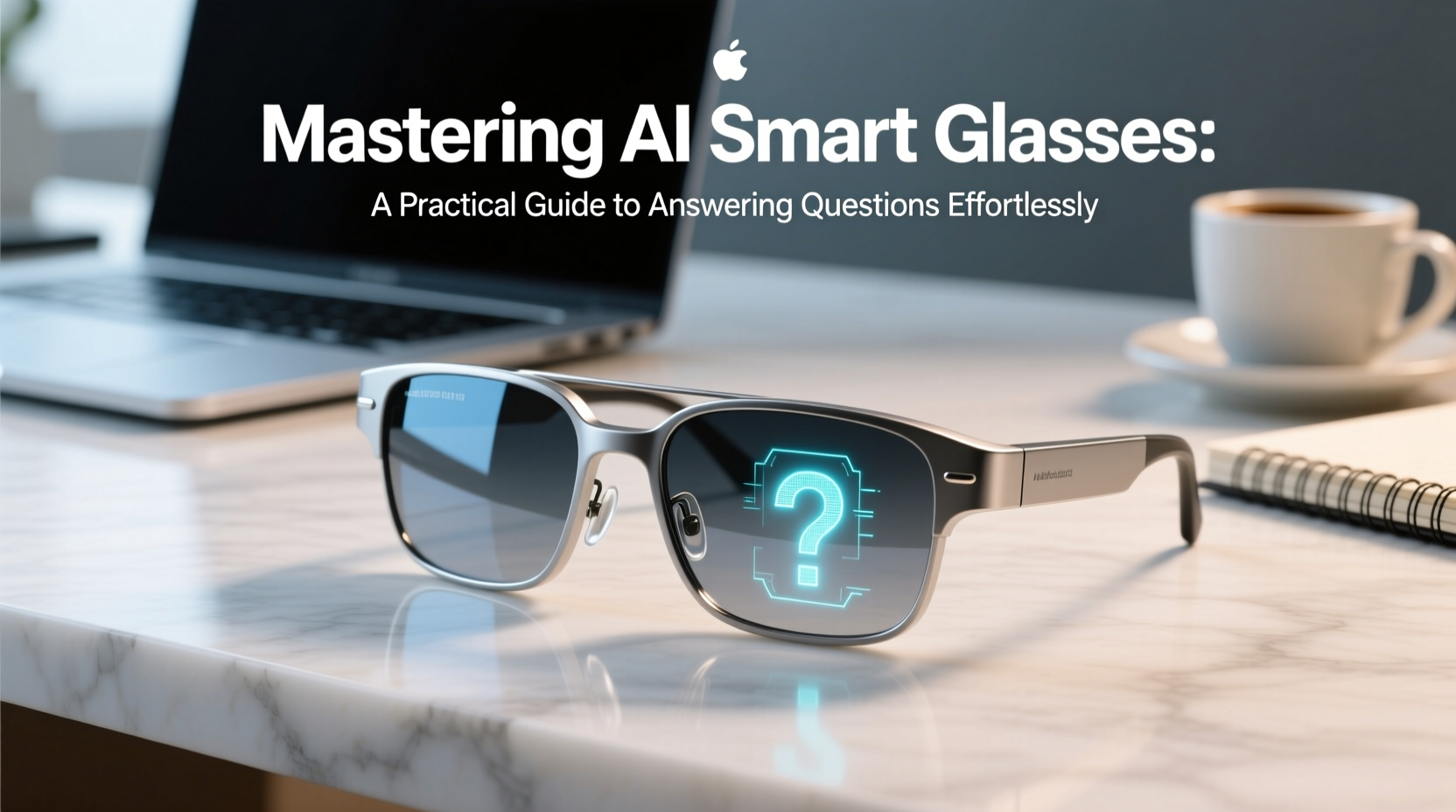
AI smart glasses go beyond simple audio assistants. They integrate multiple sensors—cameras, microphones, accelerometers, and GPS—with cloud-connected AI models to interpret context and deliver relevant responses. Unlike smartphones, which require manual input, smart glasses operate hands-free and eyes-forward, making them ideal for dynamic environments.
The key functions include:
- Voice-to-text processing: Convert spoken questions into search queries instantly.
- Visual recognition: Identify objects, text, or people through the built-in camera.
- Real-time translation: Overlay translated subtitles on foreign language signs or conversations.
- Contextual awareness: Use location, time, and previous interactions to tailor responses.
- Hands-free assistance: Provide step-by-step guidance during tasks like repairs or cooking.
For example, if you glance at a circuit board while asking, “What’s wrong with this connection?”, the glasses can analyze the image, cross-reference known issues, and suggest fixes—all without touching a screen.
Optimizing Voice Interaction for Faster Answers
Voice is the primary interface for most AI smart glasses. However, casual speech often leads to misinterpretations or delayed responses. To get precise answers quickly, refine your speaking habits.
Use clear, concise phrasing. Instead of saying, “Hey, do you know what time the next train leaves?” try, “Next train departure from Central Station.” The latter is structured, removes filler words, and includes essential context.
Also, speak slightly slower than normal conversation pace. This helps the device parse individual words more accurately, especially in noisy environments.
“Natural language processing has improved dramatically, but structured queries still yield faster, more accurate results.” — Dr. Lena Park, AI Human-Computer Interaction Researcher at MIT Media Lab
Step-by-Step Guide to Effective Voice Commands
- Activate the assistant using the designated wake word or button.
- Pause briefly to allow microphone calibration.
- Phrase your question with subject, action, and context (e.g., “Translate this menu” rather than “Can you help me read this?”).
- Confirm understanding by checking the visual overlay or audio response.
- If the answer is unclear, rephrase using simpler terms or add identifiers (e.g., “The red wire near the battery” instead of “that wire”).
Leveraging Visual Intelligence for On-the-Spot Answers
One of the most powerful features of AI smart glasses is their ability to interpret what you see. By combining optical character recognition (OCR) and object detection, they can extract meaning from printed text, product labels, or complex machinery.
Imagine walking into a warehouse and looking at a shelf labeled with a barcode. With a brief gaze and a verbal cue—“Identify item”—the glasses scan the code, retrieve inventory details, and display stock levels, supplier info, and reorder dates directly in your field of view.
To maximize visual accuracy:
- Hold your gaze steady on the target for 1–2 seconds.
- Avoid glare or motion blur by stabilizing your head position.
- Use zoom gestures (if supported) to focus on small text or distant signs.
- Enable high-contrast mode in low-light conditions.
| Scenario | Best Practice | Potential Pitfall |
|---|---|---|
| Reading a document | Scan line by line; ask “Summarize this page” after capture | Rushing the scan causes missed lines |
| Identifying a plant | Frame the leaf fully in view; say “What plant is this?” | Partial visibility leads to incorrect species ID |
| Translating street signs | Look directly at the sign; activate real-time translation mode | Angle distortion affects OCR accuracy |
Mini Case Study: Field Technician Using AI Glasses for Rapid Diagnostics
Carlos Mendez, a field service engineer for a renewable energy company, began using AI smart glasses during solar panel inspections. Previously, he relied on a tablet and paper manuals to troubleshoot faults—a process that averaged 45 minutes per site visit.
After adopting smart glasses, Carlos simply looked at a malfunctioning inverter and asked, “Diagnose error code E27.” The device captured the display, queried the manufacturer’s knowledge base, and returned a repair protocol within 12 seconds. It also pulled up a video tutorial showing the exact steps to reset the unit.
Within three months, his average resolution time dropped to 18 minutes per visit, and first-time fix rates improved by 63%. “It’s like having an expert over my shoulder,” Carlos said. “I don’t have to memorize every model—I just look and ask.”
Essential Checklist for Daily Use
To maintain consistent performance and avoid common frustrations, follow this daily checklist:
- ✅ Charge glasses overnight to ensure full battery life.
- ✅ Clean lenses with a microfiber cloth to prevent visual errors.
- ✅ Update firmware weekly to access new AI models and security patches.
- ✅ Test microphone and speaker function before critical tasks.
- ✅ Review privacy settings to control data sharing and recording permissions.
- ✅ Calibrate eye-tracking (if available) for accurate focus detection.
- ✅ Sync with calendar and email to enable contextual reminders.
Frequently Asked Questions
Can AI smart glasses work offline?
Most models require internet connectivity for full functionality, especially for cloud-based AI processing. However, some advanced glasses support limited offline modes—such as cached translations or pre-loaded manuals—for use in remote areas. Check your device specifications for local processing capabilities.
Are my conversations private?
Privacy depends on the manufacturer’s policies and your settings. Reputable brands encrypt voice and visual data and allow users to disable recording features. Avoid using glasses in confidential meetings unless explicitly permitted, and regularly review stored recordings in your account dashboard.
How long does it take to learn to use them effectively?
Most users become proficient within 1–2 weeks of regular use. Mastery—where responses feel intuitive and seamless—typically takes 4–6 weeks. Consistent practice with real tasks accelerates learning far more than isolated training sessions.
Conclusion: Turn Information Into Action
AI smart glasses are not just futuristic gadgets—they’re practical tools reshaping how we interact with knowledge. By mastering voice precision, visual targeting, and contextual awareness, you transform passive observation into decisive action. The goal isn’t to rely on the device, but to enhance your own judgment with instant, accurate insights.
Start small: use your glasses for one task each day, like translating a label or retrieving contact details hands-free. Gradually expand to complex workflows. Over time, you’ll find yourself asking better questions—and getting answers before you even realize you needed them.




 浙公网安备
33010002000092号
浙公网安备
33010002000092号 浙B2-20120091-4
Comments
No comments yet. Why don't you start the discussion?