
Navigating the App Store or Google Play can feel like searching for a needle in a digital haystack. With millions of apps competing for attention, relying on default search results often leads to generic, overrated, or even low-quality downloads. The truth is, most users only scratch the surface of what these platforms offer. By mastering app store search techniques, you can cut through the noise, uncover high-performing tools, and save hours of trial and error.
This guide breaks down practical strategies—from advanced search syntax to behavioral insights—that help you consistently find the best apps tailored to your needs. Whether you're looking for productivity boosters, fitness trackers, or niche utilities, these methods work across both iOS and Android ecosystems.
Understand How App Stores Rank Results
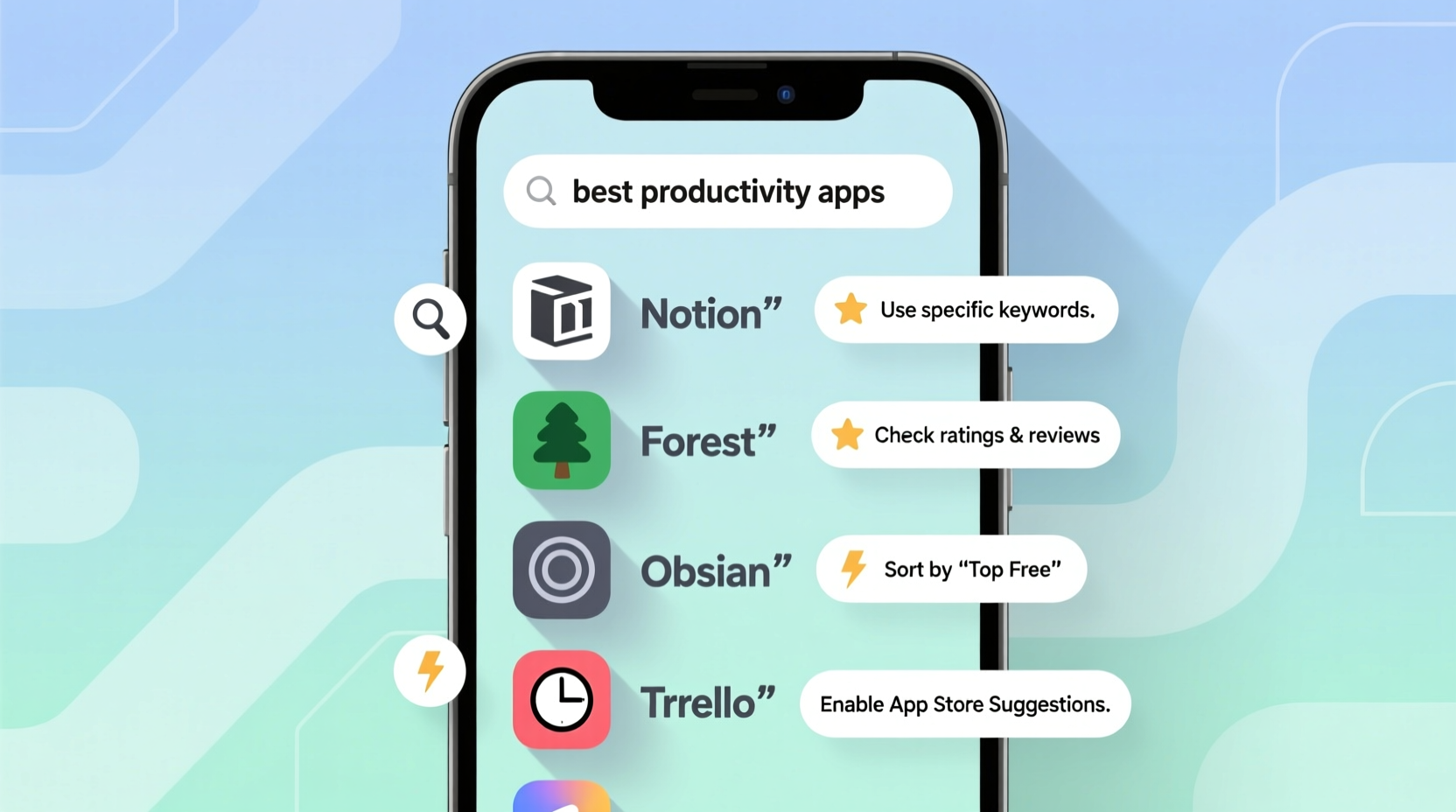
Before diving into search tactics, it's crucial to understand how algorithms influence what you see. Both Apple’s App Store and Google Play use complex ranking systems that prioritize:
- User engagement (how often and how long people use the app)
- Download velocity (recent growth in downloads)
- Keyword relevance (match between search terms and app metadata)
- Star ratings and review volume
- Developer reputation and update frequency
Because of this, popular but outdated apps often dominate top results—even if better alternatives exist. Relying solely on “Top Charts” or first-page results means you’re seeing what’s marketed well, not necessarily what works best.
“Most people don’t realize that app store algorithms reward popularity, not performance. If you want truly useful apps, you have to search smarter.” — Lena Park, Mobile UX Researcher at TechInsight Labs
Use Precision Search Techniques
Generic searches like “fitness app” return thousands of irrelevant options. To narrow results effectively, treat app store search like a database query—not a keyword guess.
Refine with Specific Keywords
Instead of broad terms, use descriptive phrases that reflect your actual need:
- ❌ “note app” → ✅ “offline note-taking app no ads”
- ❌ “budget app” → ✅ “zero-based budgeting app syncs with bank”
- ❌ “photo editor” → ✅ “non-destructive photo editor for iPhone”
The more specific your language, the better the algorithm matches your intent. Include platform-specific terms (“for iPad,” “Android tablet optimized”) when relevant.
Leverage Synonyms and Alternate Terms
Developers use different jargon. If one term fails, try variations:
- “Habit tracker” → “habit builder,” “routine coach,” “daily streak app”
- “Password manager” → “secure vault,” “login organizer”
- “PDF editor” → “fillable forms tool,” “document markup app”
Searching multiple variants increases your chances of discovering lesser-known but highly functional apps.
Decode App Listings Like a Pro
Once you’ve found potential candidates, don’t rely on star ratings alone. A 4.8-star app with 50 reviews may be less reliable than a 4.3-star app with 10,000 reviews. Here’s how to assess quality efficiently:
| Factor | What to Look For | Red Flags |
|---|---|---|
| Reviews | Detailed feedback mentioning real-world use cases | Repetitive praise, excessive emojis, vague comments |
| Last Update | Within the last 3–6 months | No updates in over a year |
| Permissions | Minimal access required for functionality | Requests location/data for a simple utility |
| In-App Purchases | Clearly listed and optional | Core features locked behind paywalls |
Pay special attention to recent negative reviews. If users mention crashes after the latest update, it could signal instability despite a high overall rating.
Step-by-Step Guide: Find the Best App in Under 10 Minutes
Follow this repeatable process to evaluate and select the right app fast:
- Define your core need: Write down exactly what problem you’re solving (e.g., “I need an app to scan paper receipts and export to Excel”).
- Search with precision: Use a long-tail phrase including function, platform, and constraints (e.g., “receipt scanner export CSV iPhone”).
- Scan top 10 results: Open each app page and check update date, permissions, and developer name.
- Read the latest 5-star and 1-star reviews: Look for patterns—do multiple users praise offline mode? Complain about subscription traps?
- Check developer history: Tap the developer name to see their other apps. Established creators tend to maintain quality.
- Test with a quick install: Download the top 1–2 contenders and test core functionality immediately.
- Uninstall within 24 hours if needed: Most app stores allow quick removal without penalty.
Real Example: Finding a Better Calendar App
Sophie, a freelance designer, needed a calendar app that synced across her iPhone and iPad, supported time blocking, and didn’t push notifications. She started with “best calendar app,” which returned mainstream options like Fantastical and Google Calendar—but both had aggressive alerts she couldn’t disable.
She refined her search to: “calendar app time blocking no notifications iOS”. Third in the results was TimeTable Pro, a lesser-known app with 4.4 stars from 1,200 users. Recent reviews confirmed silent mode worked reliably, and the developer responded to bugs within days.
After testing it for two days, Sophie switched permanently. Her initial search would have missed it entirely.
Essential Checklist Before Downloading Any App
Run through this checklist every time to avoid wasting space and time:
- ✅ Is the app updated within the last six months?
- ✅ Does the developer list contact information or a website?
- ✅ Are permissions aligned with functionality? (e.g., flashlight app shouldn’t need contacts)
- ✅ Do recent reviews mention stability and customer support?
- ✅ Is pricing transparent? (Free vs. freemium vs. one-time purchase)
- ✅ Does it support your device’s OS version?
- ✅ Is there a privacy policy available before download?
Skipping even one of these checks can lead to bloatware, data misuse, or frustration down the line.
Frequently Asked Questions
Can I search apps by release date or update frequency?
Not directly in the official interfaces. However, third-party tools like Sensor Tower or App Annie allow advanced filtering by update history. Within the app store, manually inspect the “Last Updated” field on each listing.
Why do some apps show fake reviews?
Some developers inflate ratings using incentivized or automated reviews. Look for unnatural spikes in five-star ratings over short periods. Apps with steady, moderate ratings and detailed user stories are generally more trustworthy.
Are paid apps better than free ones?
Not always, but they often offer better long-term value. Paid apps typically have fewer ads, clearer roadmaps, and less reliance on data monetization. That said, many excellent free apps (like Signal or Obsidian) prioritize user experience over profit.
Final Thoughts: Take Control of Your Digital Toolkit
Mastering app store searches isn’t just about finding apps—it’s about curating a digital environment that supports your goals. Every minute saved on inefficient tools adds up. Every intrusive notification avoided improves focus. The apps you choose shape how you work, create, and live online.
You don’t need to settle for what’s trending. With precise queries, critical evaluation, and systematic testing, you can build a lean, powerful suite of apps tailored to your lifestyle. Start applying these strategies today and transform how you interact with your devices.




 浙公网安备
33010002000092号
浙公网安备
33010002000092号 浙B2-20120091-4
Comments
No comments yet. Why don't you start the discussion?