
The XG88Pro smart glasses represent a new frontier in wearable audio technology—designed not just for convenience but for high-quality sound capture in dynamic environments. Whether you're a journalist conducting interviews on the move, a content creator filming vlogs hands-free, or a professional needing discreet audio documentation, these glasses offer an innovative way to record without drawing attention. But unlocking their full potential requires more than just wearing them and pressing a button. This guide walks you through every aspect of mastering audio recording with the XG88Pro, from initial setup to advanced techniques that ensure clarity and reliability.
Understanding the XG88Pro Audio System
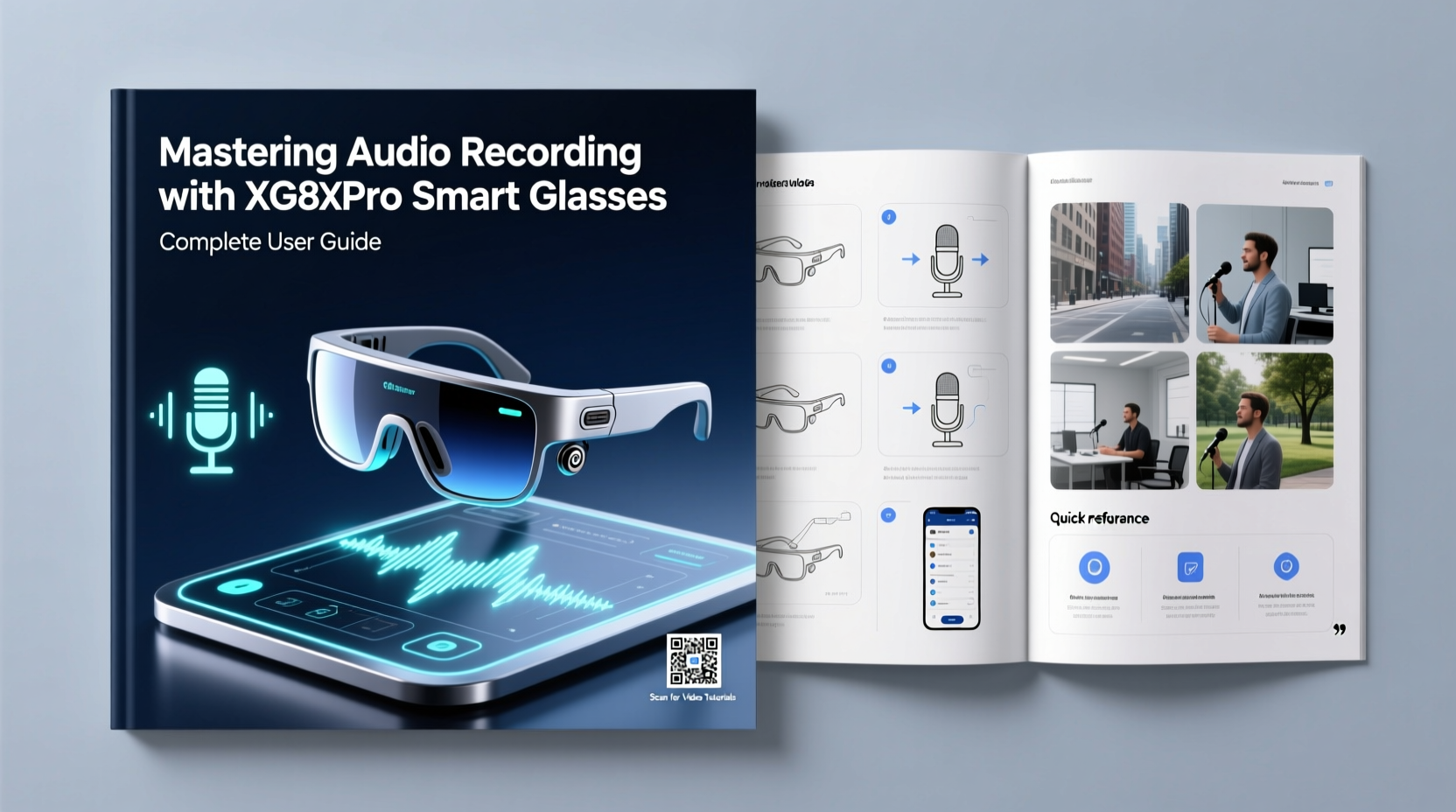
The XG88Pro integrates dual omnidirectional microphones into the frame’s temple arms, strategically positioned near ear level to capture natural-sounding speech while minimizing wind interference. The device uses noise suppression algorithms and adaptive gain control to adjust sensitivity based on ambient conditions. It supports 48kHz/16-bit WAV and MP3 formats, providing flexibility between uncompressed fidelity and storage efficiency.
Data is stored internally (up to 32GB) or streamed via Bluetooth 5.2 to paired devices. A companion app allows remote monitoring, file management, and firmware updates. Unlike traditional handheld recorders, the XG88Pro captures audio from your perspective—literally how you hear it—which makes it ideal for first-person narratives, field research, or covert documentation where discretion matters.
Step-by-Step Setup for Optimal Recording
- Charge the Device Fully: Use the included magnetic charging cable. A full charge takes about 90 minutes and provides up to 6 hours of continuous recording.
- Pair with the Companion App: Download the XG88Pro Connect app (iOS/Android), enable Bluetooth, and follow pairing prompts. Ensure location permissions are granted for metadata tagging.
- Configure Recording Settings: Choose between WAV (high quality, large files) or MP3 (compressed, smaller size). Set bit rate (128kbps default; 320kbps recommended for professional use).
- Test Microphone Placement: Wear the glasses naturally. Speak at normal volume while walking and turning your head to check for dropouts or distortion.
- Create a Naming Convention: In the app, set auto-naming rules like “YYYY-MM-DD_HHMM_Location” to streamline post-processing.
- Run a Field Test: Record a 2-minute sample in your intended environment—indoor meeting room, outdoor park, transit hub—and review playback for clarity and balance.
Best Practices for Clear, Usable Audio
Even with advanced hardware, environmental factors can degrade recordings. The key to consistently clean audio lies in technique as much as technology.
- Maintain a distance of 3–6 feet from the speaker when possible. Closer proximity improves signal-to-noise ratio.
- Avoid loud clothing (rustling jackets, jangling accessories) that may be picked up during movement.
- Position yourself so that background noise sources (traffic, AC units) are behind you, not between you and the subject.
- Use the built-in windscreen cap when outdoors. For extreme conditions, consider third-party foam covers designed for eyewear mics.
- Speak clearly but naturally. Since the mics pick up your own voice via bone conduction and air transmission, avoid shouting or mumbling.
| Situation | Recommended Setting | Why It Works |
|---|---|---|
| Interview in quiet office | WAV, 48kHz, Auto Gain On | Preserves detail; low noise means no compression artifacts |
| Street journalism | MP3, 320kbps, Voice Focus + Noise Suppression | Balances quality with file size; filters out traffic rumble |
| Lecture hall recording | WAV, 44.1kHz, Manual Gain (75%) | Prevents clipping from PA system feedback |
| Covert note-taking | MP3, 192kbps, Stealth Mode (LED off) | Reduces visibility while maintaining intelligibility |
Real-World Example: Capturing Urban Soundscapes
Sophie Reyes, an independent documentary producer, used her XG88Pro glasses to record ambient dialogue and street sounds across three cities for a short film on urban isolation. She wore the glasses during daily commutes, café visits, and public events, relying on their unobtrusive design to gather authentic interactions without intimidating subjects.
Initially, early clips suffered from excessive wind noise and inconsistent levels. After adjusting settings to “Outdoor Voice Priority” and attaching a lightweight scarf to break gusts near the temples, clarity improved dramatically. By syncing timestamps with GPS data from her phone, she later geotagged each clip, enabling precise editing. Her final piece featured layered, spatially accurate audio—all captured passively through the glasses.
“Wearable audio changed how I approach storytelling. With the XG88Pro, I stopped being a recorder and started being part of the scene.” — Sophie Reyes, Documentary Filmmaker
Troubleshooting Common Issues
Despite its sophistication, users occasionally encounter performance hiccups. Addressing them promptly preserves workflow integrity.
- Low Volume in Playback: Check if Automatic Gain Control (AGC) is disabled. Re-enable it unless manually controlling input levels.
- Distorted Speech Peaks: Reduce microphone sensitivity by 10–15% in the app. Also, avoid speaking directly into the mic at close range.
- Files Not Saving: Confirm internal storage isn’t full. Delete old recordings via the app or connect to a computer in USB mode.
- Bluetooth Disconnects Mid-Recording: Update firmware to the latest version. Older builds had known stability bugs in crowded RF environments.
- No Sound Detected: Verify microphone access permissions in the app. Restart both glasses and paired device if necessary.
Essential Maintenance and Longevity Tips
To keep your XG88Pro performing reliably over time, treat it as both a precision instrument and a wearable accessory.
- Clean the frame weekly with a microfiber cloth. Avoid alcohol-based cleaners near microphone ports.
- Store in the protective case when not in use. Exposure to dust or moisture can clog sensitive components.
- Reboot the device after extended sessions to clear memory buffers and prevent latency buildup.
- Back up recordings regularly. Enable automatic cloud sync in the app settings for critical projects.
- Update firmware monthly. Developers frequently release enhancements for audio processing and battery optimization.
Frequently Asked Questions
Can the XG88Pro record video too?
No, the XG88Pro is audio-only. While some smart glasses include cameras, this model focuses exclusively on high-fidelity sound capture to comply with privacy regulations and extend battery life.
Is it legal to record conversations with these glasses?
Laws vary by jurisdiction. In many regions, one-party consent is sufficient—if you’re part of the conversation, recording is permitted. However, in states like California or countries like Germany, all parties must consent. Always disclose use when required and consult local regulations before deployment.
How long can I record continuously?
On a full charge, expect up to 6 hours of continuous recording in MP3 format. Using lossless WAV reduces this to approximately 4.5 hours due to higher data throughput and power demand.
Final Checklist Before Every Use
- Charge battery to at least 80%
- Verify free storage space (minimum 2GB recommended)
- Confirm correct recording format and naming rule
- Test mic input with a short spoken phrase
- Ensure Bluetooth connection is stable (if streaming)
- Enable any needed modes (Stealth, Voice Focus, Wind Reduction)
- Carry backup storage or transfer plan for long sessions
Conclusion
The XG88Pro smart glasses redefine what’s possible in mobile audio recording—not by replacing traditional gear, but by expanding when and how we capture sound. When used thoughtfully, they become an extension of your senses, documenting moments with minimal intrusion and maximum authenticity. Mastery comes not from technical specs alone, but from understanding context, refining habits, and respecting both the equipment and the people within earshot.




 浙公网安备
33010002000092号
浙公网安备
33010002000092号 浙B2-20120091-4
Comments
No comments yet. Why don't you start the discussion?