
Bluetooth sunglasses are no longer a futuristic concept—they’re a functional reality blending fashion, audio, and connectivity. Whether you're cycling through city streets, walking in the park, or commuting to work, these smart shades let you take calls, stream music, and stay aware of your surroundings—all without touching your phone. But with so many models, features, and nuances, getting the most out of them requires more than just unboxing and wearing. This guide walks you through everything from selection and pairing to daily optimization and etiquette.
Understanding How Bluetooth Sunglasses Work
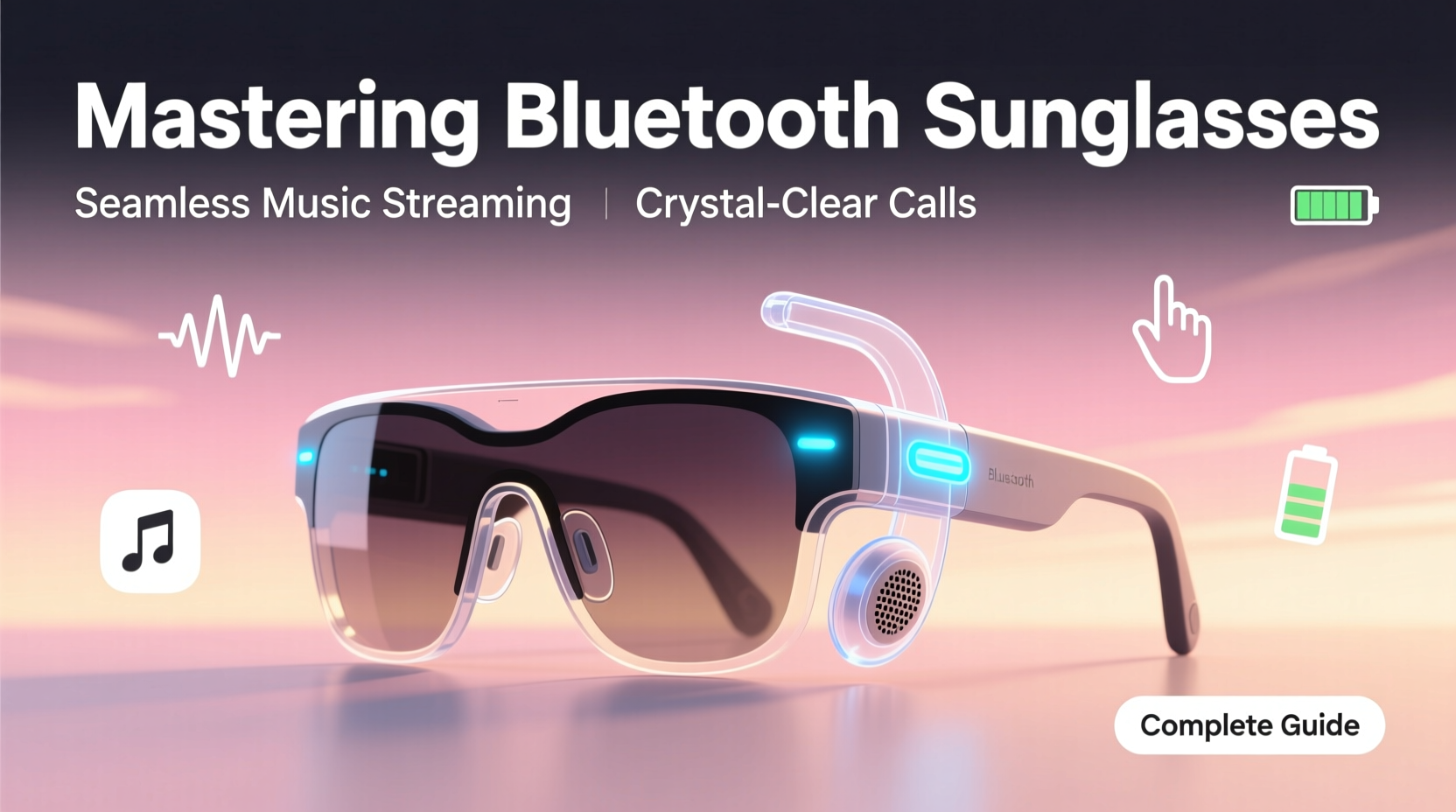
Unlike traditional headphones, Bluetooth sunglasses use open-ear audio technology—typically bone conduction or directional speakers—to deliver sound without blocking your ears. This allows ambient noise to pass through, enhancing safety during outdoor activities. Audio signals travel wirelessly via Bluetooth from your smartphone or device to embedded speakers near your temples. Most models also include a built-in microphone for hands-free calling.
The design prioritizes discretion. Wires are hidden within the frame, and controls (like volume, play/pause, or call answer) are accessible via small buttons on the arms. Charging is usually done through a magnetic dock that connects to ports discreetly placed on the frame’s edge.
Choosing the Right Pair: Features That Matter
Not all Bluetooth sunglasses are created equal. Some prioritize audio quality; others focus on battery longevity or UV protection. Consider your primary use case before purchasing.
| Feature | Why It Matters | Top Picks |
|---|---|---|
| Battery Life | Determines usage duration between charges; ideal for all-day wearers | Ray-Ban Meta (6 hrs), Bose Frames (5.5 hrs) |
| Audio Quality | Affects music clarity and voice call performance | Bose excels in spatial audio; Ray-Ban offers balanced tones |
| UV Protection | Essential for eye health—don’t compromise on this | All major brands offer UV400 protection |
| Fit & Comfort | Poor fit leads to discomfort and audio leakage | Try before buying; consider adjustable nose pads |
| Smart Features | Voice assistants, app integration, and firmware updates add value | Ray-Ban Meta supports Facebook Assistant and photo capture |
“Bluetooth sunglasses represent the convergence of wellness, tech, and design. The right pair should feel like an extension of your routine—not a gadget you have to manage.” — Dr. Lena Torres, Wearable Technology Researcher, MIT Media Lab
Setting Up Your Bluetooth Sunglasses: A Step-by-Step Guide
Getting started is straightforward, but skipping steps can lead to poor connections or missed features. Follow this sequence for optimal results.
- Charge fully: First-time use requires a full charge (usually 1–2 hours).
- Power on: Press and hold the multi-function button until you hear a tone or see an LED indicator.
- Enable Bluetooth on your phone and go to device settings.
- Select your sunglasses from the list of available devices (e.g., “Ray-Ban Stories” or “Bose Frames”).
- Confirm pairing: You’ll hear a voice prompt or chime once connected.
- Download the companion app (if applicable) to customize settings, update firmware, or enable voice control.
- Test audio and mic: Play a song and make a test call to ensure both output and input work clearly.
Maximizing Daily Use: Practical Tips and Etiquette
Once paired, your sunglasses become an extension of your mobile experience. But real-world effectiveness depends on how you use them.
- Use in moderate environments: Windy conditions can interfere with microphone clarity and reduce audio perception.
- Adjust volume mindfully: Since sound isn’t isolated, higher volumes may disturb others nearby—especially in quiet zones.
- Leverage voice commands: With integrated assistants (like Meta Assistant or Siri), you can request directions, send messages, or skip tracks hands-free.
- Maintain hygiene: Wipe down earpieces regularly with a microfiber cloth to prevent ear irritation.
- Store properly: Use a hard-shell case to protect against scratches and pressure damage.
Mini Case Study: Urban Commuter Success
Mark, a project manager in Seattle, replaced his earbuds with Ray-Ban Meta sunglasses after two close calls while biking to work. “I was so focused on my podcast that I didn’t hear a car honking,” he recalls. Now, he streams audiobooks during his 30-minute ride, takes client calls at red lights, and stays alert to traffic. “The situational awareness is the biggest win. I’m safer, and I don’t miss a beat professionally.”
Common Pitfalls and How to Avoid Them
Even experienced users run into issues. Awareness helps prevent frustration.
- Intermittent Connection
- Often caused by interference or low battery. Keep your phone within 30 feet and ensure both devices are updated.
- Audio Leakage
- Others might hear your music if volume is too high. Optimize fit and keep levels at 60% or below in public.
- Microphone Feedback
- Occurs when wind hits the mic directly. Position yourself to block airflow or use noise-canceling modes if available.
- ✅ Charge after each full day of use
- ✅ Clean frames weekly with a dry microfiber cloth
- ✅ Update firmware monthly via companion app
- ✅ Store in protective case when not in use
- ✅ Test microphone and speaker function biweekly
- ✅ Re-pair device if connection becomes unstable
Frequently Asked Questions
Can I wear Bluetooth sunglasses in the rain?
Most models have some water resistance (IPX4 rating), meaning they can handle light splashes or sweat. However, prolonged exposure to rain or submersion is not recommended. Always check the manufacturer’s IP rating before using in wet conditions.
Are Bluetooth sunglasses safe for long-term use?
Yes. Since they don’t insert into the ear canal, they reduce the risk of ear fatigue or hearing damage from extended use. The open-ear design also prevents pressure buildup. Just follow standard listening volume guidelines (no louder than 85dB for extended periods).
Can I wear prescription lenses in Bluetooth sunglasses?
Some brands, like Bose and Oakley, offer prescription-compatible frames. Others may allow third-party lens replacements. Check with the manufacturer or an optician before modifying your pair.
Conclusion: Elevate Your Everyday Experience
Bluetooth sunglasses are more than a novelty—they’re a practical tool for modern living. When chosen wisely and used thoughtfully, they simplify multitasking, enhance personal safety, and keep you stylishly connected. From seamless call handling to immersive audio that doesn’t isolate you from the world, these devices redefine what eyewear can do.
The key lies in mastering the balance between technology and lifestyle. Invest time in setup, maintain your device, and respect social norms around audio sharing. Once integrated, you may wonder how you ever managed without them.




 浙公网安备
33010002000092号
浙公网安备
33010002000092号 浙B2-20120091-4
Comments
No comments yet. Why don't you start the discussion?