
In an era where multitasking defines productivity, the ability to stay connected without sacrificing focus or safety is more valuable than ever. Smart sunglasses—once a futuristic concept—are now accessible tools that blend style, audio functionality, and seamless call integration. Designed for professionals on the move, outdoor enthusiasts, and anyone seeking efficient communication, these devices offer true hands-free operation. This guide explores how to use smart sunglasses effectively for call handling, covering setup, best practices, troubleshooting, and real-world applications.
How Smart Sunglasses Work for Call Handling
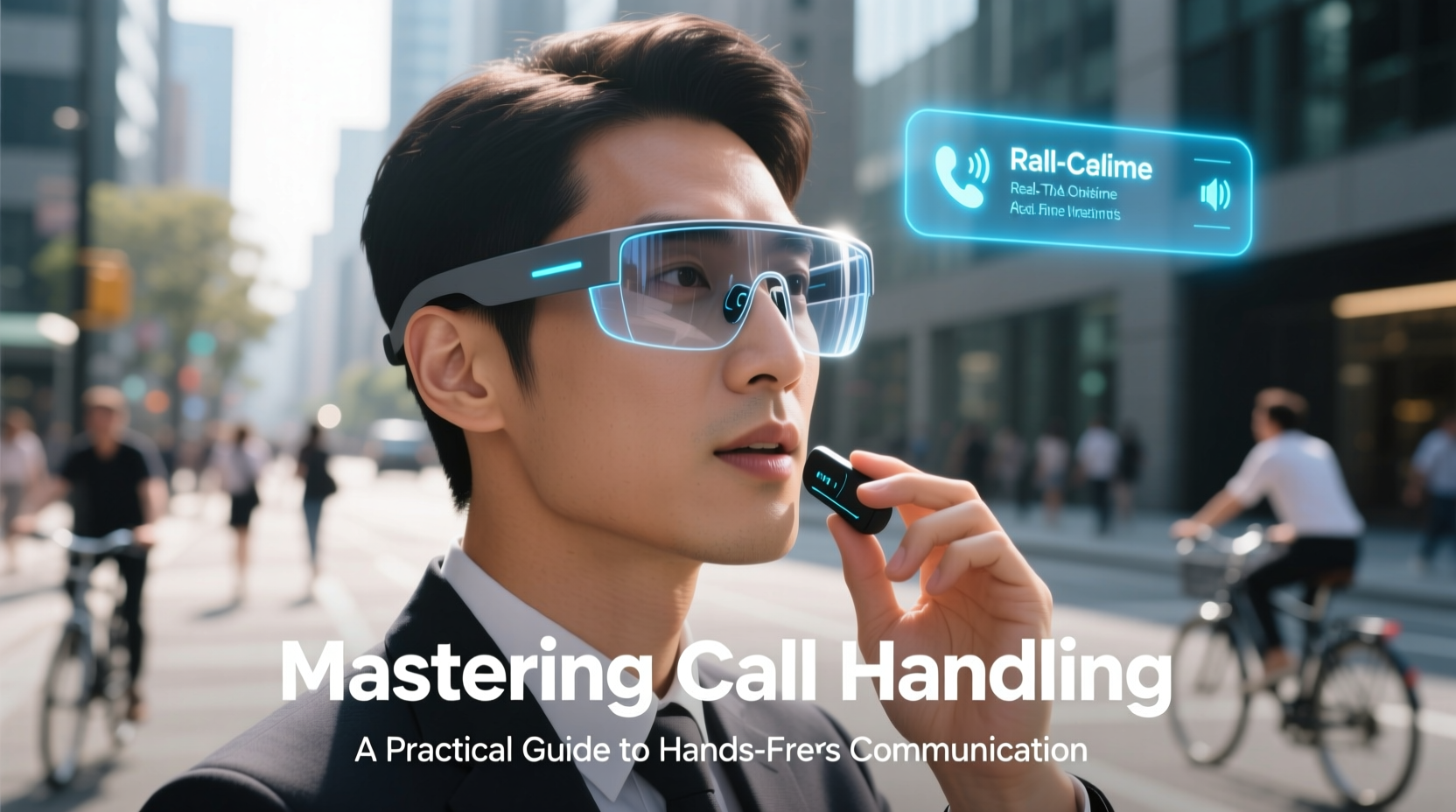
Smart sunglasses integrate miniature speakers, microphones, and Bluetooth connectivity into lightweight, stylish frames. Unlike traditional earbuds or headsets, they allow you to hear calls clearly while remaining aware of your surroundings—a critical advantage for cyclists, runners, or drivers. Audio is delivered through open-ear transducers (often bone conduction or directional speakers), ensuring privacy and situational awareness.
When paired with a smartphone, smart sunglasses function as a wireless headset. Incoming calls are announced via voice prompts or subtle tones, and users can answer or decline using touch controls or voice commands. The microphone system uses noise-reduction algorithms to isolate your voice, even in windy or noisy environments.
Setting Up Your Smart Sunglasses for Optimal Performance
Proper setup ensures reliable call quality and consistent connectivity. Follow this step-by-step process to get started:
- Charge fully before first use: Most models require 1–2 hours for a full charge, offering 2–5 hours of talk time.
- Enable Bluetooth on your phone: Navigate to settings and turn on Bluetooth.
- Power on the sunglasses: Press and hold the control button for 3–5 seconds until you hear a pairing prompt.
- Select the device: Choose your sunglasses from the list of available devices.
- Test audio and microphone: Make a test call or use a voice memo app to confirm clarity.
- Install companion app (if available): Apps like Bose AR, Ray-Ban Meta, or Oakley’s firmware tools allow customization of EQ, voice assistant settings, and firmware updates.
Once paired, most devices reconnect automatically when powered on within range. For dual-device support (e.g., phone and laptop), ensure both devices are paired and manually switch when needed via Bluetooth settings.
Best Practices for Clear, Professional Call Handling
Using smart sunglasses in professional or high-stakes conversations requires attention to audio quality and etiquette. Background noise, poor positioning, or low battery can undermine credibility.
| Do’s | Don’ts |
|---|---|
| Use in quiet or moderately noisy environments | Avoid loud streets or construction zones |
| Speak clearly and slightly slower than usual | Don’t shout—microphones are sensitive |
| Position yourself facing away from wind | Don’t cover the microphone ports |
| Keep firmware updated for improved noise filtering | Don’t rely on them in extreme weather |
| Use voice assistants for quick dialing (\"Call Sarah\") | Don’t assume perfect performance in all conditions |
“Wearable audio is redefining mobile communication. When used correctly, smart sunglasses offer a safer, more natural way to handle calls—especially for field workers and remote professionals.” — Dr. Lena Patel, Human-Computer Interaction Researcher at MIT Media Lab
Real-World Use Case: A Day in the Life of a Field Sales Manager
Consider Maria, a regional sales manager who spends 60% of her week visiting clients, driving between locations, and attending outdoor site inspections. Previously, she relied on a Bluetooth earpiece, but found it uncomfortable during long calls and often missed alerts due to disconnection issues.
After switching to smart sunglasses, Maria noticed immediate improvements. She could answer client calls safely while driving, receive calendar reminders via voice, and join virtual meetings hands-free during walk-throughs. During a recent site visit in bright sunlight, she received an urgent call from headquarters. With her sunglasses on, she accepted the call instantly, discussed logistics clearly despite ambient noise, and sent a follow-up email using voice dictation—all without fumbling for her phone.
The combination of comfort, discretion, and reliability reduced her cognitive load and enhanced professionalism. “It feels like having an assistant built into my eyewear,” she said.
Troubleshooting Common Call Issues
Even well-designed devices encounter occasional glitches. Here’s how to resolve frequent problems:
- Call audio is muffled or one-sided: Clean speaker grilles gently with a dry microfiber cloth. Check if the left/right balance is skewed in your phone’s accessibility settings.
- Microphone isn’t picking up voice: Ensure no debris is blocking the mic ports (usually near the hinge). Try resetting the device by holding the power button for 10 seconds.
- Pairing fails repeatedly: Forget the device on your phone, restart both devices, and retry. Update firmware via the companion app if available.
- Battery drains quickly during calls: Disable unused features like onboard music storage or voice assistant wake words. Store in a protective case when not in use.
Maximizing Value: A Practical Checklist
To get the most out of your smart sunglasses for call handling, follow this actionable checklist:
- ✅ Pair with primary smartphone and secondary device (e.g., tablet) for flexibility
- ✅ Customize voice assistant triggers (e.g., “Hey Facebook, call Tom”)
- ✅ Set up speed dials or contact favorites in your phone for one-touch calling
- ✅ Test call quality in typical environments (car, sidewalk, office park)
- ✅ Enable do-not-disturb mode during non-work hours to preserve battery
- ✅ Register product for warranty and software update notifications
- ✅ Carry a charging case or portable USB-C cable for extended use
Frequently Asked Questions
Can I use smart sunglasses in the rain?
Most models have some level of water resistance (IPX4 rating or higher), meaning they can withstand splashes or light rain. However, prolonged exposure or submersion is not recommended. Always check the manufacturer’s IP rating before use in wet conditions.
Are smart sunglasses suitable for people who wear prescription glasses?
Some brands offer prescription inserts or magnetic clip-ons compatible with their frames. Alternatively, certain models are designed to fit over standard eyeglasses. Consult the manufacturer’s compatibility guide before purchasing.
How private are calls on smart sunglasses?
Audio is directed toward your ears and not broadcast openly, but nearby individuals may hear faint sound in quiet settings. Avoid discussing sensitive information in public spaces. Bone conduction models tend to leak less sound than open-air speakers.
Moving Forward: Embrace Seamless Communication
Smart sunglasses represent more than a gadget—they’re a shift toward intuitive, integrated technology that supports modern lifestyles. By mastering call handling through these devices, you gain freedom, safety, and efficiency. Whether navigating traffic, walking through a job site, or simply enjoying a morning commute, staying connected doesn’t have to mean compromising awareness or comfort.
The key lies in proper setup, consistent maintenance, and mindful usage. As voice interfaces and wearable AI continue to evolve, today’s smart sunglasses are just the beginning of a more responsive, hands-free future.




 浙公网安备
33010002000092号
浙公网安备
33010002000092号 浙B2-20120091-4
Comments
No comments yet. Why don't you start the discussion?