
In today’s fast-moving world, staying connected without sacrificing focus or mobility is more important than ever. Bluetooth glasses—once a niche novelty—are now powerful tools for professionals, remote workers, and active individuals who need to manage calls efficiently. These sleek devices combine audio functionality with everyday eyewear, allowing users to take calls without pulling out a phone or wearing bulky earbuds. Mastering call management through Bluetooth glasses isn’t just about convenience; it’s about optimizing communication in real time while maintaining natural interactions.
Whether you're navigating a busy street, leading a walking meeting, or simply multitasking at home, answering calls through your glasses can streamline your day. But to use them effectively, you need more than just the hardware—you need strategy, familiarity, and best practices.
Understanding Bluetooth Glasses and Call Capabilities
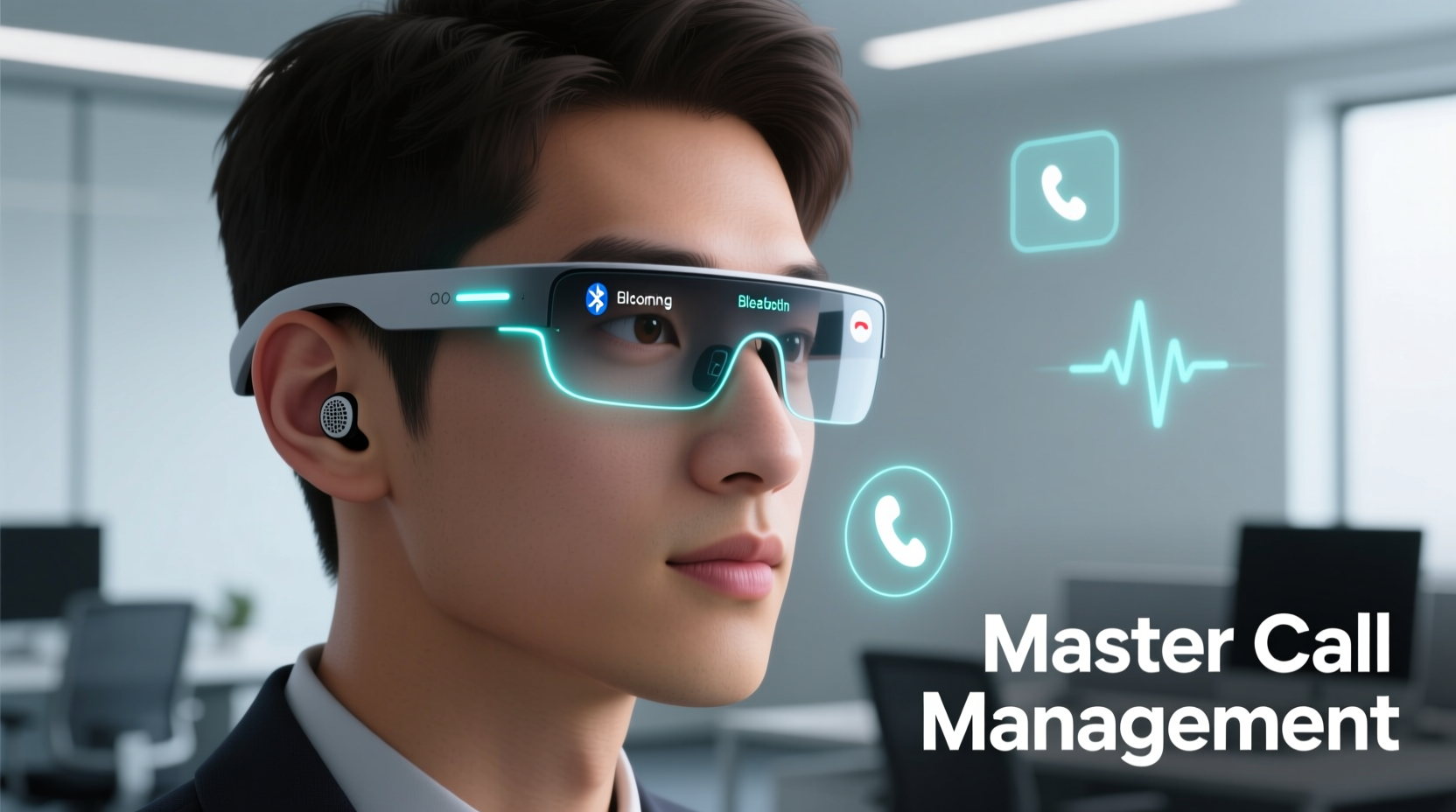
Bluetooth glasses integrate miniature speakers, microphones, and wireless connectivity into standard-looking frames. Brands like Bose, Ray-Ban (Meta), and Amazon Echo Frames have led the charge in making these devices both functional and fashionable. Most models support HD voice calling via pairing with smartphones using Bluetooth 5.0 or higher, ensuring stable connections and clear audio.
The key components that enable seamless call handling include:
- Binaural audio drivers: Embedded near the ears to deliver sound discreetly.
- Beamforming microphones: Isolate your voice from ambient noise.
- Touch or voice controls: Allow answering, ending, or muting calls with gestures or voice commands.
- Battery life: Typically lasts between 3–6 hours of continuous talk time, depending on usage.
Because they sit close to your ears and mouth, these glasses offer superior situational awareness compared to traditional headphones. You remain aware of your surroundings while still hearing the caller clearly—a critical advantage for safety and engagement.
Step-by-Step Guide to Answering Calls Seamlessly
To make the most of your Bluetooth glasses, follow this practical sequence for managing incoming calls with confidence and professionalism.
- Pair Your Glasses with Your Phone: Turn on Bluetooth on your smartphone, activate pairing mode on the glasses (usually by holding the power button for 5 seconds), and select the device from your phone’s Bluetooth menu.
- Test Audio Levels: Make a test call to adjust speaker volume and microphone sensitivity. Speak naturally and ask the other party if your voice is clear.
- Learn Control Gestures: Familiarize yourself with touch-sensitive zones. For example, a single tap may answer/end a call, while swiping forward/backward adjusts volume.
- Enable Voice Assistant Integration: Activate Siri, Google Assistant, or Alexa to answer calls hands-free using voice commands like “Answer call” or “Decline.”
- Respond to Incoming Calls: When your phone rings, tap the frame or say the wake word followed by “answer” to connect instantly.
- Manage Background Noise: Position yourself away from loud environments when possible. Use wind shields or noise-reduction settings if available in the companion app.
- End the Call Gracefully: Tap the frame or say “End call” to disconnect. Confirm the action with a subtle nod or verbal closure to maintain professionalism.
This process becomes second nature with regular use, reducing reliance on your phone and minimizing interruptions during work or movement.
Optimizing Call Quality and Clarity
Poor audio quality can undermine even the most advanced technology. To ensure every conversation is crisp and intelligible, consider these optimization techniques:
| Factor | Best Practice | Avoid |
|---|---|---|
| Microphone Placement | Keep glasses properly fitted; temples should rest just in front of ears | Wearing them too far back or crooked |
| Environmental Noise | Use noise-canceling mode or step into quieter areas | Loud traffic, construction, or crowded cafes |
| Voice Projection | Speak at a normal conversational tone; don’t shout | Over-enunciating or speaking too quickly |
| Connection Stability | Stay within 30 feet of your paired phone; avoid metal obstructions | Walking behind large walls or interference-heavy zones |
“With proper fit and environmental awareness, modern Bluetooth glasses can deliver call clarity comparable to wired headsets—without compromising situational awareness.” — Dr. Lena Torres, Audio Ergonomics Researcher, MIT Media Lab
Real-World Application: A Day in the Life of a Field Sales Manager
Sophie, a regional sales manager for a sustainable packaging company, spends her days visiting clients across the city. She used to juggle her phone, notebook, and samples while trying to take urgent calls—often missing alerts or fumbling to answer.
After switching to Meta Ray-Ban smart glasses, her workflow transformed. During a recent morning:
- While cycling to her first appointment, she received a call from headquarters. With a simple tap on her temple, she answered without slowing down.
- Mid-meeting, her assistant called with last-minute contract updates. Using voice command (“Hey Facebook, answer call”), she took the brief call discreetly and returned to her client without disruption.
- On her walk back, she dictated notes using the glasses’ voice memo feature, freeing her hands for coffee and umbrella.
By integrating Bluetooth glasses into her routine, Sophie reduced physical distractions, improved response times, and maintained a polished presence—even on hectic days.
Essential Checklist for Seamless Call Management
Before relying on your Bluetooth glasses daily, verify the following setup and habits:
- ✅ Pair glasses with primary and backup devices (e.g., phone and tablet)
- ✅ Update firmware via manufacturer’s app for latest features and security
- ✅ Set up voice assistant wake words and test responsiveness
- ✅ Adjust default volume to a comfortable level
- ✅ Clean frames weekly to prevent sensor blockage (especially near mics)
- ✅ Practice gesture controls until they feel instinctive
- ✅ Carry a charging case or USB-C cable for extended outings
Frequently Asked Questions
Can I use Bluetooth glasses with any smartphone?
Most Bluetooth glasses are compatible with iOS and Android devices that support Bluetooth 5.0 and standard audio profiles (A2DP, HFP). However, voice assistant features may be limited depending on brand integration (e.g., Meta glasses work best with Android and Facebook accounts).
Are calls private when using open-ear audio?
The speakers in Bluetooth glasses are designed to project sound directly toward your ears with minimal leakage. While people standing very close might hear faint audio, conversations are generally not audible beyond a foot away. For sensitive discussions, consider lowering volume or stepping aside.
What should I do if my glasses disconnect during a call?
If disconnection occurs, check if your phone has moved out of range or if another device tried to pair. Restart Bluetooth on your phone or reset the glasses using the manufacturer’s instructions. Ensure no software conflicts exist (e.g., multiple Bluetooth headsets connected simultaneously).
Conclusion: Elevate Your Communication Game
Mastering call management with Bluetooth glasses is more than a tech upgrade—it’s a shift toward smarter, more fluid communication. By eliminating the need to reach for your phone, you gain time, safety, and presence in every interaction. Whether you’re closing deals on the move, parenting while working, or simply prefer hands-free living, these devices empower you to stay connected without compromise.
The future of personal tech lies in invisibility and intuitiveness. Bluetooth glasses represent a major step in that direction. Start small: learn one gesture, make one call, build one habit. Soon, answering a call will be as natural as pushing your glasses up your nose.




 浙公网安备
33010002000092号
浙公网安备
33010002000092号 浙B2-20120091-4
Comments
No comments yet. Why don't you start the discussion?