
In today’s fast-evolving professional landscape, artificial intelligence is no longer a futuristic concept—it's a daily collaborator. From drafting emails to analyzing data and generating creative content, AI tools are reshaping how we work. But simply using AI isn’t enough. The real advantage lies in mastering collaboration with it: knowing when to delegate, how to guide, and when to take back control. This article explores actionable strategies for integrating AI into your workflow not as a replacement, but as a thought partner that amplifies your capabilities.
1. Redefine Your Role: From Operator to Editor
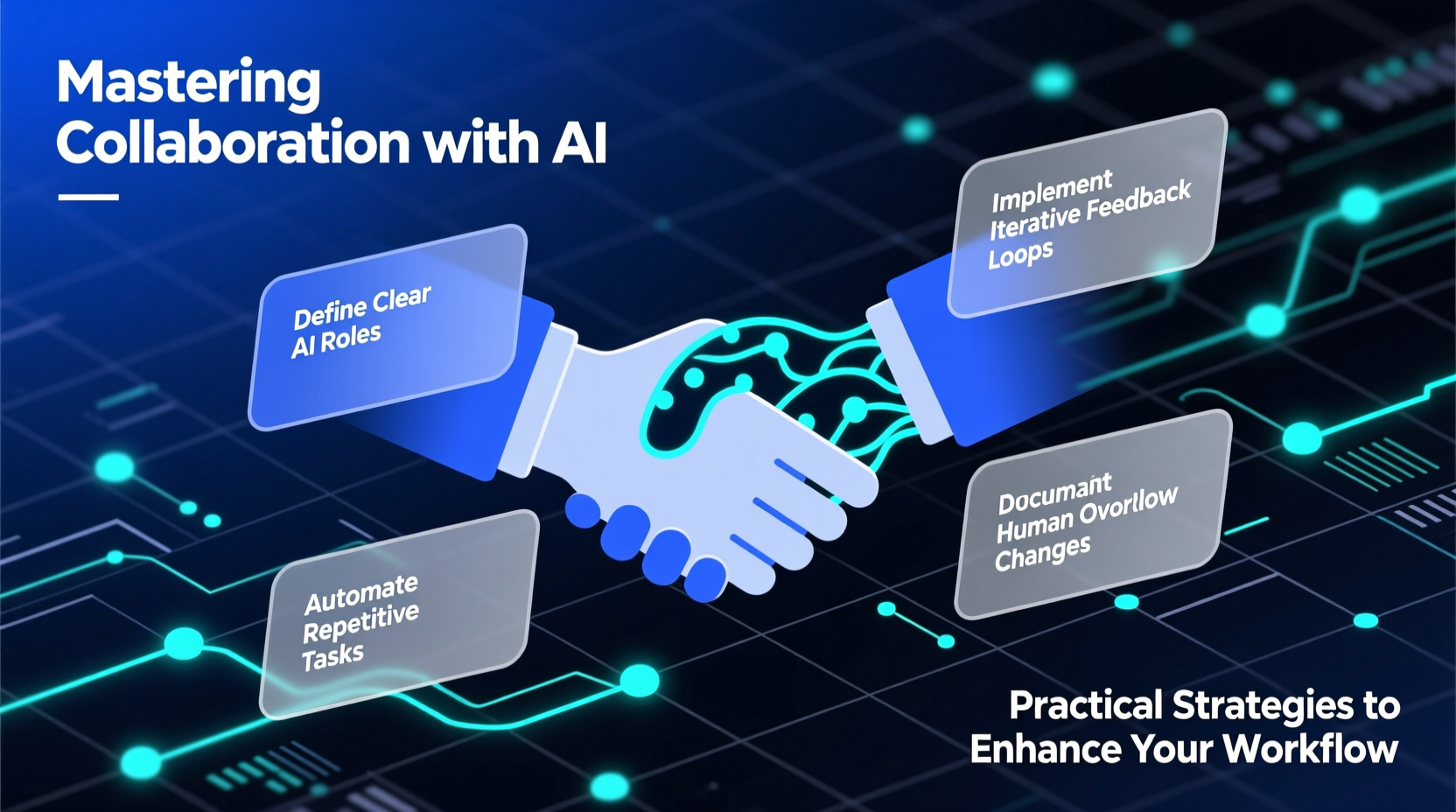
The most effective AI users don’t treat the technology as a magic box that outputs perfect results. Instead, they act as editors, strategists, and quality controllers. AI excels at speed and pattern recognition, but it lacks context, judgment, and emotional intelligence. Your role shifts from doing every task yourself to curating, refining, and directing AI-generated content.
For example, instead of writing a full report from scratch, prompt AI to generate a structured outline based on your notes. Then, refine each section with your expertise, ensuring tone, accuracy, and strategic alignment. This approach reduces cognitive load and frees up mental energy for higher-level thinking.
2. Optimize Prompt Engineering for Better Output
Prompt engineering is the skill of crafting inputs that yield high-quality, relevant responses. It’s the foundation of effective AI collaboration. Vague prompts lead to generic results; specific, contextual prompts unlock precision and creativity.
Use this framework for stronger prompts:
- Define the role: “Act as a senior marketing strategist.”
- State the objective: “Create a campaign plan for launching a sustainable skincare line.”
- Add constraints: “Target audience: eco-conscious women aged 28–45. Budget under $50K.”
- Specify format: “Deliver a one-page summary with three key tactics.”
This method transforms AI from a passive responder into an active contributor aligned with your goals.
Common Prompt Mistakes to Avoid
| Mistake | Better Approach |
|---|---|
| “Write something about climate change.” | “Draft a 300-word LinkedIn post explaining the business risks of climate change for tech companies, using recent IPCC findings.” |
| “Help me with my presentation.” | “Generate five compelling slide titles for a sales pitch targeting healthcare providers, focusing on AI-driven diagnostics.” |
| No follow-up iteration | Refine output with feedback: “Make this more concise,” or “Use a conversational tone.” |
3. Build an AI-Augmented Workflow System
Integrating AI into your daily routine requires intentionality. Rather than using it sporadically, embed it into repeatable processes. Identify tasks that are time-consuming but rule-based—these are ideal for AI support.
Consider a content creation workflow:
- Research phase: Use AI to summarize articles, extract trends, and identify gaps.
- Drafting phase: Generate first drafts or bullet points based on outlines.
- Editing phase: Ask AI to check grammar, readability, and tone consistency.
- Repurposing: Convert a blog post into social media snippets, email summaries, or presentation slides.
This system doesn’t eliminate your role—it enhances it by handling volume while you focus on nuance, strategy, and human connection.
“AI won’t replace professionals, but professionals who use AI will replace those who don’t.” — Andrew Ng, AI researcher and educator
4. Real-World Example: How a Marketing Team Scaled Content Output
A mid-sized B2B software company struggled to maintain a consistent content calendar. Their team of three spent over 20 hours weekly on research and drafting. After implementing AI collaboration strategies, they redesigned their workflow.
They began by training the team on prompt design and assigned roles: one member focused on input (crafting detailed prompts), another on editing and fact-checking, and a third on integration (adding visuals, publishing). AI handled initial research summaries and draft generation.
Within six weeks, content output doubled without additional hires. More importantly, quality improved because team members had more time to refine messaging and engage with customer feedback. The AI didn’t write the final pieces—but it made high-quality writing possible at scale.
5. Establish Ethical and Quality Guardrails
With great efficiency comes responsibility. Blind trust in AI can lead to errors, plagiarism, or tone-deaf communication. Implementing guardrails ensures reliability and integrity.
Develop a checklist for every AI-assisted task:
- ✅ Verify all data and statistics against trusted sources
- ✅ Ensure originality—run content through plagiarism checkers
- ✅ Confirm tone matches brand voice and audience expectations
- ✅ Remove any biased or ambiguous language
- ✅ Attribute AI use transparently when required (e.g., academic or journalistic contexts)
Additionally, avoid delegating tasks involving sensitive decisions, emotional intelligence, or ethical judgment. AI can inform, but humans must decide.
Step-by-Step Guide: Integrating AI into Your Weekly Workflow
- Map repetitive tasks: List activities consuming more than two hours per week (e.g., email drafting, meeting summaries).
- Select AI tools: Choose platforms suited to your needs (e.g., Grammarly for writing, Otter.ai for transcription, ChatGPT for ideation).
- Design prompts: Create templates for common requests to ensure consistency.
- Test and refine: Run small pilots, compare AI output to your standards, and adjust prompts accordingly.
- Scale gradually: Expand AI use to new areas only after establishing trust and process clarity.
- Review weekly: Set aside 30 minutes to evaluate what worked, what didn’t, and where human intervention was essential.
Frequently Asked Questions
Can AI understand my company’s unique voice?
Yes—but only if you train it. Provide examples of past communications, define tone guidelines (e.g., “professional yet approachable”), and refine outputs until alignment improves. Over time, AI can replicate your voice with high fidelity.
How do I avoid sounding robotic when using AI-generated text?
Always edit for rhythm, personality, and emotional resonance. Insert personal anecdotes, vary sentence structure, and read aloud before publishing. AI provides a foundation; your voice brings it to life.
Is relying on AI risky for job security?
On the contrary, mastering AI collaboration makes you more valuable. Roles are shifting toward oversight, strategy, and innovation—skills AI cannot replicate. Those who adapt become leaders in their fields.
Conclusion: Lead the Collaboration, Don’t Follow the Machine
Mastering collaboration with AI isn’t about becoming dependent on technology—it’s about leveraging it to become more creative, efficient, and impactful. The future belongs to those who can seamlessly blend human insight with machine speed. By refining your prompts, designing smart workflows, and maintaining editorial control, you turn AI from a tool into a true partner.




 浙公网安备
33010002000092号
浙公网安备
33010002000092号 浙B2-20120091-4
Comments
No comments yet. Why don't you start the discussion?