
In today’s digital-first landscape, businesses can no longer rely solely on static content to communicate their value. Corporate video has become a cornerstone of modern branding, sales enablement, and internal communication. But producing effective videos isn’t just about having a camera—it’s about crafting stories that resonate. Done right, corporate video builds trust, clarifies messaging, and amplifies impact across audiences. This guide walks through the essential steps to master corporate video production with a focus on strategic, story-driven outcomes.
The Power of Story in Business Video
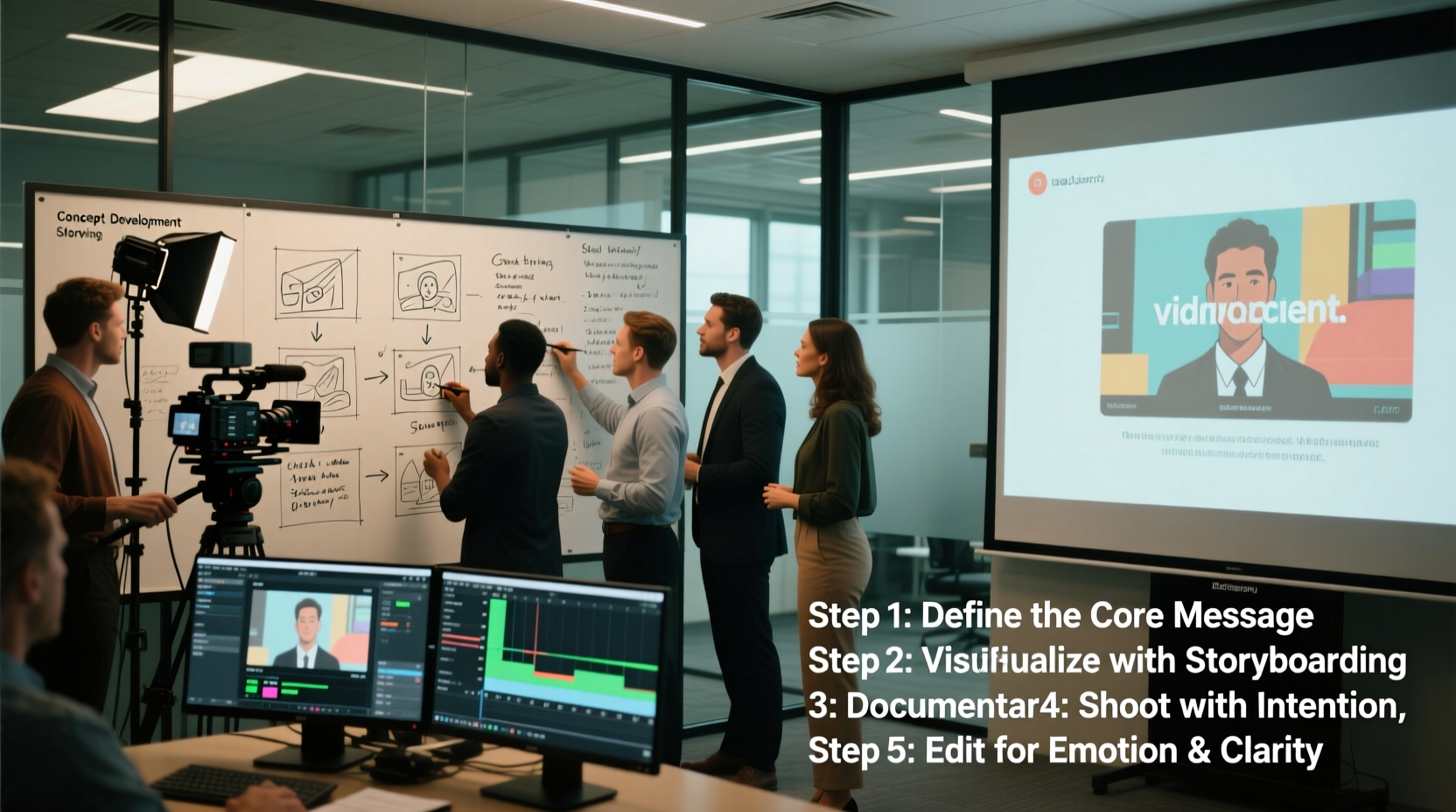
At its core, every memorable video tells a story. In the corporate world, storytelling transforms abstract values like “innovation” or “customer commitment” into tangible experiences. A well-told story engages emotions, increases retention, and motivates action—whether it’s a client signing a contract, an employee feeling inspired, or a prospect understanding your solution.
Business storytelling doesn’t require Hollywood drama. It hinges on authenticity, clarity, and relevance. Consider how Apple frames product launches not as technical specs but as narratives about human creativity. Or how Salesforce uses customer success stories to illustrate real-world impact. These brands don’t just present—they connect.
“People forget facts, but they remember stories. In corporate communications, storytelling is not a luxury—it’s a strategic necessity.” — Rachel Kim, Director of Content Strategy at Deloitte Digital
Step-by-Step Guide to Corporate Video Production
Creating compelling corporate video content follows a structured process. Skipping steps often leads to wasted time, budget overruns, and underperforming videos. Follow this proven sequence to ensure quality and alignment from concept to delivery.
- Define Your Objective: Is the video for brand awareness, training, investor relations, or lead generation? Clear goals shape tone, length, and distribution.
- Identify Your Audience: Tailor language, visuals, and pacing to your viewers—executives, employees, or customers each respond differently.
- Develop the Story Concept: Use narrative frameworks like problem-solution-benefit or hero’s journey to structure your message.
- Write a Script & Create a Storyboard: Scripts ensure consistency; storyboards visualize scenes and transitions before filming.
- Plan Logistics: Schedule talent, locations, equipment, and crew. Account for permits, lighting, and sound requirements.
- Shoot with Intention: Focus on clean audio, stable shots, and authentic performances. Avoid over-relying on jargon.
- Edit for Impact: Trim redundancies, add music or graphics sparingly, and maintain pacing that holds attention.
- Review & Approve: Share drafts with stakeholders early. Incorporate feedback without losing creative direction.
- Distribute Strategically: Publish on appropriate platforms—LinkedIn, internal portals, websites—and track performance.
- Analyze & Optimize: Use metrics like completion rate, shares, and conversion to refine future videos.
Essential Elements of Impactful Business Videos
Not all corporate videos are created equal. The most effective ones share common traits that elevate them beyond generic presentations.
- Clear Messaging: One primary idea per video. Avoid cramming multiple topics into a single piece.
- Authenticity: Real employees, real challenges, real solutions. Viewers detect when content feels staged.
- Strong Opening: Hook within the first 5 seconds. Start with a question, surprising fact, or emotional moment.
- Visual Consistency: Align color grading, fonts, and logo placement with brand guidelines.
- Call to Action: Tell viewers what to do next—visit a site, contact sales, complete training.
Common Pitfalls to Avoid
| Pitfall | Why It Hurts | Better Approach |
|---|---|---|
| Too long (over 3 minutes) | Drop-off increases significantly after 90 seconds | Aim for 60–90 seconds; save details for follow-up content |
| Poor audio quality | Even great visuals fail if dialogue is muffled or echoey | Use lavalier mics and test sound in advance |
| Jargon-heavy script | Alienates non-experts and reduces clarity | Use plain language; explain terms when necessary |
| No clear purpose | Leaves viewers unsure why they watched | Start with a defined objective and revisit it throughout |
Real-World Example: How TechFlow Doubled Engagement
TechFlow, a mid-sized SaaS company, struggled to onboard new clients effectively. Their PDF manuals were ignored, and support tickets spiked in the first two weeks post-sale. They decided to produce a series of short welcome videos—each under two minutes—featuring actual customer success managers walking users through setup.
The videos used screen recordings, friendly narration, and subtle animations. Launched via email and embedded in the client portal, they achieved a 78% view rate in the first month. Within three months, initial support queries dropped by 42%, and NPS scores rose by 18 points. The key? Authenticity and utility. Clients didn’t feel sold to—they felt supported.
Checklist: Pre-Production Essentials
Before hitting record, confirm the following elements are in place:
- ✅ Defined video goal (e.g., increase conversions, train staff)
- ✅ Target audience profile (job role, pain points, expectations)
- ✅ Approved script and storyboard
- ✅ Talent scheduled and briefed (internal or external)
- ✅ Location scouted and prepped (lighting, noise control)
- ✅ Equipment tested (cameras, mics, tripods, backups)
- ✅ Shot list and production timeline finalized
- ✅ Legal releases signed (for employees, clients, locations)
Frequently Asked Questions
How much does a professional corporate video cost?
Costs vary widely based on scope. A simple talking-head video with basic editing may range from $1,500–$5,000. Larger productions with animation, multiple locations, and crews can exceed $50,000. However, ROI often justifies investment—videos can reduce training time, shorten sales cycles, and improve customer retention.
Can we produce high-quality videos in-house?
Yes, especially with today’s accessible tools. Smartphones with 4K capability, affordable lighting kits, and free editing software like DaVinci Resolve make in-house production viable. Success depends on planning, consistent branding, and attention to audio quality—not just equipment.
How long should our corporate videos be?
It depends on purpose. Explainer videos perform best at 60–90 seconds. Training modules can run 3–5 minutes if segmented. Leadership messages or event recaps may go longer (5–7 minutes) but should remain tightly edited. Always prioritize value over duration.
Conclusion: Turn Vision Into Impact
Mastering corporate video production isn’t about chasing trends or buying expensive gear. It’s about aligning strategy, storytelling, and execution to serve your business goals. Whether you're introducing a new product, reinforcing company culture, or simplifying complex services, video gives you a dynamic tool to communicate with clarity and emotion.
The most impactful videos aren’t the flashiest—they’re the ones that speak directly to the viewer’s needs, respect their time, and leave a lasting impression. Start small, focus on one message at a time, and build competence through iteration. With each video, you’re not just creating content—you’re shaping perception.




 浙公网安备
33010002000092号
浙公网安备
33010002000092号 浙B2-20120091-4
Comments
No comments yet. Why don't you start the discussion?