
Quartz watches are celebrated for their precision, durability, and ease of use. Among their most common and useful features is the date display—a small window typically located at the 3 o’clock position that shows the current day of the month. While seemingly straightforward, many wearers overlook the nuances of how this function operates, leading to confusion or incorrect settings. Understanding how to read and adjust the date on your quartz watch ensures accuracy, prevents damage, and enhances your overall experience with the timepiece.
How Quartz Watch Date Functions Work
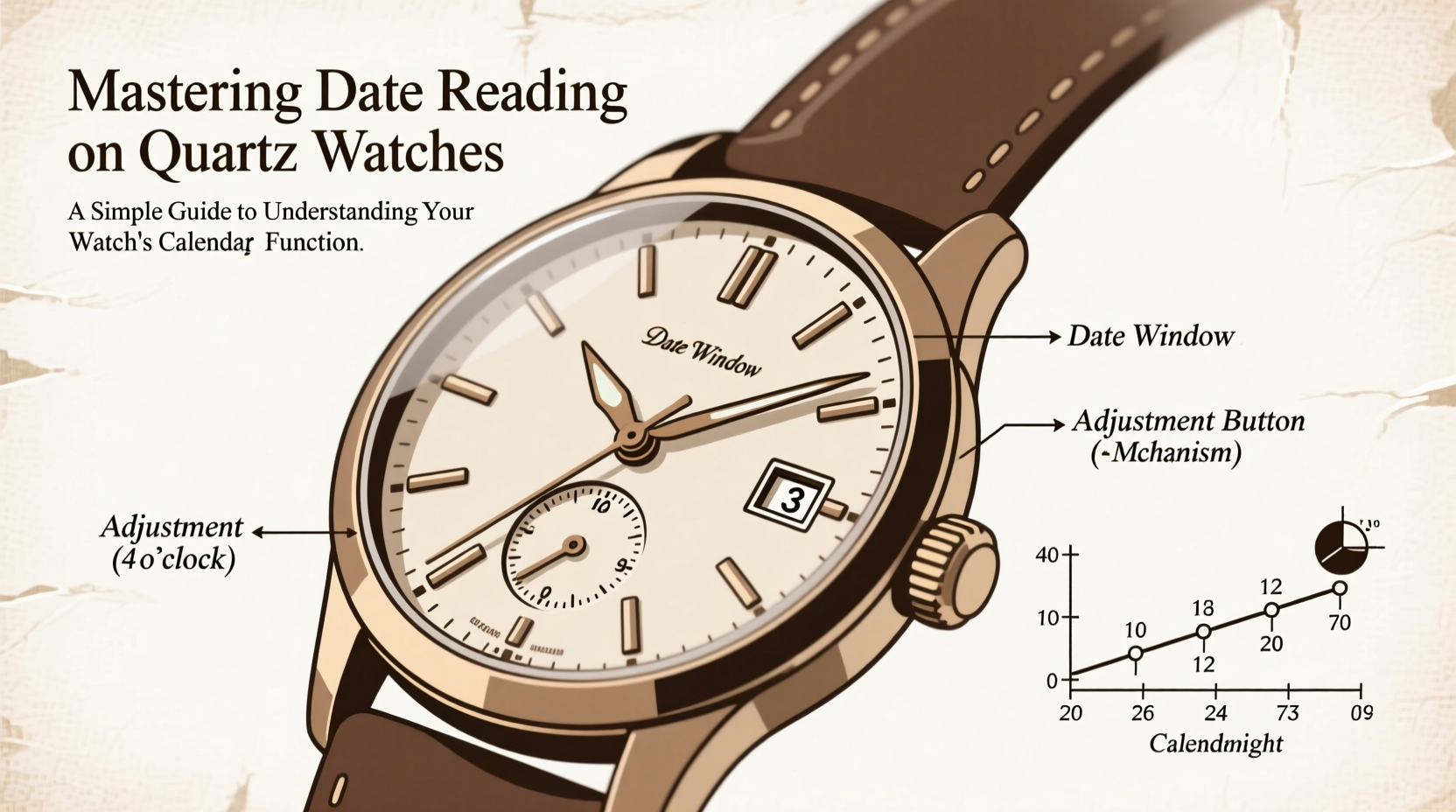
Unlike mechanical watches, which rely on complex gear trains powered by a wound spring, quartz watches operate using a battery-powered electronic oscillator regulated by a tiny quartz crystal. This system drives the movement with high accuracy—typically within ±15 seconds per month. The date mechanism in a quartz watch is synchronized with this oscillation, advancing the date once every 24 hours.
The date change usually occurs gradually over several minutes or instantaneously around midnight. However, not all quartz watches change at exactly 12:00 a.m. Some models begin transitioning as early as 11:40 p.m., while others may complete the shift closer to 12:20 a.m. This variation depends on the internal movement design and should be considered when setting the time manually.
“Many people force the date change by rapidly cycling the hands past midnight, not realizing they’re risking gear misalignment. Patience is key.” — Daniel Ruiz, Watch Technician & Horology Instructor
Reading the Date Correctly: What You Need to Know
At first glance, reading the date seems self-explanatory: simply look at the number in the aperture (the small window). But subtle details matter. For example:
- The displayed date reflects the current day based on the 12-hour cycle shown by the hour hand.
- If your watch shows 11:30 p.m. and the date hasn’t changed yet, it’s still today’s date—not tomorrow’s.
- After midnight, the date will update to reflect the new day.
Misinterpreting this can lead to confusion, especially during late-night hours. Always confirm whether the hour hand has passed 12 a.m. before assuming the date has advanced.
Setting the Date Safely: A Step-by-Step Guide
Improper date adjustment is one of the most common causes of long-term damage in quartz watches. Many movements use a delicate intermediate wheel train that only engages during specific hours. Adjusting the date during these restricted times can cause gear stripping or misalignment.
Follow These Steps to Set the Date Without Risk
- Check the current time: Ensure the watch displays a time between 6:00 a.m. and 8:00 p.m.
- Pull the crown to the first detent: On most quartz watches, pulling the crown halfway out activates the date function.
- Turn the crown clockwise: Each full rotation typically advances the date by one day. Do not turn counterclockwise unless your model specifically allows it.
- Set the correct date: Advance until the desired date appears in the aperture.
- Push the crown back in: Once set, fully seat the crown to restore water resistance.
- Adjust the time if needed: After setting the date, set the precise time by pulling the crown to the second detent and rotating the hands.
Never attempt to change the date between 9:00 p.m. and 3:00 a.m., as this is when the mechanism is actively preparing for or executing the daily jump. Doing so may result in incomplete changes or internal stress.
Date vs. Day-Date Models: Knowing the Difference
Some quartz watches include both a date and a day-of-the-week display, commonly labeled as “day-date” models. These often feature two apertures near the 3 o’clock position—one showing the date, the other the abbreviated day (e.g., MON, TUE).
On such watches, both functions are typically adjusted via the crown positions:
- First detent: adjusts the day and/or date depending on direction turned.
- Second detent: sets the time.
Because these mechanisms are linked but separate, setting them requires care. For instance, turning the crown backward might change the day without affecting the date, potentially creating inconsistency.
| Feature | Date-Only Watch | Day-Date Watch |
|---|---|---|
| Display Window(s) | One (date) | Two (date + day) |
| Crown Function – First Detent | Advances date forward | May cycle day or date depending on model |
| Best Time to Adjust | 6 a.m.–8 p.m. | 6 a.m.–8 p.m. |
| Common Adjustment Issue | Changing during night cycle | Desynchronizing day and date |
Avoiding Common Mistakes: Do’s and Don’ts
Even experienced users sometimes make errors when managing their watch’s calendar. The following checklist helps prevent avoidable issues.
✅ Do’s
- Set the date only between 6:00 a.m. and 8:00 p.m.
- Use gentle pressure when adjusting via the crown.
- Verify alignment after setting—ensure no partial digits appear in the aperture.
- Consult your watch manual for model-specific instructions.
❌ Don’ts
- Don’t change the date while the hour hand is between 9:00 p.m. and 3:00 a.m.
- Don’t force the crown if it resists—this may indicate improper positioning.
- Don’t assume all quartz watches behave the same; variations exist across brands like Casio, Seiko, Citizen, and Tissot.
- Don’t neglect battery replacement—low power can cause sluggish or failed date changes.
Real-World Example: Traveler’s Dilemma
Sarah, a frequent traveler, landed in Tokyo after a red-eye flight from New York. Her quartz watch, set to EST, now showed 3:00 a.m. local time. She noticed the date had already changed on her watch, indicating Tuesday, but her phone said Monday. Confused, she attempted to manually roll back the date through the crown.
Unaware of the restricted adjustment window, she forced the mechanism during the sensitive period. Two days later, the date stopped advancing altogether. A visit to a local watchmaker revealed minor gear damage caused by improper handling. After repair and proper re-setting, Sarah learned to always wait until mid-morning to adjust her watch after crossing time zones.
This case illustrates why respecting the internal timing of your quartz movement is essential—even small actions can have lasting consequences.
Frequently Asked Questions
Why does my date change slowly over several minutes?
Some quartz movements use a \"slow-change\" mechanism where the date begins shifting shortly before midnight and completes the transition over 10–30 minutes. This is normal and indicates a well-designed, low-stress system.
Can I set the date backward on my quartz watch?
Most standard quartz watches do not support backward date adjustment via the crown. Attempting to do so may damage the mechanism. To go backward, advance the hands forward by 24-hour increments instead.
What should I do if the date doesn’t change at all?
First, ensure the battery isn’t depleted. If the hands move but the date doesn’t, the issue may lie in the date jumper or gear train. Visit an authorized service center rather than attempting disassembly yourself.
Final Thoughts: Make the Most of Your Watch’s Intelligence
The date function on a quartz watch is more than a convenience—it’s a testament to decades of engineering refinement. When used correctly, it provides reliable, automatic tracking of time that complements modern lifestyles. By understanding how and when to interact with this feature, you preserve the integrity of your watch and enjoy seamless performance for years.
Whether you own a classic Seiko, a rugged Casio G-Shock, or an elegant Citizen Eco-Drive, mastering the calendar function empowers you to get the most from your investment. Treat your watch with informed care, and it will serve you with quiet precision every day.




 浙公网安备
33010002000092号
浙公网安备
33010002000092号 浙B2-20120091-4
Comments
No comments yet. Why don't you start the discussion?