
Digital art has transformed the way creators express themselves. From concept design to personal illustration, the digital canvas offers limitless possibilities. Unlike traditional media, digital tools allow for instant corrections, layer-based workflows, and global sharing—all from a single device. But starting can feel overwhelming. With so many software options, hardware choices, and techniques to explore, where do you begin? This guide breaks down the process into clear, actionable steps, helping you build confidence, develop skills, and establish a sustainable creative practice.
1. Understanding Digital Art: What It Is and Why It Matters
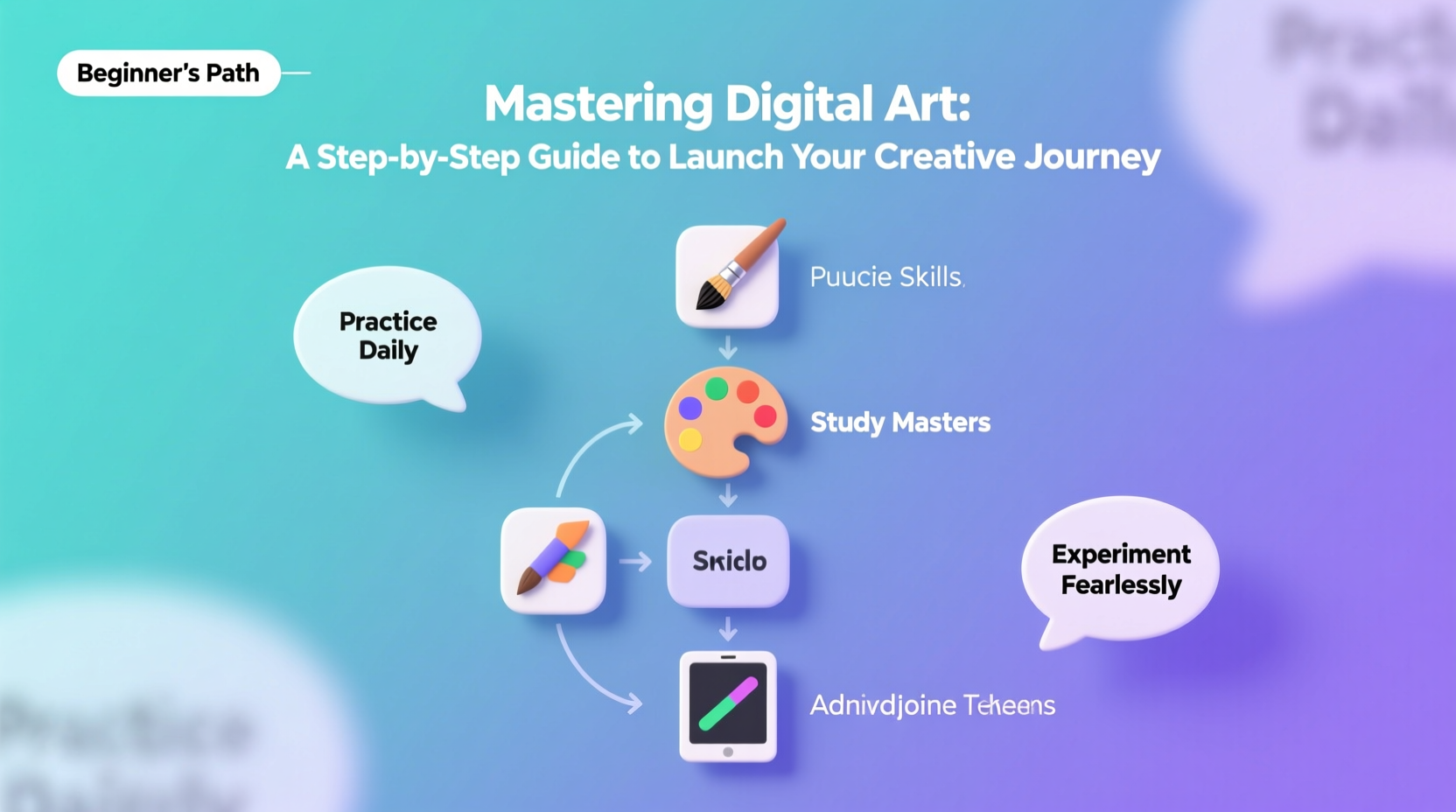
Digital art refers to any artwork created or manipulated using digital technology. This includes illustrations, concept art, photo manipulations, animations, and even NFTs. The medium is not defined by style but by method—using devices like tablets, styluses, computers, and specialized software such as Adobe Photoshop, Procreate, or Clip Studio Paint.
The accessibility of digital tools has democratized art creation. You no longer need expensive canvases, paints, or studio space. A single tablet can replace an entire art supply closet. More importantly, digital platforms allow artists to share work instantly on social media, collaborate remotely, and monetize their creations through commissions, prints, or digital marketplaces.
“Digital art isn’t about replacing traditional methods—it’s about expanding what’s possible.” — Lena Park, Digital Illustrator & Educator
2. Building Your Foundation: Tools and Setup
Before diving into technique, ensure your workspace supports creativity. The right tools don’t have to be expensive, but they should be functional and comfortable for long sessions.
Essential Hardware
- Graphics Tablet or iPad: Wacom tablets are industry standards, but affordable alternatives like Huion or XP-Pen offer excellent value. For mobile creation, an iPad with Apple Pencil and Procreate is a powerful combo.
- Computer: A machine with sufficient RAM (8GB minimum, 16GB recommended) and a decent processor ensures smooth performance in graphic-heavy applications.
- Stylus: Choose one with pressure sensitivity (at least 2048 levels) for natural brush response.
Software Options by Skill Level
| Skill Level | Recommended Software | Key Features |
|---|---|---|
| Beginner | Krita (Free) | Open-source, intuitive interface, great brushes |
| Intermediate | Clip Studio Paint | Excellent for comics and animation, one-time purchase |
| Advanced | Adobe Photoshop + Illustrator | Industry standard, full creative control, subscription-based |
| Mobile Creator | Procreate | iPad-only, highly responsive, low learning curve |
3. Step-by-Step Guide to Launching Your Journey
Becoming proficient in digital art is less about talent and more about consistent practice and structured learning. Follow this six-phase roadmap to build momentum and avoid common beginner pitfalls.
- Phase 1: Learn the Interface (Week 1–2)
Choose one software and spend time exploring its layout. Learn how to create layers, use basic brushes, undo actions, and save files. Watch beginner tutorials specific to your chosen program. - Phase 2: Practice Core Drawing Skills (Week 3–6)
Focus on fundamentals: lines, shapes, proportions, and perspective. Draw simple objects daily. Use reference images and trace over photos to understand form and light. - Phase 3: Study Color Theory and Lighting (Week 7–8)
Experiment with color palettes. Understand warm vs. cool tones, complementary colors, and value contrast. Create grayscale studies to master shading before adding color. - Phase 4: Develop a Personal Workflow (Week 9–10)
Create a repeatable process: sketch → line art → base colors → shading → highlights. Save custom brushes and layer presets to speed up future projects. - Phase 5: Build a Small Portfolio (Week 11–12)
Select 5–6 of your best pieces. Include variety—character design, landscape, still life. Share them on platforms like Instagram, ArtStation, or DeviantArt. - Phase 6: Engage with the Community
Join online forums, participate in challenges like Inktober, and seek constructive feedback. Growth accelerates when you’re part of a creative ecosystem.
4. Common Challenges and How to Overcome Them
Every artist faces hurdles early on. Recognizing them—and knowing how to respond—is key to staying motivated.
Challenge: “My drawings look flat or unnatural”
This often stems from weak understanding of anatomy, perspective, or lighting. Solution: Break complex subjects into basic geometric forms. Use 3D model references or pose apps like Posemaniacs to study human structure.
Challenge: “I keep changing styles and never finish anything”
Style evolves through repetition, not random experimentation. Commit to finishing at least 10 pieces in the same style before switching. Completion builds confidence and reveals patterns in your strengths.
Challenge: “I’m stuck in perfectionism”
Perfectionism kills progress. Set time limits per piece—start with 30-minute sketches. Embrace rough drafts. Remember: every professional artist produces “bad” work on the path to mastery.
“Your first 100 pieces will be terrible. That’s why you should get them out of the way quickly.” — Ira Glass, Creative Director, This American Life
5. Real Example: From Novice to Published Artist
Meet Diego Rivera (not the famous muralist), a 28-year-old graphic designer who started digital drawing during lockdown. With no formal art training, he began using a secondhand Wacom tablet and Krita. His first sketches were shaky, and colors clashed. But he committed to drawing 20 minutes a day. By month three, he posted a stylized portrait on Reddit’s r/digitalpainting. The community offered feedback, which he used to refine his next piece. Within six months, he illustrated a friend’s self-published book. Today, he sells digital stickers and teaches weekend workshops. His advice? “Don’t wait until you’re ‘good enough.’ Start now, share early, and let the process shape you.”
Checklist: Launch Your Digital Art Journey in 30 Days
- ✅ Choose one digital art software and install it
- ✅ Set up a dedicated workspace with proper lighting
- ✅ Complete 10 basic shape and line control exercises
- ✅ Draw from 5 real-life references (objects, people, scenes)
- ✅ Learn how to use layers, blend modes, and selection tools
- ✅ Finish one complete illustration (sketch to final)
- ✅ Share your work publicly—even if it feels imperfect
- ✅ Join one online art challenge or community
Frequently Asked Questions
Do I need to know how to draw traditionally before going digital?
No. While traditional drawing experience helps, many successful digital artists start entirely in the digital realm. The core principles—proportion, perspective, composition—are the same. Digital tools may even accelerate learning with features like symmetry guides and undo functions.
How much time should I practice each day?
Consistency matters more than duration. Aim for 20–30 focused minutes daily rather than sporadic long sessions. Short, regular practice builds muscle memory and keeps motivation high.
Can I make money from digital art as a beginner?
Yes, but not immediately. Monetization comes after building skill and visibility. Start with small gigs—custom avatars, social media graphics, or print-on-demand designs. As your portfolio grows, so do opportunities for commissions, teaching, or licensing.
Conclusion: Begin Where You Are
Mastering digital art isn’t about having the latest gear or innate talent. It’s about showing up, practicing deliberately, and embracing the learning curve. Every stroke you make sharpens your eye and strengthens your hand. The digital canvas waits for no one—open your software, pick a brush, and make your first mark. Progress follows action. Share your journey, learn from others, and remember: every expert was once a beginner staring at a blank screen.




 浙公网安备
33010002000092号
浙公网安备
33010002000092号 浙B2-20120091-4
Comments
No comments yet. Why don't you start the discussion?