
Smart glasses are no longer just a futuristic concept—they’re part of everyday life. From augmented reality navigation to hands-free calls, these wearable devices are evolving fast. One of the most underutilized yet powerful features is discreet music playback. Whether you're commuting, walking through a busy city, or working in a shared space, playing music through smart glasses offers convenience without drawing attention. But mastering this functionality requires more than just pairing your device. It demands an understanding of audio settings, etiquette, battery management, and privacy.
Unlike traditional headphones or earbuds, smart glasses use open-ear audio technology—typically bone conduction or directional speakers—to deliver sound directly to your ears while keeping ambient noise audible. This design enhances situational awareness but introduces challenges in volume control, sound leakage, and clarity. The key is balancing personal enjoyment with discretion.
Understanding Smart Glass Audio Technology
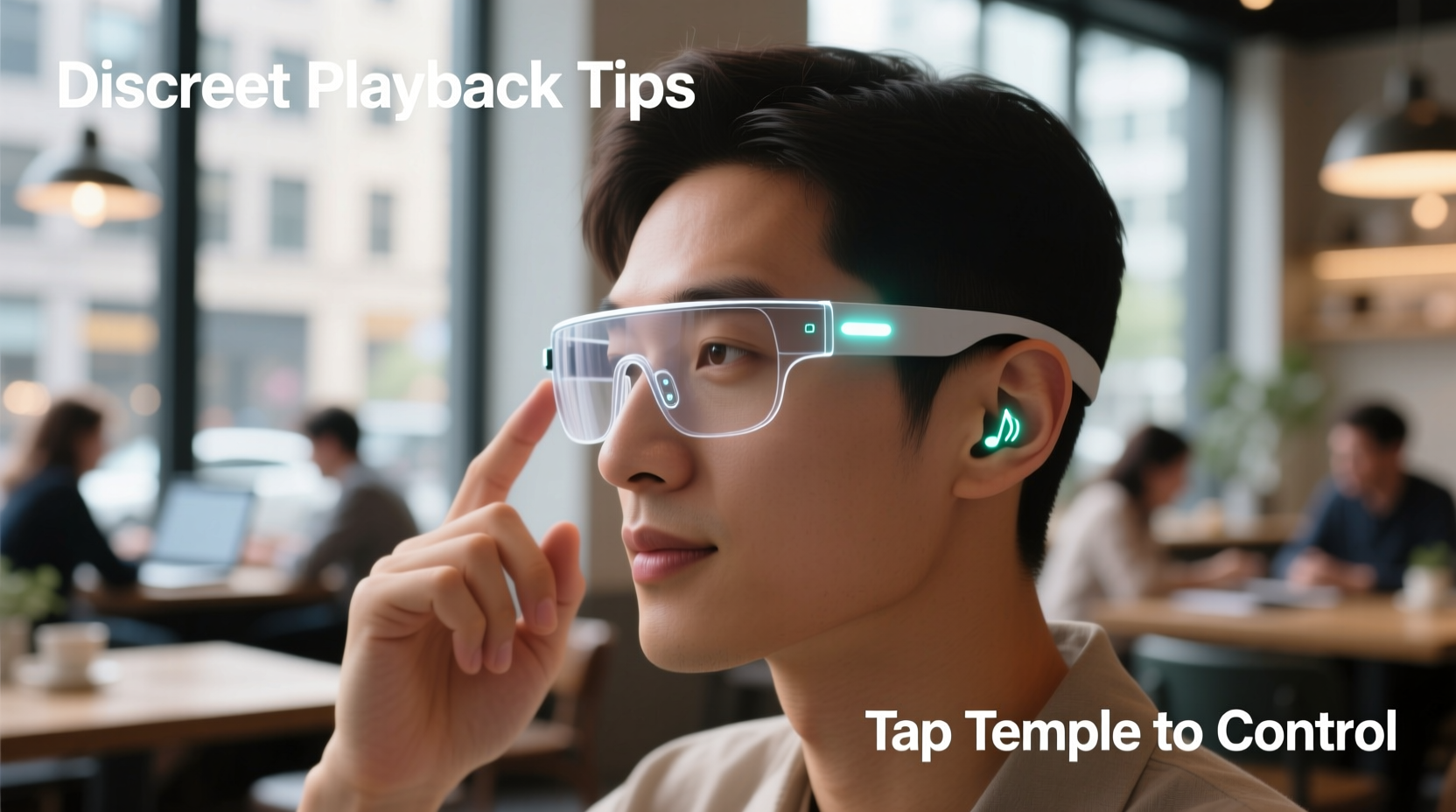
Before diving into best practices, it's essential to understand how audio works on smart glasses. Most models use one of two methods:
- Bone Conduction: Transmits sound through vibrations in the cheekbones, bypassing the eardrum. Ideal for users who need full environmental awareness.
- Open-Ear Directional Speakers: Emit focused sound near the ears, minimizing external leakage. Common in brands like Bose Frames and Ray-Ban Meta.
Both technologies avoid inserting anything into the ear canal, which reduces fatigue during long-term use. However, they can leak sound at higher volumes, especially in quiet environments. Recognizing the limitations and strengths of your device’s audio system is the first step toward truly discreet playback.
“Discretion isn’t just about volume—it’s about timing, context, and user behavior.” — Dr. Lena Patel, Wearable Tech Researcher at MIT Media Lab
Optimizing Audio Settings for Privacy and Clarity
To ensure your music remains private while still being enjoyable, fine-tuning your device settings is crucial. Many users default to maximum volume when outdoor noise increases, but this defeats the purpose of discretion. Instead, follow these optimization steps:
- Adjust equalizer settings to boost mid-range frequencies, where human voice and melody reside, improving clarity at lower volumes.
- Use noise-aware modes if available (e.g., Bose AR’s automatic volume adjustment based on surroundings).
- Enable “Do Not Disturb” or “Focus Mode” to prevent notifications from interrupting your playlist unexpectedly.
- Set default volume limits via companion apps to avoid accidental loud playback.
Step-by-Step Guide to Seamless Playback Setup
Getting the most out of your smart glasses starts with proper configuration. Follow this sequence to ensure smooth, consistent performance:
- Pair Your Device: Use Bluetooth to connect your smart glasses to your smartphone. Ensure they appear as “Media Audio” and not just “Call Audio” for full music support.
- Assign a Dedicated Music App: Choose one primary app (Spotify, Apple Music, etc.) and set it as the default player to reduce switching delays.
- Create Low-Volume Playlists: Curate playlists with tracks that perform well at low levels—acoustic versions, lo-fi beats, or instrumental jazz often work best.
- Test in Multiple Environments: Walk through quiet parks, busy streets, and indoor spaces to gauge optimal volume thresholds.
- Update Firmware Regularly: Manufacturers often release audio enhancements and bug fixes—keep your glasses updated via the official app.
Do’s and Don’ts of Discreet Listening
| Do’s | Don’ts |
|---|---|
| Use playlists with consistent volume levels to avoid sudden spikes | Play bass-heavy tracks at high volume—low frequencies travel farther and leak more easily |
| Wear glasses snugly; poor fit reduces sound delivery and increases leakage | Assume no one can hear you—always test in real conditions |
| Take breaks every 60–90 minutes to prevent auditory fatigue | Leave music playing when not actively listening—drains battery and risks unintended exposure |
| Use voice commands to skip tracks or adjust volume hands-free | Forget to clean temple pads regularly—sweat buildup affects both hygiene and audio transmission |
Real-World Scenario: Commuting Without Drawing Attention
Consider Mark, a UX designer living in downtown Chicago. He walks 25 minutes to work each morning through crowded sidewalks and transit hubs. For years, he used earbuds, but found them isolating and occasionally unsafe when crossing streets. After switching to Ray-Ban Meta glasses, he wanted to listen to his favorite indie rock playlist without disturbing others.
Initially, he turned the volume up to overcome traffic noise, only to realize people nearby could clearly hear his music. He adjusted by switching to instrumental covers, lowering the bass, and using the app’s dynamic volume feature. He also began starting his playlist only after exiting residential zones. Within a week, he achieved a balance: immersive enough for enjoyment, quiet enough to respect those around him. His colleagues even complimented his “cool, calm commute vibe.”
This example illustrates that success isn’t just technical—it’s behavioral. Small adjustments in content choice and timing make a significant difference.
Frequently Asked Questions
Can people really hear my music through smart glasses?
Yes, especially in quiet environments or at high volumes. Open-ear designs are designed to minimize leakage, but physics dictates that sound escapes. At moderate levels (below 60% volume), leakage is typically limited to immediate proximity (within 1–2 feet). Testing in real-world conditions is the best way to assess audibility.
Are smart glasses suitable for extended music sessions?
They’re ideal for light to moderate use—up to 1–2 hours at a time. Prolonged wear may cause pressure behind the ears or auditory fatigue due to constant vibration (in bone conduction models). Take regular breaks and alternate with other listening methods when possible.
How do I prevent others from connecting to my smart glasses?
Disable discoverable mode when not pairing new devices. Most companion apps allow you to lock Bluetooth visibility or require confirmation before accepting new connections. Also, remove unused paired devices from your phone’s Bluetooth list to prevent accidental reconnection.
Final Checklist for Mastering Discreet Playback
- ✅ Confirm your smart glasses support media audio playback
- ✅ Pair with your primary device and set default music app
- ✅ Adjust EQ settings for clarity at low volumes
- ✅ Create discreet-friendly playlists (low bass, consistent dynamics)
- ✅ Test volume in various environments
- ✅ Clean temple pads weekly for optimal sound transfer
- ✅ Enable firmware updates automatically
- ✅ Practice situational awareness—never compromise safety for audio
Conclusion: Elevate Your Experience with Mindful Listening
Discreet music playback on smart glasses isn’t just about technology—it’s about mindfulness. The ability to enjoy music while staying present in your environment is a unique advantage of wearable audio. By optimizing settings, choosing appropriate content, and respecting social norms, you can enhance your daily routines without disrupting those around you.
The future of personal audio is integrated, intelligent, and invisible. As smart glasses become more common, the users who master their subtleties will lead the way in blending tech seamlessly into life. Start applying these tips today, refine your habits, and redefine what it means to listen—quietly, clearly, and confidently.




 浙公网安备
33010002000092号
浙公网安备
33010002000092号 浙B2-20120091-4
Comments
No comments yet. Why don't you start the discussion?