
In an age where hands-free documentation is increasingly valuable, smart glasses have emerged as powerful tools for capturing moments without disrupting the flow of life. From journalists to field technicians, educators to travel vloggers, professionals across industries are turning to smart glasses for seamless video recording. However, the ability to record discreetly brings significant responsibility. Done well, it enhances storytelling and efficiency. Done poorly—or unethically—it risks privacy violations and reputational damage. This guide provides actionable strategies, legal considerations, and technical insights to help you master discreet video recording with confidence and integrity.
Understanding Smart Glasses Technology
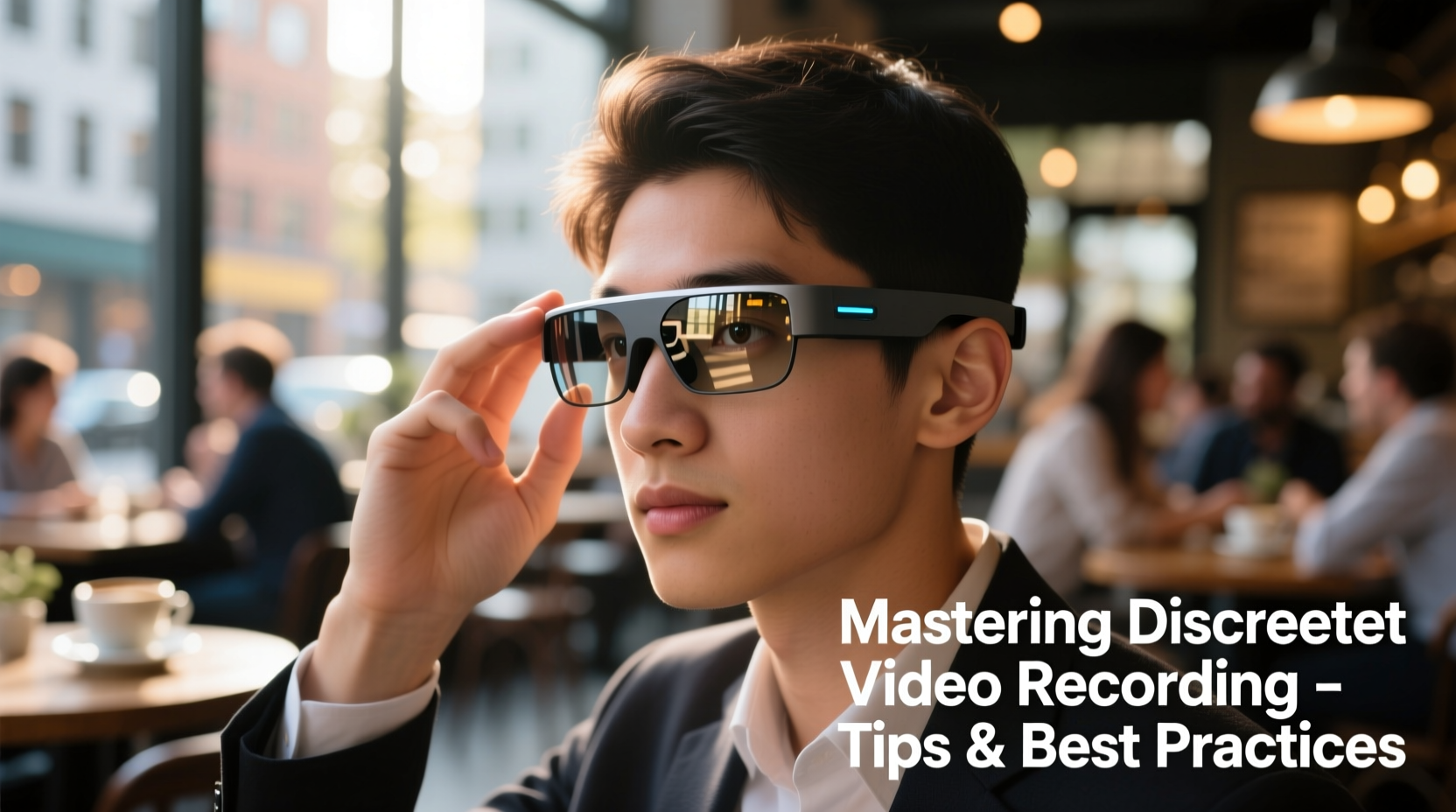
Smart glasses integrate miniature cameras, microphones, processors, and connectivity into a wearable frame that resembles conventional eyewear. Brands like Ray-Ban Meta, Xreal, and Vuzix offer models with varying capabilities—from 720p clips to 4K video and voice-activated controls. The key advantage lies in their subtlety: unlike smartphones or body cams, they allow users to capture first-person perspectives naturally, often without drawing attention.
However, not all smart glasses are designed for stealth. Some emit visible LED indicators when recording, while others produce subtle audio cues. Knowing your device’s behavior is the first step toward effective and responsible use.
Best Practices for Discreet Recording
Discretion isn’t just about avoiding detection—it’s about minimizing disruption and respecting context. Whether documenting public events, conducting interviews, or recording training sessions, follow these principles to maintain professionalism and trust.
- Assess the Environment: Public spaces generally allow more leeway than private settings. Be especially cautious in areas where people expect privacy—restrooms, medical facilities, locker rooms.
- Minimize Visual Cues: Choose models with no active recording lights or cover them if legally permitted (check local laws). Position yourself so lighting doesn't reflect off lenses.
- Use Voice Commands Sparingly: Activating recording via voice may draw attention. Use tactile triggers—like double-tapping the frame—if available and subtle.
- Limit Duration: Record only what’s necessary. Long, continuous captures increase risk and storage demands.
- Stay Mobile: Avoid staring fixedly at subjects. Natural head movements make recording appear incidental rather than intentional.
Do’s and Don’ts of Discreet Recording
| Do | Don’t |
|---|---|
| Inform participants when ethically required | Record conversations without consent in two-party consent states |
| Use recordings for personal notes or training review | Share footage publicly without permission |
| Securely store encrypted files | Leave recordings accessible on unsecured devices |
| Test audio clarity in noisy environments | Assume microphone pickup is omnidirectional and flawless |
Legal and Ethical Considerations
The legality of recording with smart glasses varies widely by jurisdiction. In the United States, federal law permits one-party consent for audio recording, but 12 states—including California and Florida—require all parties to consent. Violating these laws can lead to civil penalties or criminal charges.
Ethically, transparency builds trust. Even when legal, covert recording can erode relationships and credibility.
“With great technological power comes greater accountability. Just because you *can* record doesn’t mean you *should*.” — Dr. Lena Patel, Digital Ethics Researcher, MIT Media Lab
Consider adopting a personal code of conduct: always ask yourself whether the subject would feel comfortable knowing they were recorded. When in doubt, disclose your intent—even briefly. A simple, “I’m using my glasses to take notes—hope that’s okay,” can go a long way.
Step-by-Step Guide to Setting Up for Discreet Capture
Follow this sequence to ensure your smart glasses are configured for optimal, responsible performance:
- Update Firmware: Ensure your device runs the latest software for improved stability and security.
- Adjust Camera Settings: Set resolution based on need—1080p is often sufficient and conserves battery and storage.
- Enable Motion-Activated Recording: If supported, activate short clip recording upon movement to avoid manual triggers.
- Test Audio Levels: Record sample clips in similar environments to adjust mic sensitivity and reduce wind noise.
- Charge Fully & Pack Backup: Smart glasses typically last 1–2 hours under continuous use. Carry a portable charger or spare battery.
- Define Purpose Before Recording: Know exactly why you’re capturing footage—documentation, memory aid, or content creation—and stop when that goal is met.
Real-World Example: Field Documentation in Construction
A project manager at a mid-sized construction firm began using smart glasses to walk through job sites daily. Instead of stopping to take photos or dictate notes, he activated 30-second clips at key checkpoints—foundation pours, electrical inspections, safety audits. After each walkthrough, he reviewed the footage to generate reports and flag inconsistencies.
He followed a strict protocol: never recorded near worker break areas, disabled audio when near private conversations, and stored all videos on an encrypted drive accessible only to supervisors. Over six months, incident reporting accuracy improved by 40%, and team members reported feeling less surveilled than with traditional cameras. The success hinged not on stealth alone—but on transparency about usage and respect for boundaries.
Tips for Audio and Video Quality Optimization
Even the most discreet setup fails if the output is unusable. Prioritize clarity without sacrificing subtlety.
- Position Matters: Tilt your head slightly upward in low-light conditions to maximize lens exposure.
- Reduce Background Noise: Use foam windshields over microphones or edit audio post-capture with tools like Audacity.
- Leverage Cloud Sync: Enable automatic upload to secure cloud storage to prevent data loss if glasses are misplaced.
- Label Files Immediately: Use timestamps or voice tags during recording to simplify later retrieval.
Frequently Asked Questions
Can I use smart glasses to record meetings at work?
You can, but only with prior consent from all attendees in jurisdictions requiring it. Even where legal, workplace policies may prohibit recording. Always check HR guidelines and inform colleagues to maintain trust.
Are there any public places where recording is prohibited?
Yes. Military bases, courthouses, some government buildings, and tribal lands often ban photography and recording. Additionally, private businesses (e.g., theaters, casinos) may enforce their own rules. Observe signage and respect posted restrictions.
How do I know if my smart glasses are compliant with GDPR or CCPA?
If you collect identifiable data from individuals in the EU or California, you must provide notice, allow opt-out, and ensure data protection. For compliance, document your lawful basis for processing, limit data retention, and implement encryption. Consult a privacy officer or legal advisor when in doubt.
Final Checklist Before You Record
- ✅ Device fully charged and tested
- ✅ Camera and mic settings optimized
- ✅ Legal requirements verified for location
- ✅ Consent obtained where necessary
- ✅ Storage space confirmed (or auto-upload enabled)
- ✅ Purpose clearly defined and limited in scope
- ✅ Exit strategy: how and when you’ll stop recording
Conclusion: Record Responsibly, Act Intentionally
Mastery of discreet video recording with smart glasses isn’t measured by how unseen you remain—but by how thoughtfully you wield the technology. When used with preparation, awareness, and ethics, these devices become invaluable aids in learning, accountability, and creative expression. The future of wearable tech depends not on invisibility, but on integrity.




 浙公网安备
33010002000092号
浙公网安备
33010002000092号 浙B2-20120091-4
Comments
No comments yet. Why don't you start the discussion?