
Google Books has quietly become one of the most powerful tools for accessing literature, academic texts, and historical documents. With over 40 million digitized books in its archive, it offers an unparalleled gateway to knowledge. Yet, many users only scratch the surface, unaware of how to navigate its full capabilities. Whether you're researching for a paper, exploring classic novels, or previewing textbooks before purchase, mastering Google Books can save time, deepen understanding, and unlock resources you didn’t know existed.
Understanding What Google Books Offers
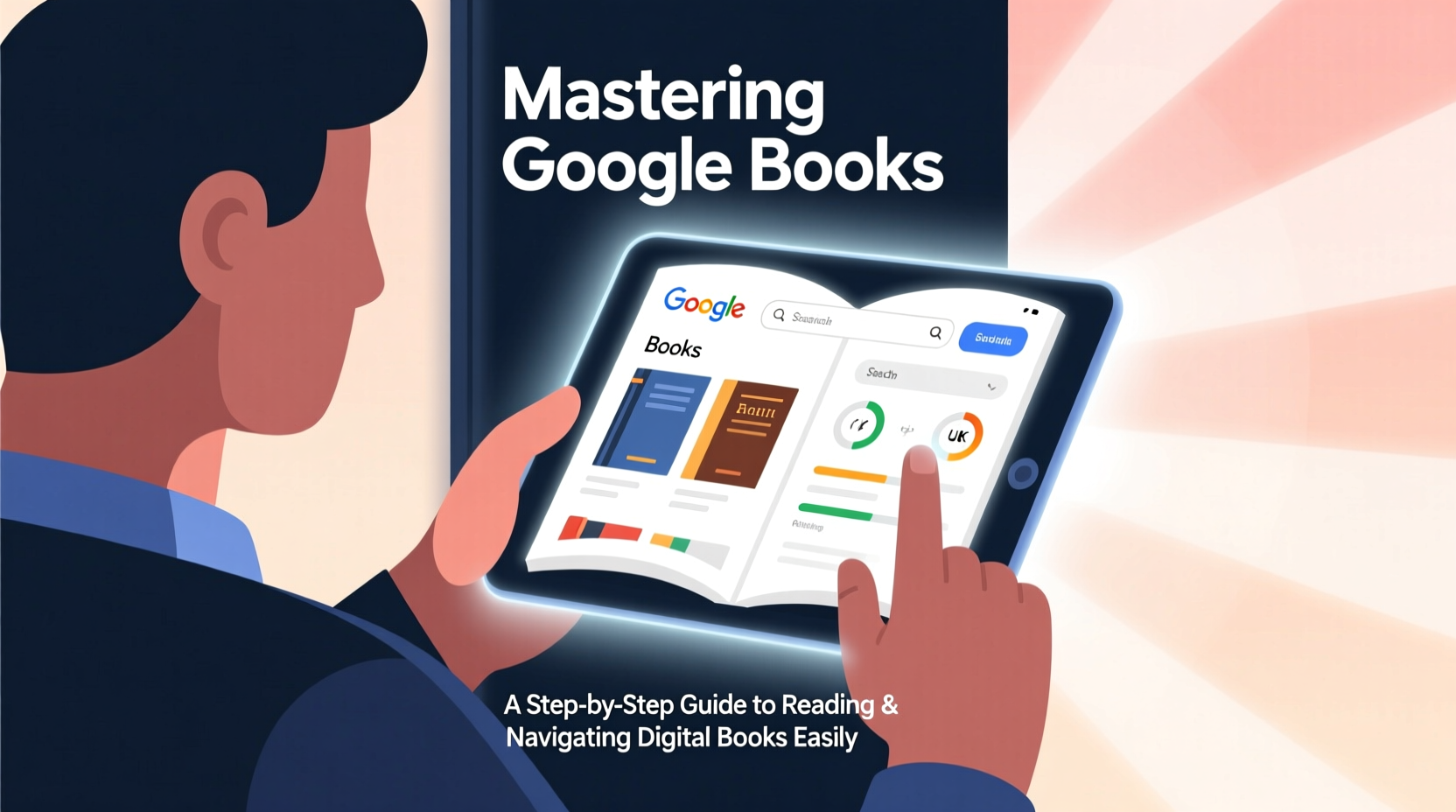
Launched in 2004, Google Books aims to digitize the world’s printed material. The platform includes three types of content: full-view books (public domain or publisher-permitted), limited previews (partial access), and snippets (short excerpts). Public domain works—such as Shakespeare’s plays, Darwin’s *On the Origin of Species*, or Jane Austen’s novels—are available in full at no cost.
Publishers and authors control access to copyrighted titles. Some allow free previews of select pages, while others restrict viewing entirely. Understanding these categories helps set realistic expectations when searching.
Step-by-Step Guide to Finding and Reading Books
- Start with a precise search. Use the Google Books homepage (books.google.com) and enter keywords, titles, authors, or ISBNs. For better results, enclose exact phrases in quotation marks, like \"Pride and Prejudice\".
- Narrow your results. On the left-hand panel, use filters such as “Full view,” “Limited preview,” or “eBook available in Google Play.” You can also filter by publication date or subject.
- Select a book. Click on a title to open the book viewer. Here, you’ll see the cover, publication details, and a description. A progress bar below the title indicates how much of the book is viewable.
- Read online. Navigate using the arrow keys, click the page edges, or use the table of contents if available. The interface supports zooming and text resizing for comfortable reading.
- Search inside the book. Use the “Search in this book” box to find specific terms or quotes within the text—a crucial tool for research.
This streamlined process makes it easy to go from curiosity to comprehension in minutes. Unlike physical libraries, Google Books allows instant keyword searches across millions of volumes, drastically reducing research time.
Advanced Navigation Techniques
Beyond basic reading, Google Books supports deep exploration. Researchers and lifelong learners benefit most when they leverage its advanced features.
- Citation Tools: Click “Cite” beneath a book entry to generate MLA, APA, or Chicago-style citations—ideal for academic writing.
- Embedding Books: Educators can embed public domain books into course websites using the provided HTML code.
- Bookmarking Pages: While logged into your Google account, you can highlight text and add notes that sync across devices.
- Related Works: Scroll below any book to see “Books related to this article,” helping you discover new sources through algorithmic suggestions.
| Feature | Best For | Access Requirement |
|---|---|---|
| Full-text search | Researchers, students | Available in all views |
| Page highlighting | Active readers, note-takers | Google account required |
| Download PDF (public domain) | Offline reading, archiving | Only full-view books |
| Citation generator | Academic writers | No login needed |
Real Example: Researching Historical Context
Sophia, a history student, was writing a paper on post-war American architecture. She searched “mid-century modern homes 1950s” and filtered for full-view books. Within minutes, she found a 1957 architectural survey digitized from the Library of Congress. Using the “Search in this book” function, she located sections discussing suburban development trends. She cited two passages using the built-in citation tool and exported them directly into her bibliography. What could have taken hours in a physical library took less than 20 minutes.
“Google Books is not just a repository—it's a discovery engine for ideas buried in print for decades.” — Dr. Alan Reyes, Digital Humanities Scholar
Maximizing Access: Tips and Workarounds
Not every book is fully accessible, but there are smart ways to work around limitations.
- Use Google Scholar in tandem with Google Books. Many academic books appear in both, and Scholar often links to free PDFs hosted by universities.
- Check if the author has released a newer edition under open license. Older editions may be fully viewable even if recent ones aren’t.
- Combine Google Books with Internet Archive or HathiTrust for broader access to scholarly and out-of-print titles.
Checklist: Getting the Most from Google Books
- ✅ Use quotation marks for exact title/phrase searches
- ✅ Filter by “Full view” to read books freely
- ✅ Log in to save highlights and notes
- ✅ Use the “Search in this book” feature for targeted research
- ✅ Generate citations directly from the book page
- ✅ Explore “Books related to this article” for deeper learning
- ✅ Pair with Google Scholar for academic depth
Frequently Asked Questions
Can I download books from Google Books?
Yes—but only public domain books in full view. After opening such a book, look for the download icon (usually a downward arrow) on the left sidebar. Options include PDF and EPUB formats. Copyrighted books cannot be downloaded unless purchased through Google Play Books.
Why can I only see snippets of some books?
This is due to copyright restrictions. Publishers or rights holders determine how much of a book is visible. Snippets are shown to help users decide whether to purchase or borrow the book elsewhere. This practice falls under “fair use” in U.S. copyright law.
Is Google Books reliable for academic research?
Absolutely. It indexes books from major publishers, universities, and libraries worldwide. The citation tool ensures accurate referencing, and the ability to search inside texts enhances verifiability. However, always cross-check critical information with primary sources or peer-reviewed publications.
Conclusion: Turn Curiosity Into Mastery
Google Books is more than a digital shelf—it’s a dynamic research environment where centuries of knowledge converge. By mastering search techniques, leveraging navigation tools, and understanding access levels, you transform casual browsing into purposeful learning. Whether you’re revisiting classic philosophy, analyzing historical data, or previewing a textbook, the platform puts vast intellectual resources at your fingertips.




 浙公网安备
33010002000092号
浙公网安备
33010002000092号 浙B2-20120091-4
Comments
No comments yet. Why don't you start the discussion?