
Reverse image search is one of the most underutilized tools in digital research. While many people rely solely on text-based queries, Google’s reverse image search opens up a parallel universe of visual discovery. Whether you're tracking down the source of a photo, identifying a product, or verifying the authenticity of an image, this feature offers powerful capabilities. This guide breaks down the process into actionable steps, advanced techniques, and real-world applications so you can harness its full potential.
How Google Reverse Image Search Works
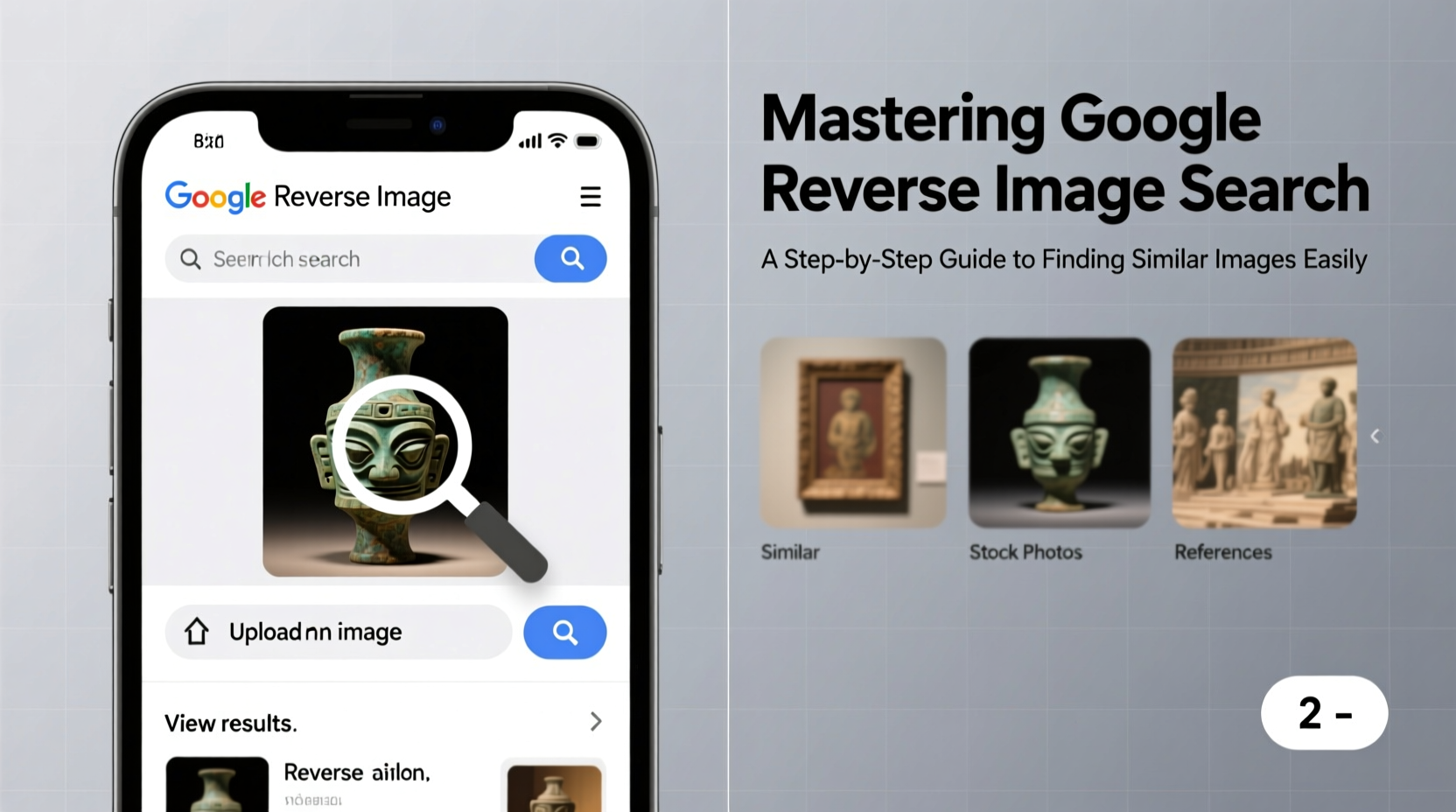
At its core, Google Reverse Image Search analyzes the visual content of an image—its shapes, colors, textures, and composition—to find matches across the web. Unlike traditional search engines that depend on metadata or file names, this tool uses computer vision algorithms to understand what the image depicts. It then compares it against billions of indexed images to return visually similar results, exact matches, or derivative versions.
The technology behind it combines machine learning models trained on vast datasets, enabling Google to detect objects, faces (without identifying individuals unless publicly labeled), and even artistic styles. This makes it effective for everything from identifying a flower in a photograph to tracing the origin of a meme.
Step-by-Step Guide to Performing a Reverse Image Search
- Navigate to Google Images: Open your browser and go to images.google.com.
- Click the Camera Icon: Located in the search bar, this symbol activates the reverse image search function.
- Upload Your Image: You can either paste an image URL or upload a file from your device. Supported formats include JPEG, PNG, GIF, BMP, and WebP.
- Analyze Results: Google will display a list of visually similar images, pages where the image appears, and sometimes related searches.
- Refine with Filters: Use size, color, type, and time filters on the top menu to narrow results—especially useful when dealing with common visuals like landscapes or fashion items.
This method works whether you’re investigating a suspicious profile picture on social media or trying to identify a piece of furniture seen in a friend’s home. The key is starting with a clear, high-resolution image whenever possible.
Advanced Techniques for Better Accuracy
Basic reverse searching yields results, but refining your approach dramatically improves precision. Consider these strategies:
- Crop to Focus: If only part of an image is relevant—like a logo or a person’s face—crop it tightly before uploading. This reduces noise and increases match accuracy.
- Use Multiple Engines: While Google is the most popular, tools like TinEye, Bing Visual Search, and Yandex.Images may surface different results due to varied indexing methods.
- Search Across Devices: On mobile, long-press an image in a browser or app, then select “Search Image” to initiate reverse lookup instantly.
- Leverage Chrome Extensions: Tools like “Search by Image” allow right-click reverse searches directly from any webpage.
| Method | Best For | Limitations |
|---|---|---|
| URL Paste | Online images with direct links | Fails if link is broken or private |
| File Upload | Saved images from phone or computer | File size limit (~8 MB) |
| Drag & Drop | Quick desktop use | Not supported on all browsers |
| Mobile Long-Press | Images viewed in apps or browsers | Depends on app permissions |
Real-World Example: Identifying a Misattributed Photo
Jenna, a freelance journalist, received a photo from a source claiming it showed recent flooding in her city. Suspicious of the timing, she uploaded the image to Google Reverse Image Search. Within seconds, she found the same photo posted three years earlier on a travel blog, captioned as a scenic river view during spring runoff. A quick check revealed no flood warnings at the time. By cross-referencing dates and locations, Jenna avoided publishing false information—a critical win for journalistic integrity.
“Reverse image search has become essential in combating misinformation. It’s not just about finding pictures—it’s about verifying truth.” — Dr. Alan Torres, Digital Forensics Researcher at MIT Media Lab
Common Use Cases and Practical Applications
Reverse image search isn’t just for fact-checkers. Here are everyday scenarios where it proves invaluable:
- E-Commerce Discovery: Snap a photo of a jacket worn by someone on the street and find identical or similar products online.
- Art & Design Inspiration: Locate the original artist of a mural or digital artwork to explore more of their portfolio.
- Academic Research: Verify the provenance of historical photos or illustrations used in papers.
- Copyright Protection: Photographers and designers can monitor unauthorized use of their work across websites.
- Genealogy and Archival Work: Match old family photos with public records or historical archives.
Checklist: Optimize Your Reverse Image Search Workflow
- ✅ Start with the highest quality version of the image available
- ✅ Crop irrelevant background elements
- ✅ Try both Google and alternative engines (e.g., TinEye)
- ✅ Check multiple result pages—not just the first
- ✅ Use date filters to find recent appearances
- ✅ Cross-reference URLs from results for credibility
- ✅ Save findings with notes for future reference
Frequently Asked Questions
Can Google Reverse Image Search identify people?
Google does not use reverse image search to identify private individuals unless the person is a public figure and the image is widely published with identifying labels. It cannot access private databases or facial recognition systems for personal identification.
Why do some images return no results?
This typically happens when the image is new, highly edited, obscure, or not indexed by Google. Low resolution, excessive blurring, or lack of distinctive features also reduce detection accuracy.
Is it legal to use reverse image search on any photo?
Yes, as long as you’re using publicly accessible images and not violating privacy laws or terms of service. Avoid using it for stalking, harassment, or unauthorized commercial exploitation.
Conclusion: Turn Images Into Intelligence
Google Reverse Image Search transforms passive viewing into active investigation. With the right approach, a single photo becomes a gateway to context, origin, and deeper understanding. From protecting your creative work to avoiding digital deception, mastering this tool empowers smarter decisions in an image-saturated world.




 浙公网安备
33010002000092号
浙公网安备
33010002000092号 浙B2-20120091-4
Comments
No comments yet. Why don't you start the discussion?