
Global Positioning System (GPS) technology has transformed the way we move through the world. Once limited to specialized devices, GPS is now embedded in every smartphone, offering real-time navigation, location sharing, fitness tracking, and emergency services. Yet many users only scratch the surface of what their phone’s GPS can do. Understanding how it works, optimizing its performance, and leveraging advanced features can save time, improve safety, and enhance daily productivity.
This guide breaks down the essentials of mobile GPS—from basic operation to expert-level control—so you can navigate with confidence, whether you're commuting across town or hiking off the grid.
How GPS Works on Smartphones
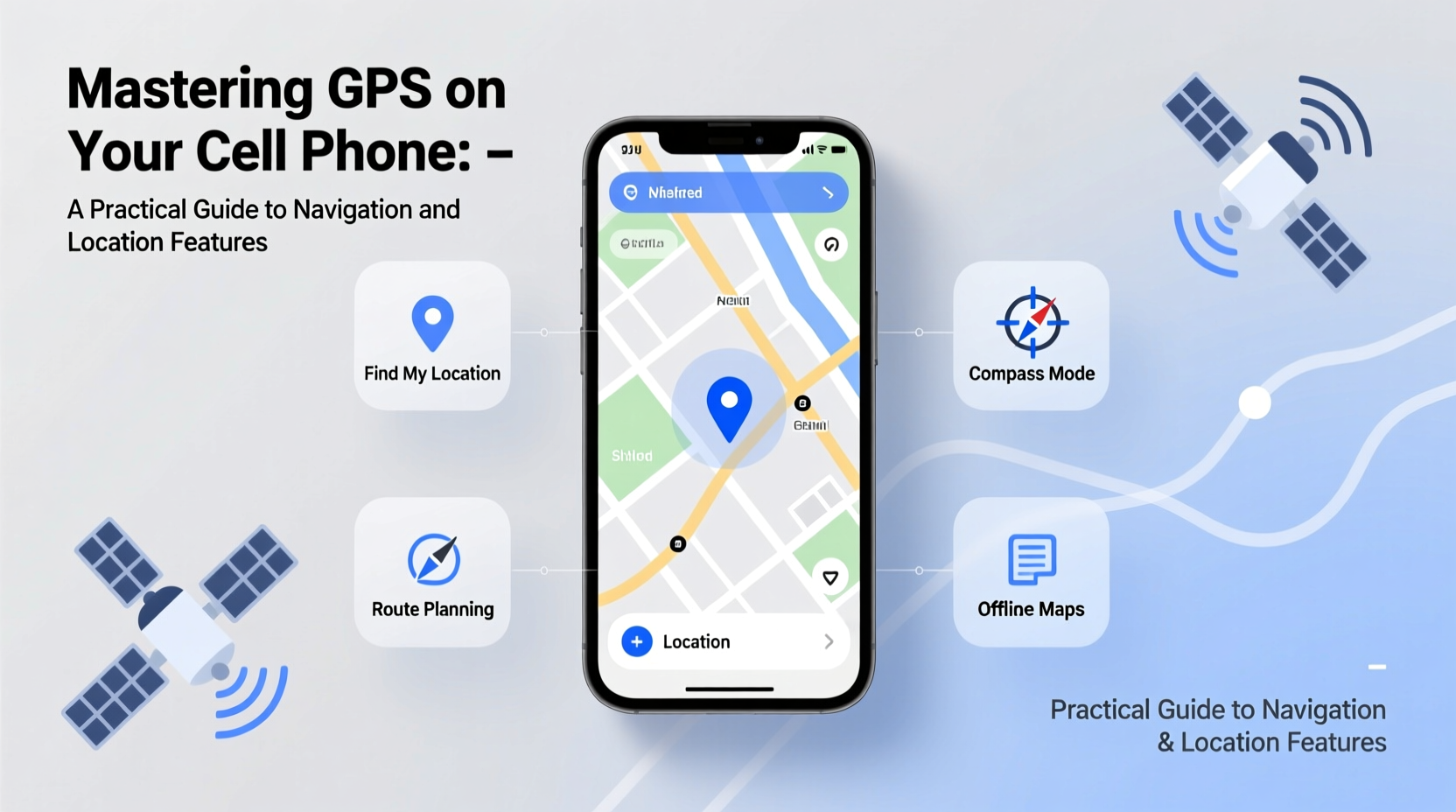
Your smartphone doesn’t rely solely on GPS satellites. Instead, it uses a hybrid system called Assisted GPS (A-GPS), combining signals from GPS satellites, cellular networks, Wi-Fi hotspots, and Bluetooth beacons to determine your location quickly and accurately.
The process begins when your phone contacts multiple GPS satellites orbiting Earth. By measuring signal travel time from at least four satellites, it calculates your precise latitude, longitude, and altitude. A-GPS improves speed by using nearby cell towers and known Wi-Fi networks to estimate your position before full satellite lock, especially helpful in urban areas or indoors.
Modern phones also integrate sensors like accelerometers, gyroscopes, and barometers to refine positioning when satellite signals are weak—such as inside tunnels or between tall buildings.
Optimizing Location Accuracy and Battery Life
While GPS is powerful, improper settings can lead to poor accuracy or excessive battery drain. Balancing precision with efficiency requires smart configuration.
Most smartphones offer three location mode options:
| Location Mode | Accuracy | Battery Impact | Best For |
|---|---|---|---|
| High Accuracy | ★★★★★ | High | Navigation, outdoor activities |
| Battery Saving | ★★★☆☆ | Low | Background apps, check-ins |
| Device Only (GPS only) | ★★☆☆☆ | Moderate | Remote areas, privacy-focused use |
To optimize performance:
- Use “High Accuracy” mode when driving or hiking.
- Switch to “Battery Saving” for social media check-ins or weather updates.
- Turn off location services for apps that don’t need them (e.g., flashlight, calculator).
- Clear cached location data periodically to prevent drift.
“Smartphone GPS accuracy has improved dramatically—under open sky, most modern phones pinpoint location within 3–5 meters.” — Dr. Lena Patel, Geospatial Systems Researcher, MIT
Step-by-Step: Calibrating Your Phone’s Compass and GPS
If maps appear rotated or directions seem off, your compass may need calibration. This is common after software updates or physical shocks.
- Open your phone’s built-in compass app (or download a free one like \"Compass\" by Google).
- Lift the phone and slowly move it in a figure-eight motion through the air.
- Repeat 3–4 times until the app confirms calibration.
- Test results in a mapping app by comparing the blue direction indicator with your actual orientation.
- For GPS issues, go to Settings > Location > Clear Location Cache (Android) or reset network settings (iOS).
This routine ensures your navigation aligns with real-world movement, crucial for turn-by-turn guidance.
Real-World Example: Navigating a Hiking Trail Without Service
Sarah planned a solo hike in the Rocky Mountain National Park, an area with spotty cellular coverage. She downloaded offline maps on Google Maps and cross-referenced them with Gaia GPS, which allowed her to pre-load topographic layers and trail markers.
Before departure, she enabled airplane mode but kept GPS active. Her phone continued logging her path using satellite signals alone. When she reached a fork with no signage, she checked her stored route overlay and avoided a dangerous detour.
Later, she shared her recorded track with friends via a link—proving that preparedness turns GPS into a lifeline, not just a convenience.
Advanced Features Beyond Basic Navigation
Modern GPS does far more than guide you from point A to B. Explore these underused capabilities:
- Geofencing: Set virtual boundaries that trigger actions—like turning on home Wi-Fi when you arrive or silencing your phone at work.
- Location History: Review where you’ve been over time (Google Timeline or Apple Significant Locations). Useful for expense reports or retracing steps.
- Emergency Location Sharing: iPhone’s Emergency SOS and Android’s Emergency Location Service automatically send your coordinates to first responders during crises.
- Fitness Tracking: Apps like Strava or MapMyRun use GPS to log pace, elevation, and route for runners and cyclists.
- Augmented Reality Navigation: Google Live View overlays arrows on camera footage, ideal for complex city intersections.
These tools turn passive location detection into proactive assistance.
Checklist: Mastering Mobile GPS in 7 Steps
Follow this checklist to fully harness your phone’s location potential:
- ✅ Verify that location services are enabled in system settings.
- ✅ Select the appropriate location mode based on activity.
- ✅ Calibrate your compass monthly or after drops.
- ✅ Download offline maps for trips to low-connectivity areas.
- ✅ Review app permissions—revoke location access for non-essential apps.
- ✅ Use geofencing tools to automate routines (via Google Assistant or Shortcuts).
- ✅ Test emergency location sharing with a trusted contact.
Common GPS Myths Debunked
Misconceptions about GPS persist despite technological advances. Here are the facts:
- Myth: GPS drains your battery instantly.
Truth: Modern power management limits drain—especially when used intermittently. - Myth: GPS only works outdoors.
Truth: While strongest outside, A-GPS can function indoors using Wi-Fi triangulation. - Myth: More satellites always mean better accuracy.
Truth: Signal quality and geometry matter more than sheer number. Four well-placed satellites outperform ten clustered ones.
FAQ
Why does my GPS sometimes show me in the wrong place?
This usually happens due to poor satellite visibility (tall buildings, dense trees), outdated cached data, or reliance on coarse network-based location. Try recalibrating your compass and clearing location cache to fix persistent inaccuracies.
Can someone track me through my phone’s GPS without my knowledge?
Only if they have access to your device or linked accounts (like Find My or Google Account). To protect privacy, disable location sharing, review connected devices regularly, and use strong passwords and two-factor authentication.
Do I need internet access for GPS to work?
No. GPS itself operates independently of the internet. However, downloading maps, traffic updates, or search results requires data. Offline maps (available in Google Maps, Apple Maps, and third-party apps) allow full navigation without connectivity.
Conclusion
Mastering GPS on your cell phone goes beyond tapping “Start Navigation.” It means understanding how location technology functions, fine-tuning settings for accuracy and efficiency, and applying advanced features to real-life scenarios. Whether you’re avoiding traffic, exploring nature, or ensuring your family knows you’ve arrived safely, GPS is one of the most powerful tools in your pocket.




 浙公网安备
33010002000092号
浙公网安备
33010002000092号 浙B2-20120091-4
Comments
No comments yet. Why don't you start the discussion?