
Learning to write your first C program is a foundational milestone in programming. Known for its efficiency, control, and widespread use in system software, embedded systems, and performance-critical applications, C remains one of the most influential languages in computer science. This guide walks you through the entire process—from setting up your environment to compiling and running your first working program—with clarity and precision.
Understanding the Basics of C Programming
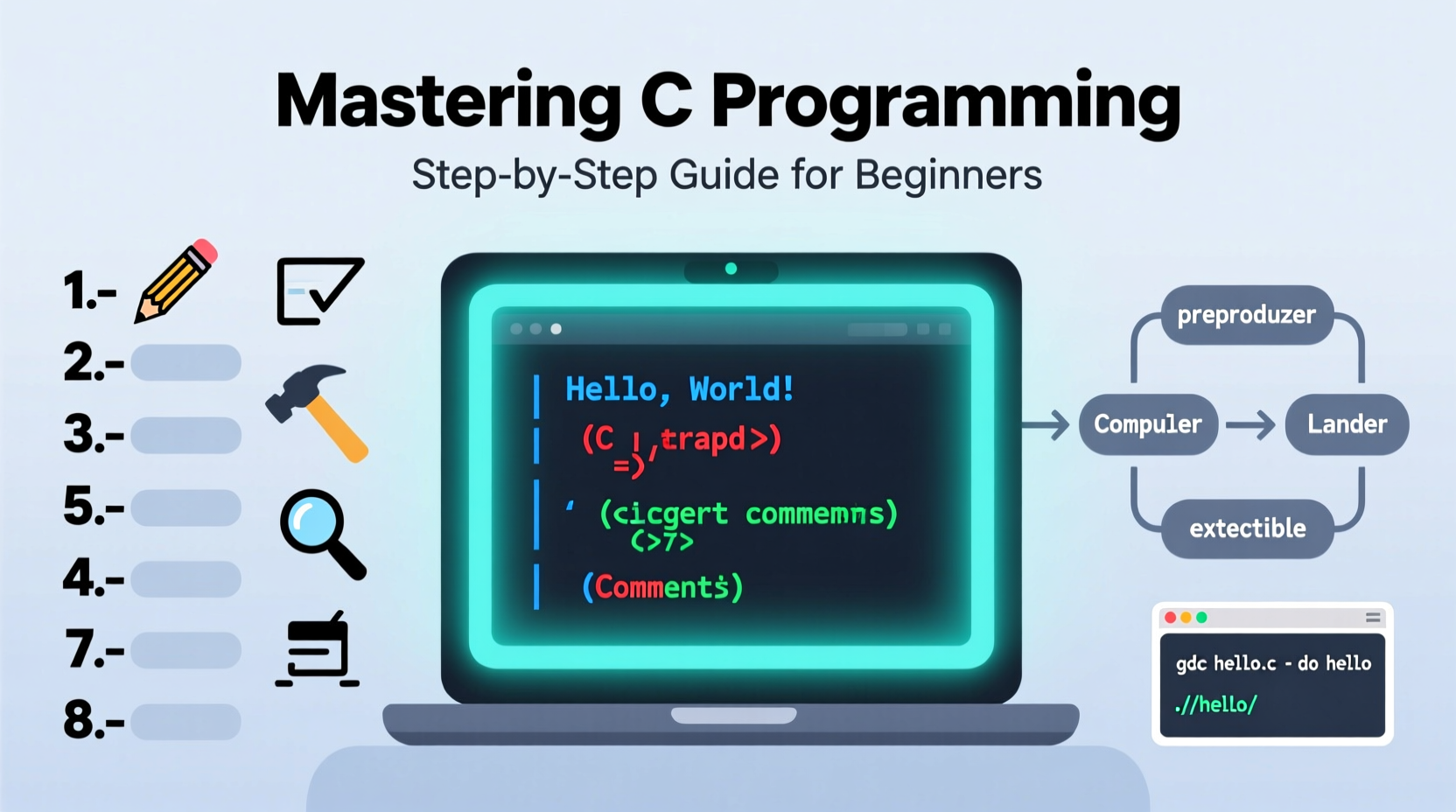
C is a procedural programming language developed in the early 1970s by Dennis Ritchie at Bell Labs. It provides low-level access to memory, simple keywords, and a clean syntax, making it ideal for learning core programming concepts such as variables, loops, functions, and pointers.
Before writing any code, it’s essential to understand that a C program must follow a specific structure. Every executable C program requires a main() function—the entry point where execution begins. The compiler reads this function first and proceeds accordingly.
“We chose the name 'C' because it was straightforward, minimal, and powerful—just like the language itself.” — Dennis Ritchie, Creator of the C Programming Language
Step-by-Step Guide to Creating Your First C Program
Follow these steps carefully to build your first C program successfully. Each phase builds on the previous one, ensuring you develop good habits from the start.
- Install a C Compiler: The most widely used C compiler is GCC (GNU Compiler Collection). On Linux, install it via package manager (e.g.,
sudo apt install gcc). On Windows, download MinGW or use WSL. On macOS, install Xcode command-line tools withxcode-select --install. - Choose a Text Editor or IDE: While advanced IDEs exist, beginners benefit from using lightweight editors like VS Code, Sublime Text, or Nano. Avoid heavy environments initially to focus on syntax and logic.
- Create a New File: Name your file with a
.cextension—for example,hello.c. This signals to the compiler that it contains C source code. - Write the Basic Structure: Start with the standard template:
#include <stdio.h>

int main() {
    printf(\"Hello, World!\
\");
    return 0;
}
This simple program includes the standard input-output header (stdio.h), defines the main() function, prints a message using printf(), and returns 0 to indicate successful execution.
- Save the File: Save your work in a dedicated project folder, such as
~/c-projects/hello.c, to keep things organized. - Open Terminal or Command Prompt: Navigate to the directory containing your file using
cd path/to/your/folder. - Compile the Program: Run the command
gcc hello.c -o hello. This tells GCC to compilehello.cand output an executable namedhello. - Run the Executable: Execute the compiled program:
./helloon Linux/macOS orhello.exeon Windows. You should see \"Hello, World!\" printed in the terminal.
Essential Tools and Environment Setup
Your development environment plays a crucial role in productivity. Below is a comparison of common setups based on operating system.
| Operating System | Compiler Option | Recommended Editor | Installation Command |
|---|---|---|---|
| Windows | MinGW-w64 / WSL | VS Code + C/C++ Extension | Download from mingw-w64.org or install WSL via Microsoft Store |
| macOS | Clang (via Xcode CLI) | Sublime Text or Xcode | xcode-select --install |
| Linux (Ubuntu/Debian) | GCC | Vim, Nano, or VS Code | sudo apt update && sudo apt install build-essential |
Once installed, verify your compiler by typing gcc --version in the terminal. If version information appears, your setup is complete.
Common Pitfalls and How to Avoid Them
Even small mistakes can prevent your program from compiling. Recognizing these issues early saves time and frustration.
- Forgetting the .c extension: Without it, the compiler won’t recognize the file as C source code.
- Omitting the semicolon: Every statement in C must end with a semicolon. For example,
printf(\"Hi\")will fail; it should beprintf(\"Hi\");. - Case sensitivity: C distinguishes between uppercase and lowercase.
main()is correct;Main()is not recognized as the entry point. - Incorrect file path: Ensure you’re in the correct directory when compiling. Use
ls(Linux/macOS) ordir(Windows) to confirm your location. - Ignoring compiler warnings: Warnings often hint at future bugs. Treat them as errors during learning.
Real Example: Debugging a Failed Compilation
Say you wrote the following code:
#include <stdio.h>

int main() {
    printf(\"Welcome to C);
    return 0;
}
When compiling, you get: error: missing terminating \" character. The issue? A closing quotation mark is missing after “Welcome to C”. Fix it by adding the quote:
printf(\"Welcome to C\");
Now, recompile—it works. This scenario illustrates why attention to detail matters. Real-world debugging often involves tracing back minor syntax oversights like this.
Checklist: Creating Your First C Program
Use this checklist every time you start a new C project until the workflow becomes second nature.
- ✅ Installed a C compiler (GCC, Clang, or MinGW)
- ✅ Verified installation with
gcc --version - ✅ Chosen and configured a text editor
- ✅ Created a new file with
.cextension - ✅ Included necessary headers (e.g.,
#include <stdio.h>) - ✅ Defined the
main()function correctly - ✅ Ended each statement with a semicolon
- ✅ Saved the file in a known directory
- ✅ Opened terminal in the correct folder
- ✅ Compiled with
gcc filename.c -o outputname - ✅ Ran the program with
./outputname - ✅ Reviewed output and fixed any errors
Frequently Asked Questions
What does 'int main()' mean?
The int indicates that the main() function returns an integer. Returning 0 signifies that the program executed successfully. Non-zero values typically indicate errors.
Why do I need #include <stdio.h>?
This line includes the Standard Input Output library, which contains declarations for functions like printf() and scanf(). Without it, the compiler doesn’t recognize these functions, leading to errors.
Can I write C programs without a compiler?
No. Unlike interpreted languages like Python, C must be compiled into machine code before execution. However, online compilers (like Replit or OnlineGDB) allow you to write and run C code in a browser without local installation.
Next Steps After Your First Program
Once you’ve successfully created and run a basic program, expand your skills gradually. Try modifying the message, adding multiple printf() statements, or prompting user input with scanf(). Experiment with variables, data types, and conditional logic.
Practice is key. Write small programs daily—calculate the sum of two numbers, convert temperatures, or print patterns. Over time, you’ll grow comfortable with syntax, memory management, and problem-solving in C.
“C is not a hard language to learn, but it rewards discipline. Master it, and you’ll understand how computers really work.” — Brian Kernighan, Co-author of *The C Programming Language*
Conclusion
Creating your first C program is more than just printing text—it’s the beginning of understanding how software interacts with hardware at a fundamental level. With the right tools, consistent practice, and attention to detail, you’re now equipped to explore deeper aspects of programming. Don’t rush. Build strong foundations. Compile often. Learn from errors. Each step forward strengthens your ability to create efficient, reliable code.




 浙公网安备
33010002000092号
浙公网安备
33010002000092号 浙B2-20120091-4
Comments
No comments yet. Why don't you start the discussion?