
Links are the foundation of the web. They connect pages, websites, and users in a seamless digital experience. Whether you're building your first website or optimizing content for search engines, understanding how to create effective links is essential. From basic HTML syntax to strategic internal linking and anchor text optimization, mastering links improves navigation, boosts SEO, and enhances user engagement. This guide walks through every aspect of link creation—starting from the fundamentals and progressing to expert-level strategies.
Understanding the Basics: What Is a Hyperlink?
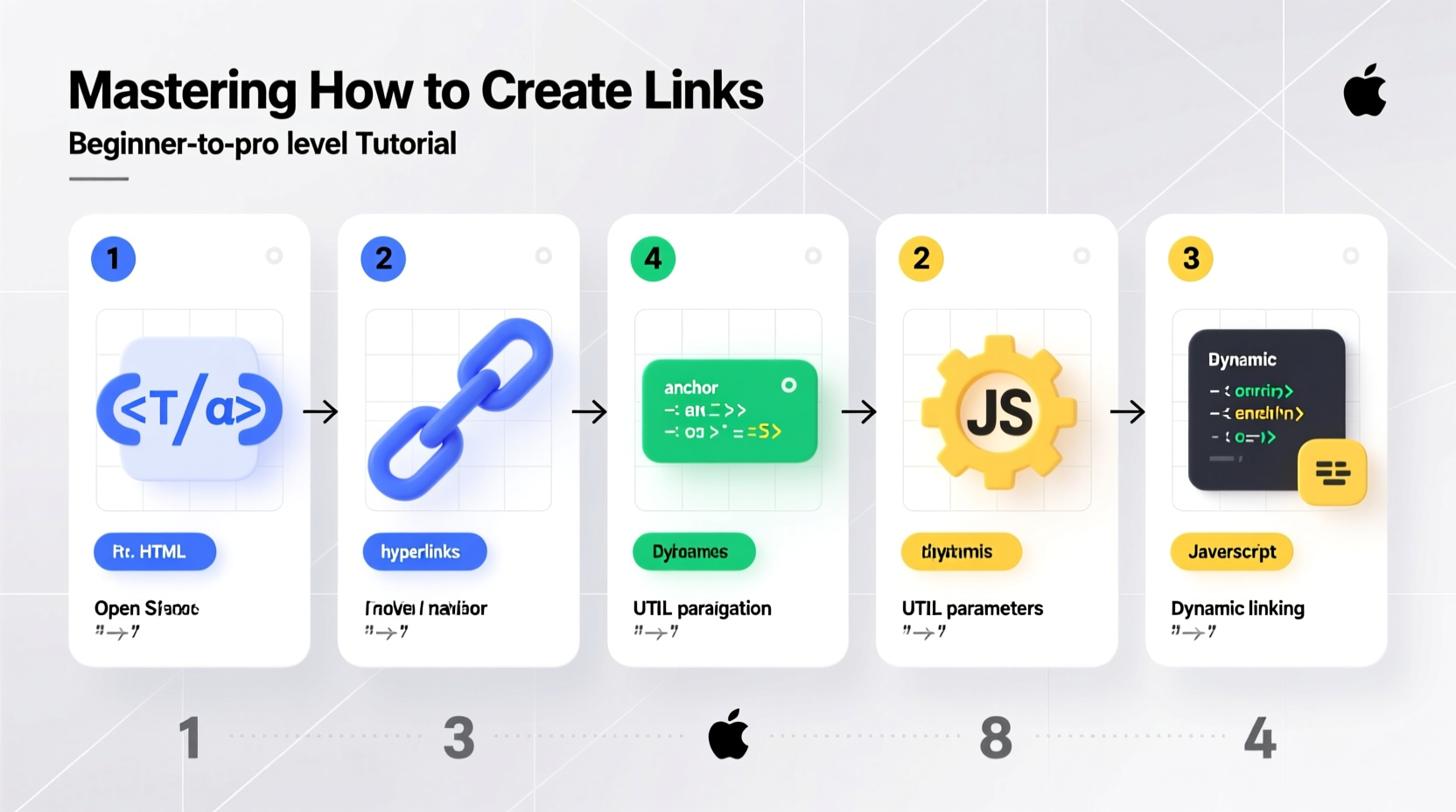
A hyperlink, commonly referred to as a \"link,\" is a reference embedded in a webpage that users can click to navigate to another location—either within the same site (internal link) or to an external domain. In HTML, links are created using the <a> tag, also known as the anchor element. The destination is defined by the href attribute.
Here’s a simple example:
<a href=\"https://www.example.com\">Visit Example</a>This creates a clickable link labeled “Visit Example” that directs users to the specified URL when clicked. Without proper linking, even the most valuable content remains isolated and difficult to discover.
Step-by-Step Guide to Creating Links
Creating functional and effective links involves more than just writing code. Follow these steps to build reliable, accessible, and optimized links.
- Identify the purpose of the link – Determine whether it's for navigation, citation, call-to-action, or cross-reference.
- Choose the right URL – Use clean, descriptive URLs that reflect the destination page’s content.
- Write meaningful anchor text – Avoid generic phrases like “click here.” Instead, use descriptive words that inform users about the linked content.
- Use the correct HTML syntax – Apply the
<a>tag with a properly formattedhrefattribute. - Add attributes for accessibility and security – Include
titlefor tooltips and considerrel=\"noopener\"for external links opened in new tabs. - Validate and test – Confirm links work across devices and browsers, and check for broken paths.
Adding Target and Rel Attributes
To open a link in a new tab, use the target=\"_blank\" attribute. However, for security reasons, always pair it with rel=\"noopener\":
<a href=\"https://example.com\" target=\"_blank\" rel=\"noopener\">Open in New Tab</a>This prevents potential performance and security vulnerabilities associated with window.opener access.
Types of Links You Should Master
Not all links serve the same function. Understanding different types helps you apply them strategically.
| Type | Purpose | Best Practices |
|---|---|---|
| Internal Links | Navigate between pages on the same site | Use keyword-rich anchor text; link deeply to relevant content |
| External Links | Link to authoritative third-party sources | Verify credibility; use rel=\"nofollow\" if endorsing isn't intended |
| Download Links | Allow file downloads (PDFs, images, etc.) | Add download attribute: <a href=\"file.pdf\" download> |
| Anchor Links (Page Jumps) | Jump to a section within the same page | Use id on target element: <h3 id=\"section1\"> |
| Email Links | Open user’s default email client | Syntax: <a href=\"mailto:contact@example.com\">Email Us</a> |
SEO Best Practices for Link Building
Search engines rely heavily on links to discover, index, and rank content. Strategic linking strengthens your site architecture and authority.
- Optimize anchor text – Match keywords naturally without overstuffing. For example, instead of “click here,” write “learn more about SEO best practices.”
- Balance internal and external links – Internal links help distribute page authority; external links to reputable sites add context and trust.
- Audit regularly – Use tools like Screaming Frog or Google Search Console to detect broken links and redirect them appropriately.
- Limit links per page – Excessive links dilute value and hurt usability. Stick to what’s necessary and relevant.
“Internal linking is one of the most underutilized SEO tactics. A well-linked site guides both users and crawlers efficiently.” — John Mueller, Google Search Advocate
Mini Case Study: Boosting Organic Traffic Through Smart Linking
A mid-sized e-commerce blog noticed stagnant organic traffic despite high-quality content. After analyzing their structure, they found minimal internal linking between related articles. By adding contextual internal links—such as linking a product review to a “best buys” roundup—they increased average session duration by 42% and saw a 28% rise in organic pageviews within three months. Simple, strategic linking transformed user flow and search visibility.
Common Mistakes to Avoid When Creating Links
Even experienced developers occasionally make errors that undermine usability and SEO. Here are frequent pitfalls and how to avoid them.
- Broken or outdated links – Regularly audit your site to fix or remove dead links.
- Vague anchor text – Phrases like “read more” offer no context. Be specific: “read more about responsive design techniques.”
- Over-linking keywords – Repeating the same keyword-rich anchor too often looks manipulative to search engines.
- Ignoring mobile users – Ensure links are large enough and spaced properly for touchscreens.
- Forgetting accessibility – Screen readers depend on clear link labels. Avoid “link” or “button” as standalone text.
Frequently Asked Questions
Can I use images as links?
Yes. Wrap an image in an anchor tag: <a href=\"/about\"><img src=\"profile.jpg\" alt=\"About Me\"></a>. Always include descriptive alt text for accessibility and SEO.
What’s the difference between rel=\"nofollow\" and rel=\"dofollow\"?
rel=\"nofollow\" tells search engines not to pass ranking credit to the linked page. It’s used for untrusted content, ads, or paid links. There’s no such thing as rel=\"dofollow\"—it’s the default behavior when no rel attribute is present.
How many internal links should I have per page?
There’s no strict limit, but quality matters more than quantity. Aim for 3–5 highly relevant internal links per article. Focus on enhancing user experience rather than hitting a number.
Expert Checklist: Building Better Links
Use this checklist before publishing any content to ensure your links are effective and professional.
- ✅ Anchor text clearly describes the destination
- ✅ All URLs are correct and tested
- ✅ External links open safely with
rel=\"noopener\" - ✅ Internal links support content hierarchy
- ✅ No broken or redirected links
- ✅ Downloadable files include the
downloadattribute - ✅ Mobile touch targets are at least 44x44 pixels
- ✅ Links are accessible to screen readers and keyboard navigation
Conclusion: Turn Links Into Leverage
Creating links may seem simple, but the impact is profound. From guiding users through your content to strengthening your SEO foundation, every link is an opportunity to improve clarity, credibility, and engagement. Whether you're a beginner learning HTML or a pro refining site architecture, consistent attention to link quality pays long-term dividends. Start applying these principles today—audit your existing content, refine your linking strategy, and build a web that’s not only connected but meaningful.




 浙公网安备
33010002000092号
浙公网安备
33010002000092号 浙B2-20120091-4
Comments
No comments yet. Why don't you start the discussion?