
Understanding the time value of money is essential in finance, and calculating present value (PV) lies at its core. Whether you're evaluating an investment, planning for retirement, or analyzing a loan, knowing how to compute present value accurately using a financial calculator saves time and reduces errors. While spreadsheets and online tools exist, mastering a financial calculator offers speed, portability, and exam readiness—especially for professionals pursuing certifications like CFA or CPA.
This guide walks through the mechanics of finding present value on a financial calculator, focusing on practical application, common pitfalls, and real-world relevance. We’ll use widely available models such as the Texas Instruments BA II Plus and HP 12C, though principles apply across most standard devices.
Understanding Present Value: The Core Concept
Present value represents today’s worth of a future sum of money or stream of cash flows, discounted at a specific rate of return. It reflects the principle that a dollar today is worth more than a dollar tomorrow due to its earning potential. The formula for present value of a single future amount is:
- PV = Present Value
- FV = Future Value
- r = Discount rate per period
- n = Number of periods
For annuities or uneven cash flows, calculations become more complex—this is where financial calculators shine. They handle compounding, multiple payments, and varying interest rates efficiently.
Essential Financial Calculator Keys and Functions
Before diving into calculations, familiarize yourself with the five primary TVM (Time Value of Money) keys found on most financial calculators:
| Key | Function | Description |
|---|---|---|
| N | Number of Periods | Total number of payment periods (e.g., years, months) |
| I/Y | Interest Rate per Year | Annual interest or discount rate (entered as a percentage) |
| PV | Present Value | The current value of future cash flows |
| PMT | Payment | Periodic payment amount (if any) |
| FV | Future Value | The amount expected in the future |
In addition, ensure your calculator settings are correct:
- Set payments per year (P/Y) correctly—usually 1 for annual, 12 for monthly.
- Choose between END (ordinary annuity) and BEGIN (annuity due) mode based on when payments occur.
- Clear all previous values before starting a new calculation using [2ND] [CLR TVM].
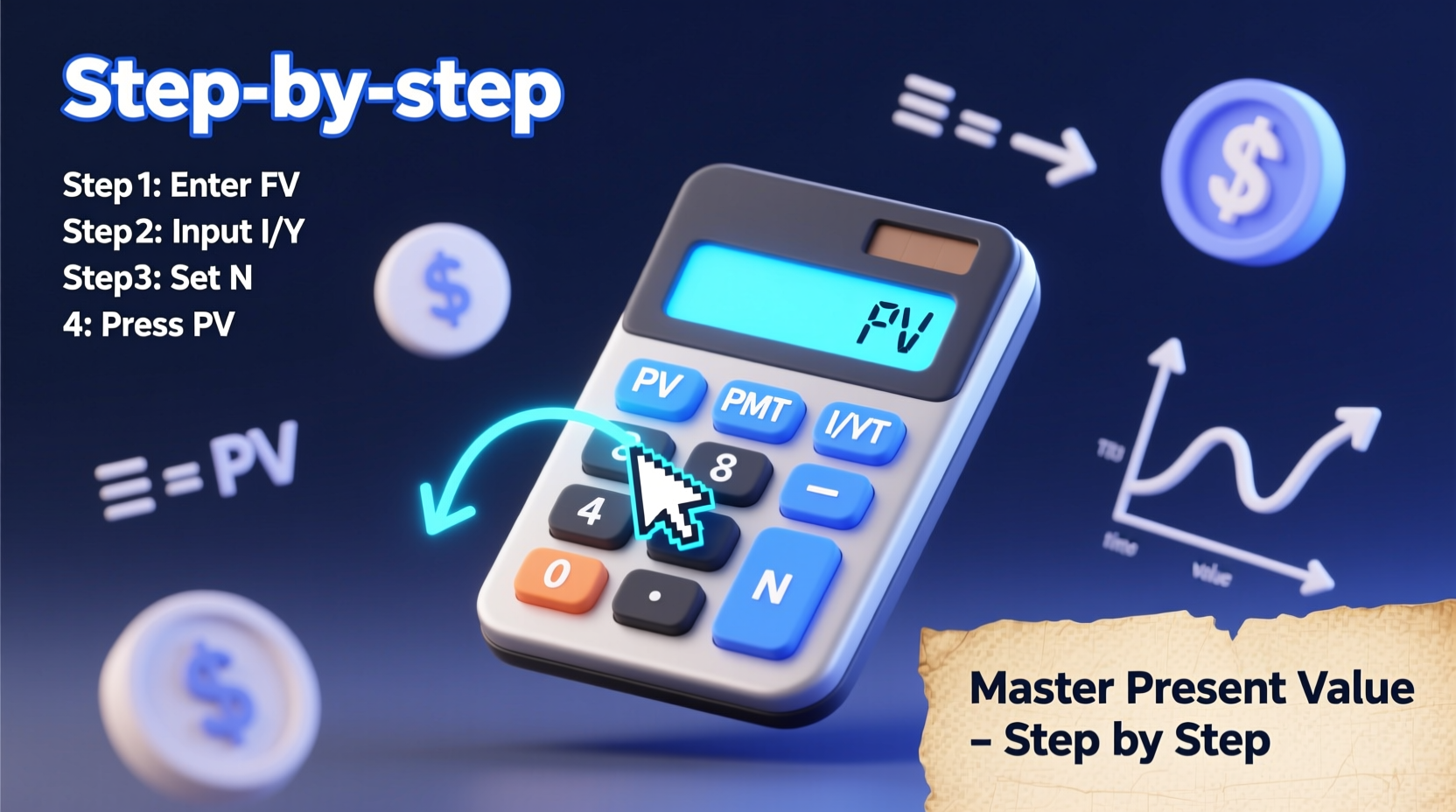
Step-by-Step Guide to Calculating Present Value
Follow this structured process to compute present value accurately every time.
- Determine the type of cash flow: Is it a lump sum, annuity, or mixed stream? This dictates which keys to use.
- Identify known variables: Gather N, I/Y, PMT, and FV. One of these will be missing—that’s what you’re solving for.
- Adjust for compounding frequency: If interest is compounded monthly but given annually, divide I/Y by 12 and multiply N by 12.
- Enter values into the calculator: Input each known variable using the corresponding key.
- Solve for PV: Press [CPT] then [PV]. The result appears with a negative sign if treated as an outflow—this is normal.
Example 1: Single Future Payment
You expect to receive $10,000 in five years. The discount rate is 6% per year, compounded annually. What is the present value?
Steps:
- Press [5] [N]
- Press [6] [I/Y]
- Press [0] [PMT] (no periodic payments)
- Press [10000] [FV]
- Press [CPT] [PV]
Result: -7,472.58 → Present value is $7,472.58 (the negative indicates an outflow).
Example 2: Annuity Present Value
You are offered $2,000 per year for 8 years, starting one year from now. The required return is 5%. How much should you pay today?
Steps:
- [8] [N]
- [5] [I/Y]
- [2000] [PMT]
- [0] [FV]
- [CPT] [PV]
Result: -12,598.68 → Fair price today is $12,598.68.
Avoiding Common Errors
Even experienced users make mistakes due to overlooked settings or misaligned assumptions. Here’s a checklist to prevent costly errors:
Present Value Calculation Checklist
- ✅ Confirm P/Y setting matches payment frequency
- ✅ Verify whether payments are at beginning or end of period (BGN vs END)
- ✅ Ensure consistent time units (e.g., monthly vs annual rates)
- ✅ Enter cash inflows and outflows with correct signs (+/-)
- ✅ Clear TVM worksheet before starting
- ✅ Double-check input accuracy before computing
“One misplaced decimal or forgotten mode setting can throw off valuations by thousands. Discipline in calculator use separates competent analysts from careless ones.” — Dr. Alan Zhou, Professor of Finance, NYU Stern School of Business
Real-World Application: Evaluating an Investment Opportunity
Consider Sarah, a small business owner evaluating a machine purchase. The equipment costs $25,000 today and will generate $6,000 annually for five years. She uses a 7% discount rate to assess viability.
To decide, she calculates the present value of the $6,000 annual inflows:
- [5] [N]
- [7] [I/Y]
- [6000] [PMT]
- [0] [FV]
- [CPT] [PV] → Result: -24,978.20
The present value of future benefits is $24,978.20—slightly less than the $25,000 cost. At a 7% hurdle rate, the investment does not meet her threshold. However, if the discount rate were lower (say, 6%), the PV would rise above cost, making it acceptable.
This illustrates how precise PV calculations inform strategic decisions beyond textbook problems.
Frequently Asked Questions
Why is my present value result negative?
Financial calculators treat cash flows as directional. A negative PV means money paid out (investment), while positive values represent inflows. To interpret magnitude, ignore the sign unless comparing net positions.
Can I calculate present value for irregular cash flows?
Yes, but not with the standard TVM keys. Use the [CF] (cash flow) worksheet. Enter each cash flow sequentially, set the interest rate with [NPV], and compute. This method handles uneven amounts and timing.
What if interest is compounded quarterly?
Adjust both N and I/Y. For a 3-year bond with 8% annual rate compounded quarterly: N = 3 × 4 = 12, I/Y = 8 ÷ 4 = 2. Then proceed normally.
Final Thoughts and Next Steps
Mastery of present value calculations empowers smarter financial decisions, whether you're budgeting for personal goals or analyzing corporate projects. A financial calculator is not just a tool—it's a gateway to quantitative confidence. By internalizing the logic behind each key and practicing consistently, you reduce dependency on external software and improve analytical agility.
Don’t stop at basic PV. Explore related concepts like net present value (NPV), internal rate of return (IRR), and bond valuation—all built on the same foundational skills. The more comfortable you become with your calculator, the faster and more accurately you’ll navigate complex financial landscapes.




 浙公网安备
33010002000092号
浙公网安备
33010002000092号 浙B2-20120091-4
Comments
No comments yet. Why don't you start the discussion?