
In the digital world, a hyperlink is more than just a clickable string of text—it’s a bridge between ideas, resources, and user experiences. Whether you're building a website, writing an email, or formatting a document, knowing how to create clear, functional, and meaningful links can dramatically improve accessibility, readability, and engagement. Poorly constructed links frustrate users, harm SEO, and weaken credibility. On the other hand, well-crafted hyperlinks guide readers seamlessly through content while boosting search engine performance.
This guide breaks down the fundamentals of linking across major platforms, explores best practices for usability and optimization, and provides actionable strategies to ensure your links serve both people and algorithms effectively.
The Anatomy of an Effective Hyperlink
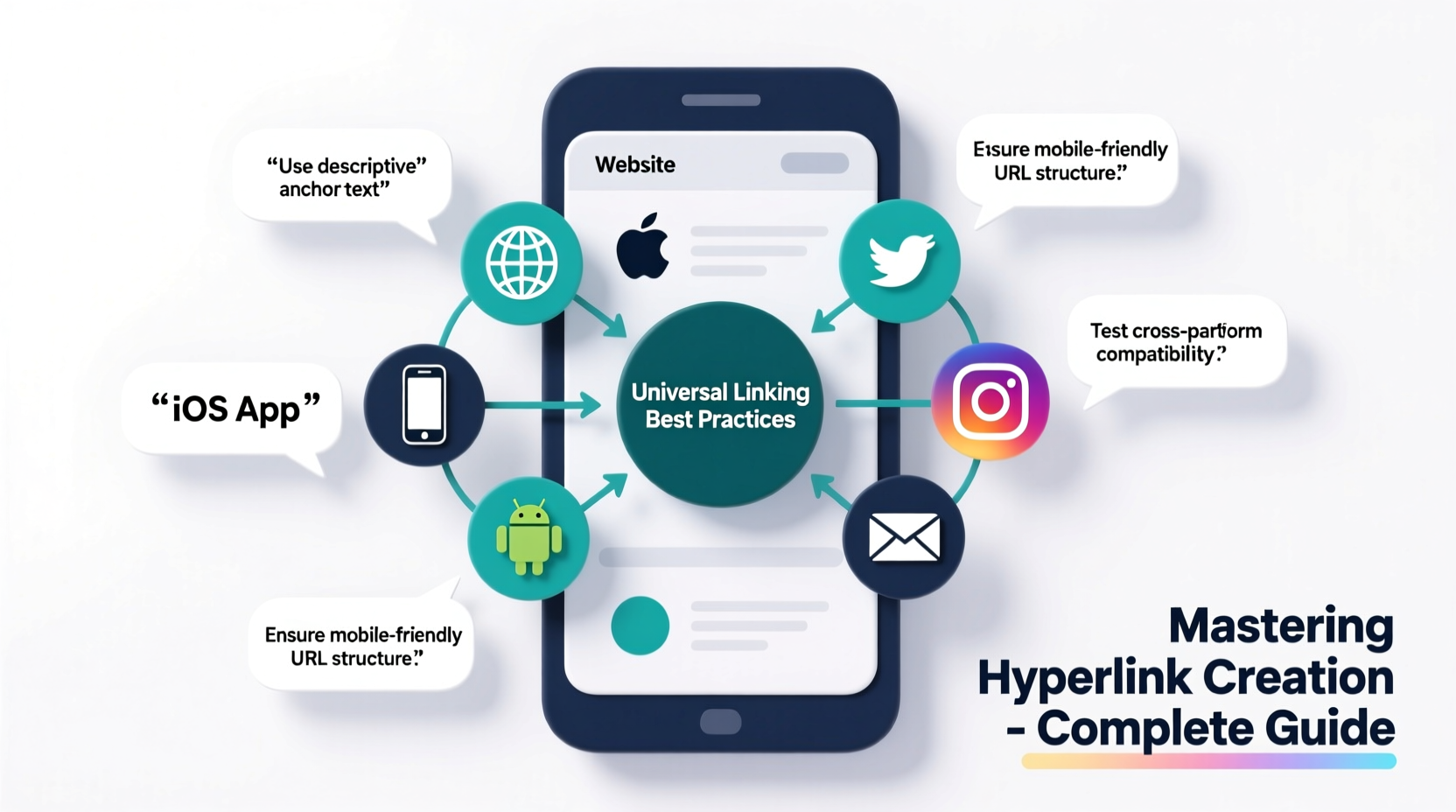
A hyperlink consists of two main components: the anchor text (the visible, clickable part) and the destination URL. The quality of both elements determines whether a link succeeds or fails in its purpose. Anchor text should be descriptive and contextually relevant—avoid vague phrases like “click here” or “read more.” Instead, use specific language that tells users exactly what to expect.
For example, instead of writing:
<a href=\"https://example.com/guides/html-basics\">Click here</a> to learn HTML
Prefer:
<a href=\"https://example.com/guides/html-basics\">Learn HTML basics with our beginner-friendly guide</a>
This approach improves accessibility for screen readers, enhances SEO by including keywords naturally, and increases user trust.
Linking on the Web: HTML and Best Practices
On websites, hyperlinks are created using HTML's <a> tag. The basic syntax is:
<a href=\"https://yourdestination.com\" target=\"_blank\" rel=\"noopener noreferrer\">Anchor Text</a>
Let’s break this down:
href: Specifies the destination URL.target=\"_blank\": Opens the link in a new tab (use sparingly).rel=\"noopener noreferrer\": A security measure when usingtarget=\"_blank\"to prevent potential phishing exploits.
When crafting web links, follow these principles:
- Use absolute URLs for external links and relative paths for internal navigation.
- Ensure all links are accessible via keyboard and screen reader.
- Add
titleattributes for additional context if needed. - Style links clearly so they stand out from body text (e.g., underlined blue text).
“Descriptive anchor text isn’t just good for SEO—it’s essential for inclusive design.” — Dana Peters, Web Accessibility Consultant
Platform-Specific Linking Strategies
Different platforms handle hyperlinks differently. Understanding these nuances ensures consistency and functionality across mediums.
| Platform | Link Method | Best Practice |
|---|---|---|
| WordPress | Visual editor button or Gutenberg block | Use keyword-rich anchor text; avoid auto-opening in new tabs |
| Google Docs | Ctrl+K or Insert > Link | Keep anchor text concise but informative |
| Email (Gmail, Outlook) | Insert link via toolbar | Always preview; some clients block external scripts |
| Markdown (GitHub, Notion) | [Text](URL) | Use clean formatting and validate links after rendering |
| PDF (Adobe Acrobat) | Add hyperlink tool | Ensure clickable areas are large enough for touch devices |
Each platform has limitations and strengths. For instance, Markdown doesn't support target=\"_blank\" natively, while email clients often strip out certain attributes for security. Always tailor your linking strategy to the environment.
Mini Case Study: Improving Click-Through Rates with Better Anchors
A mid-sized SaaS company noticed low engagement on their blog’s resource section. Their call-to-action buttons used generic labels like “Download Now” without clarifying what users would receive. After auditing their content, they revised all anchor texts to reflect the exact outcome—e.g., “Download the 2024 UX Research Template (PDF)” or “Get Your Free SEO Audit Checklist.”
Within six weeks, click-through rates increased by 63%, and bounce rates on linked landing pages dropped significantly. The change was simple but powerful: clarity drives action.
Step-by-Step Guide to Creating High-Impact Links
Follow this sequence to build effective hyperlinks every time:
- Define the Purpose: Ask yourself what the user gains by clicking. Is it information, a download, or navigation?
- Select the Right Anchor Text: Use natural language that reflects the destination. Avoid over-optimization (e.g., stuffing keywords).
- Verify the URL: Check for typos, ensure HTTPS is used, and confirm the page loads correctly.
- Apply Attributes Thoughtfully: Only open external links in new tabs when necessary (e.g., downloadable files). Always include
rel=\"noopener\"when doing so. - Test Across Devices: Confirm links work on desktop, mobile, and assistive technologies.
- Monitor Performance: Use tools like Google Analytics or UTM parameters to track clicks and refine based on data.
Common Linking Mistakes and How to Avoid Them
Even experienced creators make errors that diminish link effectiveness. Here’s a checklist to help you stay on track:
- ❌ Using “click here” as anchor text
- ❌ Linking to unsecured HTTP sites (especially in professional contexts)
- ❌ Overloading a paragraph with too many links
- ❌ Forgetting to update or remove broken links
- ❌ Assuming users know where a vague link leads
To prevent these issues, adopt a routine audit process. Schedule monthly checks using tools like Screaming Frog or Google Search Console to identify and fix dead or redirecting links.
Frequently Asked Questions
Should I open links in a new tab?
Only when it benefits the user experience—such as when linking to a PDF, external reference, or downloadable file. Otherwise, let users decide how to navigate. Unexpected new tabs can disrupt flow and reduce trust.
Can too many links hurt my SEO?
Yes. Excessive outbound links, especially to low-quality or irrelevant sites, can dilute page authority and raise red flags with search engines. Focus on quality over quantity. Aim for no more than 100 outbound links per page, and prioritize relevance and trustworthiness.
How do I make links accessible?
Use descriptive anchor text, ensure sufficient color contrast, and avoid relying solely on color to indicate links. Additionally, never underline non-link text, as this confuses screen reader users. Test your content with accessibility checkers like WAVE or axe DevTools.
Conclusion: Turn Links Into Gateways of Value
Hyperlinks are not mere technical details—they are invitations to explore, learn, and act. When crafted with intention, they enhance clarity, strengthen credibility, and deepen engagement. From HTML markup to email signatures, every link you create shapes how others experience your content.
Start applying these strategies today: audit your existing links, refine your anchor text, and test every connection. Small improvements compound into significant gains in usability, retention, and search visibility.




 浙公网安备
33010002000092号
浙公网安备
33010002000092号 浙B2-20120091-4
Comments
No comments yet. Why don't you start the discussion?