
Creating cartoons is more than just drawing funny characters—it’s storytelling through movement, expression, and timing. Whether you dream of making animated shorts, webcomics, or character-driven series, the foundation lies in understanding both art and narrative. This guide breaks down the process into clear, actionable steps, tailored for beginners who are ready to turn imagination into animation.
Understanding What Makes a Cartoon Work
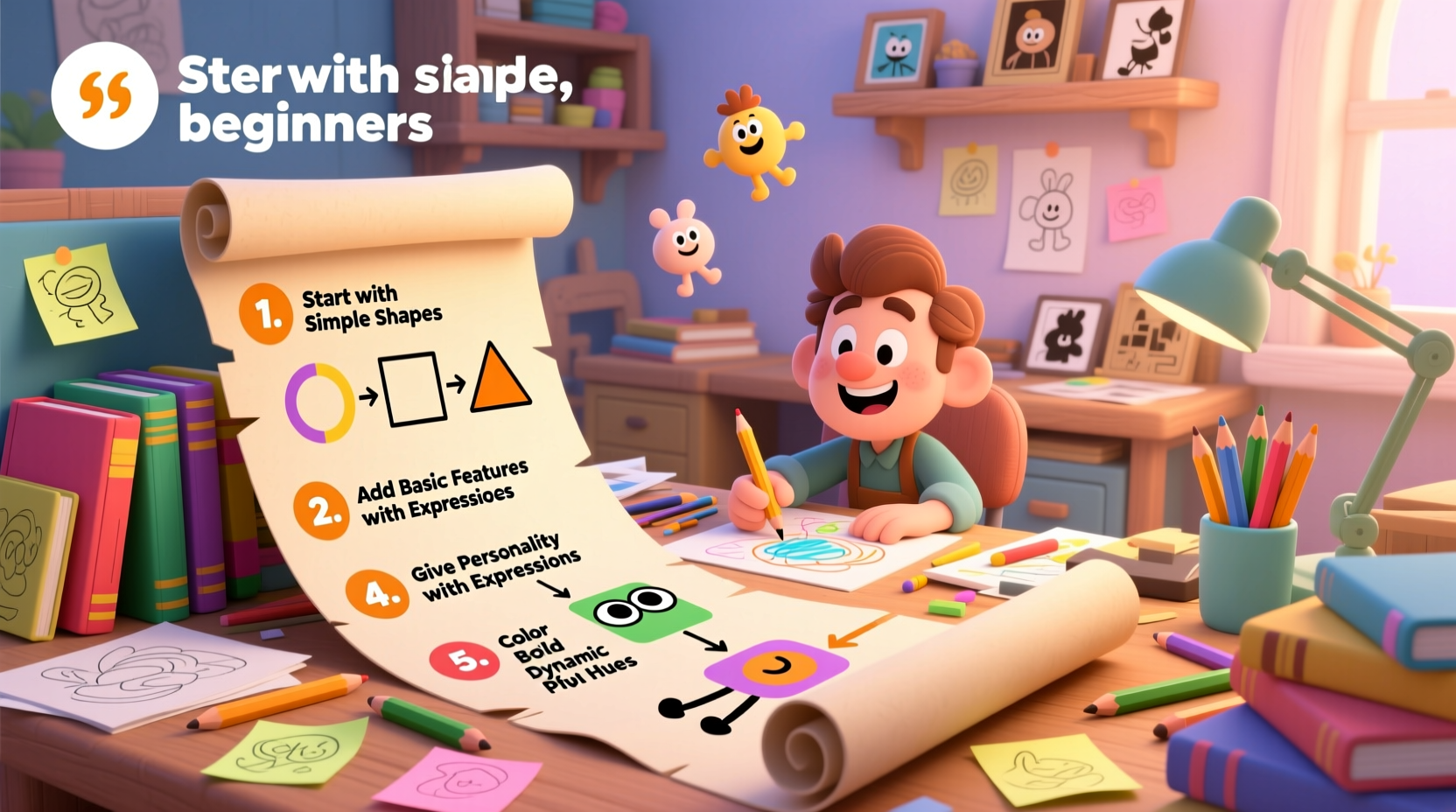
A successful cartoon combines visual appeal with emotional resonance. It doesn’t require Hollywood-level software or years of training to begin. What it does require is an understanding of core principles: character design, story structure, exaggeration, and timing. Cartoons thrive on simplicity—reducing complex emotions or actions into clear, expressive visuals that audiences instantly recognize.
Early pioneers like Walt Disney and Tex Avery emphasized “squash and stretch,” anticipation, and follow-through—principles still essential today. These aren’t just tricks for professional animators; they’re tools anyone can learn to make their drawings feel alive.
“Animation can explain whatever the mind of man can conceive. This facility makes it the most versatile and explicit means of communication yet devised.” — Walt Disney
Your Step-by-Step Path to Creating Cartoons
Start from the ground up. Even the most iconic cartoons began as rough sketches on paper. Follow this timeline to build your skills systematically and create your first short cartoon within weeks.
- Week 1–2: Learn Basic Drawing and Character Design
Focus on gesture drawing, facial expressions, and body proportions. Practice drawing simple characters from multiple angles. - Week 3: Develop a Story Idea
Write a one-page script with a beginning, middle, and end. Keep it under 60 seconds for your first project. - Week 4: Create a Storyboard
Break your script into panels, sketch key scenes, and plan camera angles and transitions. - Week 5: Choose Your Tools and Animate
Use free or beginner-friendly software to animate frame-by-frame or with simple rigging. - Week 6: Add Sound and Polish
Include voice lines, sound effects, and music. Export your final cartoon in a shareable format.
Essential Tools and Software for Beginners
You don’t need expensive gear to start. Many successful animators began with basic tools and upgraded as their skills grew. The key is consistency, not equipment.
| Tool Type | Recommended Option | Cost | Best For |
|---|---|---|---|
| Drawing Tablet | Wacom Intuos or XP-Pen StarG640 | $40–$80 | Precise digital drawing |
| Animation Software | Pencil2D or OpenToonz | Free | Frame-by-frame animation |
| Audio Editing | GarageBand or Audacity | Free | Voiceovers and sound effects |
| Video Editing | DaVinci Resolve or Shotcut | Free | Final compositing and export |
As you progress, consider upgrading to tools like Adobe Animate or Toon Boom Harmony. But for now, focus on mastering fundamentals using accessible platforms.
Designing Memorable Characters
A great cartoon lives or dies by its characters. Think of classics like Bugs Bunny or SpongeBob—each has a distinct silhouette, personality, and set of exaggerated traits. When designing your own, ask: What makes them unique? How do they move? What’s their motivation?
- Silhouette Test: Can your character be recognized by shape alone?
- Exaggerate Features: Big eyes, long limbs, oversized hats—push traits to make them memorable.
- Personality Through Pose: A slouched stance suggests laziness; sharp angles imply aggression.
- Limit Colors: Use a simple palette (3–4 colors) for clarity and brand recognition.
Real Example: From Sketch to Screen
Jamal, a college student with no formal art training, wanted to create a cartoon about a nervous office worker who talks to plants. He started with stick figures and used Pencil2D to animate 12 frames per second. His first attempt was only 45 seconds long and had no sound—but he posted it online. Within days, he received feedback praising the character’s relatable anxiety and quirky humor. Encouraged, he refined the design, added voice acting using his phone, and released a sequel. Six months later, his series gained 10,000 views on YouTube. His success came not from technical mastery but from persistence and authenticity.
Avoiding Common Beginner Mistakes
New creators often fall into predictable traps that slow progress. Recognizing these early helps you stay focused and productive.
| Mistake | Why It’s Harmful | How to Avoid It |
|---|---|---|
| Overcomplicating the story | Leads to unfinished projects | Start with a single gag or emotion |
| Waiting for perfect tools | Delays learning and creation | Use what you have; upgrade later |
| Ignoring timing and spacing | Motion feels stiff or unnatural | Study real-life movement; use onion skinning |
| Skipping storyboards | Causes inconsistent pacing | Sketch every scene before animating |
“Simplicity is the ultimate sophistication in cartooning. If you can tell a joke in three frames, don’t use ten.” — Brenda Hoddinott, Animation Educator
Checklist: Launch Your First Cartoon
Follow this checklist to ensure nothing gets overlooked during production:
- ☑ Define your main character and their goal
- ☑ Write a short script (under 1 minute)
- ☑ Sketch thumbnails for each scene
- ☑ Create a full storyboard with dialogue notes
- ☑ Choose animation software and set up your workspace
- ☑ Animate keyframes first, then in-betweens
- ☑ Record or source voice lines and sound effects
- ☑ Edit audio and video together for sync
- ☑ Export in MP4 format for online sharing
- ☑ Upload and invite feedback
Frequently Asked Questions
How long does it take to make a simple cartoon?
A 30–60 second cartoon can take 20–40 hours for a beginner, spread over several weeks. Time decreases significantly with practice. Shorter projects help build confidence without burnout.
Do I need to know how to draw well to make cartoons?
Not initially. Clear, consistent drawings matter more than realism. Many popular cartoons use simple shapes and bold lines. Focus on readability and expression rather than technical precision.
Can I make cartoons on a smartphone or tablet?
Yes. Apps like FlipaClip or Animation Desk allow frame-by-frame animation on mobile devices. While limited compared to desktop software, they’re excellent for quick experiments and learning basics on the go.
Bring Your Ideas to Life—One Frame at a Time
Cartooning is not reserved for studios or artists with decades of experience. It’s a craft built on curiosity, repetition, and storytelling instinct. Every line you draw, every frame you animate, brings you closer to finding your voice. The tools are accessible, the principles are learnable, and the audience is waiting.
Start small. Finish something. Share it. Learn from what works—and what doesn’t. Mastery isn’t a destination; it’s the habit of showing up, sketchbook open, ready to create. Your first cartoon won’t be perfect. But it will be yours. And that’s where every great animator begins.




 浙公网安备
33010002000092号
浙公网安备
33010002000092号 浙B2-20120091-4
Comments
No comments yet. Why don't you start the discussion?