
Sharing content on Facebook is more than just passing along a funny meme or viral video. It’s a powerful way to spark conversations, support causes, amplify voices, and stay connected with friends, family, and communities. Yet, many users only scratch the surface of what's possible when sharing posts. Whether you're using an iPhone, Android device, or desktop browser, knowing the right method—and the right context—for sharing can make all the difference in engagement, privacy, and impact.
This guide walks through every practical scenario: public sharing, private messaging, cross-platform distribution, scheduling ahead, and even sharing older or restricted content. You’ll learn not only the mechanics but also the best practices that ensure your shares are effective, respectful, and aligned with your intentions.
Understanding Your Sharing Options
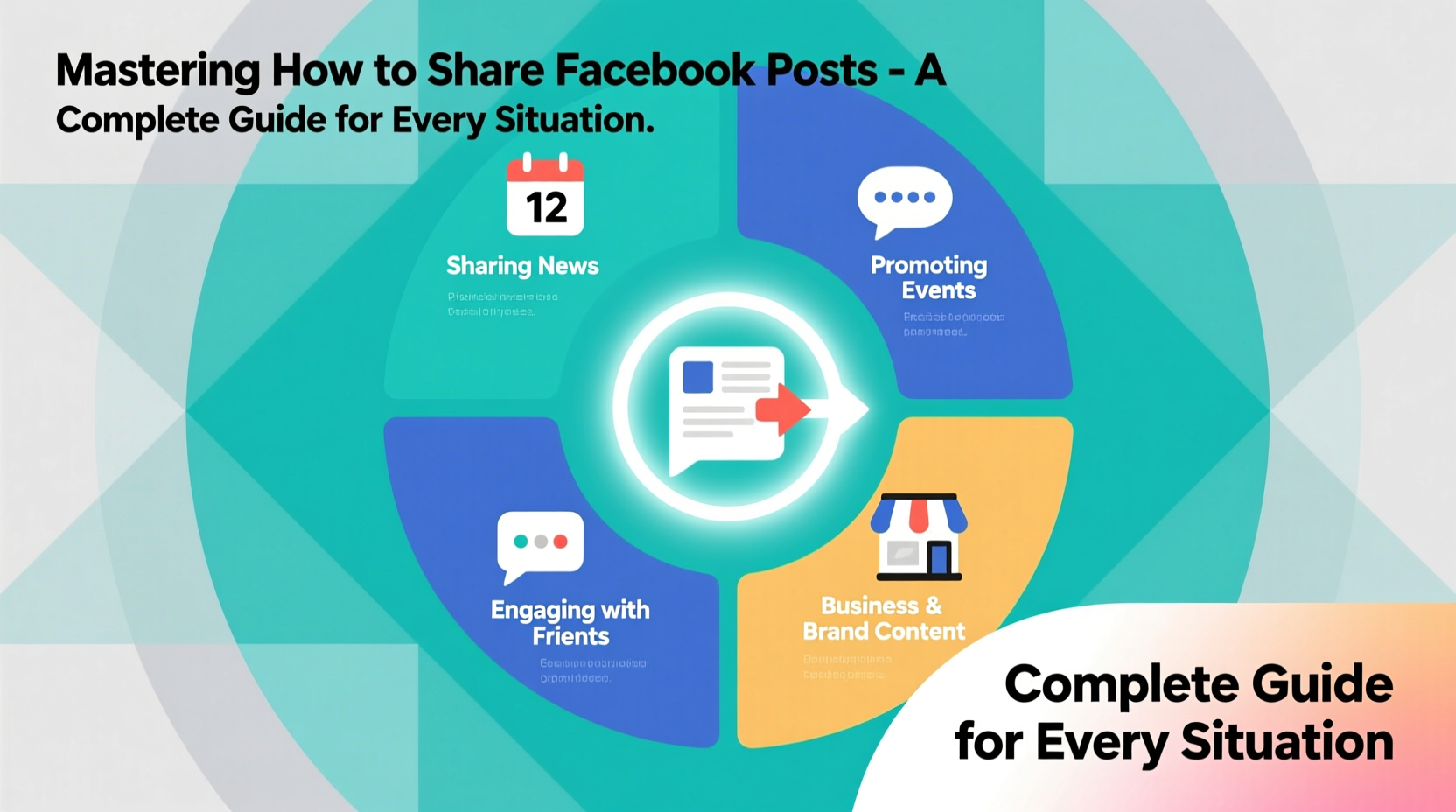
Facebook offers multiple ways to share a post, each serving a different purpose. The option you choose affects who sees the content, how it appears, and whether your commentary is included. Knowing these distinctions helps avoid missteps like accidentally broadcasting a sensitive article to your entire network or failing to credit the original creator.
- Share to News Feed: Publishes the post publicly (or according to your audience setting) with optional added text.
- Send in Messenger: Shares privately via direct message or group chat.
- Share to Story: Displays the post temporarily (24 hours) atop your Story feed.
- Copy Link: Grabs the URL for use outside Facebook—on WhatsApp, email, or blogs.
- Share to Group or Page: Allows targeted distribution within managed communities.
Step-by-Step: How to Share a Post Across Devices
The interface varies slightly between devices, but the core functionality remains consistent. Follow these steps based on your platform.
On Mobile (iOS/Android)
- Open the Facebook app and navigate to the post you want to share.
- Tap the “Share” button below the post (arrow icon).
- Select one of the following:
- Add to Story – for temporary visibility.
- Send in Messenger – choose a contact or group.
- Share Now – publishes directly to your timeline.
- Edit Post – customize audience, add comments, or change destination (e.g., a specific group).
- If selecting “Edit Post,” adjust settings such as audience (Public, Friends, Only Me), write a caption, and tap “Post.”
On Desktop
- Hover over the post and click the “Share” dropdown arrow in the bottom-right corner.
- Choose “Share now” for immediate public posting, or “Edit post” to customize.
- In the pop-up window, type any additional thoughts, tag people if relevant, and select where to share—your timeline, a group, or a friend’s profile.
- Adjust the audience selector (globe, smiley face, lock icon) as needed.
- Click “Post” to publish.
“Effective sharing isn’t about volume—it’s about relevance. One well-placed share to the right audience generates more meaningful interaction than 10 random blasts.” — Lena Torres, Digital Communication Strategist
When and Why to Use Each Sharing Method
Not every post deserves a public shoutout. Context determines the most appropriate sharing path. Below is a comparison of methods by use case:
| Method | Best For | Audience Reach | Privacy Level |
|---|---|---|---|
| Share to News Feed | Widely relevant news, personal milestones, community events | Public, Friends, Custom | Configurable |
| Send in Messenger | Sensitive topics, jokes for close friends, quick recommendations | Individuals or small groups | High (end-to-end encrypted in chats) |
| Share to Story | Time-sensitive updates, reactions with stickers/polls, visual highlights | Followers/Friends | Medium (visible 24 hours) |
| Copy Link | External sharing (email, LinkedIn, forums), archiving, newsletters | Anywhere link is sent | Depends on platform |
| Share to Group/Page | Niche discussions, business promotions, interest-based content | Group members or page followers | Varies by group settings |
Real Example: Strategic Sharing in Action
Consider Maria, a local bakery owner who regularly shares customer photos and seasonal menu updates. She doesn’t just hit “Share Now” blindly. Instead, she uses a strategy:
- New cupcake launch? Shared to her business Page and tagged in a relevant foodie Group.
- Customer compliment photo? Posted to her personal News Feed with gratitude, set to “Friends” only to keep it personal.
- Industry article on sustainable packaging? Copied and emailed to her supplier with a note, rather than flooding her social circle.
By matching the method to the message, Maria maintains professionalism, avoids oversaturation, and nurtures both personal and brand relationships effectively.
Common Mistakes and How to Avoid Them
Even experienced users fall into traps when sharing content. These errors can damage trust, reduce credibility, or violate privacy.
- Sharing without context: A political article dropped with no comment can be misinterpreted. Add a sentence explaining why it matters to you.
- Oversharing emotionally charged content: Reacting impulsively to distressing news often leads to regret. Wait 10 minutes before posting.
- Ignoring attribution: Failing to tag the original creator undermines credibility. Always mention the source when possible.
- Auto-sharing across platforms: Using third-party tools to auto-post to Twitter or Instagram may strip nuance and context.
FAQ
Can I share a post anonymously?
No. When you share a post to your timeline or a group, your name appears as the sharer. For private sharing, use “Send in Messenger” or copy the link without commentary.
Why can’t I share a post?
The original poster may have disabled sharing, or the content violates Facebook’s policies. Pages and groups can also restrict resharing. In such cases, taking a screenshot or manually summarizing the point (with credit) may be acceptable.
How do I schedule a shared post?
Currently, Facebook does not allow scheduling of individual shared posts from personal profiles. However, if you’re managing a Page, use Meta Business Suite to schedule shares in advance.
Checklist: Best Practices for Sharing Facebook Posts
- ✅ Review the original post for accuracy and tone before sharing.
- ✅ Add your own insight or question to encourage discussion.
- ✅ Verify audience settings—don’t default to “Public” unnecessarily.
- ✅ Tag the original author or page when appropriate.
- ✅ Avoid overposting the same content across multiple formats (Feed, Story, Group).
- ✅ Respect copyright and privacy—don’t share private messages or medical information.
- ✅ Use “Copy Link” for external platforms instead of screenshots when possible.
Conclusion
Sharing on Facebook is a skill that blends technical know-how with emotional intelligence. With the right approach, a single share can inform, inspire, or bring people together. Whether you’re connecting with old friends, supporting a cause, or growing a business, mastering the nuances of sharing empowers you to communicate more thoughtfully and effectively.




 浙公网安备
33010002000092号
浙公网安备
33010002000092号 浙B2-20120091-4
Comments
No comments yet. Why don't you start the discussion?