
In a globally connected world, miscommunication due to inconsistent or ambiguous date and time formatting can lead to missed deadlines, scheduling errors, and professional misunderstandings. Whether you're writing an email, drafting a report, filling out a form, or coordinating with international colleagues, clarity in how you present dates and times is not just helpful—it's essential. This guide breaks down the most widely accepted standards, regional variations, and best practices for writing dates and times with precision and consistency.
Understanding Common Date Formats Around the World
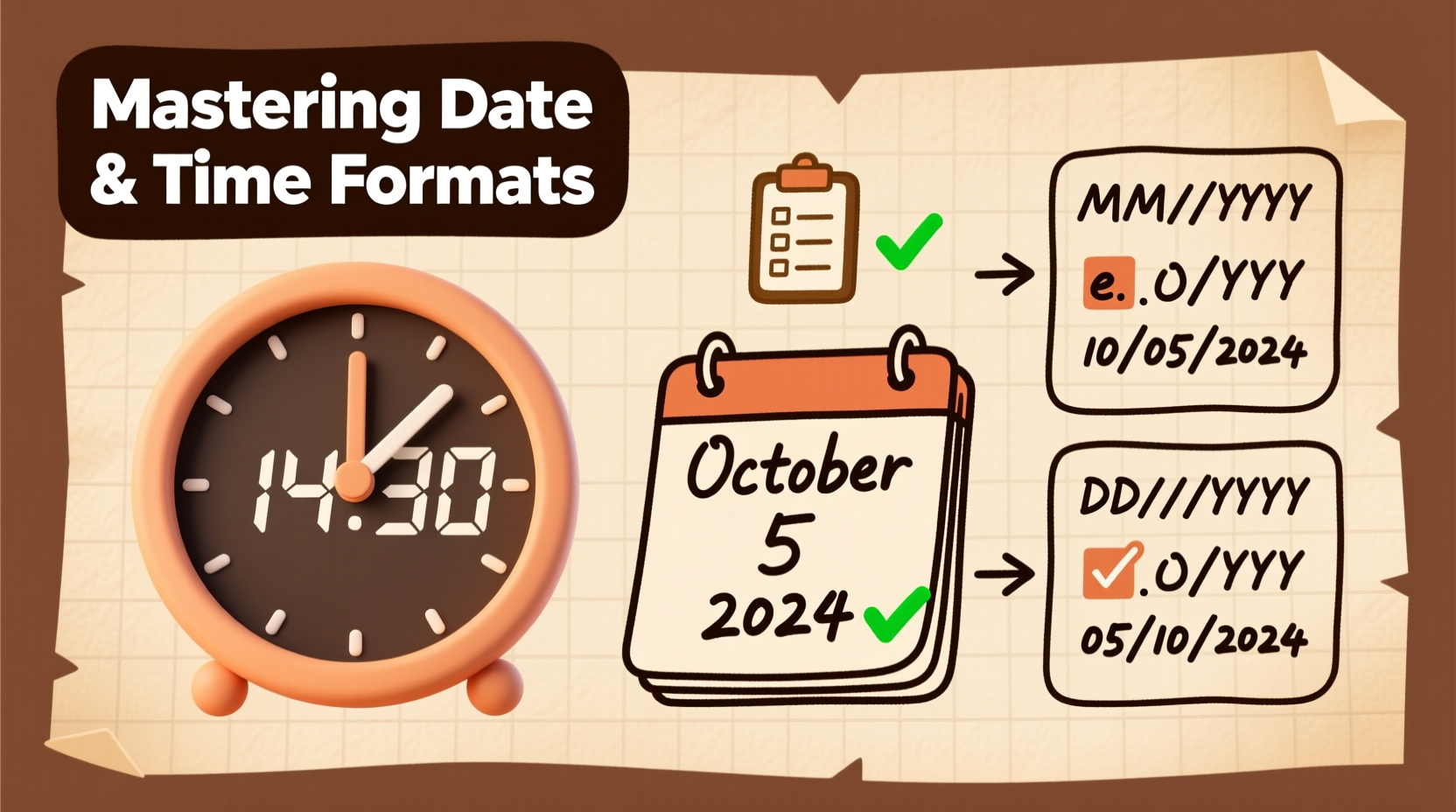
Different countries and cultures use distinct conventions when writing dates. The same format can mean entirely different things depending on context, leading to confusion. The three primary date order systems are:
- MDY (Month-Day-Year): Used primarily in the United States.
- DMY (Day-Month-Year): Common in the UK, Australia, and most of Europe.
- YMD (Year-Month-Day): The ISO 8601 international standard, used in technical, scientific, and global business environments.
For example, “04/05/2025” could be interpreted as April 5th in the U.S., but May 4th in the UK—highlighting the risk of ambiguity.
The ISO 8601 Standard: A Global Solution
To eliminate confusion, the International Organization for Standardization introduced ISO 8601, which specifies the format as YYYY-MM-DD. For instance: 2025-04-05 clearly means April 5, 2025, regardless of the reader’s location.
This format is especially valuable in digital systems, databases, file naming, and international correspondence. It sorts chronologically when listed alphabetically—a practical advantage for organizing records.
“Adopting ISO 8601 reduces errors in data exchange by over 70% in multinational operations.” — Dr. Lena Schmidt, Data Standards Consultant at GlobalInterop Systems
Benefits of Using ISO 8601
- Eliminates regional ambiguity
- Sorts correctly in file systems and spreadsheets
- Widely adopted in programming, APIs, and technical documentation
- Recognized by governments, academia, and international organizations
Time Format Conventions: 12-Hour vs. 24-Hour Clock
Like dates, time notation varies significantly across regions. The two dominant systems are:
- 12-hour clock: Uses AM (ante meridiem) and PM (post meridiem), common in the U.S., Canada, and the Philippines.
- 24-hour clock: Runs from 00:00 to 23:59, standard in most of Europe, Asia, Latin America, and military, aviation, and medical fields worldwide.
Writing “3:00 PM” is clear enough in casual conversation, but “15:00” removes any chance of misinterpretation. In high-stakes environments like healthcare or logistics, this precision is non-negotiable.
| Time (12-Hour) | Time (24-Hour) | Recommended Context |
|---|---|---|
| 12:00 AM | 00:00 | Midnight – use 24:00 only for end-of-day in schedules |
| 12:00 PM | 12:00 | Noon – avoid \"12 PM/AM\" if possible; say \"noon\" or \"midnight\" |
| 6:30 PM | 18:30 | Preferred in formal, international, or technical communication |
| 11:59 PM | 23:59 | End of day; useful for deadlines |
Combining Date and Time: Best Practices
When both date and time are needed, consistency and timezone awareness become critical. A complete timestamp should ideally include:
- Date in a clear format (preferably ISO 8601)
- Time using 24-hour notation
- Timezone designation (e.g., UTC, EST, CET)
Example: 2025-04-05T14:30:00Z represents April 5, 2025, at 2:30 PM UTC (Coordinated Universal Time). The \"T\" separates date and time, and \"Z\" indicates UTC.
Avoid vague references like “tomorrow at 3” without specifying timezone—especially in remote teams. Instead, write: “Friday, April 4, 2025, at 15:00 CET (UTC+1)”.
Real-World Example: The Cost of Ambiguity
In 2022, a software development team based in Germany scheduled a deployment for “05/06/2025 at 10 AM.” The U.S.-based client assumed this meant June 5, while the German team intended May 6. The mismatch caused a 29-day delay in product launch, resulting in contractual penalties and reputational damage.
Had they used 2025-06-05 or specified “June 5, 2025,” the error would have been avoided. This case underscores how small formatting oversights can lead to significant consequences.
Step-by-Step Guide to Writing Clear Date-Time Entries
Follow these steps to ensure your date and time entries are always accurate and understandable:
- Determine your audience: Are they local or international? Adjust format accordingly.
- Choose the appropriate date format: Use ISO 8601 for global clarity, or region-specific formats if communicating locally.
- Select the right time system: Prefer 24-hour format in formal or technical settings.
- Include timezone: Specify either the abbreviation (e.g., PST) or UTC offset (e.g., UTC−8).
- Double-check for ambiguity: Avoid standalone numbers like “03/04/25” without context.
- Use consistent formatting throughout documents: Don’t switch between styles within the same report or email thread.
Common Mistakes and How to Avoid Them
Even experienced professionals make formatting errors. Here are frequent pitfalls and their solutions:
- Mistake: Writing “12 AM” or “12 PM” without clarification.
Solution: Replace with “noon” or “midnight” when possible. - Mistake: Omitting leading zeros (e.g., “2025-4-5”).
Solution: Always use two digits for month and day:2025-04-05. - Mistake: Assuming everyone reads “MM/DD/YYYY.”
Solution: Spell out the month in informal writing (e.g., “April 5, 2025”) or use ISO format. - Mistake: Ignoring daylight saving time changes.
Solution: Use UTC for permanent records or note DST status explicitly.
Checklist: Ensuring Consistent Date and Time Formatting
- ☑ Use four-digit years to prevent Y2K-style confusion
- ☑ Apply leading zeros for months and days (01–12, 01–31)
- ☑ Choose one date format and stick to it within a document
- ☑ Include timezone for all time-sensitive communications
- ☑ Avoid abbreviations like “Tues” or “Sept” in formal writing
- ☑ Verify that digital calendars display times correctly across timezones
Frequently Asked Questions
Is it acceptable to mix date formats in the same document?
No. Mixing formats (e.g., using “04/05/25” and “May 4, 2025”) confuses readers and undermines professionalism. Choose one style and apply it consistently.
Should I use commas in dates?
In American English, yes: “April 5, 2025.” In British English and formal international writing, commas are often omitted unless the sentence structure requires them. Clarity matters more than strict grammar—just remain consistent.
What’s the best way to write timestamps for log files or reports?
Always use ISO 8601 with UTC time: 2025-04-05T12:30:45Z. This ensures universal readability and chronological sorting without timezone conversion errors.
Final Thoughts: Clarity Is Professionalism
How you write the date and time reflects your attention to detail and respect for your audience. In emails, contracts, project plans, or technical logs, consistent formatting prevents confusion and builds trust. Whether you're working across time zones or simply organizing personal schedules, adopting clear, standardized practices pays dividends in efficiency and accuracy.




 浙公网安备
33010002000092号
浙公网安备
33010002000092号 浙B2-20120091-4
Comments
No comments yet. Why don't you start the discussion?