
Headers in HTML are more than just visual cues—they are the backbone of content structure on the web. Used correctly, they improve readability, enhance accessibility, and boost SEO performance. Yet, many developers and content creators misuse heading tags, treating them as mere formatting tools rather than semantic elements. Understanding how to implement HTML headers properly is essential for building websites that are both user-friendly and search-engine optimized.
Understanding HTML Header Tags: H1 to H6
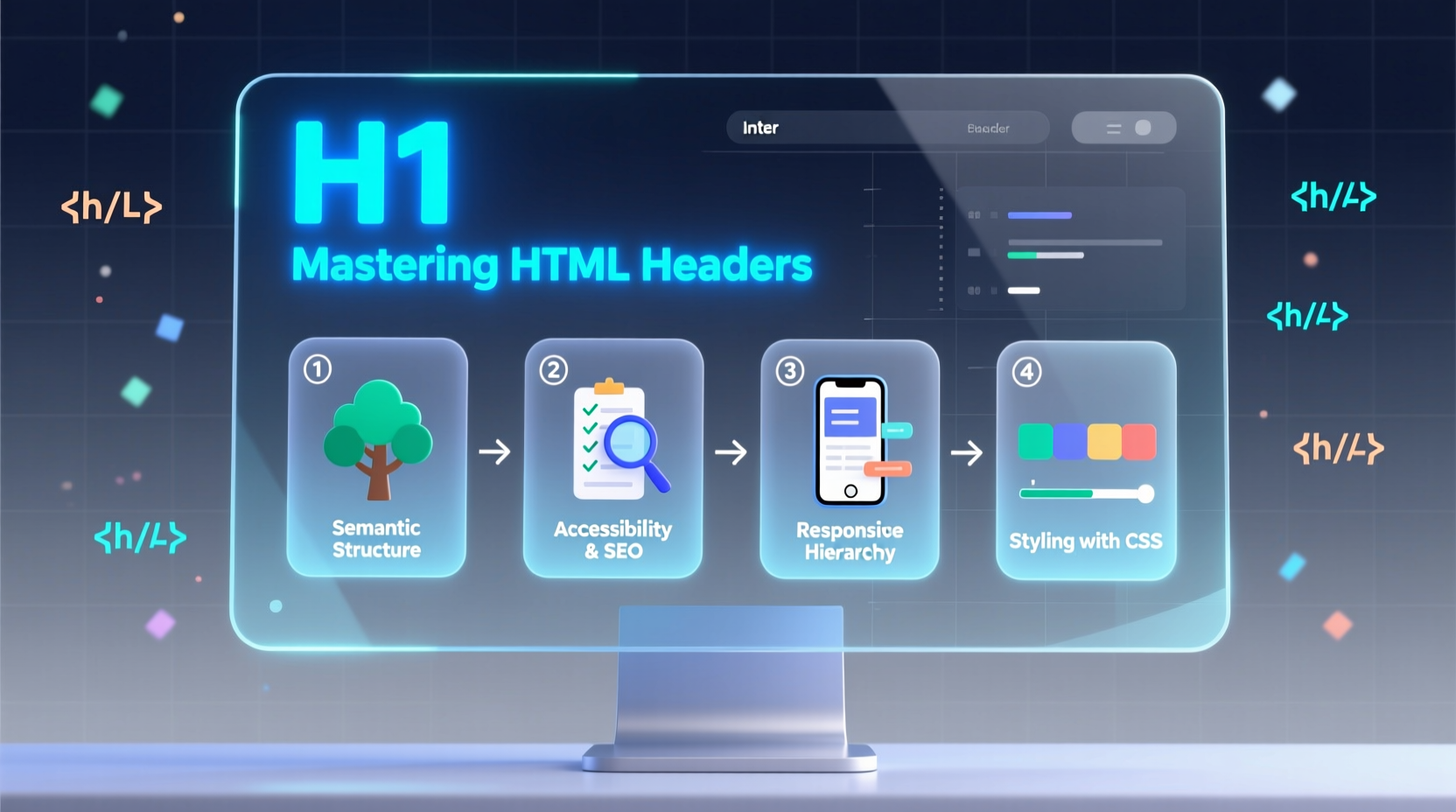
HTML provides six levels of header tags: <h1> through <h6>. These tags denote hierarchical importance, not font size or style. The <h1> represents the main topic of the page, while each subsequent level indicates a sub-topic or nested section.
- H1: Page title or primary subject (only one per page)
- H2: Major sections under the H1
- H3: Subsections within an H2
- H4–H6: Further subdivisions when needed
This hierarchy helps screen readers navigate content, guides search engines in indexing, and gives users a clear mental model of the page layout.
Why Proper Header Structure Matters
The impact of well-structured headers extends beyond aesthetics. They influence three critical aspects of modern web design: accessibility, SEO, and usability.
Accessibility
Screen reader users rely on header navigation to skim content efficiently. A disorganized heading tree forces them to listen through entire blocks of text, increasing frustration and reducing comprehension. Properly nested headers act like a table of contents, enabling quick jumps between sections.
Search Engine Optimization (SEO)
Search engines use header tags to determine topic relevance and content organization. Google’s crawlers analyze heading hierarchies to understand context and keyword relationships. Pages with clear, keyword-rich headers often rank higher because they signal topical depth and clarity.
User Experience
Visually, headers break up long text into digestible segments. Users scan pages rapidly, and strong headings serve as signposts, guiding attention to relevant information. When headers accurately reflect content, bounce rates decrease and engagement increases.
“Semantic structure isn’t optional—it’s foundational. Headers tell both machines and humans what your content means.” — Laura Diaz, Web Standards Advocate at W3C
Step-by-Step Guide to Building Effective Header Structures
Creating a robust header hierarchy doesn't require advanced coding skills—just thoughtful planning. Follow these steps to ensure your headers support both content and audience needs.
- Start with a single H1. This should be the main title of your page, clearly stating its purpose. For example: “Guide to Urban Gardening” instead of “Welcome!”
- Break content into major themes using H2s. Each H2 represents a core section—e.g., “Choosing Containers,” “Soil Preparation,” “Watering Techniques.”
- Nest related ideas under H3s. Under “Watering Techniques,” include H3s like “Morning vs. Evening Watering” or “Drip Irrigation Setup.”
- Use H4–H6 sparingly. Only introduce deeper levels if you have complex subsections—for instance, technical documentation or detailed tutorials.
- Review for logical flow. Read only the headers aloud. Do they form a coherent outline? Can someone predict what each section covers?
Common Mistakes and How to Avoid Them
Even experienced developers occasionally fall into poor header practices. Below is a comparison of common errors and their solutions.
| Mistake | Why It’s Problematic | Best Practice |
|---|---|---|
| Multiple H1 tags | Dilutes page focus; confuses SEO and assistive tech | Use one H1 per page—reserve it for the primary topic |
| Skip heading levels | Breaks document outline and navigation | Always progress sequentially: H1 → H2 → H3 |
| Using headers for styling only | Misleads screen readers and search engines | Style with CSS classes; keep headers semantically accurate |
| Vague or clickbait headers | Reduces trust and skimmability | Be descriptive and specific—match header to content |
Mini Case Study: Improving a Blog Post's Header Structure
A lifestyle blog published an article titled “Healthy Smoothie Recipes” with the following initial structure:
<h1>Welcome!</h1>
<p>Today we’re making smoothies.</p>
<h3>Banana Berry Blast</h3>
<h3>Green Detox Mix</h3>
<h1>Tips for Blending</h1>
Despite good content, engagement was low. After auditing, the team realized the headers lacked hierarchy and clarity. They revised it:
<h1>5 Healthy Smoothie Recipes You Can Make in 5 Minutes</h1>
<h2>Banana Berry Blast</h2>
<h2>Green Detox Mix</h2>
<h2>Protein Power Shake</h2>
<h2>Tropical Mango Boost</h2>
<h2>Chocolate Peanut Butter Delight</h2>
<h2>Blending Tips for Perfect Texture</h2>
<h3>When to Add Ice</h3>
<h3>Choosing the Right Liquid Base</h3>
Within two weeks, time-on-page increased by 40%, and social shares rose significantly. The new structure made content easier to scan and improved SEO rankings for recipe-related keywords.
Checklist: Optimizing Your HTML Headers
Before publishing any web page, run through this checklist to ensure your headers are effective:
- ✅ One and only one H1 tag per page
- ✅ H1 clearly describes the page’s main topic
- ✅ All other headers follow a logical sequence (H2 → H3 → H4)
- ✅ No skipped heading levels
- ✅ Headers are descriptive and keyword-relevant
- ✅ Visual styling handled via CSS, not header selection
- ✅ Screen-reader friendly (test with accessibility tools)
Frequently Asked Questions
Can I use more than one H1 on a single page?
Traditionally, best practice recommends one H1 per page to maintain topic clarity. While HTML5 allows multiple H1s within semantic elements like <article> or <section>, most SEO experts still advise limiting H1 usage to preserve focus, especially on standard content pages.
Should I include keywords in my headers?
Yes—but naturally. Include primary keywords where relevant, particularly in H1 and H2 tags, but avoid keyword stuffing. Prioritize clarity and accuracy over optimization tricks. A header should always reflect the content that follows.
How do headers affect mobile users?
Mobile users benefit greatly from clear headers. Smaller screens make long content harder to navigate. Well-structured headers allow faster scanning and improve tap-target spacing. Additionally, collapsible sections often rely on headers as expandable triggers, enhancing mobile UX.
Final Thoughts: Build Structure First, Style Later
Great web content starts with structure. Headers are not decorative flourishes—they are functional components that shape how information is perceived and processed. By mastering HTML header usage, you empower both users and systems to engage with your content meaningfully.
Take a moment to review your latest webpage. Does the header hierarchy make sense? Would someone understand the content layout by reading only the headings? If not, refine it. Clear, logical headers cost nothing to implement but deliver significant returns in accessibility, SEO, and user satisfaction.




 浙公网安备
33010002000092号
浙公网安备
33010002000092号 浙B2-20120091-4
Comments
No comments yet. Why don't you start the discussion?