
Instagram Live has evolved from a novelty feature to a powerful tool for real-time engagement, brand building, and audience growth. With over 500 million daily active users on Instagram Stories—and a significant portion tuning into Live sessions—broadcasters who master this format gain a competitive edge. Unlike pre-recorded content, Live offers immediacy, authenticity, and direct interaction. But going live without preparation often leads to low viewership, awkward pauses, or technical hiccups. Success requires strategy, consistency, and an understanding of both platform mechanics and audience psychology.
Plan Your Content with Purpose
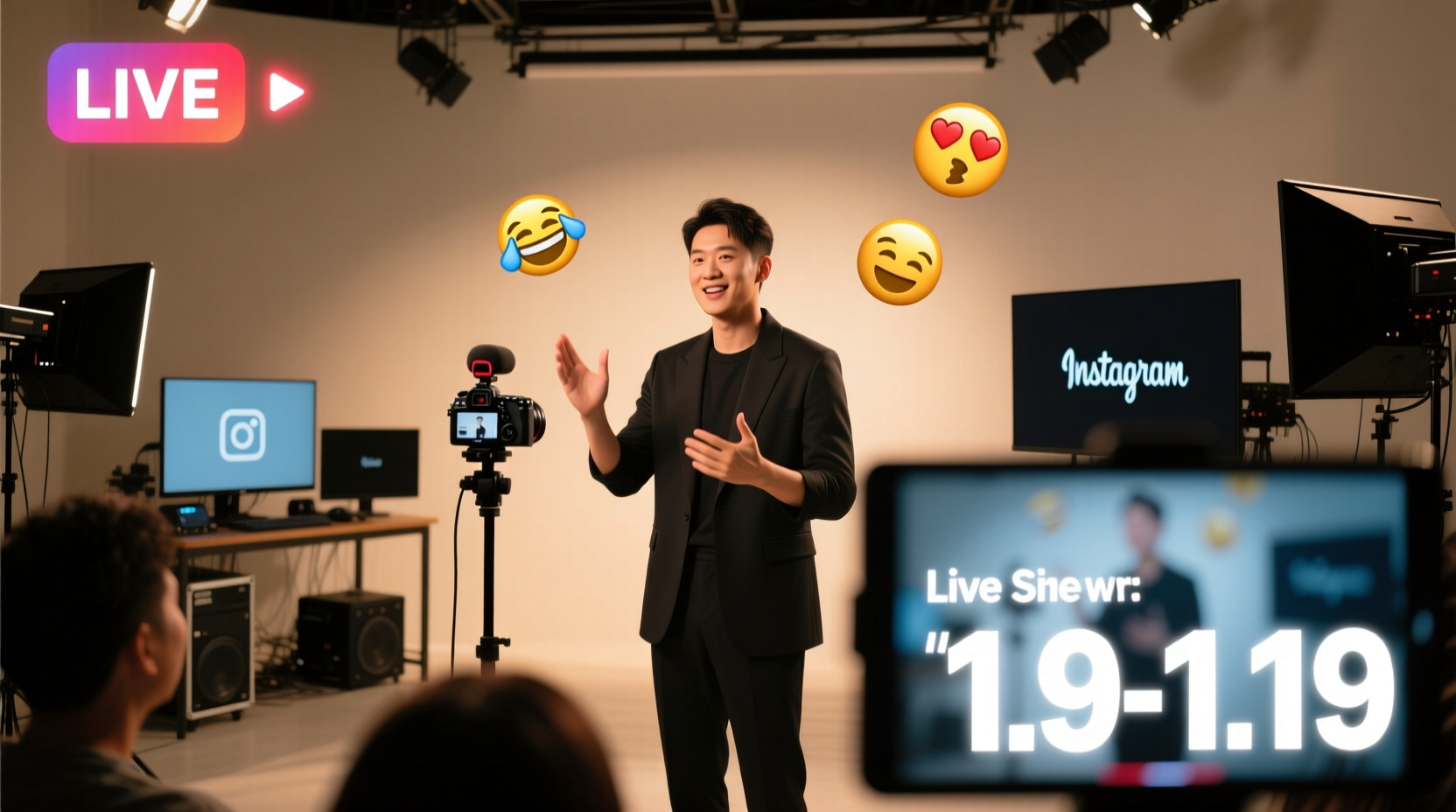
Spontaneity can work in small doses, but the most impactful Live sessions are rooted in intention. Whether you're hosting a Q&A, product launch, behind-the-scenes tour, or expert interview, clarity of purpose keeps the session focused and valuable.
Start by defining your objective: Are you educating, entertaining, promoting, or connecting? Then, structure your broadcast around key talking points. A loose script or bullet-point outline prevents rambling while allowing room for organic conversation.
Consider time limits. Most effective Lives last between 15 and 30 minutes. Attention spans online are short; respect your audience’s time by staying concise and on-topic.
Optimize Your Technical Setup
Even the most compelling content can be undermined by poor audio, shaky visuals, or connectivity issues. Viewers won’t stay long if they can’t hear you clearly or if the video cuts out repeatedly.
Ensure you’re connected to a stable Wi-Fi network. Mobile data may work, but fluctuations in signal strength can disrupt streaming quality. Use a phone stand or tripod to keep your device steady—holding it manually introduces distracting movement.
Lighting is equally critical. Face natural light when possible, or invest in a simple ring light. Avoid backlighting (e.g., sitting with a window behind you), which silhouettes your face. Audio clarity matters more than high-end cameras. If ambient noise is a concern, consider using a wired headset with a built-in microphone.
“Technical polish isn’t about perfection—it’s about removing distractions so your message shines through.” — Jordan Lee, Digital Media Producer
Engagement Strategies During the Broadcast
The real power of Instagram Live lies in two-way communication. Unlike passive video content, Live allows instant feedback, questions, and reactions. Leverage this interactivity to deepen connections.
Greet viewers by name as they join. Acknowledge comments aloud: “Great question from @maria—let me explain that.” This personal touch encourages others to participate. Assign a team member or trusted follower to monitor comments if you're broadcasting solo.
Use polls and prompts to spark discussion. Ask, “Drop a 🎯 if you’ve tried this before,” or “Comment YES if you want a follow-up tutorial.” These micro-interactions boost algorithmic visibility, signaling that your stream is engaging.
Don’t rush to fill silence. Pauses give viewers time to process and comment. Use them strategically after asking a question or making a key point.
| Engagement Tactic | How to Implement | Benefit |
|---|---|---|
| Call out usernames | Respond to comments using viewer handles | Builds loyalty and encourages participation |
| Ask open-ended questions | “What’s your biggest challenge with X?” | Generates dialogue and insights |
| Run mini-polls | “Type 1 for Option A, 2 for Option B” | Increases real-time interaction |
| Show appreciation | “Thanks for joining, Sarah—you’ve been here since the start!” | Strengthens community feeling |
Step-by-Step Guide to Launching a Successful Live Session
Follow this sequence to ensure a smooth and effective broadcast:
- Define your goal – Decide whether you’re educating, launching, or connecting.
- Schedule and promote – Announce your Live in Stories, feed posts, and even DMs to close followers.
- Prepare your space – Choose a quiet, well-lit location with a neutral or branded background.
- Test equipment – Check audio, lighting, internet connection, and camera angle beforehand.
- Go live with a strong opener – Start with energy: “Welcome everyone! So glad you’re here—we’re diving into [topic] today.”
- Interact throughout – Respond to comments, ask questions, and acknowledge new viewers.
- End with a clear CTA – Encourage follows, website visits, or future event attendance.
- Save and repurpose – After ending, save the video to your IGTV or Highlights for later viewing.
Real Example: How a Fitness Coach Grew Her Following
Alexa Rivera, a certified trainer with under 5,000 followers, began hosting weekly Instagram Lives every Friday at 7 AM. She called them “Morning Movement Breaks”—15-minute guided stretches and mobility drills tailored for desk workers.
She promoted each session three days in advance, used consistent branding (same backdrop, intro music, and call-to-action), and responded to every comment during the broadcast. Within six weeks, her average Live viewership grew from 40 to over 1,200. More importantly, 38% of attendees stayed until the end, indicating high engagement.
The ripple effect was notable: her profile visits increased by 200%, and she converted 120 new clients into her paid mobility program. Alexa credits the success not to production value, but to consistency, clarity, and genuine interaction.
Common Pitfalls and How to Avoid Them
Even experienced creators make mistakes on Live. Recognizing these early helps prevent setbacks:
- Going live with no agenda – Without structure, sessions drift and lose focus. Always have at least three key points ready.
- Ignoring comments – Silence from the host discourages participation. Even a simple “Got that, thanks!” keeps the flow alive.
- Poor timing – Broadcasting at midnight when your audience is asleep limits reach. Analyze your Insights to find peak activity times.
- Over-promoting – Constant sales pitches alienate viewers. Follow the 80/20 rule: 80% value, 20% promotion.
- Forgetting to save – Not saving your Live means losing evergreen content. Enable auto-save in settings or manually archive afterward.
“Your first few Lives might feel awkward—that’s normal. The algorithm rewards consistency, so keep showing up.” — Dana Patel, Social Growth Strategist
FAQ
Can I go live with more than one person?
Yes. Tap the “Invite” button during your Live to bring in another user. They must accept within 30 seconds. Co-hosting is ideal for interviews, joint launches, or collaborative tutorials.
How do I handle negative comments during a live stream?
Stay calm and professional. You can ignore, respond diplomatically, or use the “Restrict” feature to limit disruptive users without confrontation. Focus on uplifting interactions.
Will my followers be notified when I go live?
Some will, but not all. Instagram sends push notifications to a subset of your followers. That’s why pre-promotion via Stories and reminders are crucial for maximizing reach.
Final Checklist Before Going Live
- ✅ Defined broadcast purpose and key messages
- ✅ Promoted session in advance using Story countdowns
- ✅ Tested internet connection and device stability
- ✅ Set up proper lighting and audio environment
- ✅ Prepared opening and closing statements
- ✅ Assigned someone to monitor comments (if possible)
- ✅ Confirmed co-host availability (if applicable)
- ✅ Enabled save-to-Highlights option
Conclusion
Mastering Instagram Live isn’t about having the flashiest setup or the largest audience—it’s about showing up authentically, delivering value, and building trust in real time. Every broadcast is an opportunity to strengthen relationships, demonstrate expertise, and grow your presence organically. The most successful creators weren’t overnight sensations; they were consistent, attentive, and willing to learn from each session.




 浙公网安备
33010002000092号
浙公网安备
33010002000092号 浙B2-20120091-4
Comments
No comments yet. Why don't you start the discussion?