
Instagram has evolved from a photo-sharing platform into a full-fledged communication hub. With over 500 million daily active users in Direct Messages (DMs), the ability to message effectively isn’t just a convenience—it’s a strategic advantage. Whether you're connecting with friends, nurturing client relationships, or growing a personal brand, mastering Instagram messaging can amplify your influence and deepen engagement.
Yet, many users treat DMs casually, sending vague messages or missing opportunities for meaningful interaction. A well-crafted message can open doors, close sales, or strengthen loyalty. This guide breaks down the mechanics of effective Instagram messaging, offering actionable strategies to help you communicate clearly, professionally, and authentically.
Why Instagram Messaging Matters
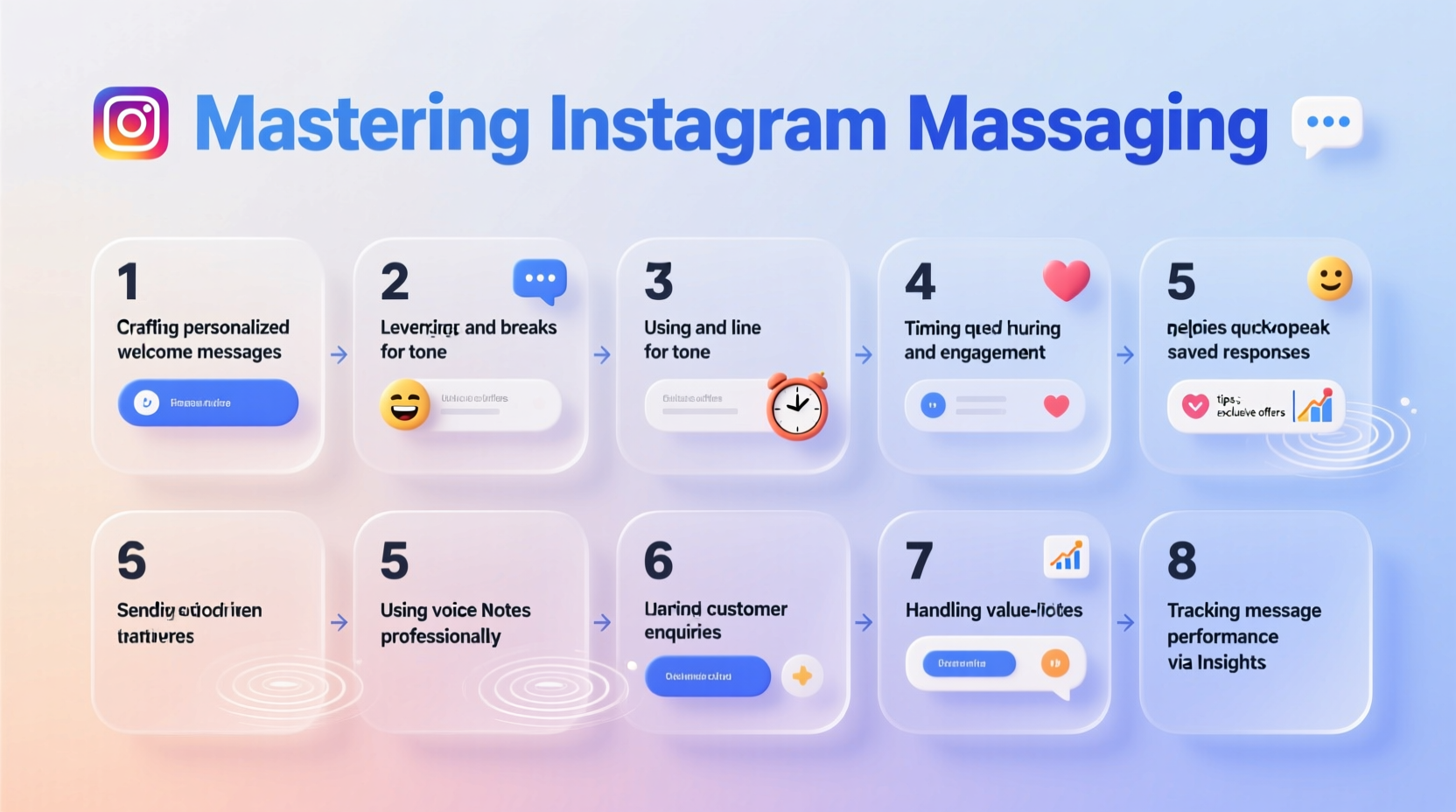
Unlike public comments or Stories, DMs offer privacy, immediacy, and personalization. They are ideal for sensitive conversations, collaborative planning, or delivering tailored content. Brands use DMs for customer support; creators use them to build rapport; individuals use them to maintain connections across distances.
Instagram's integration of features like quick replies, message requests, and read receipts adds layers of functionality that, when used wisely, enhance responsiveness and trust. However, poor timing, tone, or structure can damage relationships faster than silence.
“Direct messaging is the new front door of digital relationships. How you greet someone there sets the tone for everything that follows.” — Lena Torres, Social Media Strategist
Step-by-Step Guide to Effective Instagram Messaging
Sending a message is simple. Sending one that gets a reply—promptly and positively—requires strategy. Follow this five-step process to increase your response rate and build stronger connections.
- Identify Your Purpose: Before typing, ask: What do I want to achieve? Is it to schedule a meeting, pitch a collaboration, thank someone, or simply check in? Clarity of intent shapes your message’s tone and length.
- Review Their Profile: Spend 60 seconds scanning their bio, recent posts, and Story highlights. Use insights to personalize your opener. Mentioning a recent post shows genuine interest.
- Write a Clear, Respectful Opener: Avoid generic “Hey” or “What’s up?” Start with context: “Hi [Name], loved your post about sustainable fashion—especially the tip on fabric sourcing. I’m working on something similar and would love your thoughts.”
- Keep It Concise and Action-Oriented: Long paragraphs get skimmed. Stick to 2–3 sentences. If you need a call, say so: “Would you be open to a 15-minute chat this week?”
- Follow Up Thoughtfully: If no reply in 4–5 days, send one polite follow-up. Example: “Just circling back on this—no pressure, but I’d still value your input if you’re open to it.”
Best Practices for Professional and Personal Use
The rules of engagement differ slightly depending on whether you're messaging a friend, a potential collaborator, or a brand. Below is a comparison of dos and don’ts across contexts.
| Scenario | Do | Avoid |
|---|---|---|
| Networking with a Creator | Reference their work, be specific, suggest mutual benefit | Asking for free promotion, using all caps, sending attachments unsolicited |
| Customer Inquiry | Respond within 24 hours, use friendly tone, offer solutions | Using slang, delaying responses, copy-pasting generic replies |
| Personal Check-In | Be warm, mention shared memories, ask open-ended questions | Leading with a request, oversharing, ignoring previous conversations |
Using Quick Replies for Efficiency
If you manage a business account, leverage Instagram’s Quick Replies feature. These are saved text snippets for common responses—like order updates, pricing info, or availability checks. To set them up:
- Go to Settings > Privacy > Quick Replies
- Create templates for frequent messages (e.g., “Thanks for your interest! Our next batch ships Friday.”)
- Personalize each message slightly before sending to avoid sounding robotic
Real Example: Turning a DM Into a Collaboration
Jamal, a freelance photographer, wanted to collaborate with a local eco-boutique. Instead of emailing or commenting, he sent a DM:
“Hi Maya, I saw your latest window display on Story—loved the earth-toned setup! I specialize in lifestyle photography for sustainable brands and recently shot a campaign for GreenThread. Would you be open to exploring visuals for your upcoming collection? Happy to share a portfolio link.”
Maya replied within two hours. She appreciated the specificity and initiative. They scheduled a call, and Jamal photographed her seasonal launch. The key? He led with observation, added social proof, and made the next step easy.
Common Mistakes That Kill Conversations
Even experienced users fall into traps that derail messaging success. Watch out for these pitfalls:
- Over-messaging: Sending multiple pings in a short time feels pushy. Allow space for a response.
- Vagueness: “Let’s connect sometime” lacks direction. Propose a clear action: “Can I send you a proposal by Thursday?”
- Ignoring Read Receipts: If your message is read but unanswered, wait at least five days before following up. Pushing too soon signals impatience.
- Using DMs for Cold Sales Pitches: Unsolicited promotional content often ends up ignored or reported. Build rapport first.
Essential Checklist for Every Instagram Message
Before sending any DM, run through this checklist to ensure clarity and professionalism:
- ✅ Used the recipient’s name (if appropriate)
- ✅ Referenced something specific from their profile or recent activity
- ✅ Stated the purpose clearly in the first two lines
- ✅ Kept the message under 100 words
- ✅ Included a single, clear call to action
- ✅ Proofread for tone and typos
- ✅ Respected their privacy—didn’t tag or share without permission
Frequently Asked Questions
Can people see if I’ve read their message?
Yes, Instagram shows a small profile picture icon below your message once it’s been seen. This is the “seen” receipt. You can disable read receipts in settings, but doing so prevents you from seeing others’ read status as well.
How long should I wait before following up?
Aim for 4–7 days. This gives the recipient time to respond without feeling pressured. If they’ve viewed your message but haven’t replied, it’s likely they’re busy or unsure how to respond—so keep your follow-up light and low-pressure.
Is it okay to send links or files via DM?
Yes, but with caution. Only send links after establishing context. For example: “Here’s the article I mentioned: [link].” Avoid sending PDFs, invoices, or large files unless requested—these may trigger spam filters or seem intrusive.
Conclusion: Elevate Your Influence One Message at a Time
Instagram messaging is more than casual texting—it’s a tool for relationship-building, opportunity creation, and personal branding. Every message you send reflects your attention to detail, empathy, and professionalism. By applying structured, thoughtful communication, you position yourself as someone worth responding to, collaborating with, and remembering.
Start today: review your last five outgoing messages. Were they personalized? Clear? Respectful of time? Refine your approach using the steps and tips above. Small improvements compound into powerful results.




 浙公网安备
33010002000092号
浙公网安备
33010002000092号 浙B2-20120091-4
Comments
No comments yet. Why don't you start the discussion?