
Instagram has evolved from a photo-sharing app into a powerful e-commerce platform. With over one billion active users, it offers unparalleled access to a global audience eager to discover new brands. Instagram Shop transforms your profile into a digital storefront, allowing you to showcase products directly within the app. Whether you're launching a new brand or expanding an existing business, mastering Instagram Shop can significantly boost visibility, engagement, and sales.
The key is not just setting up a shop but doing so strategically—aligning product presentation, customer experience, and marketing in a way that converts scrollers into buyers. This guide walks through every essential step, from eligibility to optimization, ensuring your store launches with momentum and clarity.
Step 1: Confirm Eligibility and Set Up Your Business Account
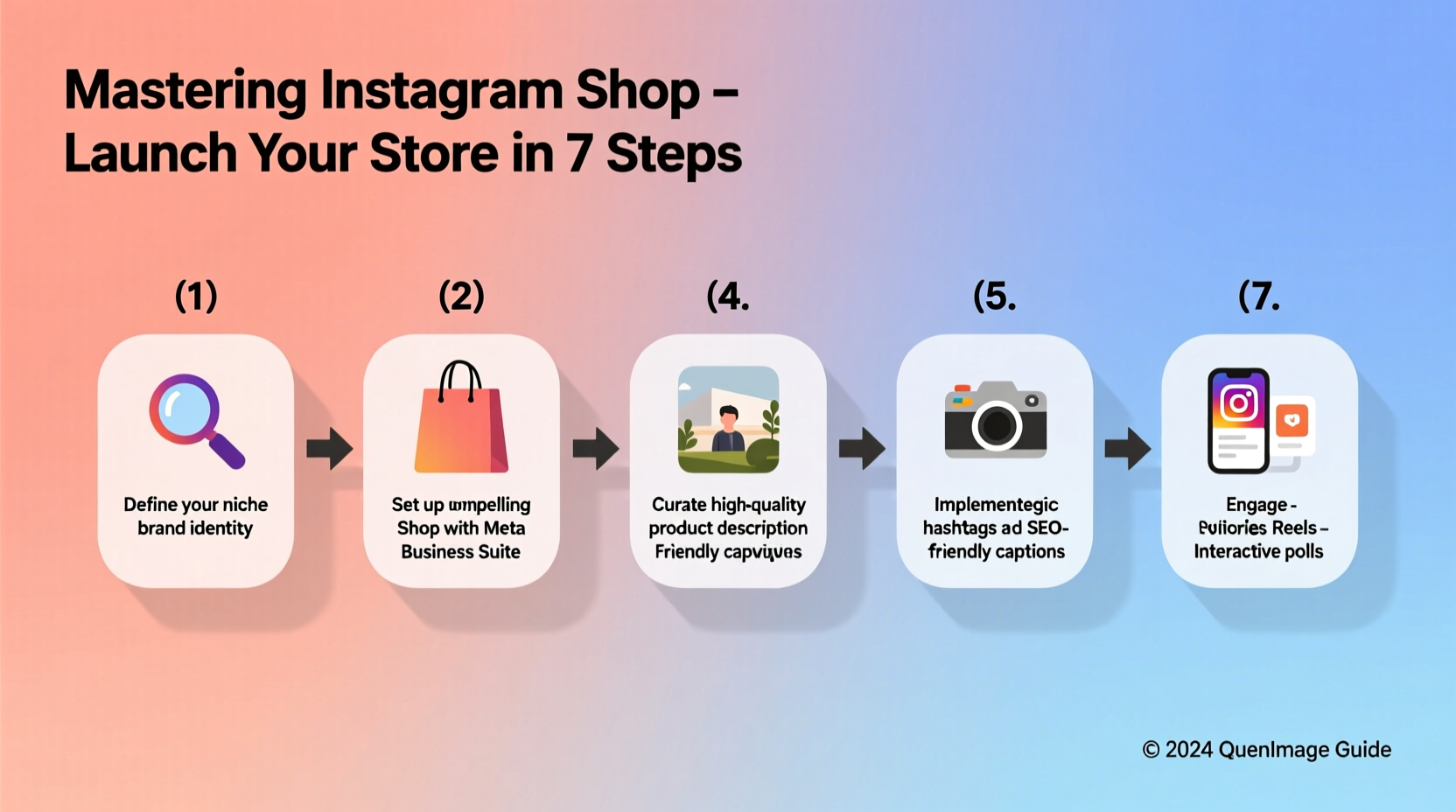
Before activating Instagram Shopping, ensure your account meets Meta’s requirements. You must have a business or creator account, operate in a supported country, sell physical goods (not services), and comply with Instagram’s commerce policies. Additionally, your products should fall under permitted categories—alcohol, firearms, and adult content are prohibited.
To switch to a business account:
- Go to your profile and tap the menu (three lines).
- Select “Settings,” then “Account.”
- Tap “Switch to Professional Account” and choose “Business.”
- Connect to a verified Facebook Page—this is required for catalog management.
Once your business account is active, navigate to Settings > Business > Shopping to begin the application process. Approval typically takes a few days, during which Instagram reviews your profile and connected assets.
Step 2: Connect to a Commerce Platform and Upload Your Product Catalog
Your product catalog is the backbone of Instagram Shop. It can be uploaded via Facebook Commerce Manager, Shopify, BigCommerce, or other integrated platforms. For most small businesses, connecting to an e-commerce provider simplifies inventory syncing and order tracking.
If using Facebook Commerce Manager:
- Create a catalog under Commerce Manager.
- Add products manually or upload a CSV file with titles, descriptions, prices, images, and variants.
- Ensure high-quality images meet specifications: at least 500x500 pixels, JPEG or PNG format, white background preferred.
For Shopify users, install the “Facebook” app from the Shopify App Store and follow prompts to sync your store. Once connected, enable Instagram Shopping in your Shopify admin to publish products directly to your feed and stories.
| Integration Type | Best For | Setup Time |
|---|---|---|
| Facebook Commerce Manager | Small brands with fewer than 50 SKUs | 1–2 hours |
| Shopify | Brands with dynamic inventory and frequent updates | 30 minutes + sync time |
| BigCommerce / WooCommerce | Established stores with custom systems | 1–3 hours |
“Selling on Instagram isn’t about pushing products—it’s about creating desire through storytelling and seamless access.” — Lena Patel, Digital Retail Strategist
Step 3: Optimize Product Tags and Visual Content
A well-curated visual feed enhances credibility and drives conversions. Every post featuring a product should include a shoppable tag linked to the correct item in your catalog. These tags appear as small dots on images; when tapped, they open a product detail page with pricing and a “View Product” button leading to your website or checkout.
To maximize impact:
- Use lifestyle photography that shows products in use—real people, natural settings.
- Maintain consistent branding: color schemes, fonts, and tone across posts.
- Limit text overlay on images; Instagram favors clean visuals.
- Tag only one product per image unless using a carousel.
Stories and Reels also support product stickers. Use them in limited-time promotions or behind-the-scenes content to create urgency and authenticity. When viewers tap the sticker, they’re taken directly to the product page without leaving the app.
Step 4: Launch with a Strategic Campaign
Going live with your shop is just the beginning. A strong launch campaign builds awareness and drives initial sales. Plan a 7-day rollout:
- Day 1–2: Tease upcoming products with countdown stickers and story polls.
- Day 3: Post a launch video showcasing top items with shoppable tags.
- Day 4–5: Share user-generated content or influencer collaborations.
- Day 6–7: Run a limited discount (“First 50 customers get 15% off”) promoted via paid ads targeting lookalike audiences.
Use Instagram Ads to amplify reach. Select “Conversions” or “Traffic” objectives and target users based on interests related to your niche. Retarget website visitors with dynamic product ads that automatically show the items they viewed.
Mini Case Study: Bloom & Vine Jewelry
Bloom & Vine, a handmade jewelry brand based in Portland, launched their Instagram Shop after migrating from Etsy. They spent two weeks preparing high-resolution product photos and writing compelling descriptions focused on craftsmanship and sustainability. On launch day, they posted a Reel showing the making of their signature necklace, tagged the product, and added a “Shop Now” sticker.
They followed up with a giveaway requiring participants to tag friends and visit the shop. Within 48 hours, they recorded 1,200 profile visits and 87 purchases—exceeding their monthly average on Etsy. By reinvesting early profits into targeted ads, they grew monthly revenue by 320% over three months.
Step 5: Monitor Performance and Iterate
Success on Instagram Shop depends on continuous refinement. Use Insights to track metrics like:
- Product page views
- Click-through rate on tags
- Top-performing posts and stories
- Follower demographics and activity times
Adjust your strategy based on data. If certain products generate high views but low conversions, consider revising pricing, imagery, or descriptions. If Reels outperform static posts, allocate more resources there.
Seasonal updates keep your shop fresh. Rotate featured collections for holidays, launches, or trends. Regularly audit inactive or sold-out items to avoid clutter and maintain trust.
Checklist: Pre-Launch Essentials
- ✅ Convert to a business or creator account
- ✅ Connect to a Facebook Page
- ✅ Verify your domain in Meta Business Suite
- ✅ Build and upload a complete product catalog
- ✅ Enable shopping permissions in Instagram settings
- ✅ Design at least 6 shoppable feed posts
- ✅ Prepare a 7-day launch content calendar
- ✅ Set up basic analytics tracking
FAQ
Can I use Instagram Shopping without a website?
No. Instagram requires a functioning website where customers can complete purchases. The shop acts as a discovery tool, but transactions occur on your site or through a third-party checkout.
Are there fees to use Instagram Shop?
Instagram does not charge listing or transaction fees. However, payment processors (like Stripe) and e-commerce platforms (like Shopify) may apply standard service fees.
How long does approval take?
Most applications are reviewed within 1–3 business days. Delays can occur if information is incomplete or if your catalog violates commerce policies.
Conclusion
Launching a successful store on Instagram Shop combines technical setup with creative marketing. It rewards preparation, consistency, and attention to detail. From verifying your account to analyzing performance, each step shapes how customers perceive and interact with your brand.
The platform levels the playing field—allowing small businesses to compete with larger retailers through authentic storytelling and smart targeting. Start with a clear foundation, launch with purpose, and refine based on real feedback. Your ideal customers are already scrolling; now give them a reason to stop, engage, and buy.




 浙公网安备
33010002000092号
浙公网安备
33010002000092号 浙B2-20120091-4
Comments
No comments yet. Why don't you start the discussion?