
Line breaks seem trivial—insert a <br>, and text drops to the next line. But overreliance on this simple tag can lead to messy code, poor accessibility, and broken layouts on responsive designs. True mastery of line breaks in HTML goes far beyond slapping in <br> tags wherever needed. It involves understanding when to use semantic structure, CSS control, and when a line break is actually the right choice.
Whether you're formatting poetry, addresses, or complex user-generated content, knowing how to manage line flow properly ensures your content remains readable, maintainable, and accessible across devices and assistive technologies.
Why <br> Isn’t Always the Answer
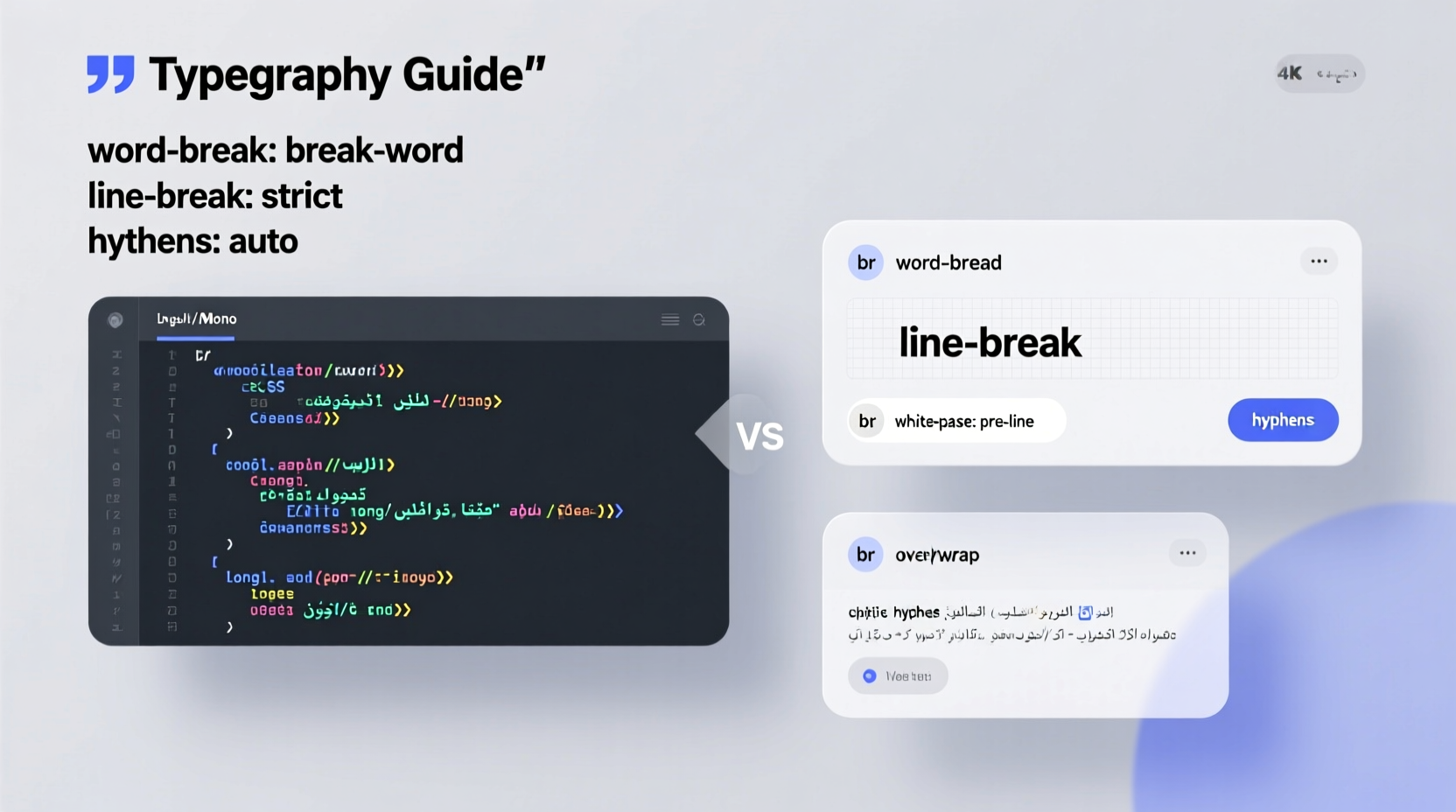
The <br> element forces a line break within a block of text. It’s useful in narrow cases—like separating lines in an address or preserving stanza breaks in poetry—but it should never be used to create vertical spacing between paragraphs or sections.
Using <br> for layout purposes violates the principle of separation of concerns: structure belongs in HTML, presentation in CSS. When developers insert multiple <br> tags to add space, they create brittle markup that breaks under responsive conditions and fails screen readers trying to parse logical content flow.
“Misusing <br> for spacing is like using a hammer to paint. It might work, but it’s the wrong tool.” — Laura Diaz, Front-End Architect at Web Standards Collective
Semantic Alternatives to <br>
HTML provides rich semantic elements that naturally create line breaks and improve document structure. Using them enhances both readability and SEO.
<p>– Paragraphs automatically create block-level breaks. Use instead of double <br> tags.<pre>– Preserves whitespace and line breaks exactly as written, ideal for code snippets or ASCII art.<address>– Designed for contact information, often includes line breaks via CSS.<ul>or<ol>– For lists, each item appears on a new line without needing <br>.
For example, instead of writing:
<p>John Doe<br>
123 Main Street<br>
Anytown, ST 12345<br>
(555) 123-4567</p>
Use semantic structure:
<address>
  John Doe<br>
  123 Main Street<br>
  Anytown, ST 12345<br>
  (555) 123-4567
</address>
This maintains meaning and allows better styling control through CSS.
CSS Control: Managing Line Flow Without Markup Clutter
CSS offers powerful tools to manage line behavior without altering HTML structure. These are especially useful when dealing with dynamic or user-submitted content where direct tag insertion isn't feasible.
White-Space Properties
The white-space CSS property controls how whitespace and line breaks are handled. Common values include:
| Value | Description | Use Case |
|---|---|---|
normal |
Collapses whitespace, wraps lines | Standard paragraph text |
nowrap |
No wrapping; all on one line | Navigation links |
pre |
Preserves spaces and breaks, no wrap | Code blocks |
pre-wrap |
Preserves breaks, allows wrapping | User comments, logs |
pre-line |
Collapses spaces, preserves line breaks | Formatted plain text |
To preserve line breaks from user input (e.g., in a blog comment), apply:
pre, .formatted-text {
  white-space: pre-line;
}
This renders line breaks naturally while allowing responsive wrapping.
Flexbox and Grid Layouts
In modern layouts, line breaks are often replaced by flex or grid containers that reflow content responsively. For instance, a list of tags that appear inline on desktop can stack vertically on mobile using:
.tag-container {
  display: flex;
  flex-wrap: wrap;
}
.tag {
  margin: 4px;
}
No <br> needed—layout adapts based on screen size.
When to Use <br>: Practical Scenarios
Despite its limitations, <br> has legitimate uses. The key is applying it only when content structure requires a line break *within* a single block-level element.
Poetry and Lyrics
Poems rely on line breaks for rhythm and meaning. Wrapping each line in a <p> would destroy poetic structure. Instead:
<p>
  I wandered lonely as a cloud

  That floats on high o'er vales and hills,

  When all at once I saw a crowd,

  A host, of golden daffodils;

</p>
Mailing Addresses
Addresses are a classic use case. Each line is part of a single logical unit:
<address>
  Jane Smith

  456 Oak Avenue

  Springfield, IL 62701

  United States
</address>
Short Formatted Text
Product labels, metadata, or captions may require controlled line breaks without introducing new blocks.
Handling User-Generated Content
One of the most common challenges is rendering line breaks from user input (e.g., forum posts, comments). Users press Enter expecting a new line, but HTML ignores newline characters (\ ).
A robust solution converts newlines to <br> dynamically using JavaScript:
function nl2br(text) {
  return text.replace(/\
/g, '<br>');
}

// Apply before inserting into DOM
element.innerHTML = nl2br(userInput);
Alternatively, avoid injecting HTML entirely and use white-space: pre-line on a container:
<div class=\"user-content\" style=\"white-space: pre-line;\">
{userInput}
</div>
This approach is safer (reduces XSS risk) and easier to style consistently.
Mini Case Study: Blog Comment System Redesign
A tech blog received complaints that user comments lost formatting. Readers typed multi-paragraph messages, but all text appeared as a single block.
The development team initially added automatic <br> tags on every line break. This worked but created invalid markup when users included URLs or quotes.
The fix? They switched to storing raw text with newlines and rendering it inside a <div class=\"comment-body\"> styled with:
.comment-body {
  white-space: pre-line;
  font-family: inherit;
  line-height: 1.5;
}
Result: natural line breaks preserved, no extra markup, improved performance, and better accessibility.
Accessibility and Screen Reader Considerations
Screen readers interpret <br> inconsistently. Some announce \"line break,\" others skip silently. Overuse can fragment speech flow and confuse users.
Best practices:
- Use <p> or <li> for logical divisions—these are clearly announced.
- Avoid more than two consecutive <br> tags.
- Pair visual line breaks with structural elements when possible.
Frequently Asked Questions
Can I use <br> inside headings?
Yes, but sparingly. If a heading needs to span multiple visual lines, ensure the content still makes sense when read linearly. Avoid breaking subject-verb-object relationships.
Is <br clear=\"all\"> still valid?
No. The clear attribute is obsolete in HTML5. Use CSS clear: both; on a dedicated <div> or <hr> if needed for layout clearing.
How do I make a non-breaking line break?
There's no native \"non-breaking line break\" in HTML, but you can simulate it with zero-width spaces or CSS white-space: nowrap; on inline containers if preventing wrap is essential.
Step-by-Step Guide: Clean Line Break Strategy
- Assess content type: Is it prose, poetry, address, or user input?
- Choose semantic container: Use <p>, <pre>, <address>, or <ul> as appropriate.
- Avoid <br> for spacing: Replace with CSS margins or padding.
- Preserve intentional breaks: Use <br> only within a single logical block.
- Style whitespace: Apply
white-space: pre-linefor dynamic content. - Test accessibility: Verify screen reader output using NVDA or VoiceOver.
Final Thoughts: Structure Over Spacing
Mastering line breaks isn’t about memorizing tags—it’s about thinking structurally. Every time you consider adding a <br>, ask: Is this a new idea, or just a new line? If it’s a new idea, use a semantic block element. If it’s a stylistic continuation, <br> may be acceptable.
By prioritizing clean HTML, leveraging CSS, and respecting accessibility, you create content that looks good today and remains functional for years—even as devices and browsers evolve.




 浙公网安备
33010002000092号
浙公网安备
33010002000092号 浙B2-20120091-4
Comments
No comments yet. Why don't you start the discussion?