
Music editing is more than just trimming silence or adjusting volume. It’s the meticulous process of shaping raw audio into a polished, emotionally resonant track that stands up to professional standards. Whether you're producing a podcast, recording a song, or scoring a film, precise editing separates amateur work from studio-quality output. With the right approach, even home producers can achieve clarity, balance, and dynamic impact in their final mix.
This guide walks through the core principles and practical steps of mastering music editing—no fluff, no hype, just actionable methods used by seasoned engineers and producers. From initial cleanup to final export, each stage builds toward a track that sounds intentional, cohesive, and ready for distribution.
Step 1: Prepare Your Workspace and Files
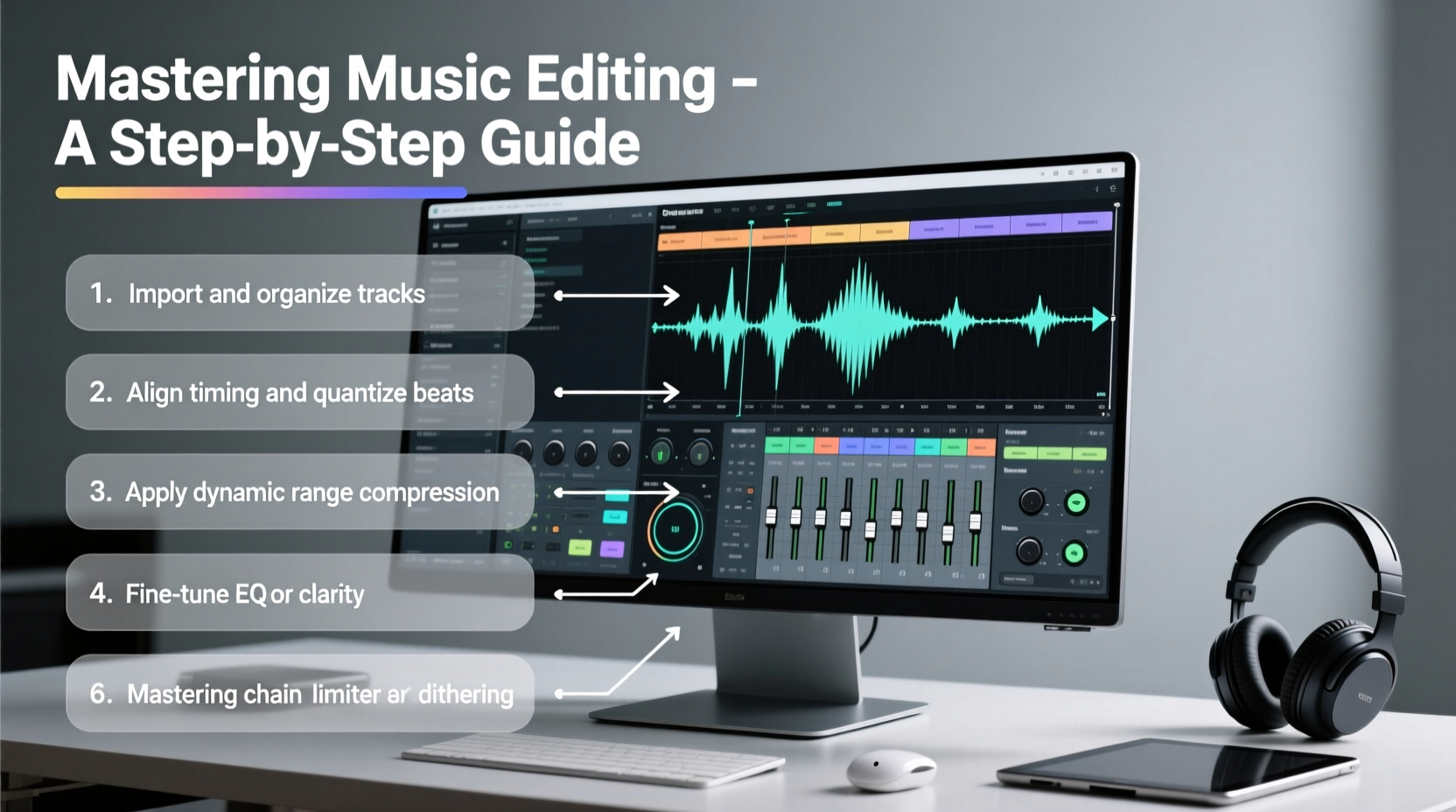
Before touching any faders or plugins, ensure your environment supports accurate editing. A cluttered session leads to sloppy decisions. Begin by organizing your project folder with clearly labeled subfolders: “Audio,” “Stems,” “Exports,” and “Backups.” Use consistent naming conventions like “Vocals_Take3.wav” or “Drums_Mixdown_v2.aif.”
In your DAW (Digital Audio Workstation), import all tracks and align them to a timeline grid based on tempo. Color-code instruments for visual clarity—blue for vocals, green for bass, red for drums. This may seem minor, but it reduces cognitive load during long sessions.
Step 2: Clean Up Audio with Surgical Precision
The first technical phase involves removing unwanted noise and artifacts. Zoom in closely on each track and listen in solo mode. Look for breath noises, plosives, mic bumps, hums, or background chatter. Use cut, fade-in, and fade-out tools to eliminate these cleanly.
For vocal tracks, consider crossfading between takes to avoid abrupt transitions. Apply short fades (5–10ms) at clip edges to prevent clicks. If there's consistent background noise (like HVAC rumble), use a high-pass filter set around 80Hz to remove subsonic muck without affecting tone.
Noise reduction should be subtle. Over-processing introduces digital artifacts. Tools like iZotope RX are powerful, but only deploy them when necessary—clean recording is always better than post-editing fixes.
Do’s and Don’ts of Audio Cleanup
| Action | Do | Don't |
|---|---|---|
| Cutting Silence | Leave natural pauses for rhythm | Delete all gaps; disrupts flow |
| Fades | Use 5–15ms fades on clips | Skip fades; risk clicks |
| Noise Reduction | Target only problematic sections | Apply globally; degrades quality |
| Pitch Correction | Edit subtly; preserve emotion | Over-correct; robotic effect |
Step 3: Align and Time-Correct Tracks
A tight performance starts with timing. Even live recordings benefit from slight adjustments. Use transient detection to identify attack points in drums, bass, and rhythmic elements. Nudge early or late hits into alignment with the grid, but avoid quantizing everything—human feel matters.
Vocals often drift slightly off-beat. Instead of rigid correction, shift phrases in blocks to maintain natural phrasing. For double-tracked guitars or harmonies, align transients so they reinforce rather than smear the stereo image.
“Editing isn’t about perfection—it’s about enhancing the intent behind the performance.” — Lena Torres, Grammy-nominated mixing engineer
Mini Case Study: Fixing a Loose Drum Performance
A bedroom producer recorded live drums for an indie rock track. The snare was consistently late by 20–30ms, creating a dragging feel. Using Melodyne’s DNA engine, the editor isolated snare hits and nudged them forward in time. Kick and hi-hats were lightly quantized to quarter-notes. The fix preserved the drummer’s dynamics while tightening the groove. After editing, the track gained propulsion without losing its organic character.
Step 4: Balance Levels and Pan for Clarity
Once tracks are clean and aligned, set preliminary levels. Start with the foundation—drums and bass—and build upward. Bring vocals to a level where lyrics are clear without overpowering. Use panning to create space: rhythm guitar left at 30%, keys right at 40%, backing vocals wide but low in volume.
Avoid center-clutter. Only lead elements (vocal, kick, snare, bass) should occupy the middle. Everything else can find a place in the stereo field. Use mono compatibility checks to ensure your mix doesn’t collapse or phase when played on a single speaker.
Step 5: Apply Processing with Intent
Now that structure and balance are established, apply processing to enhance—not mask. Insert EQ to carve space: roll off lows on non-bass instruments, dip around 300–500Hz to reduce mud, boost presence (3–5kHz) on vocals. Compression controls dynamics; start with a 2:1 ratio and adjust threshold until peaks are tamed without squashing life.
Use reverb and delay sparingly. A room verb on drums adds depth; a slap delay on a vocal phrase creates drama. But too much washes out clarity. Route effects to aux channels instead of inserting them on every track—this preserves consistency and saves CPU.
Essential Editing Checklist
- ✅ Label and color-code all tracks
- ✅ Remove clicks, pops, and background noise
- ✅ Apply short fades to all clip edges
- ✅ Align rhythmic elements to grid (with feel)
- ✅ Set initial levels and pan positions
- ✅ Use EQ to prevent frequency masking
- ✅ Compress only where needed for consistency
- ✅ Export a reference mix for feedback
Final Export: Delivering a Mastered Track
When you’re satisfied with the edit and mix, bounce your final version correctly. Export at the same resolution as your session (e.g., 24-bit WAV), then dither down to 16-bit if creating a CD-quality file. Name the file clearly: “SongTitle_Master_Final_24bit.wav”
If you’re not mastering yourself, deliver unmastered stems or a mixdown with at least 3–6dB of headroom. Avoid applying limiting or maximizing plugins before sending to a mastering engineer—they need dynamic range to work with.
FAQ
How do I know if my edit is too tight?
If the music feels robotic or lacks energy, you’ve likely over-quantized or over-processed. Go back and loosen timing on non-rhythmic elements like vocals or acoustic guitar. Let the performance breathe.
Should I edit in mono or stereo?
Edit in stereo for spatial awareness, but switch to mono periodically to catch phase issues. Critical edits (like timing corrections) are often easier in zoomed-in stereo view.
Can I edit music on a laptop with headphones?
Yes, many professionals work this way. Use flat-response headphones (e.g., Sony MDR-7506 or Beyerdynamic DT 770 Pro) and reference multiple sources—earbuds, car speakers, phone—to test translation.
Conclusion
Mastering music editing isn’t about speed—it’s about attention. Each cut, fade, and adjustment shapes how listeners experience your work. By following a disciplined workflow, using tools with purpose, and preserving the soul of the performance, you transform raw recordings into compelling, professional-grade tracks.




 浙公网安备
33010002000092号
浙公网安备
33010002000092号 浙B2-20120091-4
Comments
No comments yet. Why don't you start the discussion?