
Accurate citation is the backbone of credible academic and professional writing. When using information from websites, failing to properly attribute sources not only undermines your authority but can also lead to accusations of plagiarism. Parenthetical citations—brief references placed within the text—are essential for giving credit where it’s due while maintaining readability. Yet many writers struggle with how to format them correctly, especially when citing dynamic online content. This guide demystifies the process, offering actionable strategies for citing websites accurately in the three most widely used style guides: APA, MLA, and Chicago.
Understanding Parenthetical Citations
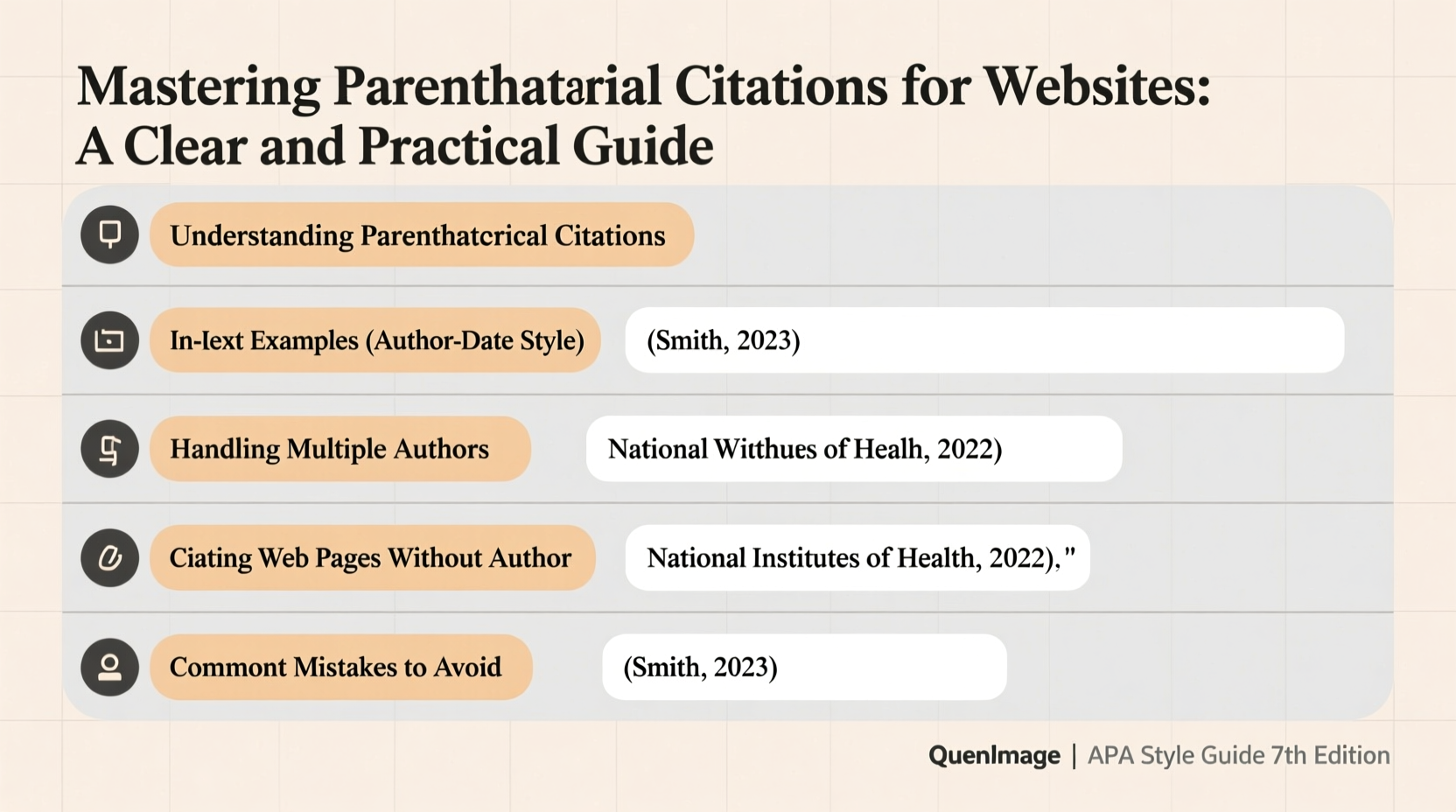
Parenthetical citations are in-text references that direct readers to the full source entry in your reference list or bibliography. Unlike footnotes or endnotes, they appear directly in the sentence or immediately after it, enclosed in parentheses. Their purpose is twofold: to show transparency in sourcing and to allow readers to verify claims without disrupting the flow of reading.
When citing websites, challenges arise due to missing publication dates, unclear authors, or unstable URLs. However, each major citation style provides specific rules to handle these issues. The key is consistency and attention to detail.
“Proper citation isn’t just about avoiding penalties—it reflects intellectual honesty and respect for original creators.” — Dr. Rebecca Lang, Academic Integrity Consultant
Step-by-Step Guide to Citing Websites by Style
Below is a structured approach to creating accurate parenthetical citations for websites across the three dominant formatting systems.
APA (7th Edition): Author-Date Format
The American Psychological Association style uses the author-date method. Include the author’s last name and year of publication in parentheses.
- Identify the author. If no individual author is listed, use the organization as the author.
- Find the publication or last updated date. Use “n.d.” if no date is available.
- Insert the citation before punctuation at the end of the sentence.
Example: Online learning platforms have reshaped modern education (Smith, 2022).
If quoting directly, include the paragraph number or section heading: (Smith, 2022, para. 5).
MLA (9th Edition): Author-Page or Author-Only Format
Modern Language Association style typically uses the author-page format, but since most websites lack page numbers, only the author’s name is included.
- Determine the author. If none, begin with the title of the article in quotation marks.
- Include only the author’s last name in parentheses.
- Place the citation before the ending punctuation.
Example: Digital literacy is now a fundamental skill (\"Digital Skills Report\").
When the author is mentioned in the sentence, no parenthetical citation is needed: According to Rivera, remote collaboration tools have increased productivity.
Chicago (Author-Date System)
Chicago style offers two systems; the author-date version is common in sciences and social sciences. It closely resembles APA.
- Cite the author’s last name and year of publication.
- Separate with a comma: (Johnson, 2020).
- Include a full reference in the reference list at the end.
Example: Urban green spaces contribute significantly to mental well-being (Lee, 2019).
Common Challenges and How to Handle Them
Websites often lack traditional publishing details. Here’s how to manage frequent complications:
- No author? Use the organization or website name as the author. In MLA, use a shortened version of the article title.
- No date? Use “n.d.” in APA or omit the year only if permitted by your instructor. In MLA, you may still include the access date if relevant.
- Long URLs? Omit http:// or https:// in most current styles unless required. Focus on clarity and stability.
- Multiple pages from the same site? Distinguish them by including article titles or section names in your citations.
For example, if citing a CDC webpage without a clear author or date:
APA: (Centers for Disease Control and Prevention, n.d.)
MLA: (Centers for Disease Control and Prevention)
Do’s and Don’ts of Website Citation
| Do | Don’t |
|---|---|
| Use the most recent update date available | Guess the publication date |
| Italicize website names in MLA if standalone | Include “Retrieved from” unnecessarily in APA 7th |
| Verify URL functionality before submission | Use shortened links like bit.ly in formal citations |
| Cite the specific page, not just the homepage | Assume all blogs follow the same citation rules as news sites |
| Include access dates when content is likely to change | Omit citations because information seems “common knowledge” |
Real Example: Applying Citations in Practice
Consider a student writing a paper on climate change communication. They find a 2023 article titled “How Social Media Shapes Climate Beliefs” on the Yale Program on Climate Change Communication website. The author is listed as Dr. Lena Torres, and the page was last updated June 14, 2023.
In APA: (Torres, 2023)
In MLA: (Torres)
In Chicago: (Torres 2023)
Now imagine the same student finds a follow-up blog post authored by the organization itself, published without a date. The title is “Public Perception Trends in 2024.”
Revised citations:
APA: (Yale Program on Climate Change Communication, n.d.)
MLA: (“Public Perception Trends”)
This illustrates how flexibility within style rules accommodates real-world sourcing challenges.
Checklist: Perfecting Your Website Citations
- ✅ Identify the author (individual or organization)
- ✅ Locate the publication or last update date
- ✅ Confirm the correct citation style required (APA, MLA, Chicago)
- ✅ Format the in-text citation according to style guidelines
- ✅ Ensure the full source appears in the reference list or works cited
- ✅ Verify URLs are functional and appropriately formatted
- ✅ Double-check consistency across all citations
Frequently Asked Questions
Do I need to include an access date when citing a website?
In APA 7th edition, access dates are only necessary when content is likely to change or lacks archival stability (e.g., wikis). MLA recommends including the access date when no publication date exists. Chicago suggests it for unstable sources. When in doubt, include it.
What if a website has no author and no organization listed?
Begin with the title of the page in both the in-text citation and reference list. In MLA, place the title in quotation marks; in APA, use sentence case. For example: (“Global Connectivity Trends,” 2021).
Can I cite a website without a formal publication date?
Yes. Use “n.d.” in APA, and in MLA, you may rely on the access date or contextually note the absence. Always prioritize transparency so readers can locate the source.
Conclusion: Confidence Through Clarity
Mastery of parenthetical citations transforms your writing from merely informative to academically rigorous. Citing websites doesn’t have to be daunting—by understanding the logic behind each style and applying consistent practices, you ensure your work stands on a foundation of integrity. Whether you're drafting a research paper, blog post, or policy brief, proper attribution strengthens your voice and earns trust.




 浙公网安备
33010002000092号
浙公网安备
33010002000092号 浙B2-20120091-4
Comments
No comments yet. Why don't you start the discussion?