
Stepping into the world of PC gaming can feel overwhelming—especially when faced with endless hardware options, complex settings, and a steep learning curve. But behind every expert gamer was a beginner who pressed “Start” for the first time, unsure of what lay ahead. The journey from novice to confident player doesn’t require expensive gear or technical mastery from day one. It begins with smart choices, patience, and a clear plan. Whether you're drawn to immersive RPGs, fast-paced shooters, or creative sandbox worlds, mastering PC gaming starts with foundational knowledge and practical habits.
Assess Your Hardware and System Requirements
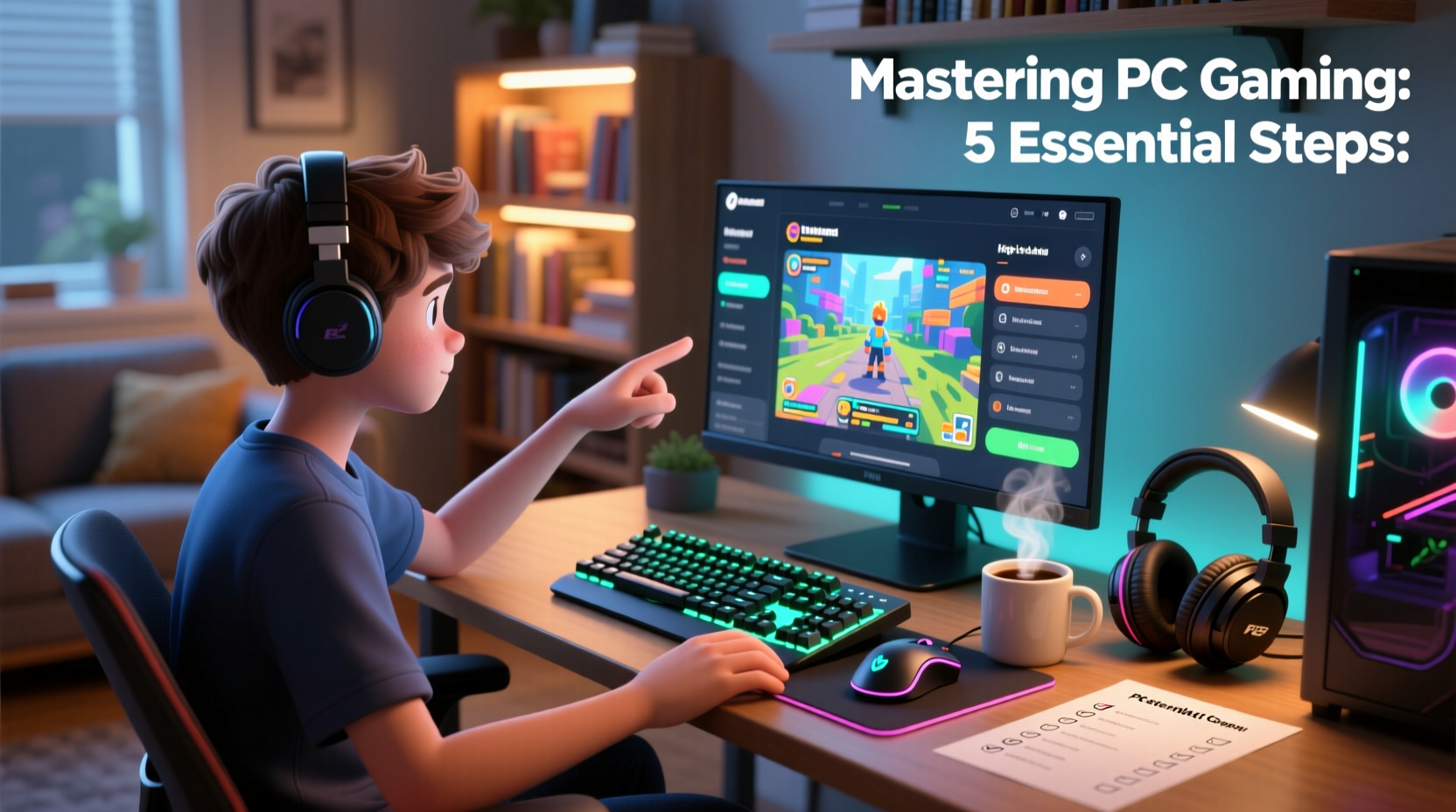
Before launching any game, ensure your computer meets the necessary specifications. Unlike consoles, PCs vary widely in performance. A mismatch between your system and a game’s demands leads to lag, crashes, or unplayable frame rates.
Begin by checking your PC’s specs:
- CPU (Processor): Look for modern multi-core processors like Intel i5/i7 or AMD Ryzen 5/7 series.
- GPU (Graphics Card): This is critical for visual performance. NVIDIA GeForce and AMD Radeon are common brands.
- RAM: 8GB is the minimum for most games; 16GB is ideal for multitasking and newer titles.
- Storage: SSDs drastically reduce load times compared to traditional HDDs.
- Operating System: Most games support Windows 10 or 11.
Visit the official website of any game you’re interested in and compare its \"minimum\" and \"recommended\" requirements with your system. If you're below the recommended specs, consider starting with less demanding titles such as Stardew Valley, Portal 2, or Team Fortress 2.
Build a Practical Setup: Comfort Meets Performance
Your physical setup influences both enjoyment and long-term playability. Ergonomics matter just as much as graphics settings.
“Gaming isn’t just about reflexes—it’s about sustainability. A poorly arranged desk can lead to fatigue, discomfort, and even injury over time.” — Dr. Lena Torres, Human Factors Specialist
Consider these elements:
- Monitor Placement: The top of the screen should be at or slightly below eye level, about an arm’s length away.
- Chair Support: Use an adjustable chair with lumbar support to prevent back strain.
- Keyboard and Mouse: Mechanical keyboards offer better feedback, while ergonomic mice reduce wrist stress.
- Lighting: Avoid glare on the screen. Ambient lighting helps reduce eye strain during long sessions.
Step-by-Step Guide to Launching Your First Game
Follow this sequence to smoothly transition from setup to gameplay:
- Choose a Beginner-Friendly Game: Titles like Minecraft, The Sims 4, or Half-Life: Alyx (if you have VR) offer intuitive controls and forgiving learning curves.
- Download via Trusted Platforms: Use official stores like Steam, Epic Games Store, or GOG. Create an account and install the launcher.
- Install the Game: Navigate to your library, select the title, and click “Install.” Ensure you have enough disk space.
- Update Drivers: Visit your GPU manufacturer’s site (NVIDIA, AMD, or Intel) to download the latest drivers for optimal performance.
- Adjust In-Game Settings: Start with lower graphics presets. Focus on achieving stable FPS (frames per second) over maximum visuals.
- Learn the Controls: Spend time in tutorials or single-player modes. Customize keybindings to suit your comfort.
- Save Frequently: Enable autosave if available, and manually save progress often, especially before major decisions or boss fights.
Essential Tips for New PC Gamers
| Do | Don’t |
|---|---|
| Start with free-to-play or budget-friendly games | Jump into competitive multiplayer without practice |
| Join online communities for help and tips | Ignore system updates or security patches |
| Use headphones for better audio cues | Overclock hardware without understanding risks |
| Back up saved game files regularly | Piracy software or unofficial mods that may contain malware |
A Real Example: From Confusion to Confidence
Take Mark, a 28-year-old teacher who had only played mobile games before deciding to try PC gaming. He purchased a mid-range prebuilt PC and immediately tried installing Cyberpunk 2077. The game stuttered, crashed, and frustrated him. Instead of giving up, he stepped back.
He researched his GPU model, discovered it was below the recommended spec, and chose Disco Elysium—a narrative-driven RPG with minimal system demands. The game’s deep story hooked him. Over weeks, he learned how to manage Steam downloads, adjust resolution, and use cloud saves. Six months later, after upgrading his graphics card, he returned to Cyberpunk 2077—this time with smooth performance and a sense of accomplishment.
Mark’s success wasn’t due to high-end gear but to patience, research, and starting small.
Checklist: Your First Week as a PC Gamer
- ✅ Verify your PC meets the game’s system requirements
- ✅ Install a trusted game platform (Steam, Epic, etc.)
- ✅ Update your graphics drivers
- ✅ Choose one beginner-friendly game to focus on
- ✅ Adjust display and audio settings for clarity and comfort
- ✅ Explore tutorial levels or practice modes
- ✅ Join a subreddit or Discord server for that game
- ✅ Set a playtime limit to avoid burnout
- ✅ Back up save files to cloud or external drive
- ✅ Reflect on what you enjoyed and what felt challenging
Frequently Asked Questions
Can I play PC games without a powerful computer?
Absolutely. Thousands of well-designed indie and retro-style games run smoothly on low-end systems. Try titles like Hollow Knight, Undertale, or FTL: Faster Than Light. Cloud gaming services like Xbox Cloud Gaming (via browser) also allow high-end games to stream to weaker machines.
Are keyboard and mouse better than a controller?
It depends on the genre. For first-person shooters and real-time strategy games, keyboard and mouse provide precision and speed. For platformers, racing games, or action-adventure titles, many players prefer controllers for comfort and fluid movement. Try both and see what feels natural.
How do I stop feeling overwhelmed by game settings and options?
Start by using preset configurations like “Low,” “Medium,” or “High” instead of tweaking individual sliders. As you become more familiar, adjust one setting at a time—such as shadows or anti-aliasing—to see its impact on performance and visuals.
Final Thoughts: Your Journey Begins Now
Mastering PC gaming isn’t about having the fastest rig or completing every challenge on the first try. It’s about curiosity, resilience, and enjoying the process. Every shortcut learned, every boss defeated, and every world explored adds to your growing expertise. The barrier to entry has never been lower: affordable games, accessible platforms, and vibrant communities await.
You don’t need to be an expert to begin. You only need to start.




 浙公网安备
33010002000092号
浙公网安备
33010002000092号 浙B2-20120091-4
Comments
No comments yet. Why don't you start the discussion?