
Programming is no longer a niche skill reserved for computer scientists. It powers everything from mobile apps to financial systems, and learning it opens doors in countless industries. But for someone starting from scratch, the world of code can feel overwhelming. Where do you begin? Which language should you pick? How do you avoid common pitfalls? The truth is, mastering programming basics doesn’t require genius-level intellect—just curiosity, consistency, and a structured approach.
Understanding What Programming Really Is
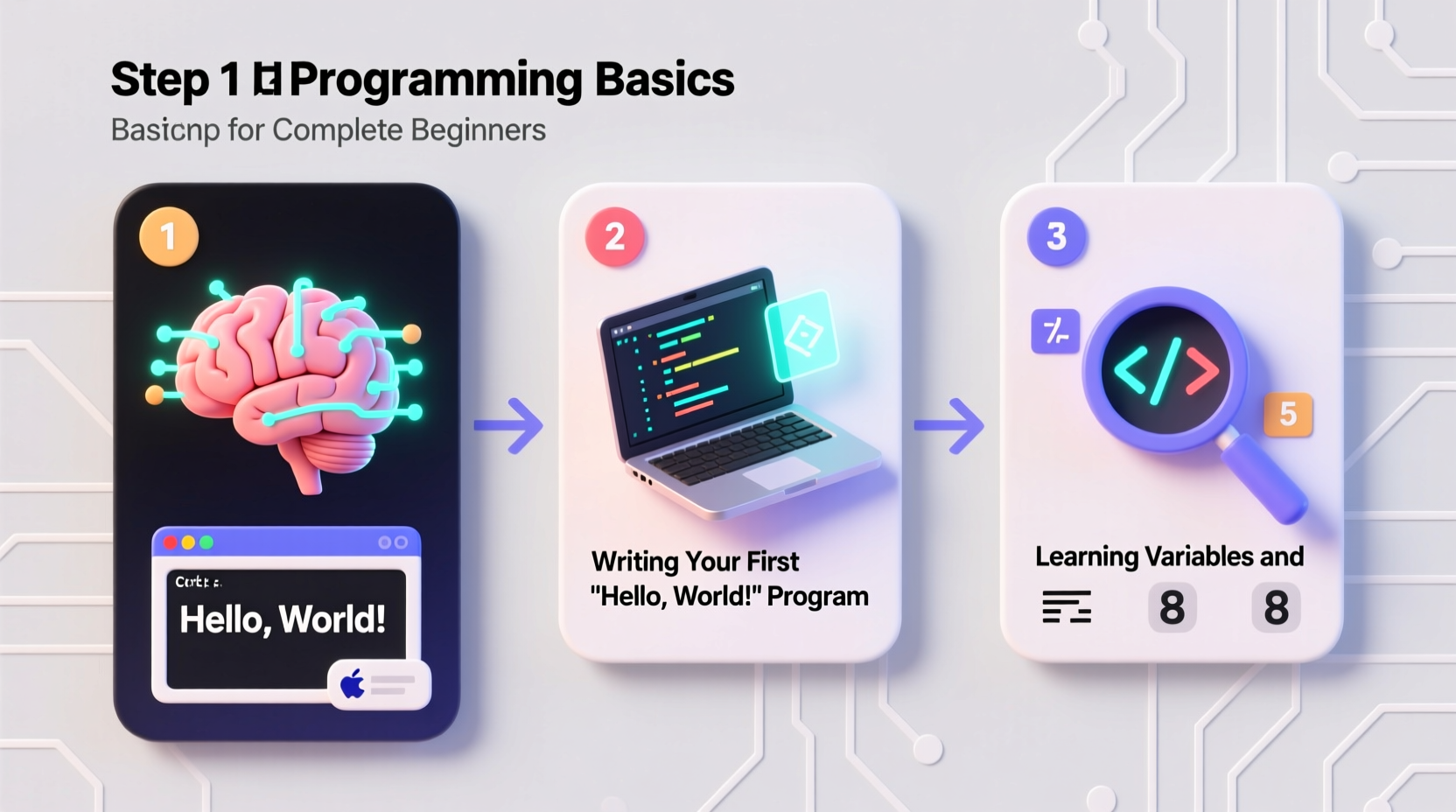
At its core, programming is about giving instructions to a computer. These instructions tell the machine how to process data, make decisions, and perform tasks. Unlike humans, computers don’t interpret context or emotion—they follow logic precisely. That’s why writing code is both an art and a science: it requires clear thinking and attention to detail.
Beginners often assume they need to memorize syntax or become experts in math. Neither is true. Modern programming emphasizes problem-solving and pattern recognition more than rote memorization. Start by shifting your mindset: think of coding as learning a new way to solve problems, not just typing commands.
Choosing Your First Programming Language
There are hundreds of programming languages, but only a few are ideal for beginners. The right choice depends on your goals, but also on how gently the language introduces foundational concepts.
| Language | Best For | Learning Curve | Real-World Use |
|---|---|---|---|
| Python | Beginners, data science, automation | Gentle | Web backends, AI, scripting |
| JavaScript | Web development, interactive websites | Moderate | Browsers, full-stack apps |
| Java | Enterprise software, Android apps | Steeper | Large-scale systems |
| C# | Game development (Unity), Windows apps | Moderate | Desktop and mobile games |
For most beginners, **Python** is the top recommendation. Its syntax reads almost like English, making it easier to grasp loops, conditionals, and functions without getting bogged down by complex symbols. Once you understand the logic behind programming, switching to other languages becomes much simpler.
“Any fool can write code that a computer can understand. Good programmers write code that humans can understand.” — Martin Fowler, software engineer and author
Step-by-Step Learning Path for Absolute Beginners
Jumping into random tutorials without a plan leads to confusion and frustration. Follow this structured timeline to build confidence gradually.
- Week 1–2: Set Up Your Environment
Install a code editor like VS Code or Thonny (for Python). Run your first \"Hello, World!\" program. Learn how to save, run, and debug simple scripts. - Week 3–4: Core Concepts
Study variables, data types (strings, integers, booleans), operators, and basic input/output. Practice by building small programs like a name greeter or a temperature converter. - Week 5–6: Control Flow
Learn if/else statements, loops (for and while), and logical operators. Create programs that make decisions, such as a quiz or password checker. - Week 7–8: Functions and Modularity
Break code into reusable blocks. Write functions that calculate areas, validate emails, or generate messages. - Week 9–10: Data Structures
Explore lists, dictionaries, and tuples. Build a simple contact manager or to-do list using these structures. - Week 11–12: Mini Project
Combine all skills into one project—like a number guessing game, calculator, or personal budget tracker.
Avoiding Common Beginner Mistakes
New learners often fall into predictable traps that slow progress. Recognizing them early helps maintain momentum.
- Tutorial Hell: Watching endless videos without writing code. Watching teaches familiarity, not skill. Always pair learning with doing.
- Copying Without Understanding: Pasting code from forums or AI tools without grasping how it works leads to fragile knowledge.
- Fear of Errors: Many quit when they see error messages. In reality, errors are guides—not failures. Read them carefully; they tell you exactly what went wrong.
- Skipping Fundamentals: Jumping straight into web frameworks or AI without understanding variables and loops creates gaps that later cause confusion.
“The most effective debugging tool is still careful thought, coupled with judiciously placed print statements.” — Brian Kernighan, co-author of 'The C Programming Language'
Real Example: From Zero to First Script
Sarah, a graphic designer with no technical background, wanted to automate file renaming across hundreds of client projects. She started with Python, spending 30 minutes each evening following beginner exercises. By week four, she wrote a script that renamed image files based on creation date and project name. It saved her over five hours a month. Her breakthrough wasn’t advanced knowledge—it was persistence and applying small lessons to real needs.
This illustrates a key principle: apply what you learn immediately. Even tiny projects reinforce memory and boost motivation.
Essential Tools and Habits for Success
Success in programming isn’t just about knowledge—it’s also about workflow and discipline.
📋 Checklist: Your First 30-Day Setup- ✅ Choose one beginner-friendly language (recommended: Python)
- ✅ Install a lightweight code editor (e.g., VS Code)
- ✅ Set up a version control account (GitHub)
- ✅ Dedicate 20–30 minutes daily to hands-on practice
- ✅ Keep a coding journal: note errors, solutions, and “aha” moments
- ✅ Join one online community (e.g., freeCodeCamp, Reddit’s r/learnprogramming)
Version control with Git might seem advanced, but even saving your first scripts on GitHub builds good habits early. It also creates a portfolio you can share later.
FAQ: Common Questions from New Programmers
Do I need to be good at math to learn programming?
No. Basic arithmetic is enough for most beginner projects. Advanced math comes into play only in specialized fields like data science or game physics. Logic and problem-solving matter far more than calculus.
How long does it take to learn programming basics?
With consistent effort, you can grasp core concepts in 8–12 weeks. Becoming proficient enough to build useful tools takes around 3–6 months. Mastery is ongoing, but early wins happen quickly.
Should I learn multiple languages at once?
Avoid this. Focus on one language until you’re comfortable with loops, functions, and data structures. Learning multiple languages too soon causes confusion. Depth before breadth.
Conclusion: Start Small, Think Long-Term
Mastering programming basics is less about talent and more about routine. Every expert developer once struggled with a missing parenthesis or a confusing error message. What sets successful learners apart is not intelligence—it’s the willingness to keep going after the first obstacle.
You don’t need a computer science degree or expensive courses. You need a clear path, daily practice, and the courage to make mistakes. Start today with a single line of code. Then write another tomorrow. Over time, those lines turn into programs, and those programs transform into skills that can change your career—or your life.
print(\"I'm learning to code.\"). Run it. Celebrate. Then do it again tomorrow.




 浙公网安备
33010002000092号
浙公网安备
33010002000092号 浙B2-20120091-4
Comments
No comments yet. Why don't you start the discussion?