
The Transformers smartwatch has redefined what users expect from wearable fitness technology. With its powerful sensors, AI-driven analytics, and deep customization options, it’s more than just a timepiece—it's a personal training companion. Yet, many users only scratch the surface of its capabilities, relying on default settings that don’t align with their fitness goals. To truly benefit from sport tracking, you need to move beyond basic step counting and heart rate monitoring. This guide walks you through how to fully customize and master sport tracking on your Transformers smartwatch, ensuring every workout delivers actionable data and measurable progress.
Understanding the Core Sport Tracking Features
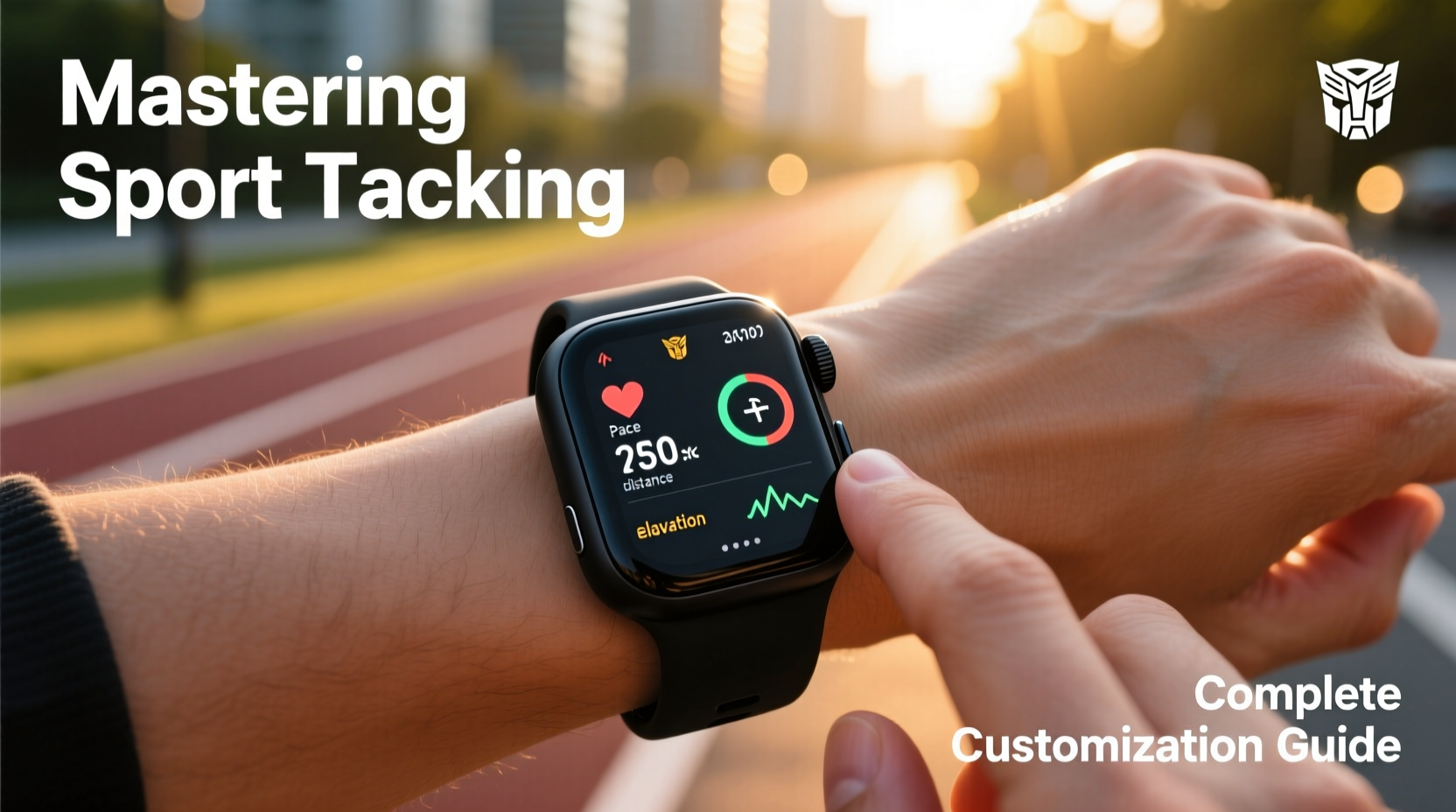
The Transformers smartwatch supports over 20 built-in sports modes, including running, cycling, swimming, HIIT, yoga, and even niche activities like rock climbing and rowing. Each mode activates specific sensor combinations—accelerometer, gyroscope, GPS, optical heart rate monitor, and barometer—to deliver accurate performance metrics.
What sets this device apart is its adaptive algorithm, which learns from your movement patterns over time. For example, during a run, it doesn’t just record pace and distance; it analyzes cadence, stride length, elevation gain, and recovery heart rate to provide post-workout insights. But these features remain underutilized if not properly configured.
Before diving into customization, ensure your watch firmware is updated. New updates often refine motion detection accuracy and introduce additional tracking parameters. Navigate to Settings > System > Software Update to check for the latest version.
Customizing Sport Modes for Your Routine
Not all workouts are the same, and your smartwatch shouldn’t treat them as such. The key to effective tracking lies in tailoring each sport mode to your personal objectives—whether that’s improving endurance, increasing speed, or monitoring recovery.
To customize a sport mode:
- Open the Fitness app on your watch.
- Select the activity type (e.g., Outdoor Run).
- Tap Edit Display to choose which metrics appear during your session.
- Arrange screens in order of priority—first screen for real-time pace, second for heart rate zones, third for elapsed time and elevation.
- Set alerts for thresholds like heart rate above 85% max or pace dropping below target.
You can save up to five custom profiles per sport. For instance, create one profile for interval runs (showing lap times and zone transitions) and another for long-distance training (focused on hydration reminders and fatigue indicators).
| Metric | Best For | When to Prioritize |
|---|---|---|
| VO₂ Max Estimate | Aerobic fitness assessment | Weekly long runs or cycling efforts |
| Training Load | Balancing intensity and recovery | Multi-day training blocks |
| Stride Length | Running efficiency | Form-focused sessions |
| Stroke Detection (Swim) | Technique improvement | Lap-based pool workouts |
| Elevation Gain | Hiking or trail running | Outdoor adventures |
Syncing Data and Using Third-Party Apps
Your smartwatch is only as powerful as the ecosystem it integrates with. While the native Fitness Hub app provides robust dashboards, syncing with platforms like Strava, MyFitnessPal, or TrainingPeaks unlocks deeper analysis and social motivation.
To set up integration:
- Open the companion mobile app and go to Connected Services.
- Link your preferred accounts using OAuth authentication.
- Enable two-way sync so achievements on Strava automatically reflect on your watch feed.
Once connected, you can receive real-time segment challenges from Strava during rides or runs. The watch vibrates when you approach a personal best section, adding a gamified layer to training.
“Wearables that integrate seamlessly with coaching tools help athletes make faster, data-backed decisions.” — Dr. Lena Torres, Sports Biomechanics Researcher at Kinetic Lab
Advanced Customization: Creating Personal Workouts
For structured training, use the Workout Builder tool in the mobile app. This feature allows you to design multi-stage workouts with precise intervals, rest periods, and metric targets.
Example: A 5K race prep session might include:
- Warm-up: 10 min easy jog (target HR Zone 2)
- Intervals: 6 x 400m at 5K pace with 90s walk recovery
- Cool-down: 8 min walk with breathing prompts
When you start this workout on your watch, it guides you through each stage with haptic alerts and voice cues. You can also assign specific metrics to pop up at transition points—like reminding you to check cadence before starting an interval.
Mini Case Study: From Casual Runner to Marathon Finisher
Mark, a 34-year-old software engineer, began using his Transformers smartwatch primarily to count steps. After joining a local running club, he activated the advanced running dynamics module and customized his long-run profile to display fatigue score and gait symmetry. Over 16 weeks, he followed a personalized marathon plan synced from TrainingPeaks. The watch alerted him when his weekly training load spiked too quickly, prompting him to take an extra rest day. On race day, he used audio cues to maintain even pacing. He finished under 4 hours—37 minutes faster than his previous attempt—and credited the detailed feedback loop for his improvement.
Optimizing Battery and Accuracy
High-frequency GPS and continuous heart rate tracking can drain the battery in under 10 hours. For long events like ultramarathons or century rides, adjust settings to extend life without sacrificing critical data.
Use the following checklist before extended outdoor activities:
- ✅ Switch to Standard GPS instead of High-Accuracy mode
- ✅ Disable always-on display
- ✅ Turn off non-essential notifications
- ✅ Pre-load offline maps if navigating trails
- ✅ Carry a portable charger with magnetic docking support
For accuracy, calibrate your watch monthly. On paved routes, compare GPS distance against known markers. In the gym, pair with a chest strap HR monitor via Bluetooth for improved cardiac readings during high-intensity circuits.
FAQ
Can I track indoor workouts without GPS?
Yes. The watch uses accelerometer data to estimate distance on treadmills and ellipticals. For best results, input your stride length manually in the settings. It will then calculate distance and pace accurately even without satellite signal.
Why does my calorie count differ from other apps?
The Transformers smartwatch calculates energy expenditure using your resting metabolic rate, active heart rate, and movement intensity. If values seem off, verify your age, weight, and fitness level in the profile settings. Discrepancies often stem from outdated user data rather than sensor error.
How do I reset sport settings to default?
Go to Settings > Fitness > Reset Activity Profiles. This restores all sport modes to factory configurations without deleting your historical data.
Conclusion
Mastering sport tracking on your Transformers smartwatch isn’t about using every feature at once—it’s about aligning the technology with your unique fitness journey. From fine-tuning display metrics to building intelligent workouts and syncing with expert platforms, each customization step brings you closer to informed, intentional training. The data is already being collected; now it’s time to take control of how it’s used. Revisit your settings weekly, experiment with new configurations, and let your watch evolve alongside your goals.




 浙公网安备
33010002000092号
浙公网安备
33010002000092号 浙B2-20120091-4
Comments
No comments yet. Why don't you start the discussion?