
In an age where images dominate communication, the ability to search using pictures—not just words—has become a powerful skill. Whether you’re trying to identify a plant in your backyard, track down the source of a fashion item, or find information about a landmark from a vacation photo, visual search tools can deliver answers fast. But knowing how to use them effectively separates casual users from those who truly master the technique.
Visual search is more than uploading a photo and hoping for the best. It’s about preparation, precision, and understanding the strengths and limitations of different platforms. With the right approach, you can turn any image into a gateway for discovery.
How Visual Search Works Behind the Scenes
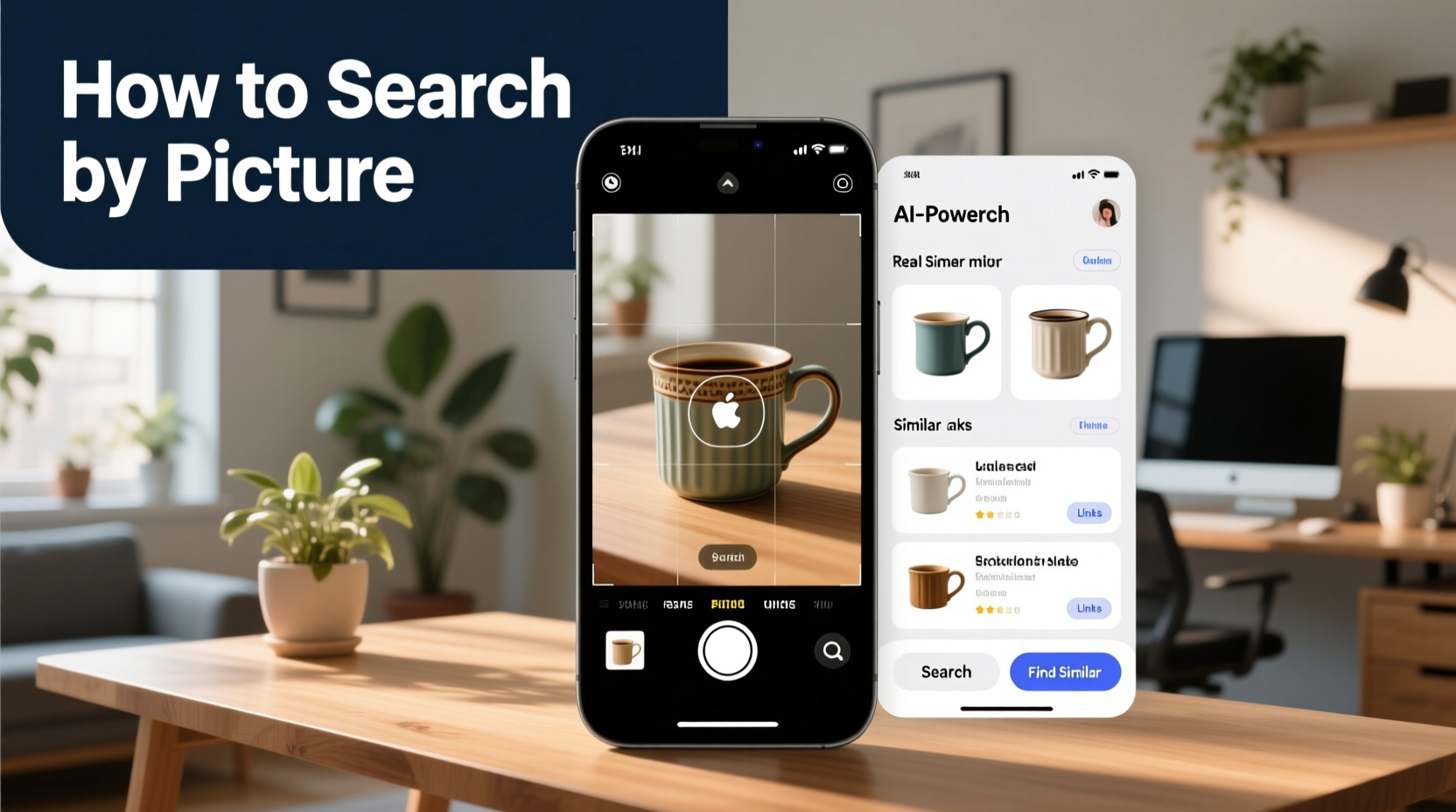
At its core, visual search relies on artificial intelligence and computer vision algorithms to analyze the content of an image. These systems detect shapes, colors, patterns, text, and contextual clues to match your photo against vast databases of indexed images and associated metadata.
Platforms like Google Lens, Bing Visual Search, and Pinterest Lens use deep learning models trained on billions of images. When you upload a photo, the system breaks it down into “features”—distinctive elements such as edges, textures, and object silhouettes—and compares them to known references. The result is a list of potential matches, related products, or informational links.
However, success depends heavily on image quality and clarity. A blurry or poorly lit photo may confuse the algorithm, leading to irrelevant or inaccurate results. Understanding this process helps you optimize your input for better outcomes.
“Visual search isn’t magic—it’s math meeting context. The clearer the signal you give the machine, the better the response.” — Dr. Lena Torres, Computer Vision Researcher at MIT Media Lab
Step-by-Step Guide to Effective Visual Searching
To get reliable results, follow this structured approach every time you perform a visual search:
- Capture a clear image: Use good lighting and focus on the subject. Avoid reflections, obstructions, or extreme angles.
- Crop tightly around the subject: Remove background clutter that could distract the algorithm.
- Choose the right tool: Match your goal to the platform (e.g., Google Lens for general info, Amazon for product lookup).
- Upload or capture via app: Use the native camera function within the search app when possible for real-time analysis.
- Review and refine results: If initial results are off, try adjusting the image or adding a keyword for context.
Top Tools for Visual Search and Their Best Uses
Different platforms excel in different areas. Knowing which tool to use can save time and improve accuracy.
| Tool | Best For | Limits |
|---|---|---|
| Google Lens | General knowledge, text translation, plant/animal ID, shopping | Less accurate with obscure or niche items |
| Bing Visual Search | Product lookups, reverse image search from desktop | Fewer mobile features than Google |
| Pinterest Lens | Home decor, fashion inspiration, DIY ideas | Results skewed toward Pinterest's aesthetic trends |
| Amazon StyleSnap | Finding similar clothing or home goods on Amazon | Only returns Amazon inventory |
| iOS Visual Look Up (iPhone 15+) | Identifying animals, plants, landmarks in Photos app | Only available on newer Apple devices |
Real Example: Identifying a Rare Houseplant
Sophia noticed a striking plant at her friend’s apartment—long, waxy leaves with silver streaks. She didn’t know its name but wanted one for her own space. Instead of guessing keywords, she took a close-up photo under natural light, making sure the entire leaf was in frame.
She opened Google Lens, uploaded the image, and within seconds received a top result: *Calathea lancifolia*, also known as the Rattlesnake Plant. The app provided care tips, common problems, and even links to nearby nurseries selling it. By using visual search correctly, Sophia skipped hours of guesswork and got exactly what she needed.
This scenario highlights how effective visual search can be when applied thoughtfully—especially for objects without obvious names or when language barriers exist.
Common Mistakes That Reduce Accuracy
Even experienced users make errors that compromise results. Avoid these pitfalls:
- Using low-resolution or cropped images: Essential details may be lost, confusing the AI.
- Searching from screenshots with overlays: UI elements, emojis, or watermarks interfere with recognition.
- Expecting perfect results every time: Visual search is improving but still limited by training data gaps.
- Not verifying sources: Just because a product appears doesn’t mean it’s authentic or safe.
Checklist: Optimize Your Visual Search Workflow
Before hitting “search,” run through this quick checklist:
- ✅ Is the subject clearly visible and in focus?
- ✅ Is there enough light? No shadows or glare?
- ✅ Have I removed distracting backgrounds?
- ✅ Am I using the most appropriate tool for my goal?
- ✅ Did I double-check the top results for credibility?
When Words Fail: Solving Problems Only Images Can Answer
Some questions simply can’t be described well in text. What do you call a piece of furniture that’s halfway between a bench and a storage ottoman? How do you explain the pattern on a vintage tile you saw in Morocco?
This is where visual search shines. It bypasses the need for precise vocabulary, allowing intuitive exploration. Designers, travelers, educators, and shoppers increasingly rely on image-based queries to bridge knowledge gaps. For non-native speakers or those unfamiliar with technical terms, visual search levels the playing field.
Moreover, some platforms now integrate augmented reality (AR) with visual search. For example, pointing your phone at a painting might overlay artist bio and auction history directly onto the screen. This fusion of real and digital worlds represents the future of information retrieval.
FAQ
Can I use visual search offline?
Most tools require internet access to process images against cloud databases. However, newer iPhones and Android devices offer limited offline visual recognition for plants, pets, and landmarks using on-device AI.
Is reverse image search the same as visual search?
They’re closely related but differ slightly. Reverse image search finds where an image appears online or its duplicates. Visual search interprets the content of an image to return relevant information or products. Google Lens combines both functions.
Are my photos stored when I use visual search?
Major platforms like Google and Bing state that uploaded images are used temporarily for processing and not saved permanently unless you store them manually. Always review privacy policies if handling sensitive or personal images.
Conclusion: Turn Every Image Into Insight
Mastering visual search transforms the way you interact with the world. No longer limited by what you can describe, you gain the power to explore, identify, and learn using only what you see. From solving everyday mysteries to accelerating research and shopping, the ability to look something up using a picture is a modern essential.
The key lies not in relying on technology blindly, but in guiding it with intention—sharp images, smart tool selection, and critical evaluation of results. As AI continues to evolve, those who understand how to work with it will stay ahead.




 浙公网安备
33010002000092号
浙公网安备
33010002000092号 浙B2-20120091-4
Comments
No comments yet. Why don't you start the discussion?