
Vue.js has earned its place as one of the most intuitive and powerful frontend frameworks, largely due to its elegant syntax and declarative rendering model. At the heart of this elegance are directives—special tokens prefixed with v- that allow developers to apply reactive behavior to the DOM. While beginners often start with v-model or v-if, mastering Vue’s full directive ecosystem unlocks cleaner code, better performance, and more maintainable applications.
This guide dives into practical strategies for leveraging Vue directives beyond the basics. From optimizing reactivity to crafting custom logic, you’ll learn how to wield v- prefixes with precision and purpose.
Understanding Vue Directives: The Foundation
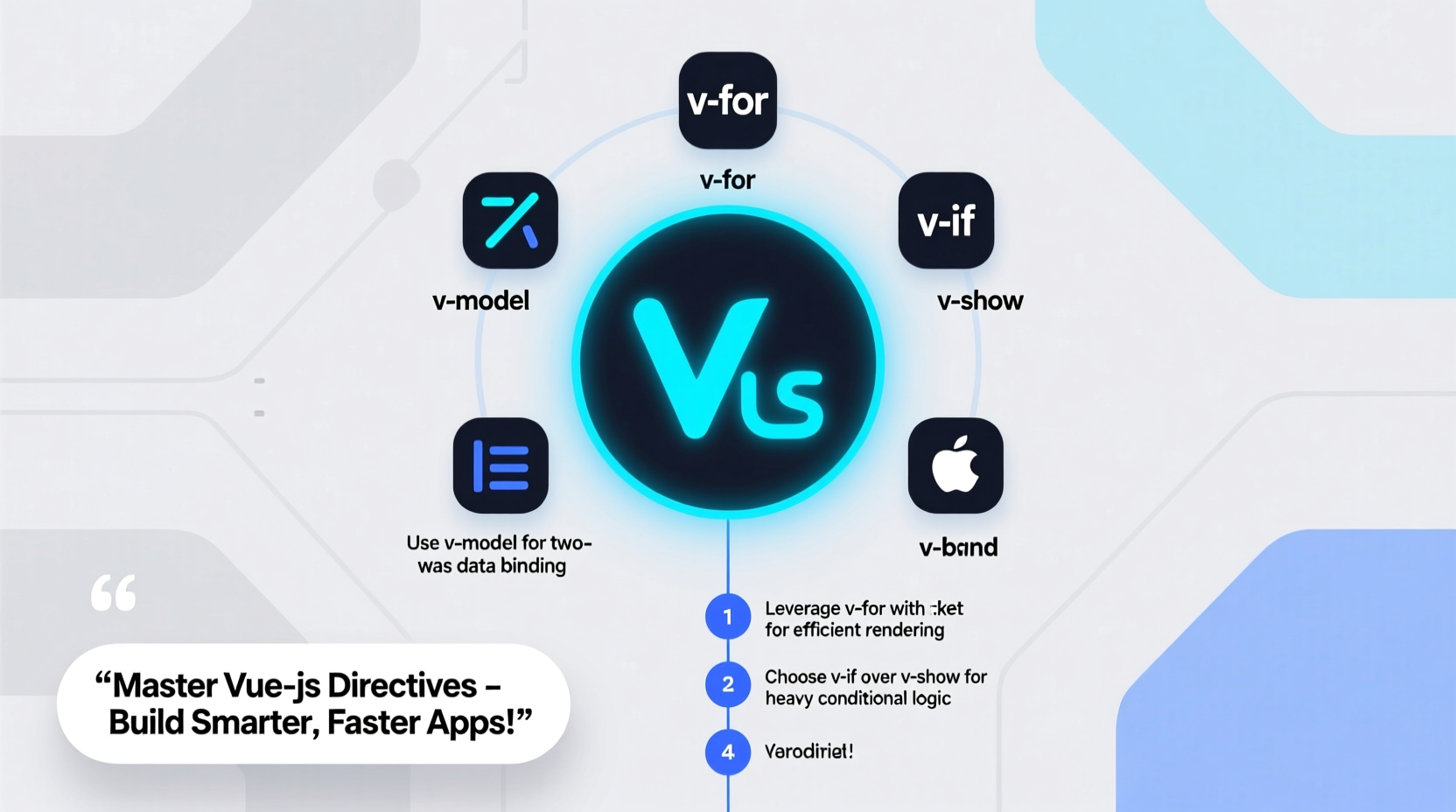
Directives are Vue’s way of applying special reactive behavior to HTML elements. When Vue compiles a template, it scans for directives and binds them to the DOM, updating the view whenever the underlying data changes.
Core directives like v-if, v-for, v-show, v-bind, and v-on are essential tools. But their power lies not just in knowing what they do—but in understanding when and how to use them efficiently.
For example, while both v-if and v-show control visibility, they behave differently:
- v-if toggles element existence (conditional mounting), ideal for heavy components shown infrequently.
- v-show uses CSS
display: none, better for frequent toggling.
v-show for UI elements that toggle frequently; reserve
v-if for conditions that rarely change.
Performance Optimization with Directive Best Practices
Improper use of directives can lead to performance bottlenecks, especially in large lists or deeply nested components. Here are key practices to keep your app fast and responsive.
Avoid v-for with v-if
Nesting v-if inside v-for forces Vue to evaluate the condition for every item in the list—even those filtered out. This is inefficient.
Instead, compute the filtered list in advance:
computed: {
  activeUsers() {
    return this.users.filter(user => user.isActive);
  }
}
Then render:
<li v-for=\"user in activeUsers\" :key=\"user.id\">{{ user.name }}</li>
Always Use :key with v-for
The :key attribute helps Vue track node identity during updates. Without it, Vue defaults to an in-place patch strategy, which can cause state corruption.
“We’ve seen bugs where input fields swap values unexpectedly—all because:keywas missing on av-forlist.” — Lara Kim, Senior Frontend Engineer at DevStack Labs
Minimize Inline Expressions in v-bind and v-on
While convenient, inline expressions reduce readability and hinder testing:
<button v-on:click=\"count > 5 ? increment() : decrement()\">Move complex logic to methods or computed properties:
methods: {
  handleClick() {
    this.count > 5 ? this.increment() : this.decrement();
  }
}
| Directive | Best Practice | Common Pitfall |
|---|---|---|
v-if |
Use for expensive conditional rendering | Pairing with v-for without filtering first |
v-show |
Frequent toggling, lightweight elements | Hiding many elements simultaneously (increases initial load) |
v-model |
Two-way binding for forms | Using on non-inputs or misusing modifiers |
v-once |
Render once, then cache | Overusing it where reactivity is needed |
Advanced Patterns: Custom Directives Done Right
Beyond built-in directives, Vue allows you to define custom ones using directive(). These are perfect for low-level DOM manipulation that doesn’t require a full component.
For example, creating a focus directive:
app.directive('focus', {
  mounted(el) {
    el.focus();
  }
});
Usage:
<input v-focus>Custom directives accept lifecycle hooks: created, mounted, updated, unmounted.
v-permission).
Real Example: Building a Click-Outside Directive
A common UX pattern is closing a dropdown when clicking outside. Instead of wiring event listeners manually, create a reusable directive:
app.directive('click-outside', {
  mounted(el, binding) {
    el.clickOutside = (event) => {
      if (!(el === event.target || el.contains(event.target))) {
        binding.value();
      }
    };
    document.addEventListener('click', el.clickOutside);
  },
  unmounted(el) {
    document.removeEventListener('click', el.clickOutside);
  }
});
Apply it to a dropdown:
<div v-click-outside=\"closeDropdown\">
  <!-- Dropdown content -->
</div>
This keeps logic encapsulated and reusable across modals, menus, and popovers.
Step-by-Step: Auditing Your Directive Usage
Over time, directive misuse can creep into a project. Follow this checklist to audit and refine your usage.
- Inventory all
v-if+v-forcombinations – Replace with computed properties. - Verify
:keypresence – Ensure everyv-forhas a stable, unique key. - Evaluate
v-showvsv-if– Switch based on frequency of toggle. - Extract inline expressions – Move complex logic to methods or computed props.
- Identify repeated DOM patterns – Convert to custom directives if reused in 3+ places.
- Check custom directive cleanup – Ensure event listeners are removed in
unmounted.
FAQ
Can I use multiple modifiers with v-model?
Yes. Vue supports chained modifiers like v-model.trim.lazy.number. They process input in order: .trim removes whitespace, .lazy syncs on change instead of input, and .number converts to a number if possible.
What’s the difference between v-bind and :attr?
There is no functional difference. :attr is syntactic sugar for v-bind:attr. Use the shorthand for brevity unless you're dynamically binding the attribute name itself.
Are custom directives still relevant with Composition API?
Absolutely. While the Composition API handles many use cases via composable functions, custom directives remain ideal for low-level DOM interactions tied directly to elements—especially when integrating with third-party libraries or legacy systems.
Conclusion
Vue directives are more than just shortcuts—they’re powerful tools for declarative, maintainable UI development. By understanding their nuances, avoiding common anti-patterns, and leveraging custom directives where appropriate, you elevate your Vue applications from functional to exceptional.
Whether you're building a small widget or a large-scale dashboard, taking the time to master v- directives pays dividends in performance, readability, and developer experience.




 浙公网安备
33010002000092号
浙公网安备
33010002000092号 浙B2-20120091-4
Comments
No comments yet. Why don't you start the discussion?