
Copying website code might sound like a shortcut, but when done correctly and ethically, it becomes a powerful learning tool. For beginners in web development, analyzing and understanding existing code is one of the fastest ways to improve skills. This guide walks through the process of inspecting, extracting, and applying website code—legally and responsibly—so you can build stronger websites from the ground up.
Understanding What “Code Copying” Really Means
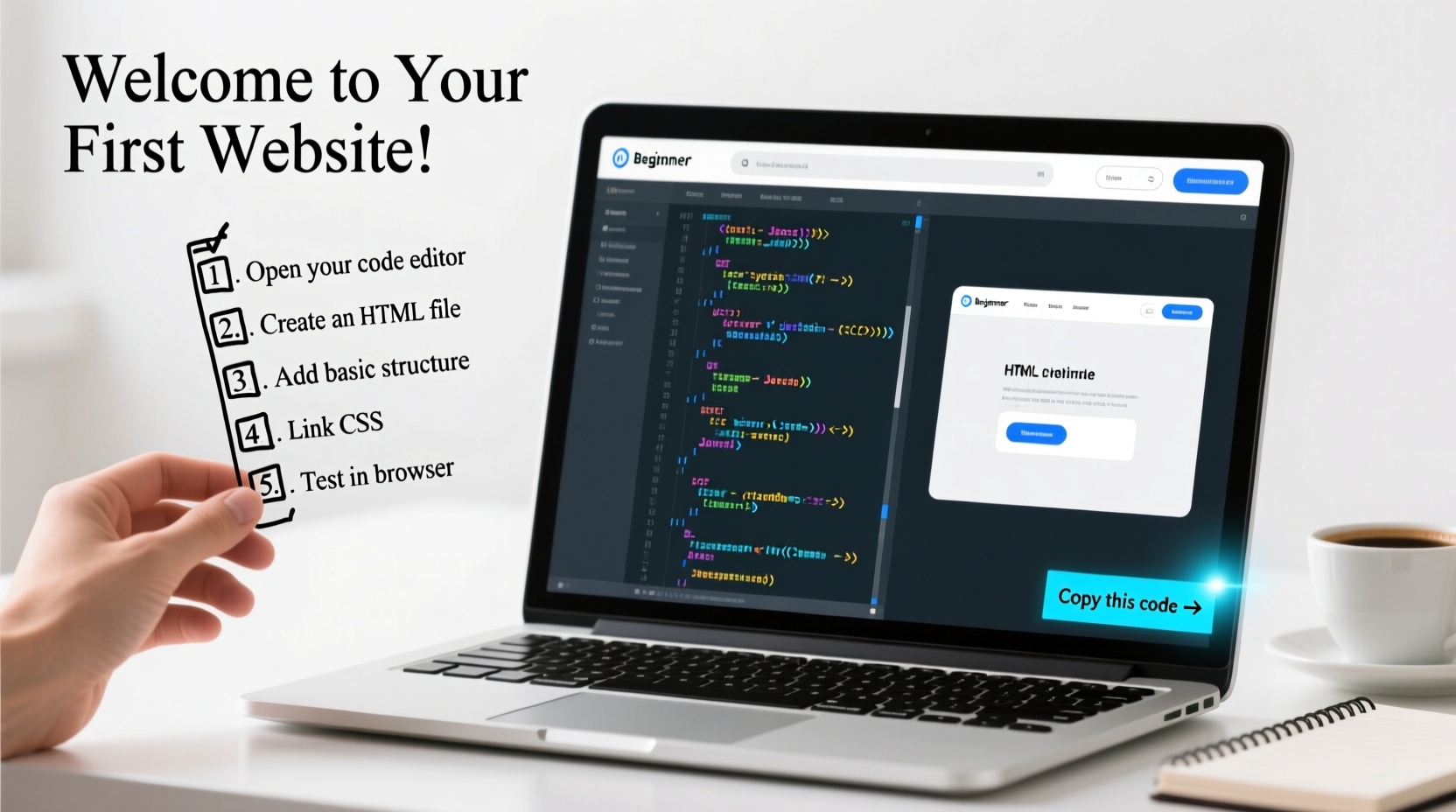
In web development, “copying code” doesn’t mean stealing entire websites. It refers to studying HTML, CSS, and JavaScript from live sites to learn structure, styling patterns, and interactive behaviors. This practice is common among developers at all levels and is entirely acceptable as long as the intent is educational or inspirational—not replication for commercial gain without permission.
Every modern browser includes developer tools that allow you to view a webpage’s source code. You’re not breaking any laws by inspecting code; it’s part of how the web was designed to be open and collaborative. However, using someone else’s design, branding, or copyrighted content without authorization crosses into unethical territory.
“We learn by doing, and we grow by imitation. Inspecting real websites is like reading books for writers—it builds vocabulary.” — David Lin, Front-End Developer & Educator
Step-by-Step Guide to Extracting and Using Website Code
If you're new to this process, follow these steps carefully to extract and apply code effectively while staying within ethical boundaries.
- Choose a Target Website: Pick a simple, well-designed site (e.g., a portfolio page or landing page) that aligns with what you want to build.
- Open Developer Tools: Right-click anywhere on the page and select “Inspect” or press F12 (Windows) or Cmd+Option+I (Mac).
- Explore the HTML Structure: In the Elements tab, navigate through the DOM tree to see how sections are structured using divs, headers, and semantic tags.
- Copy Small Snippets: Highlight a block of code (like a navigation bar), right-click, and choose “Copy outerHTML” or manually paste into your editor.
- Extract CSS Styles: In the same panel, check the Styles pane to see applied CSS. Copy rules selectively—never wholesale.
- Capture JavaScript Behavior: Go to the Sources tab to browse loaded scripts. Note event listeners or functions, but avoid copying minified code.
- Rebuild in Your Environment: Paste snippets into your local project, modify classes, adjust colors, and test responsiveness.
- Add Your Own Touch: Refactor the code, improve accessibility, optimize performance, and personalize design elements.
Do’s and Don’ts of Code Inspection and Reuse
| Do’s | Don’ts |
|---|---|
| Use code snippets for learning and inspiration | Copy entire websites and claim them as your own |
| Study responsive layouts and flexbox/grid usage | Steal logos, images, or copyrighted text |
| Test extracted code in isolated environments | Reproduce trademarked designs (e.g., Apple-style interfaces) |
| Attribute open-source components if required | Ignore licensing terms for frameworks or libraries |
| Modify and enhance copied structures | Use backend logic or API keys from inspected sources |
Real Example: Building a Navigation Bar from Scratch
Imagine you’re building a personal blog and admire the clean navigation menu on a tech news site. Here’s how you can ethically replicate its functionality:
- You open the site and inspect the navbar using Chrome DevTools.
- You notice it uses a
<nav>element with a flexbox layout and hover effects. - You copy only the structural HTML and write your own CSS using similar spacing but different color schemes.
- You add mobile responsiveness with a hamburger menu using your own JavaScript logic.
- The final result looks inspired by the original but functions independently and reflects your brand.
This approach respects intellectual property while accelerating your learning curve. Over time, you’ll rely less on copying and more on creating intuitive, efficient code from memory and best practices.
Essential Tools for Effective Code Exploration
Beyond built-in browser tools, several utilities enhance the experience of analyzing website code:
- Chrome DevTools: The most widely used suite for inspecting elements, debugging JavaScript, and auditing performance.
- Firefox Developer Edition: Offers advanced CSS grid inspection and network monitoring.
- Live Server (VS Code Extension): Lets you test copied snippets instantly in a local server environment.
- CodePen or JSFiddle: Online sandboxes where you can paste and experiment with HTML/CSS/JS safely.
- Wappalyzer: Browser extension that reveals which technologies a site uses (React, WordPress, etc.).
Checklist: Ethical Code Learning Workflow
Before and after inspecting a website, run through this checklist to ensure responsible use:
- ✅ Confirm the purpose is educational or for personal prototyping
- ✅ Avoid copying copyrighted assets (images, fonts, videos)
- ✅ Rewrite styles with custom class names and adjusted values
- ✅ Test accessibility (contrast ratios, screen reader compatibility)
- ✅ Document sources for reference (not attribution unless required)
- ✅ Optimize performance (minify CSS, lazy-load images)
- ✅ Never deploy a cloned site under your name without major changes
Frequently Asked Questions
Is it legal to copy HTML and CSS from other websites?
Yes, viewing and learning from publicly accessible code is legal. However, directly copying and deploying that code as your own product may violate copyright if it includes unique design elements or protected content. Use code as inspiration, not duplication.
Can I copy JavaScript functions I find online?
You can study and learn from JavaScript logic, but avoid copying complex or minified scripts. If a function is part of an open-source library (like jQuery plugins), check its license before reuse. Always write your own version when possible to deepen understanding.
How do I avoid plagiarism when using others’ code?
Transform every snippet you borrow. Change variable names, restructure layout logic, update styles with your palette, and integrate it into an original context. The goal is comprehension, not replication.
Mastering the Art of Learning Through Observation
Great web developers aren’t born knowing everything—they’ve spent hours dissecting how things work. Copying code isn’t cheating; it’s apprenticeship in the digital age. By reverse-engineering real websites, you gain insight into clean markup, efficient styling, and user-centric interactivity.
The key is progression: start by mimicking, then modifying, then innovating. Each time you inspect a button animation or responsive grid, you’re adding to your mental toolkit. Eventually, you’ll create solutions that don’t just imitate but improve upon what came before.




 浙公网安备
33010002000092号
浙公网安备
33010002000092号 浙B2-20120091-4
Comments
No comments yet. Why don't you start the discussion?