
WhatsApp has evolved from a simple chat app into a powerful communication tool used by over two billion people worldwide. Whether you're coordinating with family, managing team projects, or running a business, mastering its features can significantly improve efficiency, privacy, and clarity. Beyond sending texts and emojis, WhatsApp offers tools that streamline conversations, protect your data, and enhance engagement — if you know how to use them.
This guide dives deep into practical, often overlooked features and strategies that turn casual users into power users. From message formatting to automation, privacy settings to productivity hacks, these insights are designed to help you communicate more effectively and securely.
1. Optimize Message Formatting for Clarity and Impact
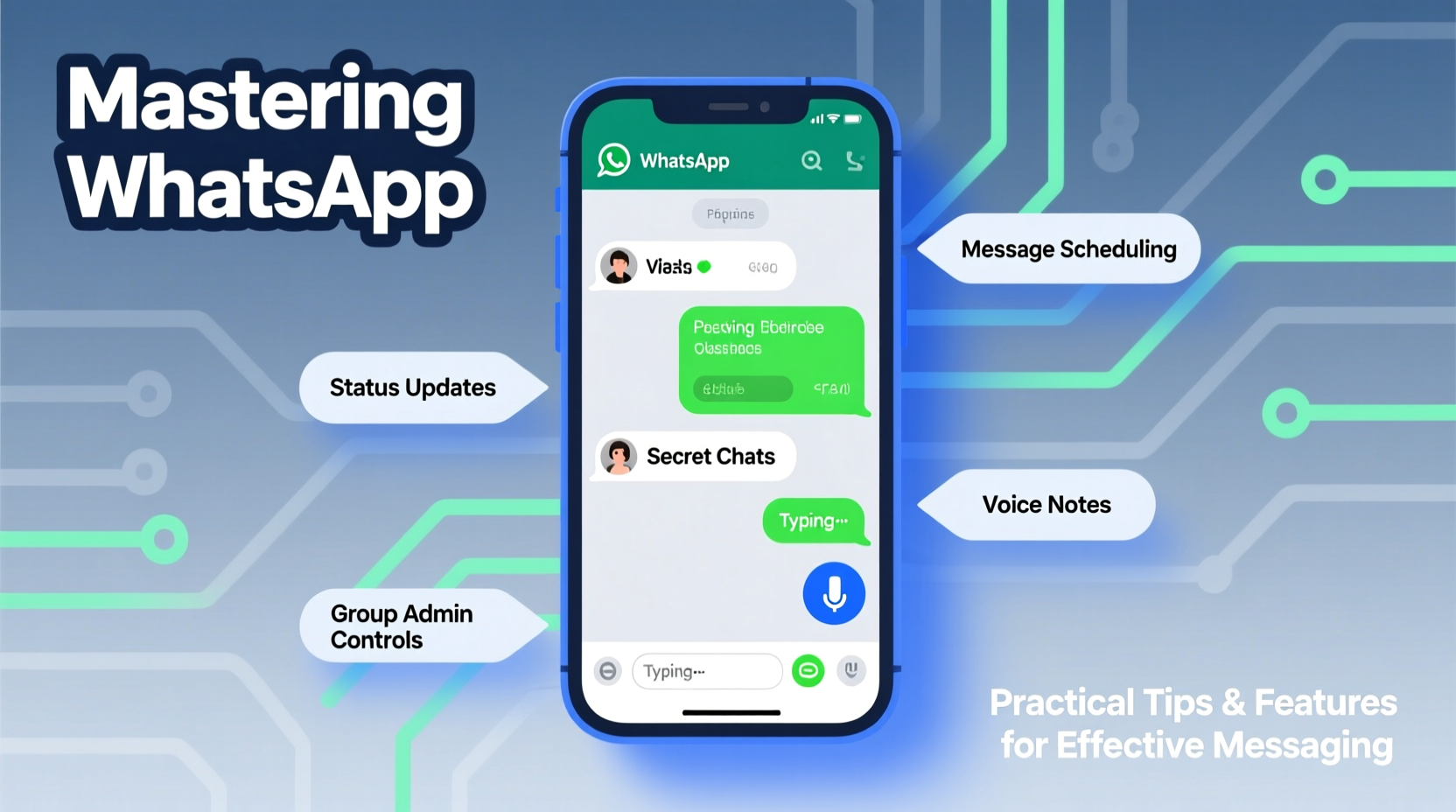
Many users type messages the same way they always have — plain text. But WhatsApp supports basic text formatting that can dramatically improve readability and tone. Use these simple syntax tricks:
- Bold: Wrap text in asterisks: *This is bold*
- Italic: Use underscores: _This is italic_
- Strikethrough: Use tildes: ~This is crossed out~
- Monospace (Code): Triple backticks: ```Use code blocks for technical details```
These formatting options are especially useful when sharing instructions, highlighting key points, or adding emphasis without relying on all caps, which can seem aggressive.
2. Leverage WhatsApp Status for Professional and Personal Updates
While many treat WhatsApp Status like a social media story, it can be a strategic tool for communication. Unlike broadcast lists or group messages, status updates don’t flood inboxes but still reach everyone in your contacts who haven’t blocked you.
Use cases include:
- Sharing daily work progress with clients
- Announcing availability (“Back online at 3 PM”)
- Posting quick video tutorials or voice notes
- Highlighting promotions for small businesses
Status disappears after 24 hours, creating urgency without clutter. You can also customize viewership — choose to share with “My Contacts,” “Selected Contacts,” or exclude specific people.
“Status updates reduce repetitive messaging. One post replaces ten individual replies.” — Lena Torres, Digital Communication Trainer
3. Secure Your Privacy with Advanced Settings
WhatsApp uses end-to-end encryption by default, meaning only you and the recipient can read messages. However, your metadata — profile photo, last seen, about info — is visible unless adjusted.
Go to Settings > Privacy to control:
| Privacy Option | Recommended Setting | Why It Matters |
|---|---|---|
| Last Seen | My Contacts | Prevents strangers from tracking your activity |
| Profile Photo | My Contacts | Limits exposure to unknown numbers |
| About | Nobody | Reduces personal info leakage |
| Status | Custom (per update) | Allows flexibility based on context |
| Live Location Sharing | Set time limit (e.g., 1 hour) | Avoids indefinite tracking |
Additionally, enable two-step verification (Settings > Account > Two-step verification) to add an extra layer of protection against SIM-swapping attacks.
4. Automate and Streamline Communication
Efficiency matters — especially when answering similar questions daily. WhatsApp offers built-in tools to save time and reduce typing fatigue.
Saved Replies (Quick Replies)
If you frequently respond with the same messages — such as pricing, office hours, or shipping details — set up saved replies:
- Open any chat
- Type and format your response
- Long-press and tap “Save message”
- Access saved messages via the attachment icon > Star icon
Using Broadcast Lists for One-to-Many Messaging
Broadcast lists let you send the same message to multiple contacts without creating a group. Recipients receive it individually and can’t see others on the list.
Ideal for:
- Event reminders
- Business announcements
- Team check-ins
5. Real-World Example: Small Business Efficiency Boost
Rohan runs a home bakery and used to spend hours each day replying to similar customer queries: “What’s available today?” “Can I order a cake?” “Do you deliver?”
He implemented three WhatsApp features:
- Created a status update every morning showing the day’s menu with prices.
- Set up saved replies for common questions, including delivery zones and payment methods.
- Used a broadcast list to notify regular customers of special offers.
The result? Rohan reduced his daily messaging time by 70% and increased order accuracy. Customers appreciated the timely, consistent information, and fewer misunderstandings occurred.
Essential WhatsApp Checklist for Power Users
To ensure you’re getting the most out of WhatsApp, follow this actionable checklist:
- ✅ Enable two-step verification for account security
- ✅ Customize privacy settings (last seen, profile, about)
- ✅ Use message formatting (*bold*, _italic_) for clarity
- ✅ Create saved replies for frequent responses
- ✅ Set up broadcast lists for non-group announcements
- ✅ Share location temporarily instead of typing directions
- ✅ Archive inactive chats to keep inbox clean
- ✅ Use emoji reactions in group chats to reduce clutter
- ✅ Back up chats regularly (Google Drive/iCloud)
- ✅ Label important chats (Business feature) for quick access
Frequently Asked Questions
Can someone tell if I’ve viewed their WhatsApp status?
Yes, unless you disable read receipts. By default, the poster sees your name in the viewer list. To remain anonymous, go to Settings > Privacy > View Once and decide whether to allow return visibility. Note: Hiding your own view list also prevents you from seeing others’.
Is WhatsApp safe for sharing sensitive information?
Messages are end-to-end encrypted, making them secure from third-party interception. However, if your phone is unlocked or backed up to unencrypted cloud storage, data could be exposed. Avoid sending passwords, ID scans, or financial details unless absolutely necessary.
How do I stop receiving messages from unknown numbers?
Enable “Filter Unknown Senders” in Settings > Chats. This separates messages from non-contacts into a filtered tab. You can review them selectively and block spam numbers easily.
Conclusion: Turn WhatsApp Into a Strategic Tool
WhatsApp is more than just a messaging app — it’s a dynamic platform for personal organization, professional communication, and efficient collaboration. By mastering formatting, privacy controls, automation tools, and smart sharing practices, you transform routine chats into meaningful, productive interactions.
Don’t settle for basic texting. Implement one new feature this week — whether it’s setting up a saved reply, adjusting your privacy, or using status updates strategically. Small changes compound into significant gains in clarity, security, and time saved.




 浙公网安备
33010002000092号
浙公网安备
33010002000092号 浙B2-20120091-4
Comments
No comments yet. Why don't you start the discussion?