
Lige smart glasses blend style, innovation, and functionality into a single wearable device, offering users the freedom to take calls hands-free while staying immersed in their surroundings. However, like any advanced tech, getting the most out of their wireless calling feature requires more than just pairing and dialing. Achieving consistently clear audio and reliable connections depends on understanding the nuances of Bluetooth performance, environmental factors, and proper usage habits. Whether you're using your Lige glasses for business calls during a commute or catching up with family on a walk, mastering the art of wireless calling ensures you stay connected without frustration.
Optimize Your Pairing Process for Stable Connections
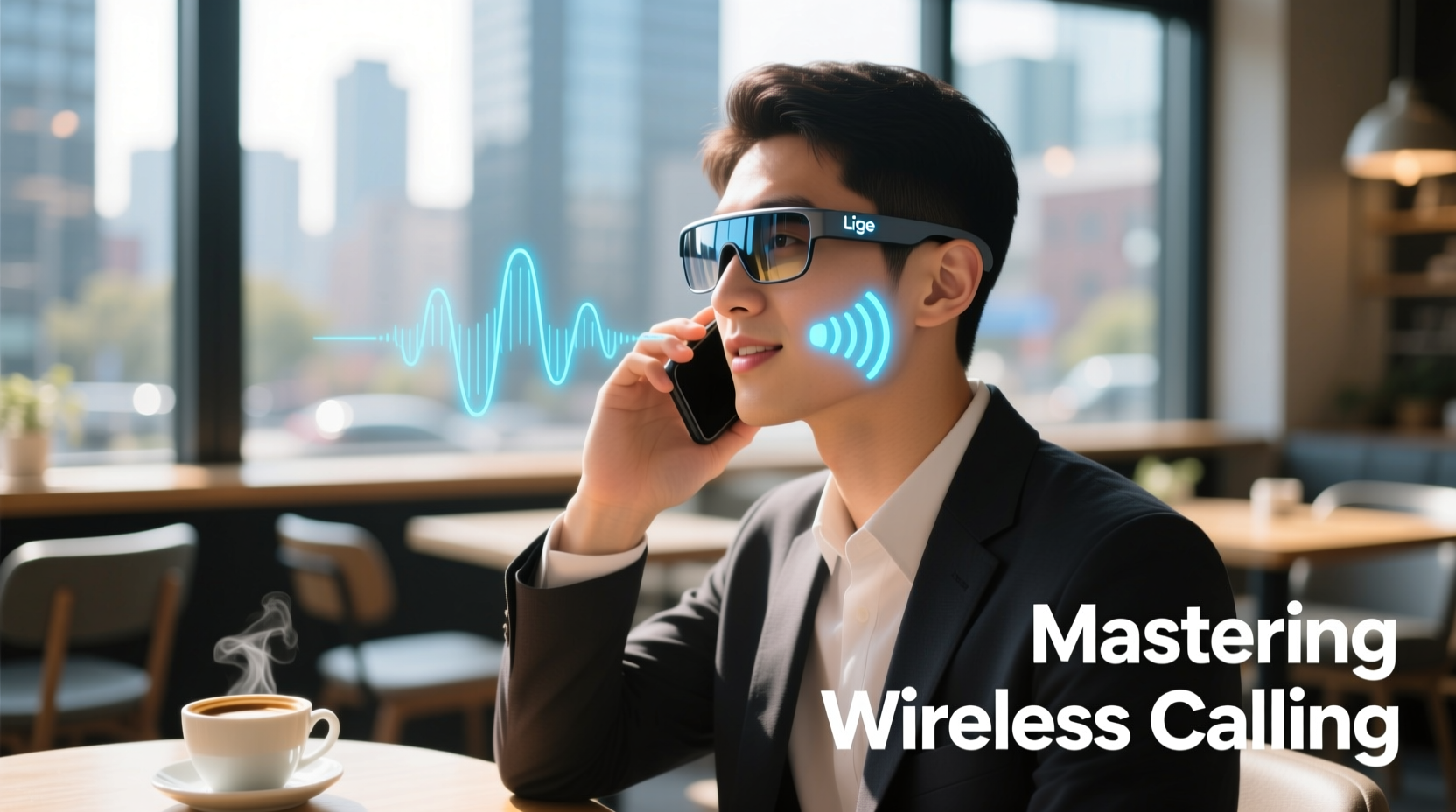
The foundation of seamless calling begins at the pairing stage. A poorly established Bluetooth connection can lead to dropped calls, audio lag, or one-way communication. To ensure a strong initial link between your Lige smart glasses and smartphone:
- Ensure both devices are fully charged before pairing.
- Turn off other nearby Bluetooth devices to minimize interference.
- Enable Bluetooth on your phone and place it within 3 feet (1 meter) of the glasses.
- Follow the manufacturer’s voice prompts precisely—most Lige models enter pairing mode when powered on while tapping the touchpad three times.
- Once paired, test the connection by playing audio or making a short call.
If the connection feels unstable after pairing, unpair and repeat the process. Sometimes cached Bluetooth data can interfere with new connections. Clearing old pairings from your phone’s memory often resolves persistent sync issues.
Enhance Audio Clarity in Noisy Environments
One of the standout features of Lige smart glasses is their open-ear audio design, which allows users to hear ambient sounds while receiving calls. While this improves situational awareness, it can also introduce background noise that degrades call quality—especially in busy streets, cafes, or windy conditions.
To maintain clear conversations despite external noise:
- Use the built-in wind reduction mode if available (accessible via the companion app).
- Position yourself so that the wind hits your back rather than your face.
- Speak clearly and slightly slower than usual, avoiding shouting, which distorts microphone input.
- Avoid cupping your hand near the temple controls—this can create feedback or muffle your voice.
“Directional microphones in smart glasses perform best when the user faces the source of sound directly. For calls, align your body toward the person you’re speaking with—even virtually.” — Dr. Alan Zhou, Acoustic Engineer at WearableTech Labs
Lige’s dual-mic noise suppression system works by isolating your voice from ambient frequencies. But its effectiveness depends on proper orientation and minimal obstruction. Keep the mic ports clean and free of debris using a soft brush or dry cloth weekly.
Step-by-Step Guide to Troubleshooting Call Issues
Even under ideal conditions, occasional glitches may occur. Follow this structured troubleshooting sequence to resolve common calling problems:
- Check Battery Levels: Both your glasses and phone should have at least 20% charge. Low power can throttle Bluetooth performance.
- Reconnect Bluetooth: Disconnect and reconnect the glasses through your phone’s Bluetooth menu.
- Restart Devices: Power cycle both your smartphone and Lige glasses.
- Test Microphone & Speaker: Use a voice memo app to record yourself speaking through the glasses’ mic.
- Update Firmware: Open the Lige Connect app and check for firmware updates. Outdated software is a frequent cause of audio bugs.
- Reset Glasses: Hold the touchpad for 15 seconds until the LED flashes red and blue—this resets all settings to default.
Do’s and Don’ts of Wireless Calling Etiquette and Performance
| Do’s | Don’ts |
|---|---|
| Maintain eye contact during in-person conversations even while on a call | Yell into the glasses—speak naturally; the mics are sensitive |
| Use the pause/resume gesture to mute briefly during loud surroundings | Cover the temple housing with hats or scarves that block mic/speaker ports |
| Store glasses in the protective case when not in use to prevent sensor damage | Leave glasses exposed to rain or extreme heat—electronics degrade faster |
| Charge regularly using the provided magnetic dock | Use third-party chargers that may deliver inconsistent voltage |
Adhering to these guidelines preserves both hardware longevity and call reliability. Remember, smart glasses are designed for mobility—but they still require mindful handling to function optimally.
Real-World Example: Staying Connected During Travel
Sophie, a freelance consultant based in Barcelona, uses her Lige smart glasses daily during transit. On a recent trip to Berlin, she relied on them for client calls while navigating train stations and walking between meetings. Initially, she struggled with choppy audio due to crowded Wi-Fi zones and Bluetooth congestion. After reviewing the Lige support guide, she implemented several changes:
- She disabled unnecessary Bluetooth devices (smartwatch, earbuds) while using the glasses.
- She began using airplane mode on her phone with only Bluetooth enabled in high-interference areas.
- She started pre-testing call quality in quiet corners before joining critical meetings.
The result? Her next video conference ran smoothly, with clients commenting on how clear her voice sounded despite being outdoors. Sophie now considers her Lige glasses an essential part of her mobile office setup.
Frequently Asked Questions
Can I use Lige smart glasses with Android and iOS equally well?
Yes, Lige smart glasses are compatible with both Android and iOS devices running Bluetooth 5.0 or higher. Full feature access—including voice assistant integration and firmware updates—requires downloading the official Lige Connect app from either the Google Play Store or Apple App Store.
Why does my caller say they can hear me but I can’t hear them?
This typically indicates a one-way audio issue caused by incorrect audio routing. Check your phone’s audio output settings during a call and ensure it’s set to “Lige Glasses” and not “Phone Speaker” or “Headset.” Also, verify that the volume on both the glasses and phone is turned up.
How far can I move from my phone during a call?
The effective range is approximately 33 feet (10 meters) in open space without obstructions. Walls, metal structures, and electronic interference can reduce this distance significantly. For uninterrupted calls, keep your phone within line of sight whenever possible.
Maximize Your Smart Communication Experience
Mastering wireless calling on Lige smart glasses isn’t about memorizing technical specs—it’s about integrating technology seamlessly into your lifestyle. With optimized pairing, smart usage habits, and proactive maintenance, you can enjoy crisp, natural-sounding conversations wherever you go. These glasses are designed to keep you connected without disconnecting you from the world around you.




 浙公网安备
33010002000092号
浙公网安备
33010002000092号 浙B2-20120091-4
Comments
No comments yet. Why don't you start the discussion?