
Wireless charging has moved from futuristic novelty to everyday necessity. From smartphones and smartwatches to earbuds and tablets, more devices now support Qi and other standards that eliminate the need for cords. But simply placing your phone on a pad doesn’t guarantee optimal performance. Many users experience slow charging, inconsistent connections, or even overheating—all avoidable with the right knowledge. Understanding how wireless charging works and how to use it effectively can save time, protect your devices, and streamline your routine.
How Wireless Charging Works: The Basics
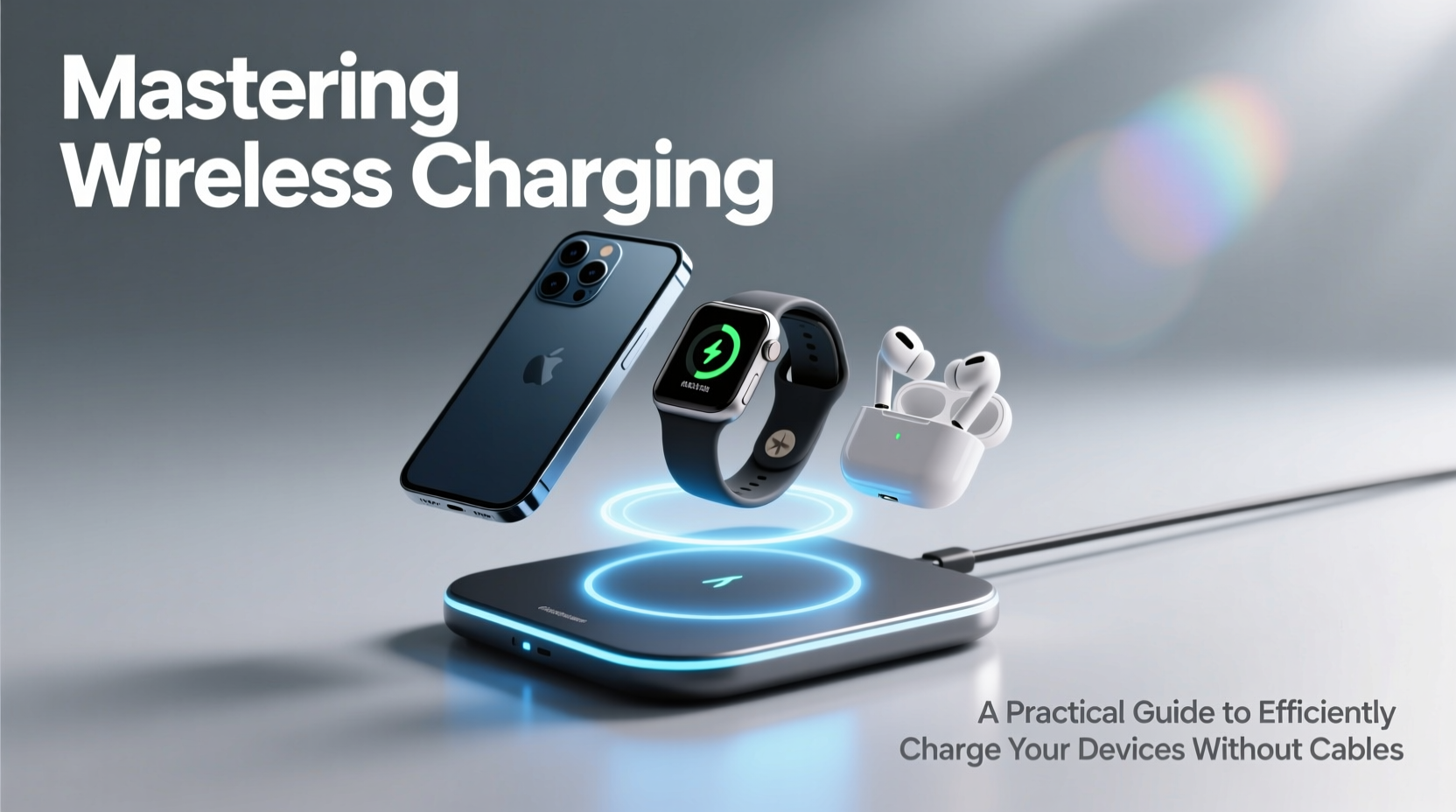
At its core, wireless charging relies on electromagnetic induction. A coil in the charging pad generates an alternating electromagnetic field, which induces a current in a corresponding coil inside your device. This current is then converted into usable power to charge the battery. The most common standard, Qi (pronounced “chee”), is supported by over 300 companies, including Apple, Samsung, and Google, ensuring broad compatibility across modern gadgets.
While convenient, wireless charging is inherently less efficient than wired methods due to energy loss as heat during transmission. Efficiency typically ranges between 60% and 80%, depending on alignment, distance, and materials between the coils. This means longer charge times and increased thermal output—factors that demand smarter usage habits.
“Wireless charging isn’t just about convenience—it’s about integrating power seamlessly into daily life. But efficiency depends heavily on user behavior.” — Dr. Lena Torres, Senior Power Systems Engineer at MobileTech Labs
Choosing the Right Wireless Charger
Not all wireless chargers are created equal. Output power, build quality, safety features, and design all impact performance. Most modern phones support up to 15W of wireless charging, though actual speeds vary by brand. For example, iPhones are capped at 7.5W unless using MagSafe-compatible hardware, while select Samsung Galaxy models achieve full 15W with certified pads.
When selecting a charger, consider:
- Power Output: Match the wattage to your device’s maximum supported rate.
- Qi Certification: Ensures compliance with safety and interoperability standards.
- Cooling Mechanisms: Some premium models include fans or aluminum housings to dissipate heat.
- Form Factor: Pads, stands, and multi-device docks serve different needs—choose based on where and how you charge.
Optimizing Your Charging Setup
Even the best charger won’t perform well if used incorrectly. Small adjustments can significantly improve speed, consistency, and device longevity.
Alignment Matters
The internal coils must be closely aligned for effective energy transfer. Misalignment—even by a few millimeters—can reduce efficiency by up to 40%. Magnetic systems like Apple’s MagSafe solve this with built-in magnets that snap the phone into place, but generic pads require manual precision.
Minimize Barriers
Thick cases, metal plates, or pop sockets interfere with the electromagnetic field. If possible, remove bulky accessories before charging. If you must keep a case on, choose one designed for wireless charging—typically thinner and free of metallic elements.
Control Temperature
Heat is the biggest enemy of lithium-ion batteries. Wireless charging generates more heat than wired, especially when the phone is in use simultaneously. To minimize thermal stress:
- Charge in a cool, ventilated area.
- Avoid direct sunlight or hot cars.
- Disable intensive apps or gaming while charging.
| Factor | Best Practice | Avoid |
|---|---|---|
| Phone Case | Thin, non-metallic material | Thick leather or magnetic mounts |
| Placement | Centered on the charging zone | Edge or corner positioning |
| Environment | Cool, dry indoor space | Direct sun or enclosed car dashboard |
| Usage During Charge | Minimal screen activity | Gaming or video streaming |
Step-by-Step Guide to Efficient Wireless Charging
Follow this sequence to maximize efficiency and prolong device health:
- Verify Compatibility: Confirm your device supports Qi or MagSafe wireless charging.
- Select a Certified Charger: Choose a model matching your device’s max wattage and certified by the Wireless Power Consortium.
- Remove Obstructions: Take off thick cases, metal attachments, or credit cards stuck to the back.
- Position Correctly: Center the device on the pad, ensuring no visible offset.
- Monitor Initial Connection: Wait 10–15 seconds to confirm charging (look for notification or charging sound).
- Limit Background Activity: Enable Airplane Mode or Do Not Disturb to reduce CPU load and heat.
- Check Temperature: After 20 minutes, feel the phone. If excessively hot, pause and reassess setup.
- Unplug When Full: Leaving a device on the pad after 100% accelerates battery wear over time.
Real-World Example: Optimizing a Home Charging Station
Sarah, a remote worker in Seattle, struggled with her iPhone dying by mid-afternoon despite nightly charging. She placed her phone on a $12 wireless pad beside her bed but often woke up to only 60% battery. After troubleshooting, she discovered several issues: her rugged case blocked the coil, the charger was buried under books, and she frequently left her phone on speakerphone during calls while charging—generating excess heat.
She upgraded to a MagSafe-certified stand, removed the case at night, and positioned the charger on an open nightstand. She also enabled Low Power Mode during charging. Result? Her phone now reaches full charge in under three hours and maintains better long-term battery health. Sarah estimates she’s reduced cable wear and morning stress significantly.
Essential Checklist for Wireless Charging Success
Before you start charging, run through this quick checklist:
- ✅ Device supports wireless charging
- ✅ Charger is Qi or MagSafe certified
- ✅ Phone is centered and properly aligned
- ✅ No metal or thick material between phone and pad
- ✅ Environment is cool and well-ventilated
- ✅ Battery-intensive apps are closed
- ✅ Charger is plugged into a stable power source (not a low-output USB port)
Frequently Asked Questions
Does wireless charging damage my phone’s battery?
Not if used correctly. However, frequent exposure to high temperatures during charging can degrade battery capacity over time. Avoid charging under pillows, in hot cars, or while running graphics-heavy apps to minimize risk.
Why is my phone charging so slowly wirelessly?
Slow charging usually results from misalignment, poor-quality chargers, thick cases, or thermal throttling. Ensure your charger delivers sufficient wattage and that your phone is not overheating. Also, verify that fast wireless charging is enabled in your device settings.
Can I leave my phone on the charger overnight?
Modern devices stop charging at 100%, but staying at full charge for extended periods stresses the battery. For best longevity, unplug once charged or use a timer to limit overnight sessions. Some phones offer “Optimized Battery Charging” to delay full charge until needed.
Final Thoughts: Make Wireless Work for You
Wireless charging offers undeniable convenience, but its benefits are maximized only through informed use. By choosing the right equipment, optimizing placement, managing heat, and avoiding common pitfalls, you can enjoy faster, safer, and more reliable charging—without ever plugging in a cable. The goal isn’t just to adopt the technology, but to master it.




 浙公网安备
33010002000092号
浙公网安备
33010002000092号 浙B2-20120091-4
Comments
No comments yet. Why don't you start the discussion?