
The Casio G-Shock is more than just a rugged timepiece—it’s a multifunctional tool built for durability, precision, and adaptability. From digital divers like the DW-6900 to advanced analog-digital models such as the GA-2100, G-Shocks offer stopwatch functions, alarms, world time, tide graphs, and even smartphone connectivity. Yet many users only scratch the surface of what these watches can do. With the right approach, you can fully customize your G-Shock to match your lifestyle, whether you're an outdoor adventurer, frequent traveler, or fitness enthusiast.
This guide walks you through the core functions, programming methods, and customization options available across most G-Shock models. By understanding button layouts, mastering mode navigation, and tailoring settings to your needs, you transform your watch from a simple timekeeper into a personal assistant on your wrist.
Understanding the Button Layout and Core Modes
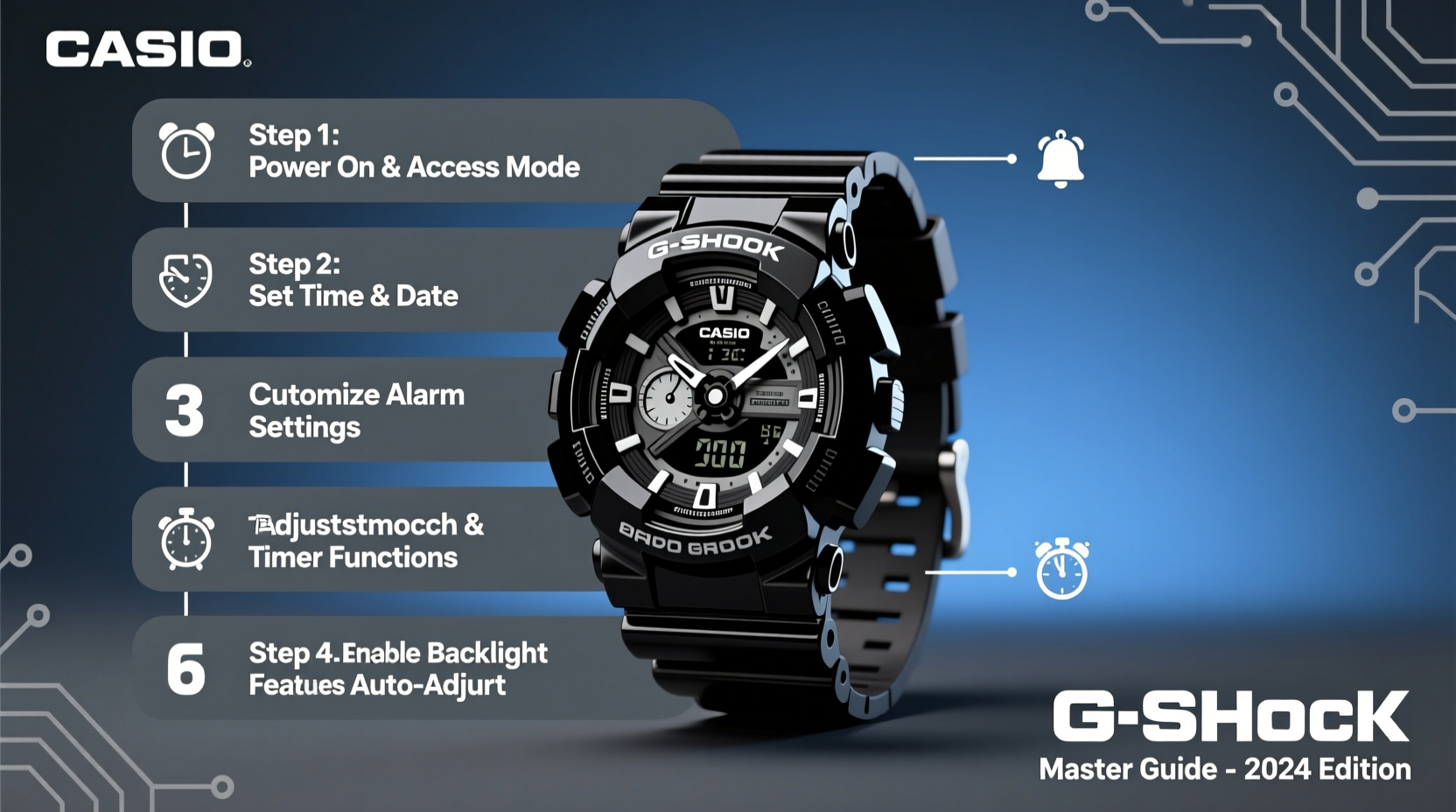
All G-Shock watches operate using a consistent set of buttons—typically labeled A, B, C, and D—positioned around the case. While exact placement varies by model, their functions remain standardized:
- A (Upper Left): Mode – cycles between major functions like time, alarm, stopwatch, and world time.
- B (Lower Left): Adjust – enters setting mode or adjusts values.
- C (Upper Right): Start/Stop – used in stopwatch and countdown timer modes.
- D (Lower Right): Reset/Light – resets stopwatch or activates backlight.
Most G-Shocks feature five primary modes accessible via the Mode button:
- Timekeeping – Standard time and date display.
- Alarm – Set daily or one-time alerts.
- Stopwatch – Measure elapsed time up to 24 hours.
- Countdown Timer – Set intervals for workouts or reminders.
- World Time – View times in 30+ global cities.
Step-by-Step: Setting the Time and Date
Accurate time and date are essential for all other functions. Follow this universal method applicable to most digital G-Shock models:
- Press Mode (A) until the Time screen appears.
- Hold Adjust (B) for 2 seconds until the hour digits begin to flash.
- Use Start/Stop (C) to increase the value and Reset (D) to decrease it.
- Press Adjust (B) again to move to minutes, then repeat the adjustment process.
- Continue to set seconds, month, date, and day of the week using the same method.
- After setting the last field, press Adjust (B) once more to exit and save.
If your model supports 12/24-hour format or DST (Daylight Saving Time), these options appear after setting the time. Navigate to them using the same button logic and toggle on or off as needed.
Customizing Alarms and Timers
G-Shocks typically support up to five alarms, including a daily wake-up alarm and four customizable ones. You can also program a countdown timer for intervals ranging from 1 minute to 24 hours.
Setting a Daily Alarm
- Press Mode (A) until the Alarm icon appears.
- Press Adjust (B) to toggle the alarm on (indicated by “ON” or a bell icon).
- Hold Adjust (B) to make the hour flash, then adjust with C and D.
- Repeat for minutes and confirm.
Using the Countdown Timer
- Navigate to Timer mode using Mode (A).
- Enter desired duration by adjusting hours, minutes, and seconds.
- Press Start/Stop (C) to begin. The countdown will beep at zero and repeat every 5 minutes unless stopped.
- To stop, press Start/Stop (C) again.
| Function | Button Sequence | Duration Range |
|---|---|---|
| Stopwatch | C (Start), C (Stop), D (Reset) | 00:00'00\" to 23:59'59\" |
| Countdown Timer | B (Set), C/D (Adjust), C (Start) | 1 min to 24 hrs |
| Snooze Alarm | Any button when alarm sounds | 5-minute repeat cycle |
World Time and Dual Timezone Setup
Frequent travelers benefit greatly from the World Time feature. It allows quick access to 30–48 city codes representing different time zones.
- Press Mode (A) until World Time appears.
- Use Start/Stop (C) and Reset (D) to scroll through city names (e.g., LAX, LON, TYO).
- Select your destination city—the time updates automatically based on your home city’s reference.
- Some models let you assign a second timezone permanently to the lower display (Dual Time). Access this via settings in Time mode.
For example, if your home city is set to New York (EST), selecting Tokyo (TYO) will show JST +13 hours during standard time. The watch accounts for daylight saving changes if enabled.
“G-Shock’s world time function has saved me from missed calls across time zones. I keep London and Sydney pre-set for client meetings.” — Mark Tran, International Project Manager
Advanced Features: Tide Graphs, Moon Data, and Smartphone Sync
Higher-end models like the GW-B5600 or GWF-A1000 include specialized tools for surfers, sailors, and outdoor athletes.
Tide Graph
The tide graph predicts water levels based on lunar cycles and location. To use:
- Set your home city to a coastal zone (e.g., HNL for Honolulu).
- Navigate to Tide Graph mode.
- The display shows high and low tide trends over a 24-hour period. Peaks indicate high tide; troughs show low tide.
Moon Age Display
This feature shows the number of days since the last new moon (range: 0–29.5). Useful for planning night fishing or astrophotography. Found in models like the GW-M5610, it updates automatically based on internal calendar data.
Smartphone Connectivity (via Bluetooth®)
Select G-Shock models sync with the G-Shock Connected app (iOS/Android). Benefits include:
- Automatic time zone adjustment based on GPS.
- One-touch time calibration.
- Remote alarm control and log tracking.
- Watch firmware updates.
To pair:
- Enable Bluetooth on your phone and open the G-Shock Connected app.
- Press and hold Adjust (B) in Time mode to activate pairing mode (blinking signal icon).
- Follow in-app prompts to complete connection.
Checklist: Optimizing Your G-Shock in 7 Steps
- ✅ Set accurate local time and date.
- ✅ Enable 24-hour format if preferred.
- ✅ Configure at least one daily alarm.
- ✅ Program a countdown timer for regular use.
- ✅ Assign frequently visited cities in World Time.
- ✅ Test backlight duration and adjust if needed.
- ✅ For smart models: Pair with the G-Shock Connected app.
Real Example: Using a G-Shock for Outdoor Training
Jamal, a wilderness survival instructor, uses his GA-2100 daily. Each morning, he checks the stopwatch to time student drills, sets a 10-minute countdown for shelter-building exercises, and relies on the durable resin band during river crossings. When leading overnight trips, he references the moon age to anticipate visibility and uses the LED backlight for map reading. His watch, despite years of rough use, remains accurate and functional—all because he regularly calibrates it and uses features purposefully.
Frequently Asked Questions
How do I turn off the hourly time signal?
Go to the Time mode, press Adjust (B) to enter settings, navigate to “SIG” (Signal), and toggle it to “OFF” using Start/Stop (C).
Why does my stopwatch not reset properly?
Ensure you press Reset (D) *after* stopping the timer with Start/Stop (C). If you reset while running, it may skip the reset phase.
Can I replace the battery myself?
No. G-Shocks are sealed for shock and water resistance. Battery replacement should be done by an authorized service center to maintain integrity and warranty.
Conclusion: Take Full Control of Your G-Shock
Your Casio G-Shock is engineered to endure extreme conditions, but its true value lies in intelligent use. By mastering button navigation, customizing alarms, leveraging world time, and exploring advanced tools like tide graphs or smartphone sync, you unlock capabilities far beyond telling time. These watches reward attention—spend an hour learning your model’s manual, experiment with settings, and tailor functions to your routine. Whether scaling mountains, navigating airports, or training in the gym, your G-Shock becomes a reliable partner when you know how to use it fully.




 浙公网安备
33010002000092号
浙公网安备
33010002000092号 浙B2-20120091-4
Comments
No comments yet. Why don't you start the discussion?