
Casio watches have long been celebrated for their durability, precision, and practicality. From the iconic F91W to the sleek A168 and digital G-Shock series, these timepieces are more than just accessories—they’re tools. One of their most useful features is the built-in alarm function, which can help you stay on schedule whether you're at work, in class, or traveling across time zones. Yet, many users struggle to set or manage alarms due to unfamiliar button layouts and minimal on-screen guidance. This comprehensive guide walks you through everything you need to know to confidently set, edit, and use alarms on your Casio watch—no guesswork required.
Understanding Your Casio Watch Interface
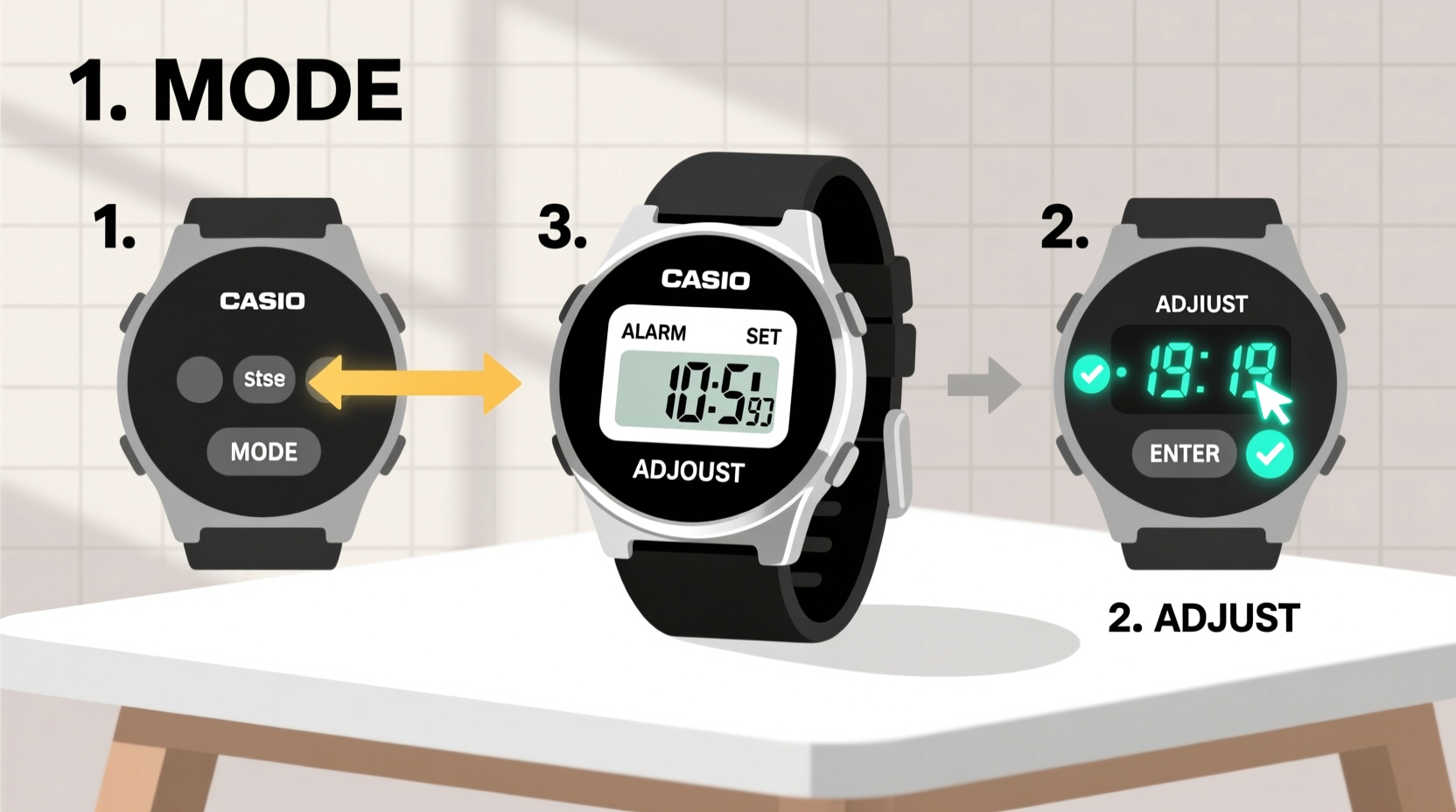
Before diving into alarm settings, it's essential to understand the basic layout of your Casio watch. Most digital models use a four-button configuration labeled as follows:
- Adjust (or Mode): Cycles through display modes (Time, Alarm, Stopwatch, etc.)
- Search (or Light): Illuminates the display; sometimes doubles as a scroll function
- Start/Stop (or Reset): Used in stopwatch mode; also confirms selections in setup
- Reverse (or Reset): Navigates backward or resets values during setup
The exact labels may vary slightly depending on the model, but their functions remain consistent. For example, the F91W uses \"Mode,\" \"Light,\" \"Start,\" and \"Reset,\" while newer G-Shock models may label them differently but operate similarly.
Step-by-Step Guide to Setting an Alarm
Follow this universal process to set an alarm on most Casio digital watches. While minor variations exist between models, the core logic remains the same.
- Enter Alarm Mode: Press the \"Mode\" button repeatedly until \"ALM\" or an alarm icon appears on the screen.
- Select Alarm Time: Press \"Start/Stop\" to enter edit mode. The hour digits will begin flashing.
- Set the Hour: Use \"Adjust\" (or \"Search\") to increase the hour. Some models use \"Reverse\" to decrease.
- Confirm and Move to Minutes: Press \"Start/Stop\" again. Now the minute digits flash.
- Set the Minutes: Adjust using the same method as above.
- Save the Setting: Press \"Start/Stop\" once more to confirm. The display returns to normal time.
- Enable the Alarm: In Alarm mode, press \"Adjust\" to toggle the alarm on (often indicated by \"ON\" or a bell icon).
Once enabled, the alarm will sound at the set time daily unless manually disabled.
“Learning your watch’s interface turns a simple tool into a personal assistant. The alarm function alone can improve punctuality and time awareness.” — James Lin, Time Management Coach
Managing Multiple Alarms and Daily Reminders
Some advanced Casio models, such as the G-Shock GA-110 or Wave Ceptor series, support multiple alarms (e.g., ALM1, ALM2). These are ideal for scheduling different alerts—like a wake-up call, medication reminder, or meeting alert.
To set a second alarm:
- In Alarm mode, press \"Mode\" again to cycle to ALM2.
- Repeat the same setup steps as above.
- Each alarm can be toggled independently using the \"Adjust\" button.
For users who rely on recurring prompts, consider synchronizing alarms with habits. For instance, set one alarm for morning hydration, another for a midday stretch break, and a third for evening wind-down routines.
Model-Specific Alarm Settings Overview
Different Casio lines have slight variations in alarm functionality. Here’s a quick reference table for popular models:
| Model | Alarm Count | How to Enter Alarm Mode | Special Features |
|---|---|---|---|
| F91W | 1 | Press Mode 3 times | Basic daily alarm, low battery warning |
| A168WA | 1 | Press Mode until ALM shows | Backlight + alarm, stainless steel case |
| G-Shock DW5600 | 5 (including hourly chime) | Hold Mode until ALM flashes | Shock-resistant, world time sync |
| Wave Ceptor WV57 | 1 primary + 1 hourly | Press Mode to ALM, then adjust | Atomic time sync, automatic DST adjustment |
| Edifice EFV-100 | 1 | Use crown to navigate to alarm | Analog-digital hybrid, chronograph |
This table highlights why checking your specific model’s manual—or understanding its pattern—is key to unlocking full functionality.
Mini Case Study: Maria’s Morning Routine Upgrade
Maria, a freelance graphic designer, struggled with inconsistent mornings. She often missed client calls because she lost track of time while working late. After reading about Casio’s alarm feature, she decided to reprogram her F91W.
She set the alarm for 7:30 AM and paired it with a physical habit: placing her watch across the room so she had to get up to turn it off. Within a week, her wake-up consistency improved dramatically. She later added a secondary reminder at 11:00 AM to stand up and hydrate. “It sounds simple,” she said, “but that little beep changed my entire workflow.”
Troubleshooting Common Alarm Issues
Even with correct setup, users may encounter problems. Here’s how to resolve the most frequent issues:
- Alarm doesn’t sound: Check if the alarm is enabled (look for \"ON\" or bell icon). Also ensure the watch isn’t in snooze or mute mode (if applicable).
- Wrong time set: Re-enter alarm mode and double-check the hour and minute settings. Remember: some models default to 24-hour format.
- Battery drain concerns: The alarm function consumes minimal power. However, frequent backlight use during setup can impact longevity.
- Accidental deactivation: Always verify the alarm status after changing time or resetting the watch.
Frequently Asked Questions
Can I set a one-time alarm instead of a daily one?
Most Casio digital watches default to daily repeating alarms. To create a one-time alert, set the alarm as usual, then remember to disable it after it sounds. There is no native \"single-use\" option on basic models.
Why does my alarm only vibrate and not beep?
If your model supports both sound and vibration (like select G-Shocks), ensure audio is enabled. Otherwise, vibration-only mode may be active due to settings or environmental mode (e.g., Silent Hour function).
Does setting an alarm affect the accuracy of the timekeeping?
No. The alarm function operates independently from the quartz timekeeping mechanism. Your watch will remain accurate to within ±15 seconds per month, regardless of alarm usage.
Final Checklist: Mastering Your Casio Alarm
Before you finish, run through this quick checklist to ensure full control over your alarm system:
- ✅ Identified your watch model and button layout
- ✅ Successfully entered Alarm mode
- ✅ Set the correct hour and minute
- ✅ Enabled the alarm (confirmed \"ON\" status)
- ✅ Tested the alarm function
- ✅ Understood how to disable or edit it later
Conclusion
Your Casio watch is more than a timekeeper—it’s a compact productivity hub. By mastering the alarm function, you harness a reliable, battery-efficient tool that supports better routines, punctuality, and personal discipline. Whether you're using a vintage F91W or a high-tech G-Shock, the process is straightforward once you know the steps. Take a few minutes today to program your first (or next) alarm. Small actions like these compound into greater control over your day—and your life.




 浙公网安备
33010002000092号
浙公网安备
33010002000092号 浙B2-20120091-4
Comments
No comments yet. Why don't you start the discussion?