
Casio watches have earned global respect for their durability, precision, and user-friendly design. Whether you own a classic F-91W, a rugged G-Shock, or a sleek Edifice, knowing how to set the time correctly is fundamental. While many assume it’s as simple as pressing a few buttons, subtle differences between models can lead to confusion—or even incorrect settings that compromise accuracy over time. This comprehensive guide walks you through the exact process of setting your Casio watch with confidence, covering multiple popular models, troubleshooting tips, and expert-backed best practices.
Understanding Your Casio Watch Interface
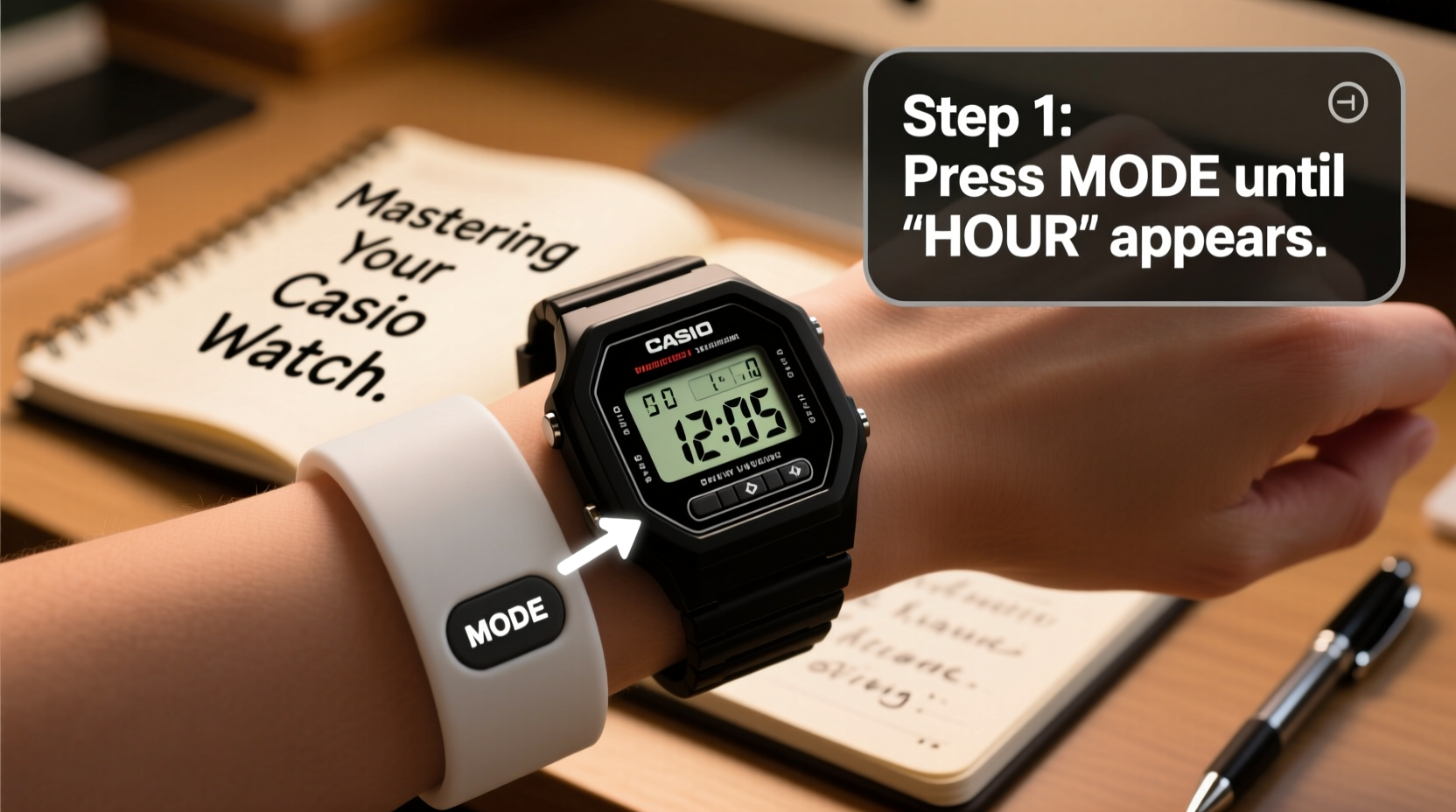
Before adjusting the time, it's essential to understand the basic layout of most Casio digital watches. The standard configuration includes four primary buttons labeled A, B, C, and D—though their functions vary depending on the mode. Typically:
- A (Adjust): Enters adjustment mode or cycles through settings.
- B (Mode): Switches between time, alarm, stopwatch, and other functions.
- C (Start/Reset): Starts or stops timers; increments values in setup mode.
- D (Lap/Reset): Resets functions or moves backward in some models.
In analog-digital models like certain Edifice or Wave Ceptor series, additional sensors and crown-like dials may be present. However, the majority of users interact primarily with button controls. Familiarizing yourself with these labels prevents accidental resets or misconfigurations during setup.
Step-by-Step Guide to Setting the Time
The following universal procedure applies to most Casio digital watches, including the F-91W, A158W, and G-Shock variants such as the DW-5600. Slight variations exist, but the core logic remains consistent.
- Press B until the display shows the normal time screen (hours, minutes, seconds).
- Hold A for 2–3 seconds until the seconds start blinking. This indicates entry into time-setting mode.
- Press C to advance each digit—seconds, then minutes, then hours.
- When reaching the hour field, continue pressing C to cycle through 12-hour and 24-hour formats if applicable.
- After setting the correct hour, press A again to move to the date, month, and day fields.
- Use C to increment each value accordingly.
- Once all settings are accurate, press A repeatedly until the watch exits setup mode and resumes normal operation.
For analog-digital hybrids such as the Casio AE-1200WH, the process differs slightly:
- Press B to enter “Time” mode.
- Hold A until the seconds hand moves to the 12 o’clock position.
- Press C to adjust the seconds first, followed by minutes, hours, date, etc.
- The hands will move automatically as you select each field using A.
- Exit by holding A again when done.
Model-Specific Considerations
Not all Casio watches operate identically. Below is a comparison table outlining key differences among popular models:
| Model | Setting Method | Special Notes |
|---|---|---|
| F-91W | Hold A → Set via C → Confirm with A | No backlight shortcut; hold B for light |
| G-Shock DW-5600 | Same as F-91W, but more durable | Shock-resistant—safe to use outdoors |
| AE-1200WH \"World Eye\" | Analog hands sync during setting | Time zones adjustable via Mode + C |
| Wave Ceptor (e.g., WV-57) | Auto-syncs to atomic clock; manual override possible | Ensure signal reception at night for best results |
| Edifice EFV-100D | Digital display with single crown | Pull stem to adjust; push to confirm |
This variation underscores why identifying your specific model number—usually engraved on the back—is crucial before attempting adjustments.
Common Mistakes and How to Avoid Them
Even experienced users occasionally make errors when resetting their Casio watches. These include:
- Skipping daylight saving time adjustments: Many basic models don’t auto-adjust DST. You must manually change the hour twice a year.
- Confusing 12/24-hour format: If your hours jump from 12 to 1 instead of 13, you're in 12-hour mode. Press C past 12 to switch to 24-hour format.
- Exiting too early: Don’t stop pressing A until the blinking stops and the time runs normally again—otherwise, settings won’t save.
- Over-pressing buttons: Rapid clicking can skip fields or trigger alarms unintentionally.
“Most customer service calls about Casio watches relate not to defects, but to misunderstanding the button sequences. Five minutes of focused attention solves 90% of issues.” — Hiroshi Tanaka, Senior Technician at Casio Service Center, Tokyo
Mini Case Study: Recovering Accuracy After Travel
Mark, a project manager based in Chicago, frequently travels between North America and Europe. During a recent trip to Berlin, he forgot to update his G-Shock GW-6900’s time zone. For three days, his schedule was off by six hours, causing missed meetings and delayed communications.
Upon returning, he consulted the manual and discovered the “Home City” and “World Time” functions. By pressing B to access world time, then holding A to enter edit mode, he assigned UTC-6 to Chicago and UTC+1 to Berlin. Now, with a single press of C, he toggles between local and home time seamlessly. He also enabled automatic DST detection in settings, reducing future errors.
This real-world example highlights how proper configuration goes beyond just setting the hour—it enhances functionality and reliability across time zones.
Checklist: Ensuring Accurate Time Setup
Follow this checklist every time you set or reset your Casio watch:
- ✅ Identify your exact model number
- ✅ Confirm whether your model supports auto-time sync (e.g., Wave Ceptor or Bluetooth)
- ✅ Note current correct time from a trusted source (atomic clock website or smartphone)
- ✅ Enter setting mode by holding Button A
- ✅ Adjust seconds, minutes, hours, date, day in sequence
- ✅ Verify AM/PM or 24-hour format matches your preference
- ✅ Save changes by exiting mode properly
- ✅ Test alarm and stopwatch functions post-setup
Frequently Asked Questions
Why does my Casio watch keep losing time?
Basic quartz models are accurate to within ±0.5 seconds per day. If your watch drifts significantly, the battery may be low or depleted. Replace it promptly. In rare cases, circuit damage from impact or moisture can affect timing.
Can I set the time without entering adjustment mode?
No. All Casio watches require entering adjustment mode via Button A to modify the time. Attempting to change time directly on the main screen will not work.
Do solar-powered Casios need manual time setting?
Solar models like those in the Tough Solar line often feature auto-time calibration via radio signals (in Japan, Germany, USA, China). If you're within range of a transmitter, the watch updates itself daily. Outside these zones, manual setting is required.
Conclusion: Take Control of Your Time
Mastering your Casio watch isn't just about telling time—it's about leveraging decades of engineering excellence to stay precise, organized, and prepared. From boardrooms to mountain trails, a correctly set Casio becomes an extension of your routine. By understanding your model, avoiding common pitfalls, and applying consistent care, you ensure long-term accuracy and performance. Don’t let a simple button press go wrong. Revisit this guide whenever needed, and wear your Casio with confidence.




 浙公网安备
33010002000092号
浙公网安备
33010002000092号 浙B2-20120091-4
Comments
No comments yet. Why don't you start the discussion?