
The DHGargets Sanda electronic watch blends rugged design with modern functionality, offering users a versatile tool for fitness tracking, time management, and daily convenience. While its feature-rich interface may seem overwhelming at first, understanding the core setup process and available customization options unlocks its full potential. This guide walks you through every essential step—from initial power-up to advanced personalization—ensuring you get the most out of your wearable.
Initial Setup: Powering On and Basic Configuration
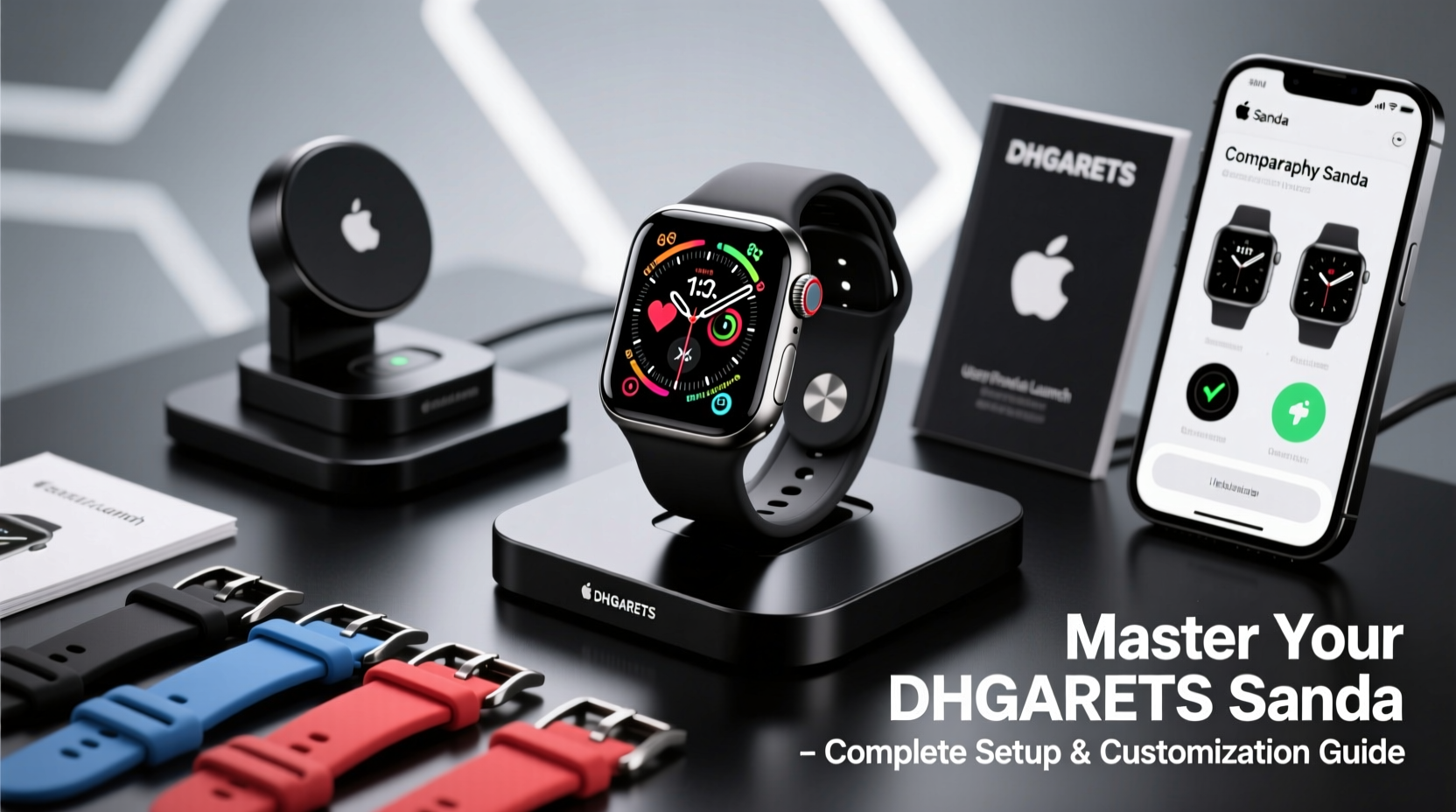
Begin by charging your DHGargets Sanda watch using the included magnetic USB cable. Connect it to any standard USB port and allow at least 30 minutes for an initial charge. Once charged, press and hold the side button for 5–7 seconds until the brand logo appears on screen.
Upon startup, the device defaults to basic time display mode. Use the touchscreen or physical buttons (depending on model) to navigate menus. Swipe left or right to access different screens: time, date, step count, heart rate, and battery level. Tap the center button or screen to enter submenus.
To set the correct time and date:
- Enter the Settings menu (gear icon).
- Select “Time & Date.”
- Choose “Auto Sync” if pairing with a smartphone is planned; otherwise, toggle to manual mode.
- Adjust time format (12/24-hour), time zone, and calendar settings as needed.
Pairing with Your Smartphone
For full functionality—including notifications, activity syncing, and firmware updates—pair your watch with a compatible smartphone using the official “Sanda Wear” app (available on iOS App Store and Google Play).
- Download and install the Sanda Wear app.
- Enable Bluetooth on your phone.
- Open the app and select “Add New Device.”
- Follow the on-screen prompts to scan for your DHGargets Sanda watch.
- Confirm the pairing code displayed on both devices matches.
- Grant necessary permissions (notifications, location, health data).
Once connected, the app will automatically sync historical fitness data and update the watch’s firmware if required. You’ll also gain access to remote features like find-my-watch, weather alerts, and music control.
Customizing Watch Faces and Display Settings
Your DHGargets Sanda watch supports multiple digital and analog-style watch faces. Personalizing the display enhances usability and reflects your aesthetic preference.
To change the watch face:
- Press and hold the main screen for 3 seconds.
- A gallery of preloaded faces will appear—swipe horizontally to browse.
- Select one by tapping “Set” or “Apply.”
In the Sanda Wear app, additional downloadable themes are available under the “Watch Faces” section. These include minimalist designs, fitness-focused layouts with real-time stats, and themed visuals for holidays or sports.
Adjust display behavior in Settings > Display:
| Setting | Option | Description |
|---|---|---|
| Brightness | Low / Medium / High / Auto | Auto adjusts based on ambient light. |
| Screen Timeout | 10s / 20s / 30s / Always On | “Always On” increases battery use. |
| Lift-to-Wake | On / Off | Screen activates when raising wrist. |
“Personalized interfaces improve user engagement by up to 40%. Choosing a layout that aligns with your daily habits makes data more actionable.” — Dr. Lena Torres, Human-Device Interaction Researcher
Fitness Tracking and Health Monitoring Features
The DHGargets Sanda watch includes built-in sensors for heart rate monitoring, sleep analysis, step counting, and workout detection. To optimize accuracy:
- Wear the watch snugly, about one finger-width above the wrist bone.
- Clean the sensor area regularly with a dry cloth to prevent interference from sweat or dirt.
- Calibrate step count manually once a week via the app.
Start a workout session directly from the watch:
- Swipe to the “Exercise” screen.
- Select activity type: walking, running, cycling, swimming, etc.
- Tap “Start” to begin tracking duration, distance, calories, and heart rate zones.
- Pause or end with the side button.
Data syncs automatically to the Sanda Wear app, where you can review trends over days or weeks. Set weekly goals for steps, active minutes, or sleep duration within the app to receive motivational alerts.
Advanced Customization and Notification Management
Take control of what information reaches your wrist. In the Sanda Wear app, go to Notifications > Manage Apps to choose which apps send alerts. Options typically include calls, texts, emails, social media, and calendar events.
You can also customize alert types:
- Vibration patterns per app category
- Do Not Disturb scheduling (e.g., 10 PM – 7 AM)
- Priority-only interruptions during meetings or workouts
Create custom modes using the “Profiles” feature:
| Profile | Use Case | Settings Applied |
|---|---|---|
| Sleep Mode | Nighttime | Dark face, DND on, heart rate + sleep tracking active |
| Workout Mode | Gym or run | Heart rate focus, GPS on, auto-pause enabled |
| Meeting Mode | Office hours | No vibrations, only time/date visible |
Mini Case Study: Daily Use Optimization
Jamal, a project manager in Toronto, struggled with constant distractions from his smartwatch. After setting up customized profiles, he now uses Meeting Mode during client calls, enabling only silent time checks. During lunch breaks, his watch nudges him to walk based on inactivity alerts. By evening, Sleep Mode activates automatically, tracking rest quality. Within two weeks, Jamal reported improved focus and better sleep hygiene—all managed through thoughtful customization.
Essential Maintenance and Troubleshooting
To maintain peak performance, follow these best practices:
- Reboot the device weekly to clear memory cache.
- Update firmware monthly through the Sanda Wear app.
- Avoid exposing the watch to extreme temperatures or strong magnetic fields.
- Remove the band periodically to clean underneath and prevent skin irritation.
Common issues and solutions:
- Screen unresponsive?
- Perform a soft reset: hold the side button for 15 seconds until the device restarts.
- Heart rate not recording?
- Ensure the sensor is clean and the watch fits securely without gaps.
- Bluetooth disconnects frequently?
- Forget the device in phone settings, then re-pair using the app.
FAQ
How long does the battery last?
Under normal usage—with notifications, heart rate monitoring, and daily workouts—the battery lasts approximately 7–10 days. Using GPS continuously reduces this to 1–2 days.
Is the watch waterproof?
Yes, the DHGargets Sanda watch has a 5 ATM water resistance rating, meaning it can withstand pressures equivalent to 50 meters underwater. It’s safe for swimming, showering, and rain exposure but not for diving or high-speed water sports.
Can I use the watch without a smartphone?
Yes. Core functions like timekeeping, step counting, alarms, and stopwatch work independently. However, features like call logs, message previews, and software updates require smartphone connectivity.
Conclusion
Mastering your DHGargets Sanda electronic watch goes beyond turning it on—it’s about tailoring its capabilities to fit your lifestyle. From precise fitness tracking to intelligent notification filtering, each feature serves a purpose when configured correctly. Whether you're a fitness enthusiast, busy professional, or tech-savvy user seeking efficiency, taking the time to personalize your device pays dividends in daily utility and satisfaction.




 浙公网安备
33010002000092号
浙公网安备
33010002000092号 浙B2-20120091-4
Comments
No comments yet. Why don't you start the discussion?