
In today’s fast-paced academic environment, time isn’t just a measurement—it’s a tool. For students balancing lectures, labs, extracurriculars, and personal commitments, managing every second counts. A digital chronograph watch is more than a stylish accessory; it’s a precision instrument designed to help you track time with accuracy and efficiency. Yet, many students underutilize these watches, missing out on features that can streamline their daily routines. This guide breaks down exactly how to read, set, and apply your digital chronograph in real-world scenarios—from timing study sessions to tracking fitness goals.
Understanding the Anatomy of Your Digital Chronograph
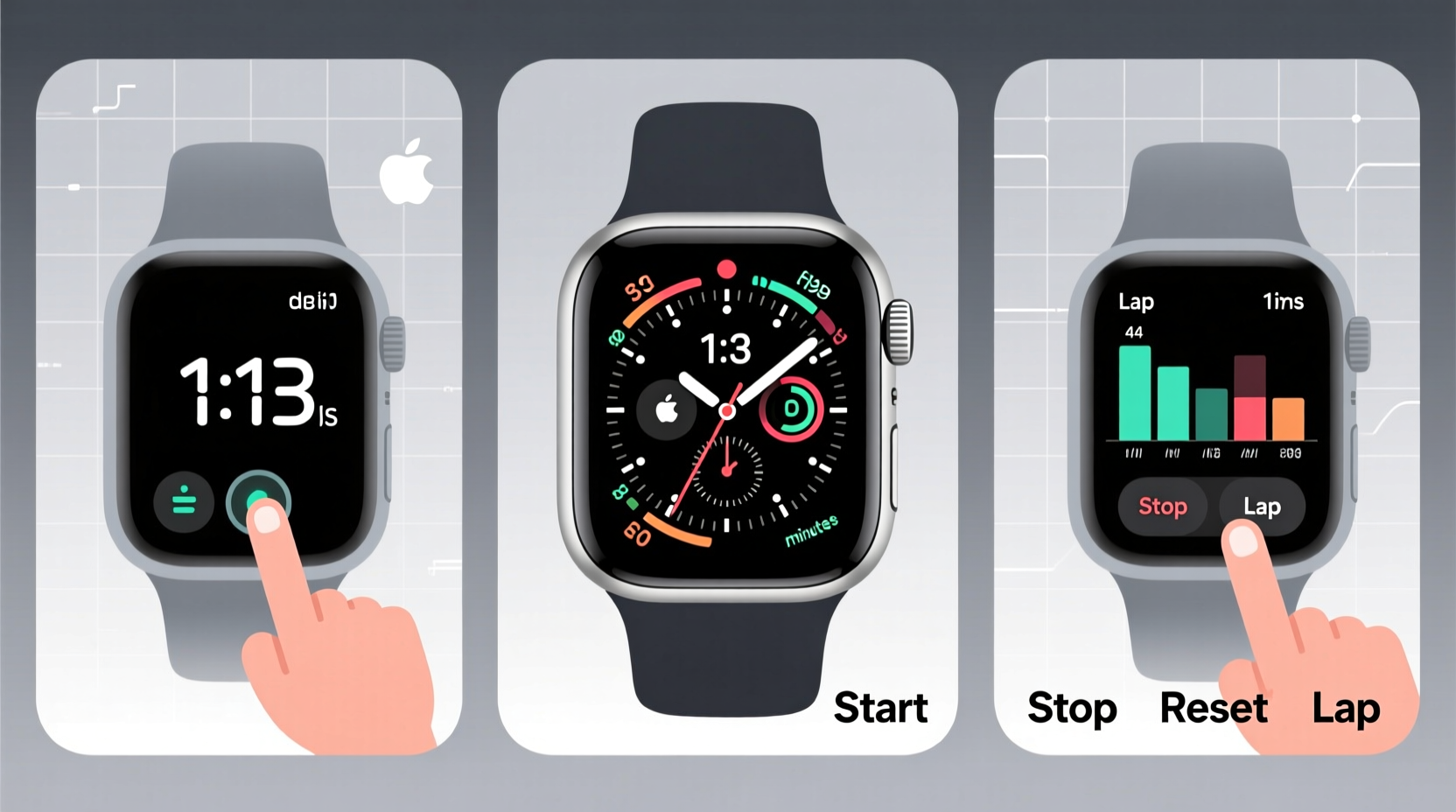
A digital chronograph combines standard timekeeping with stopwatch functionality, alarms, countdown timers, and often additional data like date, day, and even world time. Unlike analog models, digital versions display information through an LCD or LED screen, offering clarity and multiple functions at a glance.
Common components include:
- Main Display: Shows hours, minutes, seconds, date, and mode indicators.
- Mode Button: Cycles through functions (time, stopwatch, alarm, etc.).
- Start/Stop Button: Begins or pauses the chronograph timer.
- Lap/Reset Button: Records lap times or resets the timer.
- Adjust/Set Button: Used to configure settings within each mode.
Familiarity with these buttons is essential. Most digital chronographs follow a similar layout, though exact placements vary by brand (Casio, Timex, Seiko, etc.). Always refer to your user manual for model-specific details, but the principles remain consistent across devices.
Step-by-Step Guide to Setting and Using Key Functions
Mastering your watch begins with proper setup. Follow this sequence to ensure accurate timekeeping and full functionality.
- Enter Time Mode: Press the Mode button until “TIME” or clock icon appears.
- Access Settings: Hold the Adjust button until digits begin flashing.
- Set Hours and Minutes: Use Start/Stop to cycle forward or Lap/Reset to adjust backward. Confirm each setting with Adjust.
- Set Date and Day: Continue cycling through options (month, date, day) and set accordingly.
- Exit Setup: Press Mode to return to normal display.
To activate the stopwatch (chronograph):
- Press Mode until “CHRONO” or stopwatch symbol appears.
- Press Start/Stop to begin timing.
- Press Lap/Reset once to record a lap time; press again to reset.
- Press Start/Stop again to stop the timer.
The countdown timer is equally useful for timed tasks like Pomodoro study sessions:
- Navigate to “TIMER” mode using the Mode button.
- Set desired duration (e.g., 25:00 for 25 minutes).
- Press Start/Stop to begin. The watch will beep when time expires.
Practical Applications for Student Life
Knowing how to operate your watch is only half the benefit. Applying its functions strategically enhances productivity and self-discipline.
Time Management During Study Sessions
Use the countdown timer to structure focused intervals. Set 25-minute blocks followed by 5-minute breaks—a proven method for maintaining concentration. After four cycles, take a longer 15–30 minute break.
Tracking Physical Activity
Whether you're training for sports or monitoring daily steps, the stopwatch helps measure performance. Time sprints, laps, or workout sets with lap recording to analyze progress over weeks.
Exam Preparation and Simulations
Simulate exam conditions by setting the countdown timer to match test durations. Practice completing past papers within the limit to build speed and reduce anxiety.
“Students who actively manage time with tools like digital chronographs show improved task completion rates and reduced procrastination.” — Dr. Alan Reyes, Cognitive Psychologist and Time Perception Researcher
Essential Do’s and Don’ts When Using Your Watch
| Do’s | Don’ts |
|---|---|
| Use the lap function to track incremental progress in workouts or experiments. | Ignore battery warnings—replace promptly to avoid data loss. |
| Set multiple alarms for class reminders, medication, or hydration breaks. | Expose the watch to extreme temperatures or magnetic fields. |
| Calibrate time weekly using atomic clock apps or network-synced devices. | Press all buttons simultaneously unless instructed—this may trigger unintended resets. |
| Clean the case and band regularly with a dry cloth to prevent buildup. | Submerge non-water-resistant models—even brief exposure can damage circuits. |
Real-World Example: How Maria Optimized Her Semester
Maria, a second-year engineering student, struggled with pacing during lab reports and exams. She purchased a Casio G-Shock digital chronograph after hearing about its durability and multifunctionality. Initially overwhelmed, she spent one weekend studying the manual and practicing each feature.
She began using the countdown timer for 30-minute deep work blocks while solving calculus problems. During physics labs, she used the stopwatch to record reaction times in group experiments, saving data manually in her notebook. Before midterms, she simulated exam conditions using the timer, gradually reducing her average response time.
By finals week, Maria completed her exams 12 minutes early on average. She credited her improved focus and confidence to structured time practice with her watch. “It turned time from an abstract concept into something I could control,” she said.
Quick Checklist for Daily Use
- ✅ Verify correct time and date each morning
- ✅ Set daily alarms for classes and deadlines
- ✅ Use stopwatch for timed assignments or workouts
- ✅ Record lap times during physical training
- ✅ Check battery status monthly
- ✅ Clean watch surface weekly
Frequently Asked Questions
How do I know if my digital chronograph is water-resistant?
Check the back casing or user manual for water resistance ratings (e.g., 50m, 100m). “Water-resistant” does not mean waterproof—avoid pressing buttons underwater unless specified. Even splash-resistant models should not be worn in showers or saunas.
Why does my stopwatch show hundredths of a second?
Digital chronographs measure time in 1/100th second increments for precision. This level of detail is useful in scientific experiments, athletic training, or competitive events where split-second differences matter.
Can I use my watch as a backup for phone-based timers?
Absolutely. Unlike smartphones, digital chronographs don’t rely on battery-intensive apps or internet connectivity. They offer instant access, longer battery life, and are allowed in most exam environments where phones are prohibited.
Final Thoughts: Make Every Second Count
Your digital chronograph is more than a timepiece—it’s a personal productivity hub. By understanding its functions and integrating them into your academic routine, you gain a tangible advantage in focus, planning, and execution. Whether you're measuring chemical reactions in a lab, pacing yourself during a presentation, or simply staying on schedule between back-to-back lectures, your watch becomes an extension of your discipline.
Take time this week to explore one new function. Master the countdown timer. Record your first lap. Set a recurring alarm for review sessions. Small actions compound into powerful habits. With consistent use, your digital chronograph won’t just tell time—it will help you master it.




 浙公网安备
33010002000092号
浙公网安备
33010002000092号 浙B2-20120091-4
Comments
No comments yet. Why don't you start the discussion?