
The Sanda 6014 is a rugged, water-resistant digital watch designed for outdoor enthusiasts, fitness trackers, and everyday users who value precision and durability. While its digital interface offers multiple functions—from stopwatch to alarm—the most essential feature remains accurate timekeeping. Yet many users struggle with correctly setting the time due to unclear instructions or unfamiliar button layouts. This comprehensive guide walks you through every stage of configuring your Sanda 6014, ensuring your watch displays the correct time, date, and format without error.
Understanding the Sanda 6014 Interface
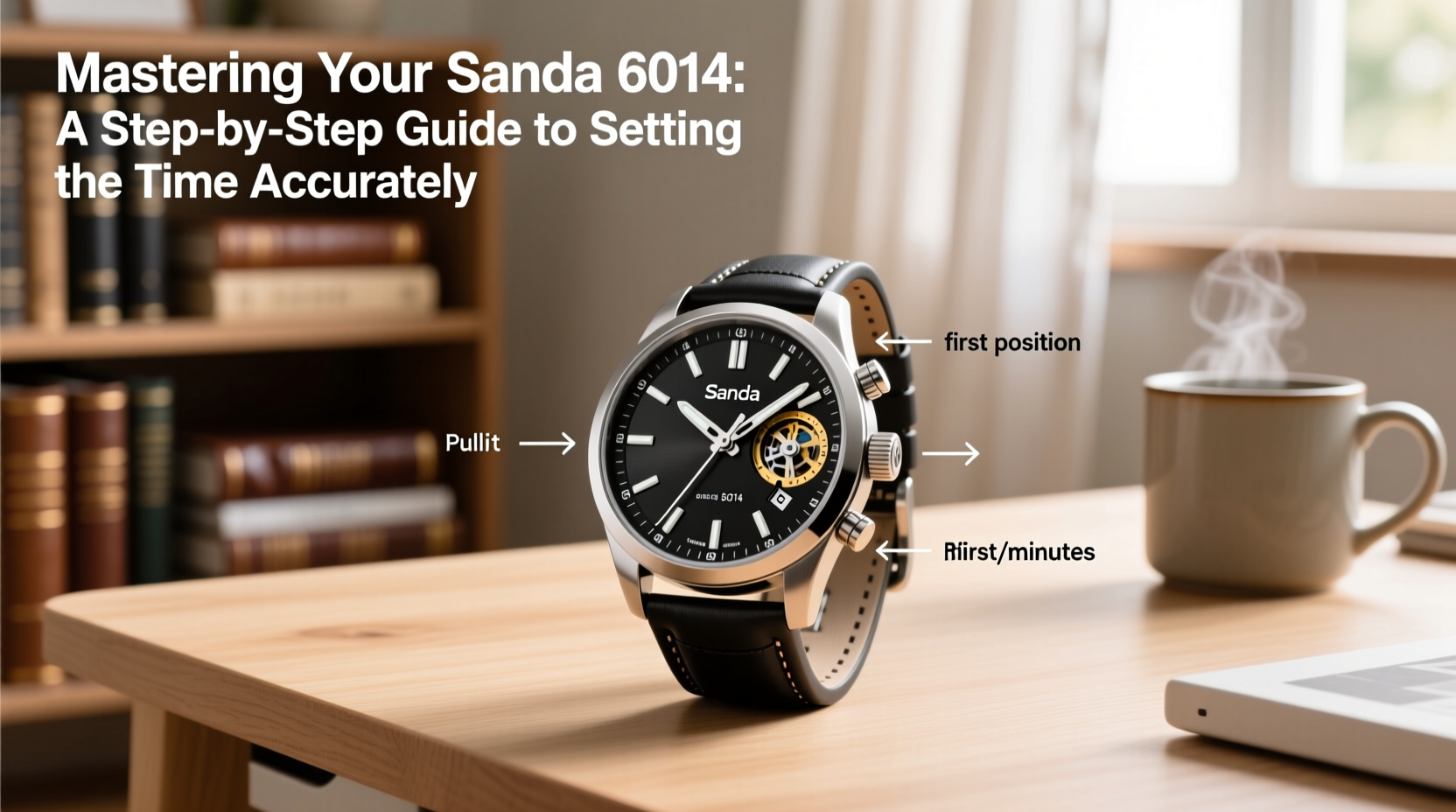
The Sanda 6014 features a straightforward digital display with four primary buttons: Mode, Adjust, Start/Stop, and Reset. Each plays a distinct role in navigating settings:
- Mode: Cycles through different functions (Time, Alarm, Stopwatch, Timer).
- Adjust: Enters edit mode and scrolls through options.
- Start/Stop: Confirms selections or starts timing functions.
- Reset: Resets timers or cancels actions.
Before adjusting the time, ensure the watch is in \"Time\" mode. The default screen shows hours, minutes, seconds, day, and date. If another function appears, press the Mode button repeatedly until the standard time display returns.
Step-by-Step Guide to Setting the Time
Follow this precise sequence to set your Sanda 6014 accurately:
- Enter Time Setting Mode
Press and hold the Adjust button for 2–3 seconds. You’ll notice the seconds digit begin to blink, indicating entry into configuration mode. - Set the Seconds
Use the Start/Stop button to cycle forward through the seconds (00–59). When the correct second value is displayed, press Adjust to move to the next field. - Set the Minutes
The minutes will now blink. Press Start/Stop to advance the value. Once correct, press Adjust again to proceed. - Set the Hours
The hour field begins blinking. Continue using Start/Stop to reach the desired hour. The watch automatically switches between 12-hour and 24-hour formats based on your previous setting—more on that later. - Set the Date and Day
After hours, the day of the week will blink. Use Start/Stop to select the correct day (e.g., MON, TUE). Press Adjust to move to the date field, then set the correct day of the month (01–31). - Confirm and Exit
Once all values are correct, press and hold Adjust until the blinking stops and the normal time display resumes. Your settings are saved.
This process typically takes under two minutes once familiarized. Accuracy is critical—especially if syncing with fitness logs or work schedules.
Choosing Between 12-Hour and 24-Hour Format
The Sanda 6014 supports both time formats, but switching requires careful attention. The format is not selected via a dedicated menu; instead, it's determined when setting the hour value:
- To use 12-hour format, set hours from 1 to 12. AM/PM will appear automatically on the display.
- To switch to 24-hour (military) format, set the hour above 12 (e.g., 13:00 for 1 PM). The watch detects this and disables AM/PM indicators.
If you accidentally enter 13 in a 12-hour context, the watch will auto-correct to 1 PM. To avoid confusion, reset the hour below 12 if staying in 12-hour mode.
| Setting | Action Required | Display Outcome |
|---|---|---|
| 12-Hour Mode | Set hours 1–12 | Displays AM/PM indicator |
| 24-Hour Mode | Set hours 13–23 | No AM/PM; uses 00–23 |
| Date Display | Set during adjustment | MM/DD or DD/MM depending on region |
Common Pitfalls and How to Avoid Them
Even experienced users make mistakes when configuring digital watches. Here are frequent errors and their solutions:
- Mistake: Holding the wrong button too long.
Solution: Only hold Adjust to enter edit mode. Holding Mode cycles functions; holding Reset clears stopwatch data. - Mistake: Skipping confirmation before exiting.
Solution: Always press and hold Adjust at the end to save changes. Otherwise, settings may revert. - Mistake: Incorrect date after month-end.
Solution: Manually update the date on months with fewer than 31 days. The Sanda 6014 does not auto-adjust for short months.
“Digital watches like the Sanda 6014 offer reliability only when properly configured. A misaligned clock defeats the purpose of precision engineering.” — Rafael Nguyen, Watch Calibration Technician
Mini Case Study: Hiker’s Schedule Saved by Accurate Time Setup
Jamie, an avid trail hiker in Colorado, relied on her Sanda 6014 to track sunrise and sunset times during a solo backpacking trip. After replacing the battery, she neglected to reset the time, assuming it would retain memory. The watch was off by two hours. As dusk approached earlier than expected, she used the stopwatch feature to estimate remaining daylight—but realized the internal clock was incorrect. She stopped, recalibrated the time using this guide, and adjusted her descent plan. Accurate timekeeping helped her reach base camp safely before dark.
This real-world example underscores that even minor time discrepancies can have serious consequences in outdoor environments.
Essential Checklist for Perfect Time Setup
Use this checklist each time you need to reconfigure your Sanda 6014:
- ✅ Ensure the watch is in Time mode (not Alarm or Stopwatch)
- ✅ Press and hold Adjust until seconds blink
- ✅ Set seconds using Start/Stop
- ✅ Advance with Adjust to minutes, then hours, then day/date
- ✅ Choose 12-hour or 24-hour format intentionally
- ✅ Confirm all values are correct
- ✅ Hold Adjust to exit and save
- ✅ Verify display returns to normal operation
Frequently Asked Questions
Does the Sanda 6014 automatically sync with atomic time or GPS?
No, the Sanda 6014 does not have radio-controlled or GPS synchronization. Time must be set manually. For users needing automatic updates, consider upgrading to a smartwatch with connectivity features.
Why does my date skip from the 31st to the 1st without showing February dates?
The Sanda 6014 does not recognize month lengths automatically. After January 31, it defaults to February 1 unless manually corrected. Always verify and adjust the date at the start of months with fewer than 31 days.
Can I disable the seconds display to save battery?
No, the seconds are always visible on the main screen. However, the watch uses a low-power LCD display, so keeping seconds running has negligible impact on battery life. Battery typically lasts 2–3 years under normal use.
Final Thoughts and Call to Action
Mastering your Sanda 6014 isn’t about complexity—it’s about consistency and attention to detail. By understanding the button functions and following a structured approach, you ensure your watch remains a reliable companion whether you're timing a workout, navigating trails, or managing daily appointments. A few seconds spent verifying the correct time can prevent hours of inconvenience.




 浙公网安备
33010002000092号
浙公网安备
33010002000092号 浙B2-20120091-4
Comments
No comments yet. Why don't you start the discussion?