
Sports watches have evolved into powerful personal fitness companions, capable of tracking everything from heart rate variability to elevation gain and recovery time. Yet most users only scratch the surface of their device’s potential. By fine-tuning your watch’s settings, you can transform it from a passive tracker into an active coach—delivering precise data, meaningful insights, and real performance gains. This guide walks you through essential customizations that align your device with your goals, whether you're training for a marathon, improving endurance, or optimizing daily activity.
Understand Your Watch’s Core Capabilities
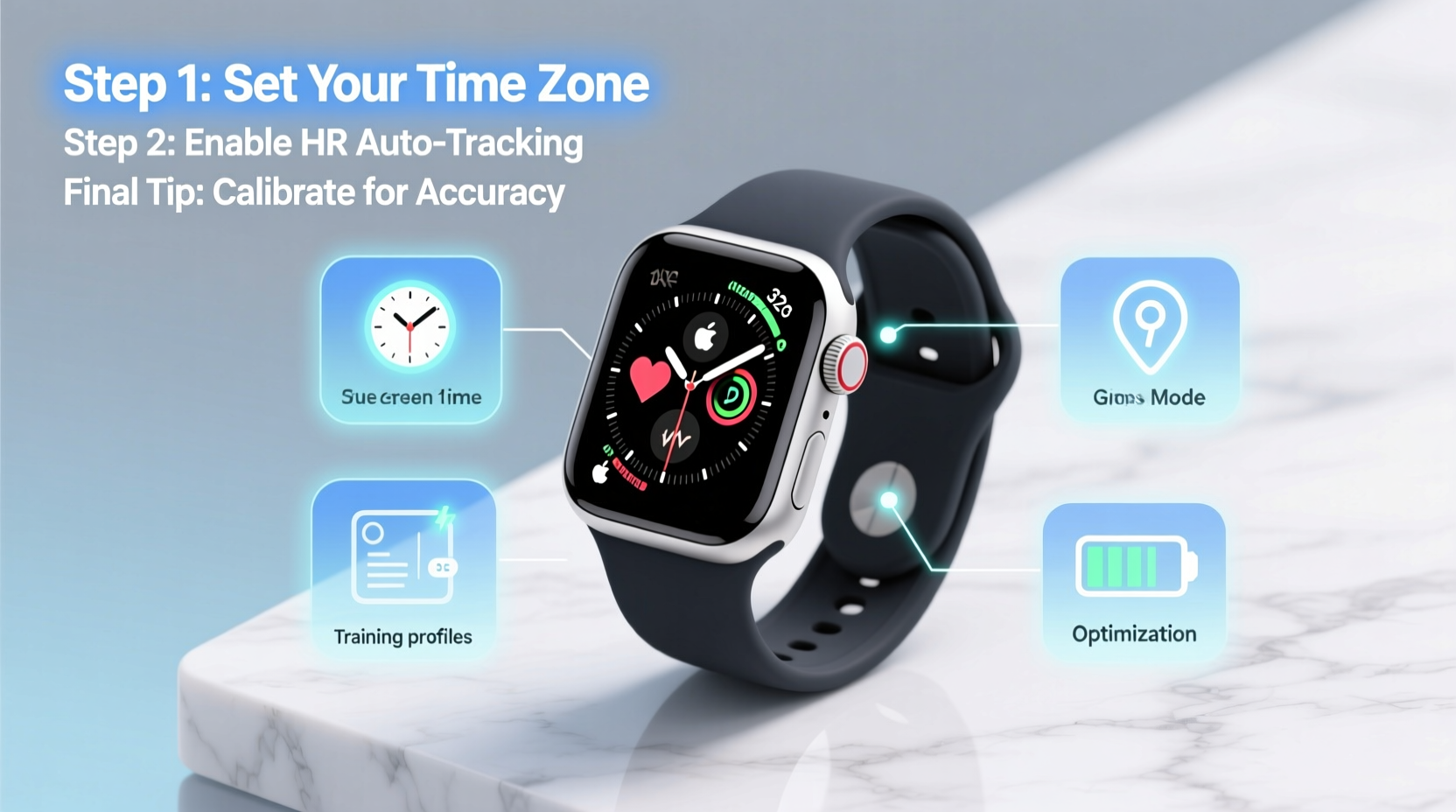
Before diving into customization, recognize what your sports watch is designed to do. Most modern models—such as Garmin, Polar, Coros, and Apple Watch—offer advanced features like GPS tracking, VO₂ max estimation, sleep monitoring, and workout planning. However, factory defaults often prioritize general use over athletic precision.
To unlock peak performance, start by reviewing these key systems:
- GPS & Sensors: Accuracy depends on satellite reception, sensor calibration, and update frequency.
- Battery Management: Longer tracking modes reduce battery life; smart settings extend usability.
- Data Screens: Customizable fields let you monitor relevant metrics during workouts.
- Recovery Metrics: Tools like HRV (Heart Rate Variability), stress scores, and sleep analysis help prevent overtraining.
Step-by-Step: Customize Settings for Maximum Performance
Optimizing your sports watch isn’t about changing every option—it’s about making intentional adjustments that support your training. Follow this timeline to configure your device effectively.
- Update Firmware and Sync Apps
Ensure your watch and companion app (e.g., Garmin Connect, Polar Flow) are running the latest software. Updates often improve sensor accuracy and add new metrics. - Calibrate Sensors
Manually calibrate your accelerometer, barometer, and compass if available. For example, on Garmin devices, run a known-distance track session to refine pace accuracy. - Set Personal Profiles
Input accurate details: weight, age, resting heart rate, and maximum heart rate. These influence calorie burn estimates, training load calculations, and recovery advice. - Adjust GPS Mode Based on Activity
Choose between full GPS (high accuracy), multi-band (best in urban areas), or power-saving modes depending on your needs. - Design Custom Data Screens
Replace default screens with ones tailored to your sport. A cyclist might want cadence and power; a runner may prefer pace, heart rate zone, and distance. - Enable Recovery Alerts
Turn on notifications for elevated stress levels, low HRV, or insufficient sleep to avoid overtraining.
Real Example: Trail Runner’s Setup Routine
Alex, an ultramarathoner preparing for a mountain race, adjusted his Coros Apex Pro two weeks before the event. He enabled full GPS + barometric altimeter for elevation accuracy, added ascent/descent rate to his data screen, and set up a pre-run checklist reminder. During long training runs, he used the “battery saver” mode after mile 20 to ensure the watch lasted the full 50-mile simulation. These tweaks helped him finish the actual race with reliable navigation and complete data capture—even in remote zones with weak signal.
Do’s and Don’ts: Common Pitfalls in Sports Watch Configuration
| Action | Do | Don’t |
|---|---|---|
| GPS Settings | Use multi-GNSS in challenging terrain | Leave high-accuracy mode on all day unnecessarily |
| Data Fields | Show only 4–5 critical metrics per screen | Crowd screens with irrelevant stats |
| Battery Use | Leverage power manager tools for ultra-events | Start a 10-hour hike without checking charge level |
| Notifications | Allow emergency alerts and message previews | Enable constant social media pings mid-workout |
“Elite athletes don’t just wear their watches—they train with them. The difference is in how they interpret and act on the data.” — Dr. Lena Torres, Sports Biomechanist and Endurance Coach
Essential Checklist: Optimize Your Watch in Under 30 Minutes
Use this quick-reference list to audit and upgrade your current setup:
- ✅ Confirm firmware is up to date
- ✅ Input correct body metrics (weight, max HR)
- ✅ Calibrate foot pod or bike speed/cadence sensors
- ✅ Create at least two sport profiles (e.g., Run, Bike)
- ✅ Customize one primary data screen per activity
- ✅ Set automatic pause and lap triggers
- ✅ Enable wrist-based heart rate filtering
- ✅ Review weekly training load vs. recovery balance
- ✅ Sync with a third-party app (Strava, TrainingPeaks) if needed
- ✅ Test GPS acquisition time in open sky
Frequently Asked Questions
Why does my pace fluctuate even when I’m running steadily?
Inconsistent GPS signal, especially under tree cover or near tall buildings, causes pace jumps. Enable GLONASS or Galileo satellites in settings, and rely more on foot pod data if available. Also, smooth your pace in post-analysis using the app’s smoothing tools.
How can I extend battery life without losing key data?
Adjust GPS recording mode (e.g., interval vs. continuous), disable music storage during runs, turn off Pulse Ox when not needed, and lower screen brightness. Many watches offer a “battery saver” profile that maintains core metrics while reducing sensor frequency.
Should I trust my watch’s recovery score?
Recovery metrics like HRV status and suggested readiness scores are strong indicators—but they should be interpreted alongside how you feel. If your watch says “recover,” but you feel strong, consider a light session. Conversely, ignore high-readiness alerts if you’re fatigued. Use data as a guide, not a rule.
Conclusion: Take Control of Your Training Data
Your sports watch is only as effective as the way you configure it. Default settings are built for convenience, not performance. By investing time in personalizing GPS modes, data displays, and recovery alerts, you turn raw numbers into actionable intelligence. Whether you're aiming for a PR, managing injury comeback, or simply staying consistent, a well-tuned device becomes an extension of your discipline.




 浙公网安备
33010002000092号
浙公网安备
33010002000092号 浙B2-20120091-4
Comments
No comments yet. Why don't you start the discussion?