
Gaming on YouTube has evolved from a niche hobby into a full-fledged career path for thousands of creators worldwide. Whether you're passionate about competitive shooters, immersive RPGs, or retro classics, YouTube offers a powerful platform to share your gameplay, build a community, and even generate income. But standing out in a crowded space requires more than just pressing record. It demands strategy, consistency, and technical know-how. This guide walks through the essential steps to launch and grow a successful YouTube gaming channel—covering everything from setup and streaming to audience engagement and long-term growth.
1. Define Your Gaming Niche and Target Audience
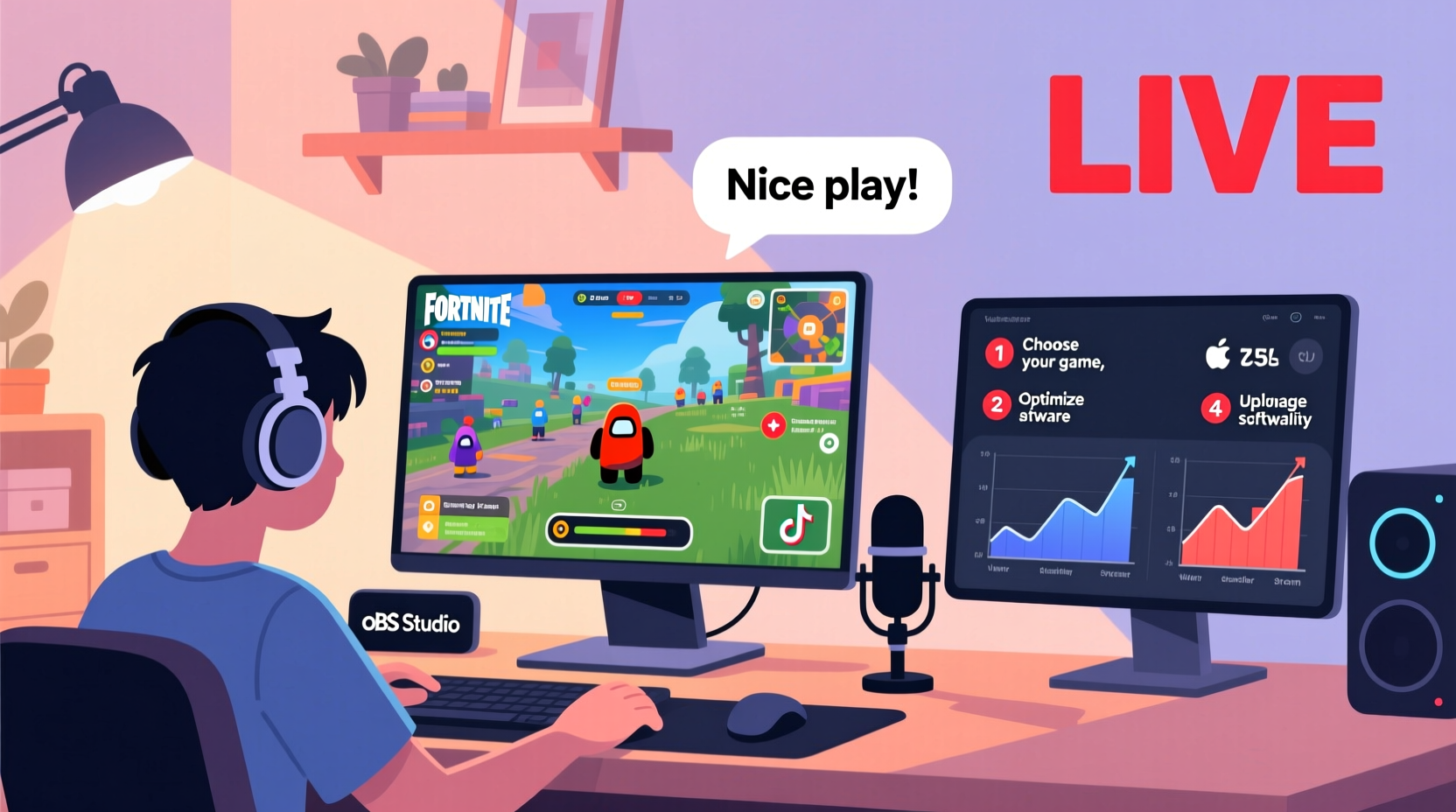
The first step in mastering YouTube gaming is clarity. The platform hosts millions of gaming videos, so differentiating yourself starts with identifying your unique angle. Are you focusing on walkthroughs, speedruns, funny moments, or in-depth game analysis? Each style attracts a different audience.
Consider the games you enjoy most and where your strengths lie. If you excel at puzzle-solving, consider Let’s Plays with commentary. If you’re highly skilled, highlight competitive gameplay. Consistency in genre helps YouTube’s algorithm recommend your content to the right viewers.
Choosing the Right Games to Feature
- Select games with active communities and ongoing updates (e.g., Fortnite, Apex Legends, Elden Ring).
- Balanced mix: Include trending titles for visibility and evergreen games for lasting relevance.
- Avoid oversaturated genres unless you bring a fresh perspective (e.g., horror commentary with storytelling).
2. Set Up Your Technical Foundation
High-quality audio and video are non-negotiable. Viewers may forgive average gameplay if the production value is strong, but poor sound or laggy footage drives them away quickly.
Essential Equipment Checklist
- Reliable gaming PC or console (PS5/Xbox Series X recommended)
- Capture card (for console streaming, e.g., Elgato HD60 S+)
- External microphone (e.g., Blue Yeti, HyperX QuadCast)
- Webcam (1080p minimum, e.g., Logitech C920 or C922)
- Video editing software (DaVinci Resolve, Adobe Premiere Pro, or free options like Shotcut)
- Streaming software (OBS Studio or Streamlabs)
- Stable internet connection (upload speed of at least 5 Mbps for 1080p streaming)
For PC gamers, OBS Studio is a powerful, free tool that allows screen capture, audio mixing, and scene transitions. Configure your settings to stream at 1080p resolution with a bitrate of 6000–8000 kbps for optimal quality without buffering.
Audio Optimization Tips
Clear voiceovers make a dramatic difference. Position your microphone close to your mouth, use a pop filter to reduce plosives, and record in a quiet room. In post-production, apply noise suppression and compression to balance volume levels.
“Your audience will tolerate lower video quality before they’ll accept bad audio.” — Mark Rober, YouTuber and former NASA engineer
3. Master the Art of Streaming and Recording
Streaming live builds real-time engagement, while pre-recorded videos allow for polished edits and SEO optimization. Most successful creators use both.
Step-by-Step Guide to Going Live on YouTube
- Verify your YouTube account (requires phone verification and no copyright strikes).
- Set up your stream key in OBS: Go to Settings > Stream > Select “YouTube – RTMP” and enter your stream key.
- Create a compelling stream title (e.g., “LIVE: Battling Top Players in Valorant Ranked!”).
- Add overlays and alerts (donations, new followers) using tools like Streamlabs or Streamelements.
- Test your stream with a short private broadcast to check audio/video sync and bandwidth.
- Go live, engage with chat, and maintain energy throughout.
After each stream, save the VOD (video on demand) and edit highlights into standalone clips for future uploads. This maximizes content output from a single session.
Recording Best Practices
- Record gameplay at 60fps for smooth visuals.
- Use separate audio tracks for game sound and commentary to allow flexible mixing.
- Keep file sizes manageable by using efficient codecs like H.264.
4. Optimize Content for Discovery and Retention
Even the best gameplay won’t succeed without visibility. YouTube rewards videos that keep viewers watching and encourage interaction.
Key Optimization Strategies
| Element | Best Practice | Avoid |
|---|---|---|
| Title | Include game name + action (e.g., “I Beat Dark Souls 3 Blindfolded!”) | Vague titles like “Gameplay #12” |
| Thumbnail | High-contrast image with expressive face, bold text, and game logo | Cluttered or low-resolution images |
| Description | Detailed summary, timestamps, links, and keywords | Empty or spammy descriptions |
| Tags | Mix broad and specific (e.g., “Minecraft,” “Minecraft parkour tutorial 2024”) | Irrelevant or excessive tags |
Engagement begins in the first 15 seconds. Start with a hook: a surprising moment, a question, or a preview of the video’s climax. Then structure your content with natural pacing—balance intense gameplay with commentary and breaks to prevent viewer fatigue.
5. Grow Your Channel with Community and Consistency
Success on YouTube isn’t instant. It’s built through consistent effort and authentic connection.
Real Example: From 0 to 50K Subscribers
Jamie, a 22-year-old creator from Toronto, started streaming indie horror games with narrative commentary. She uploaded twice weekly, engaged with every comment, and used community polls to decide her next playthrough. Within 14 months, her channel grew to over 50,000 subscribers. Her breakthrough video—a blind playthrough of *Little Nightmares* with real-time reactions—went viral after being shared in Reddit forums. Her secret? “I treated every viewer like a friend, not a number,” she said in an interview.
Community building extends beyond comments. Join Discord servers, participate in game-related subreddits, and collaborate with similar-sized creators. Cross-promotion exposes your content to new audiences without paid ads.
Monetization and Long-Term Growth
Once you reach 1,000 subscribers and 4,000 watch hours, apply for the YouTube Partner Program. Beyond ad revenue, explore additional income streams:
- Channel memberships (exclusive perks for paying fans)
- Sponsorships (partner with gaming brands or hardware companies)
- Merchandise (design custom apparel via platforms like Teespring)
- Patreon (offer early access or behind-the-scenes content)
FAQ
How often should I upload gaming videos?
Consistency matters more than frequency. Aim for at least one high-quality video per week. Daily uploads are ideal for rapid growth but require significant time investment.
Do I need a high-end PC to start a gaming channel?
Not necessarily. Many successful creators began with mid-range setups. Focus on clear audio and stable recording. You can upgrade equipment as your channel grows.
Can I use copyrighted game music in my videos?
Most game developers allow gameplay content under “fair use,” but music and cutscenes can trigger copyright claims. Stick to commentary-heavy videos and avoid uploading raw cutscenes. When in doubt, check the developer’s content policy.
Conclusion
Mastering YouTube gaming is a journey of creativity, technical skill, and persistence. By defining your niche, investing in quality production, optimizing for discovery, and nurturing your audience, you lay the foundation for sustainable growth. Every top creator started exactly where you are now—with a passion for games and a desire to share it. The tools are accessible, the community is waiting, and your unique voice has value. Press record, stay consistent, and let your gameplay tell a story worth watching.




 浙公网安备
33010002000092号
浙公网安备
33010002000092号 浙B2-20120091-4
Comments
No comments yet. Why don't you start the discussion?