
Zepeto has evolved from a virtual avatar platform into a dynamic social space where users connect, create, and perform. One of its most engaging features is Zepeto Live—a real-time broadcasting tool that allows users to stream directly from their avatars to an audience. Whether you're an aspiring influencer, digital artist, or just looking to share moments in a fun, immersive way, going live on Zepeto opens doors to visibility, community building, and creative expression. But without the right preparation, even the most enthusiastic stream can fall flat. This guide walks through every essential step to ensure your first broadcast is smooth, engaging, and memorable.
Understanding Zepeto Live: What It Is and Why It Matters
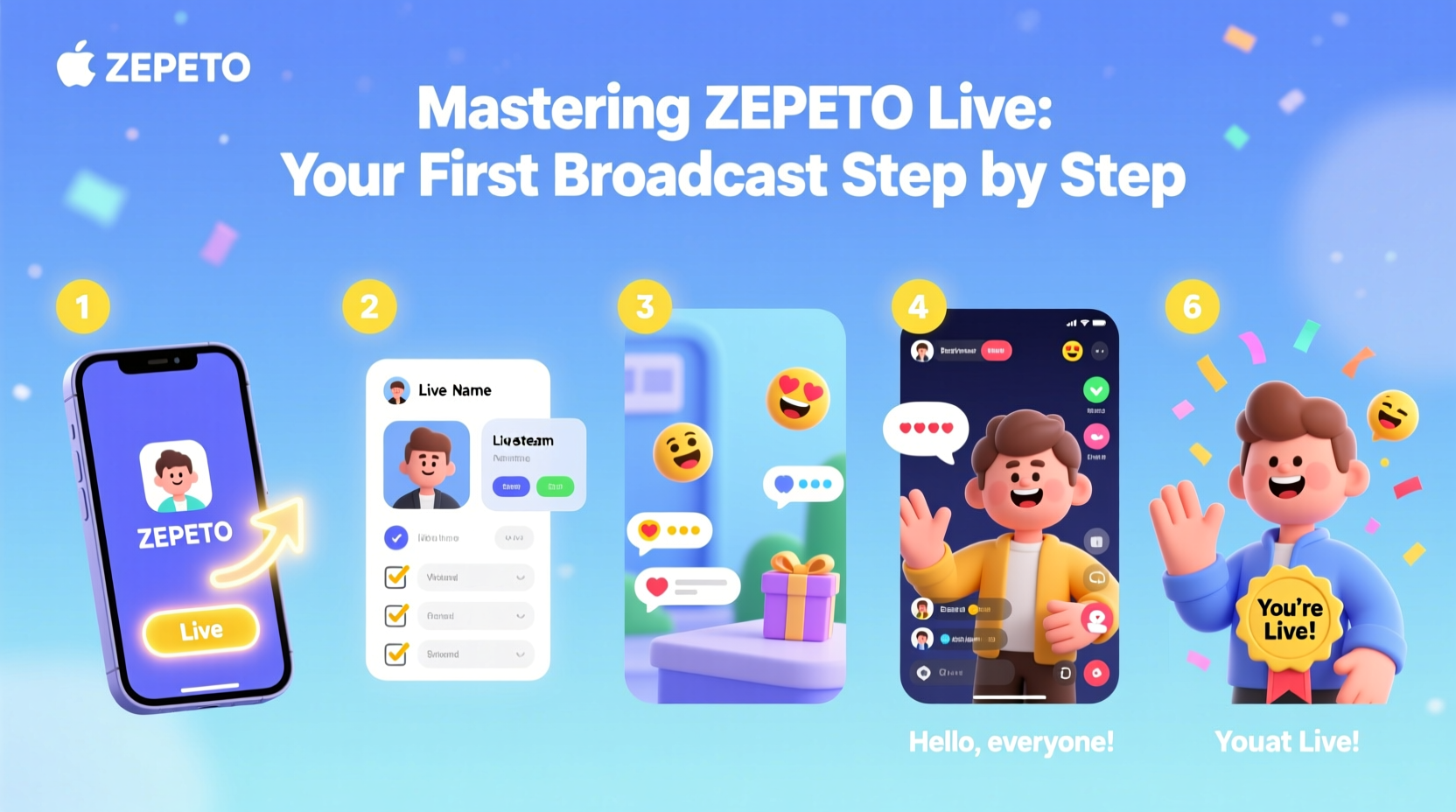
Zepeto Live enables users to host real-time video streams using their custom 3D avatars. Unlike traditional live streaming platforms, Zepeto integrates augmented reality elements, interactive stickers, and animated gestures, making broadcasts more playful and visually engaging. Viewers can react with emojis, send gifts, and comment in real time, creating a responsive environment that rewards creativity and consistency.
The appeal lies in accessibility. You don’t need high-end equipment or professional editing skills—just a smartphone and a clear idea of what you want to share. From dance performances and fashion showcases to casual Q&A sessions, Zepeto Live supports diverse content formats. The key is understanding how the system works before hitting “Go Live.”
“Zepeto Live thrives on authenticity. The most successful broadcasters aren't always the most polished—they're the ones who make viewers feel included.” — Lena Park, Digital Community Strategist
Your Step-by-Step Setup for Going Live
Before launching your broadcast, several technical and creative elements must be in place. Follow this timeline to prepare effectively:
- Update the Zepeto App: Ensure you’re running the latest version. Older versions may lack Live functionality or have bugs.
- Verify Your Account: Some features, including live streaming, require email or phone verification. Check your settings under Profile > Account Settings.
- Customize Your Avatar: Choose an outfit and look that reflects your personality or theme. Use premium items if available, but remember simplicity often reads better on camera.
- Select a Background: Zepeto offers preset stages (e.g., concert hall, rooftop, studio). Pick one that matches your vibe—bright for energetic streams, minimalist for intimate talks.
- Test Audio and Lighting: Even though you appear as an avatar, your voice comes through clearly. Speak naturally and avoid noisy environments. Good lighting helps stabilize AR tracking.
- Schedule Your Stream (Optional): Announce your go-live time in advance via Zepeto Stories or social media to build anticipation.
- Start Your Broadcast: Tap the “+” button on the home screen, select “Live,” choose your stage, and confirm. You’re now live!
Essential Checklist Before Hitting “Go Live”
- ✅ Internet connection stable (Wi-Fi recommended)
- ✅ Phone battery at least 50% or plugged in
- ✅ Microphone unobstructed and tested
- ✅ Avatar appearance finalized
- ✅ Stage selected and previewed
- ✅ Content plan ready (topic, music, guest invite, etc.)
- ✅ No background noise or interruptions expected
- ✅ Privacy settings reviewed (who can comment/gift?)
Engagement Strategies That Work on Zepeto Live
Going live is only half the battle—keeping people watching is where success is built. Zepeto’s interface encourages interactivity, so leverage it strategically.
Begin by welcoming viewers by name when they join. Even if automated, personalized greetings foster connection. Encourage participation early: ask simple questions like “What should I wear next?” or “Which dance move should I try?” Use Zepeto’s built-in effects—emoji explosions, heart rains, or spotlight animations—to reward active participants.
Keep energy consistent. Long pauses or silence can cause drop-offs. If you're doing a fashion show, narrate each look. If dancing, explain your choreography inspiration. Storytelling transforms passive viewers into invested fans.
| Do | Don’t |
|---|---|
| Maintain eye contact with your front camera (so your avatar looks at viewers) | Turn away from the camera mid-stream frequently |
| Respond to comments within 1–2 minutes | Ignore viewer input entirely |
| Use hand gestures and body movements to express emotion | Stay completely still throughout the broadcast |
| Thank gift senders by name | Assume gifting is expected or demand gifts |
| End with a call-to-action (“Follow me for next week’s stream!”) | Stop abruptly without closing remarks |
A Real Example: How Mia Grew Her Following in Two Weeks
Mia, a university student from Seoul, had under 200 followers on Zepeto before she started streaming. She decided to host weekly “Avatar Styling Nights,” where she showcased themed outfits—K-pop idol, cyberpunk, cottagecore—and asked viewers to vote on combinations.
For her first stream, only 12 people joined, but she responded to every comment, thanked gifters, and ended with a teaser: “Next week: glow-in-the-dark fashion!” She shared her stream link on Instagram and TikTok with behind-the-scenes clips. By her third broadcast, over 200 viewers tuned in live. Within two weeks, her follower count exceeded 5,000, and she was invited to co-host a brand-sponsored event in Zepeto World.
Her secret? Consistency, interaction, and treating each viewer like a guest in her digital living room.
Common Pitfalls and How to Avoid Them
Even well-planned streams can stumble. Here are frequent issues and practical fixes:
- Lag or Disconnects: Caused by weak internet. Always use Wi-Fi over mobile data. Close unused apps to free bandwidth.
- Poor Audio Quality: Background noise or muffled speech. Record a short test clip and play it back before going live.
- Low Viewer Retention: Often due to unclear content focus. Define your stream’s purpose upfront: “Tonight, we’re learning a new dance routine together.”
- Unmoderated Chat: Trolls or spam can disrupt flow. Enable comment filtering in settings or assign a trusted friend as a moderator.
- Overcomplicating the Avatar: Too many animations or flashy clothes can distract. Prioritize clarity and movement fluidity.
Frequently Asked Questions
Can I go live without followers?
Absolutely. Anyone with a verified account can go live regardless of follower count. Visibility increases once you start broadcasting, especially if you promote your stream elsewhere.
Are there age restrictions for Zepeto Live?
Yes. Users must be at least 13 years old to use Zepeto, and those under 16 have limited access to certain features, including live streaming duration and privacy controls. Parental guidance is encouraged.
Can I stream pre-recorded videos through my avatar?
No. Zepeto Live only supports real-time streaming using your device’s camera and microphone. Pre-recorded content cannot be broadcast through the avatar system.
Final Thoughts: Your First Broadcast Is Just the Beginning
Starting your first Zepeto Live broadcast isn’t about perfection—it’s about presence. The platform rewards authenticity, effort, and engagement. Every stream builds your confidence, refines your style, and strengthens your connection with viewers. Don’t worry if your initial audience is small. Focus on delivering value, having fun, and improving with each session.
Now that you’ve learned the essentials—from setup to engagement, from troubleshooting to real-world examples—you’re equipped to step into the spotlight. Customize your avatar, pick your stage, take a deep breath, and hit “Go Live.” The digital world is waiting to meet the virtual version of you.




 浙公网安备
33010002000092号
浙公网安备
33010002000092号 浙B2-20120091-4
Comments
No comments yet. Why don't you start the discussion?